


Cold email can deliver an impressive ROI when it’s done right. But your results depend heavily on the software you’re using.
With so many cold email tools currently available in the market, choosing the right one isn’t easy. That’s why our team tested the top cold email tools, compared real user reviews across G2, Capterra, and Trustpilot. And shortlisted the 10 best options for sales teams, agencies, founders, and SEO outreach professionals.
How We Evaluated These Cold Email Platforms
Before getting into the list, here’s what we tested for:
1. Deliverability
Does the cold email tool actively protect inbox placement? Can it guide you through SPF, DKIM, and DMARC setup? Does it offer built-in email warm-up
2. Email Setup
Can you connect multiple email accounts? And can you send emails from different inboxes?
3. Personalization
Can the tool customize your emails beyond just adding a prospect’s name? Or can it make each email feel more relevant to the person receiving it?
4. Automated follow-ups
Can the tool automatically send follow-up emails and stop when someone replies?
5. Lead generation & email verification
Does it find and verify contacts, or do you need a separate tool?
6. Campaign scaling
Can it handle 10,000+ emails a month without destroying your domain reputation?
7. Pricing
Does the tool offer good value for the features you get? And does the pricing stay reasonable as your needs grow?
The 10 Best Cold Email Software Platforms in 2026

Hunter
Best For: SMBs, startup founders, and in-house B2B teams who want to find leads, verify emails, and run sequences
- Free Trial: Free plan (25 searches/month, no credit card needed)
- Starting Price: $34/month (Starter, billed annually)
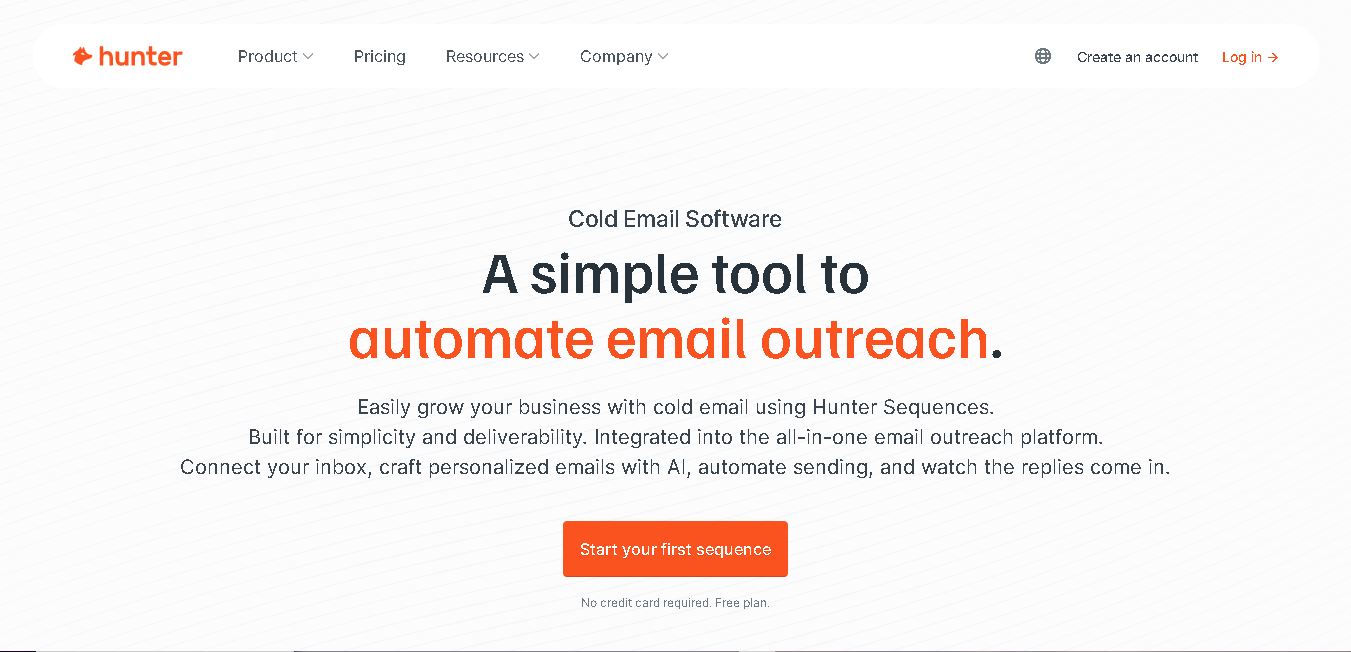
Hunter is one of the most well-known cold email platforms. It used to be just a prospecting tool, but it now includes Hunter Sequences, a full email outreach module built directly into the same workspace.
Here, you can get verified business emails, organize prospects, launch personalized outreach campaigns, and track replies.
In 2026 update, Hunter added A/B testing and an AI writing assistant to Hunter Sequences. The credit system can be confusing at first. But once you understand the pool (searches cost 1 credit, verifications cost 0.5), it becomes easy to manage.
Why It Made the List
Most cold email teams use three separate tools to find leads, verify them, and send campaigns. Hunter gets you all that in one platform. The deliverability is solid. The UX is clean. And the free plan is actually useful for real outreach.
Key Features of Hunter:
- Find verified business email addresses from Hunter’s prospect database.
- Verify email addresses before sending.
- Create cold email sequences and schedule follow-up emails automatically.
- Connect your Gmail, Outlook, or other email accounts through SMTP and IMAP.
- Buy domains and email accounts directly from the platform.
- Monitor your email account health and deliverability performance.
- Personalize your outreach using custom fields and prospect information.
- Track opens, clicks, replies, and overall campaign results.
- Integrates with popular CRM platforms like Zoho, Salesforce, and Pipedrive
Pros
- Easy-to-use interface.
- Get a full free plan.
- Offers ready-to-go email templates.
- No limits on email sends or active leads.
Cons
- No phone number data at any plan tier
- Limited email accounts can be added even in paid plans.
- Inbox protection feature is not on free plan.
Detailed Pricing
- Forever free plan available.
- Starter: $49/month
- Growth: $149/month
- Scale: $299/month
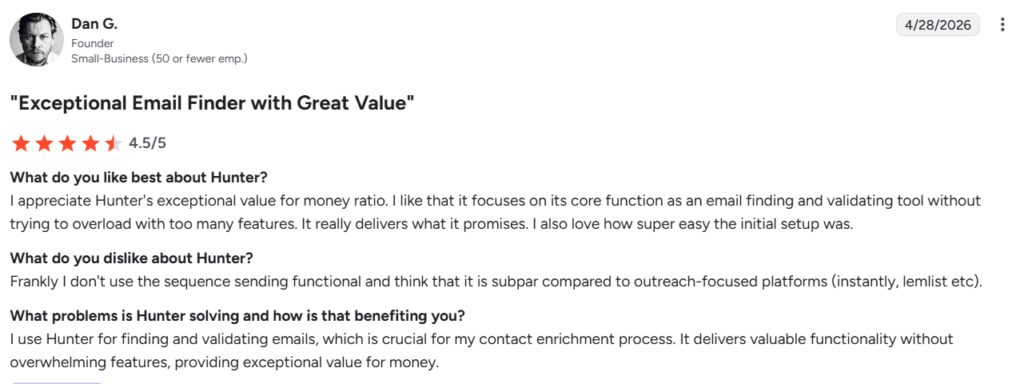
What Dan G. likes and dislikes about Hunter.io (Source: G2)

Saleshandy
Best For: B2B sales teams and lead gen agencies running high-volume email campaigns with multiple sender accounts
- Free Trial: 7-day free trial
- Starting Price: $25/month (billed annually)
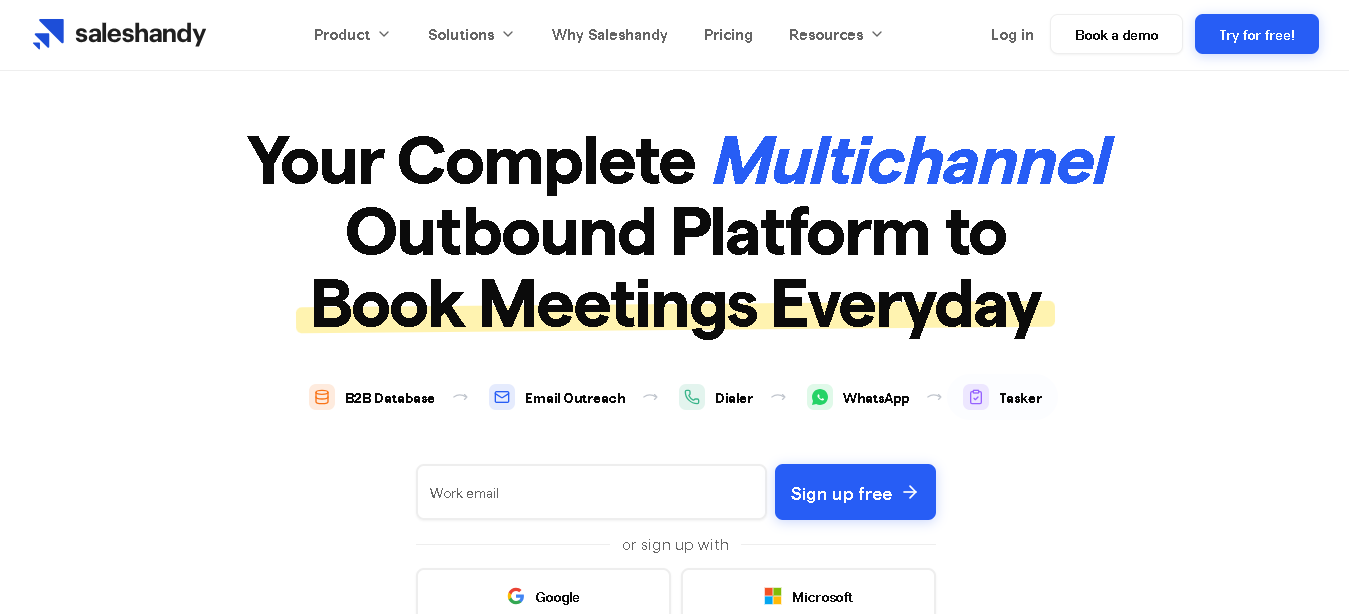
Saleshandy is a cold email platform that helps you create, automate, and send cold email campaigns.
It reports an average open rate of 47% and lets you build complete outreach sequences, from the first email to automated follow-ups. You can also personalize your emails based on your target audience and campaign goals.
Connect unlimited sender accounts on its paid plans. This way, you can send emails across multiple inboxes and domains. And the best part, on signing up, you can send your first 100 emails for free.
Why It Made the List
Best part about Saleshandy is that you can connect unlimited sender accounts without paying extra per inbox. Another thing we liked is that you don’t need separate tools for prospecting and outreach. They have built-in B2B lead database (around 800M). It lets you find prospects and contact them from the same dashboard.
Next, campaign automation is simple. You can create complete email sequences, test different email variations, and automatically send follow-ups based on how prospects interact with your emails.
And on top of all this it also supports multichannel outreach. You can combine emails with LinkedIn actions, WhatsApp messages, and calls.
Key Features of SalesHandy
- Create complete cold email campaigns and follow-up sequences in minutes.
- Combine email, LinkedIn, WhatsApp, and calls in a single workflow.
- Personalize your emails using prospect and company data.
- Create multiple email variations for the same campaign.
- Automatically send follow-ups based on prospect engagement.
- Rotate between your sending accounts to improve deliverability.
- Track opens, clicks, replies, and campaign performance.
- Send different follow-ups based on prospect actions and interest.
- Generate outreach emails and follow-ups faster with built-in writing assistance.
- Get CRM integrations with HubSpot, Salesforce, Pipedrive, Zoho
Pros
- Unlimited sender accounts on all plan
- Get flat pricing
- Outbound CRM saves you a separate tool subscription
Cons
- Interface can be overwhelming
- Steep learning curve for new users
- Slow customer support response times
Detailed Pricing
- Outreach Starter: $25/month
- Outreach Pro: $69/month
- Outreach Scale: $139/month
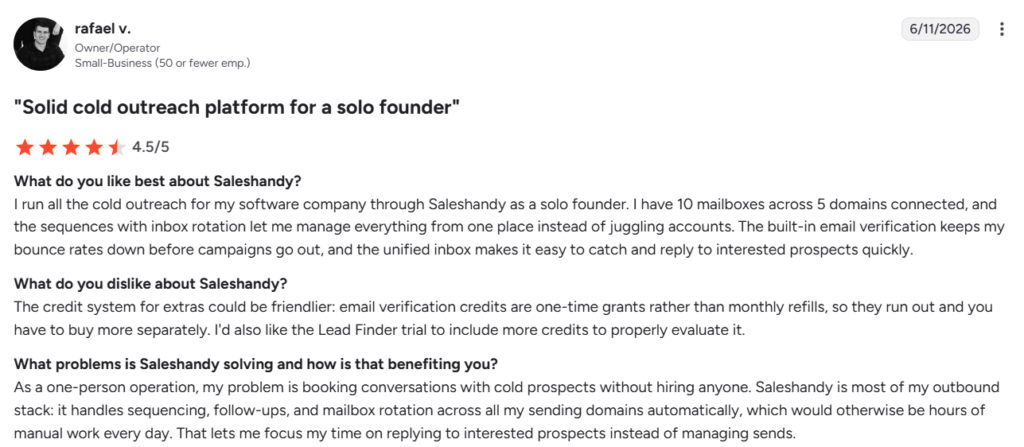
What Rafael V. likes and dislikes about Saleshandy (Source: G2)

Instantly
Best For: Agencies and sales teams that need to launch and scale campaigns quickly, with a built-in lead database
- Free Trial: 14-day free trial
- Starting Price: From $47/month
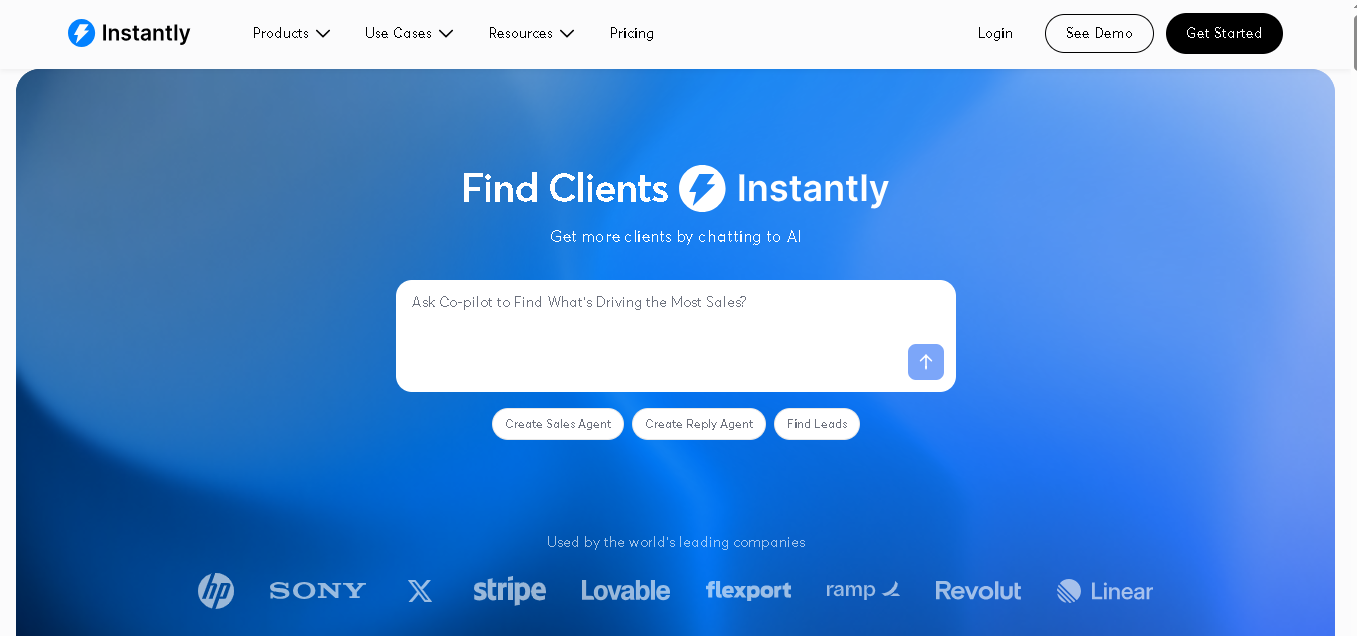
Instantly is a popular cold email outreach platform built for scaling campaigns. You can connect unlimited email accounts here, under a flat monthly plan.
The platform also includes a large database of verified B2B contacts (160M+), so you can find leads and start campaigns from the same dashboard.
Just keep in mind that Instantly recommends sending around 30 cold emails per inbox per day (plus about 10 warm-up emails). All this to maintain healthy deliverability and protect your sender reputation.
Why It Made the List
What we liked about Instantly is its ease of use. The interface is clean and simple. You get email warm-up, inbox rotation, campaign automation, and tracking in one place.
Another feature we liked is Unibox. It keeps your conversations organized and helps you find important replies faster. The platform also includes a built-in assistant to help you create email sequences.
Plus, it connects with tools like Google Calendar, Zapier, Slack, and OpenAI, making it easy to fit into your workflow.
Key Features of Instantly
- Connect unlimited email accounts without paying per inbox.
- Warm up your inboxes automatically to improve deliverability.
- Rotate emails across your connected inboxes automatically.
- Create multi-step email sequences with automated follow-ups.
- Generate and improve your cold email copy inside the platform.
- Find leads from a database of 160M+ verified B2B contacts.
- Track your open rates, replies, and bounce rates.
- Manage all your campaign replies from one unified inbox.
- Test different subject lines and email variations.
- Connect your CRM with integrations like HubSpot, Salesforce, and Pipedrive.
Pros
- Clean UI and easy to setup
- Unlimited inboxes across all plans
- Has a built-in lead database
- Get frequent updates
Cons
- Leads database is a separate paid add-on on some tiers
- Analytics can feel basic for high-volume teams
- Inbox placement testing requires higher plans
Detailed Pricing
- Growth: $47/month (5,000 emails monthly)
- Hypergrowth: $97/month (1,00,000 email monthly)
- Light Speed: $358/month (5,00,000 email monthly)
- Enterprise: Custom pricing
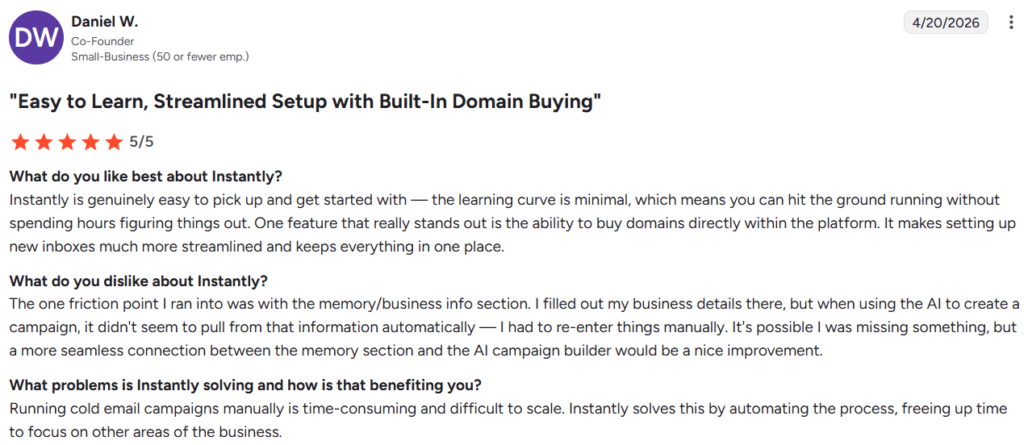
What Daniel W. likes and dislikes about Instantly (Source: G2)
Snov.io
Best For: Solopreneurs, small B2B teams, and SEO outreach teams who want lead finding, verification, and campaigns in one tool
- Free Trial: Free plan (50 credits/month, no credit card required)
- Starting Price: $39/month (Starter, annual billing)
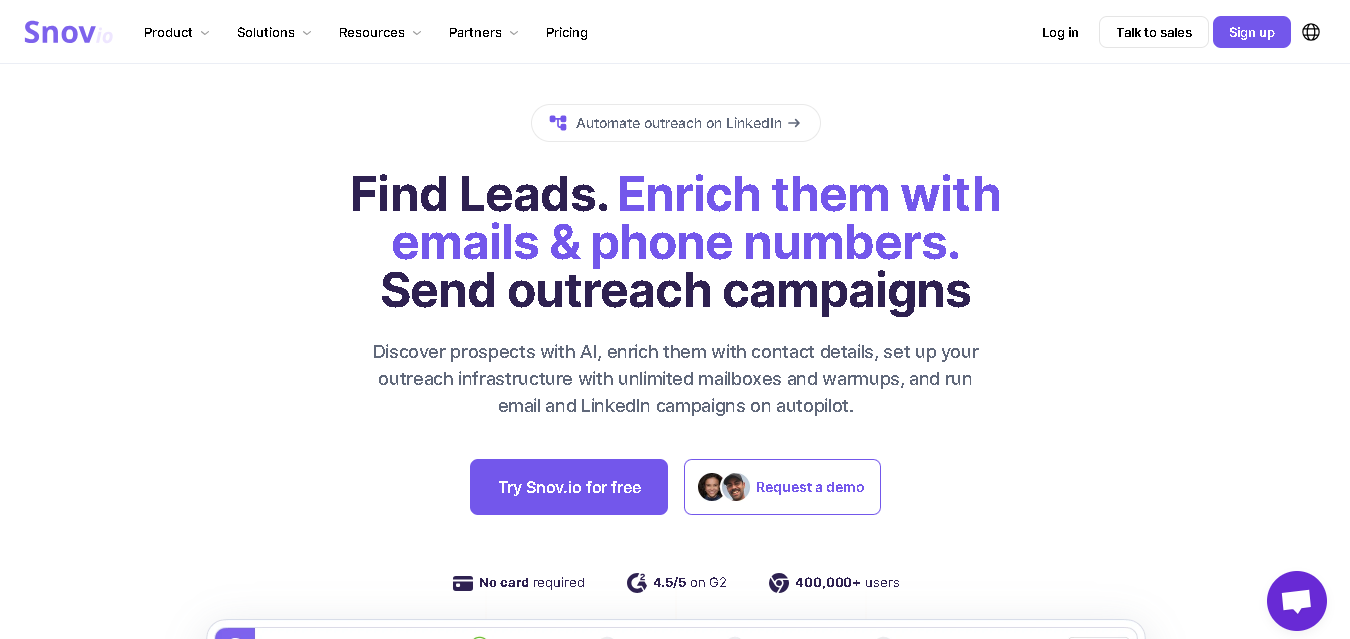
Snov.io is one of the most complete end-to-end email outreach platforms at its price point. You can find prospects and reach out to them through cold emails and LinkedIn here. And not just that, you also get email verifier, drip campaign builder, and LinkedIn automation.
Easily connect multiple email accounts to scale your outreach. And that’s particularly helpful if you’re running campaigns at a larger volume.
With its Sequence Builder, you can create drip campaigns with automated follow-ups. Use the AI Writer and run A/B tests to improve your results.
Just keep in mind that Snov.io has email sending limits depending on your plan. So it’s worth checking the pricing carefully and choosing the option that matches your outreach needs.
Why It Made the List
Snov.io is more than just a cold emailing tool. You can find prospects, personalize outreach, automate follow-ups, and monitor campaign performance from a single dashboard.
The best thing we liked is the campaign builder’s conditional logic. You can create different paths based on whether a prospect opens an email, clicks a link, or replies. This would help you send more relevant follow-ups.
Key Features of Snov.io
- Find prospect emails from domains, names, and LinkedIn profiles.
- Verify email addresses in bulk or one by one.
- Build automated drip campaigns with follow-ups.
- Automate LinkedIn outreach and prospecting
- Warm up new inboxes to improve deliverability.
- Rotate emails across multiple connected mailboxes.
- Create personalized email drafts quickly.
- Sync with popular CRMs HubSpot, Salesforce, Pipedrive, Zoho, and 5,000+ via Zapier
- Find contact details directly from LinkedIn and websites using the Chrome extension.
Pros
- Has a free plan (Up to 50 credits/month)
- Also, has a chrome extension
- Strong LinkedIn automation feature.
Cons
- Credit limits on lower plans can run out quickly for high-volume teams
- Not much in depth-reporting
Detailed Pricing
- Free Plan available.
- Starter Plan: $39/month
- Pro Plan: $99/month
- Custom plan.
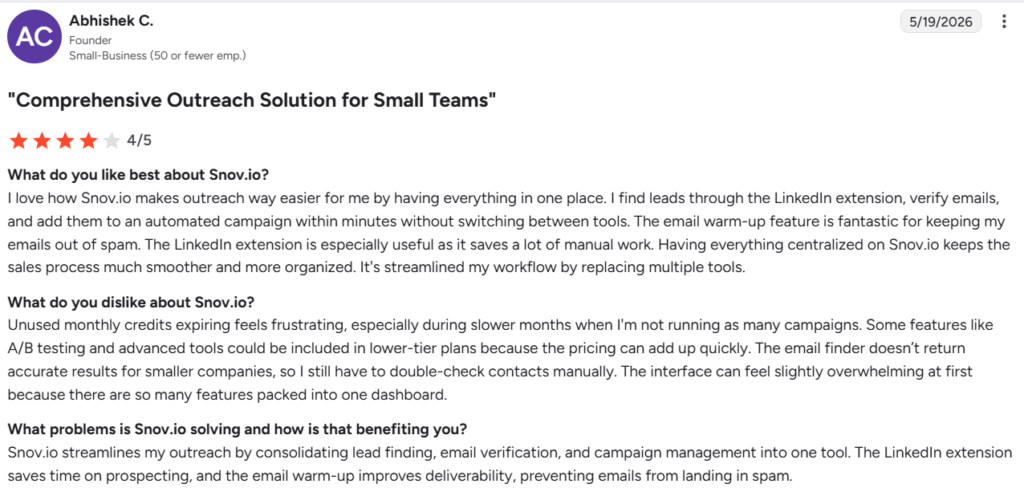
What Abhishek likes and dislikes about Snov (Source: G2)

Lemlist
Best For: B2B teams: Agencies, AEs, and founders who send lower volume but demand higher reply rates
- Free Trial: 14-day free trial
- Starting Price: From $39/month
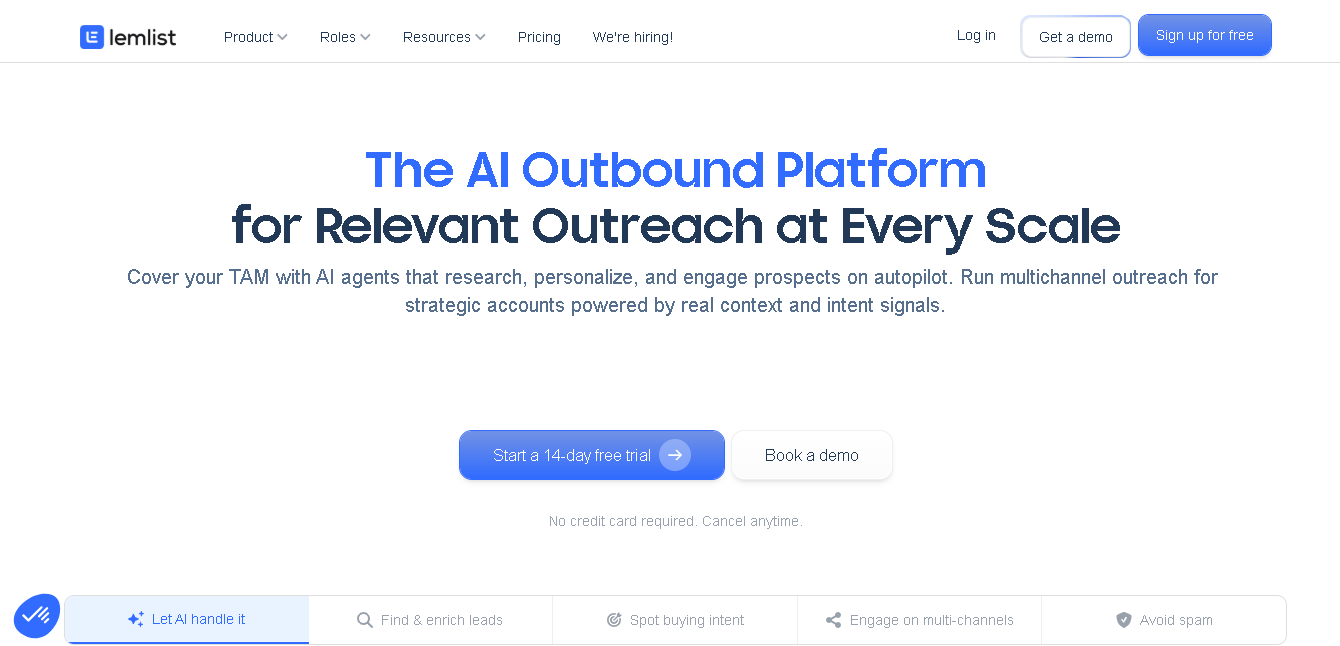
Lemlist is one of the best cold email tools for multichannel outreach. Here, you can reach prospects through email, LinkedIn, WhatsApp, and calls from one place.
Its best part is personalization. You can use AI variables, text variables, spintax, personalized images, and videos to make your outreach feel more relevant to prospects. Plus you get access to a database of 650M+ contacts. The platform also includes email verification, inbox rotation, and Lemwarm to help improve deliverability.
You can automate LinkedIn profile visits, connection requests, and messages. And make and manage calls without leaving the platform. The pricing is per-user, which means it gets expensive quickly for teams. But if personalization is your edge, it’s worth the premium.
Why It Made the List
Lemlist made this list because of its powerful personalization features. You can create campaigns with personalized images, videos, landing pages, and dynamic content. It also lets you manage email, LinkedIn, calls, and WhatsApp from a single sequence builder.
Another thing you’ll like is the visual campaign builder. It shows your outreach flow in a clear timeline with branches, making it easy to track what happens next in your campaign.
Key Features of Lemlist
- Personalize outreach with AI variables, text variables, spintax, images, and videos
- Access a database of 650M+ verified contacts.
- Build multichannel sequences across email, LinkedIn, calls, and WhatsApp.
- Automate LinkedIn profile visits, connection requests, and messages
- Warm up inboxes with Lemwarm.
- Rotate sending across multiple inboxes.
- Verify email addresses before sending.
- Create personalized landing pages for prospects.
- Run A/B tests on outreach campaigns.
- Sync with HubSpot, Salesforce, Pipedrive, and other CRMs
Pros
- One of the best cold email tools for personalized outreach
- Supports email, LinkedIn, calls, and WhatsApp in one platform
- Large built-in contact database
- Active community and helpful learning resources through Lemlist Academy
Cons
- Per-user pricing can get expensive as your team grows
- Takes time to learn and set up due to the number of features
Detailed Pricing
- Email: $39/month
- Multichannel: $109/month
- Custom Pricing
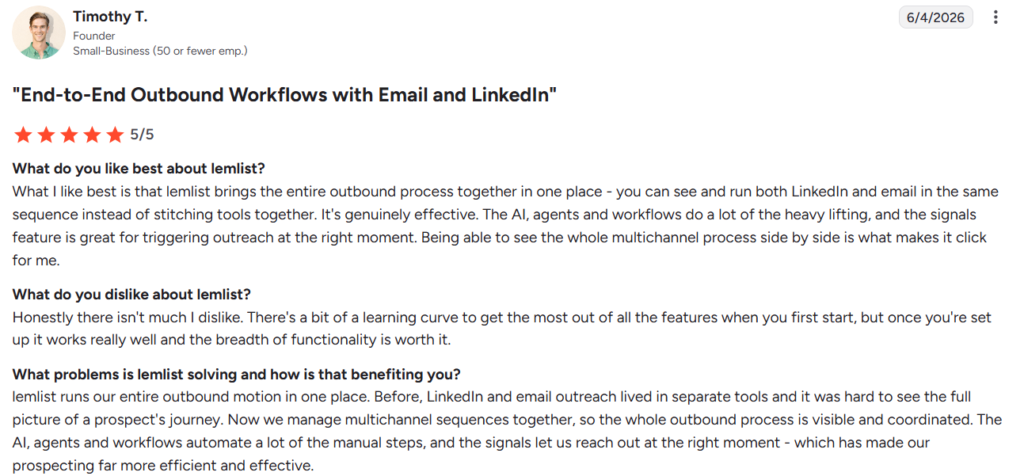
What Timothy likes and dislikes about Lemlist (Source: G2)

SmartReach
Best For: B2B agencies, lead gen teams, and multi-client outreach operations that need deliverability controls and client dashboards
- Free Trial: 14-day free trial (no credit card required)
- Starting Price: $29/month (Email Outreach Basic, per 1,000 prospects contacted/month)
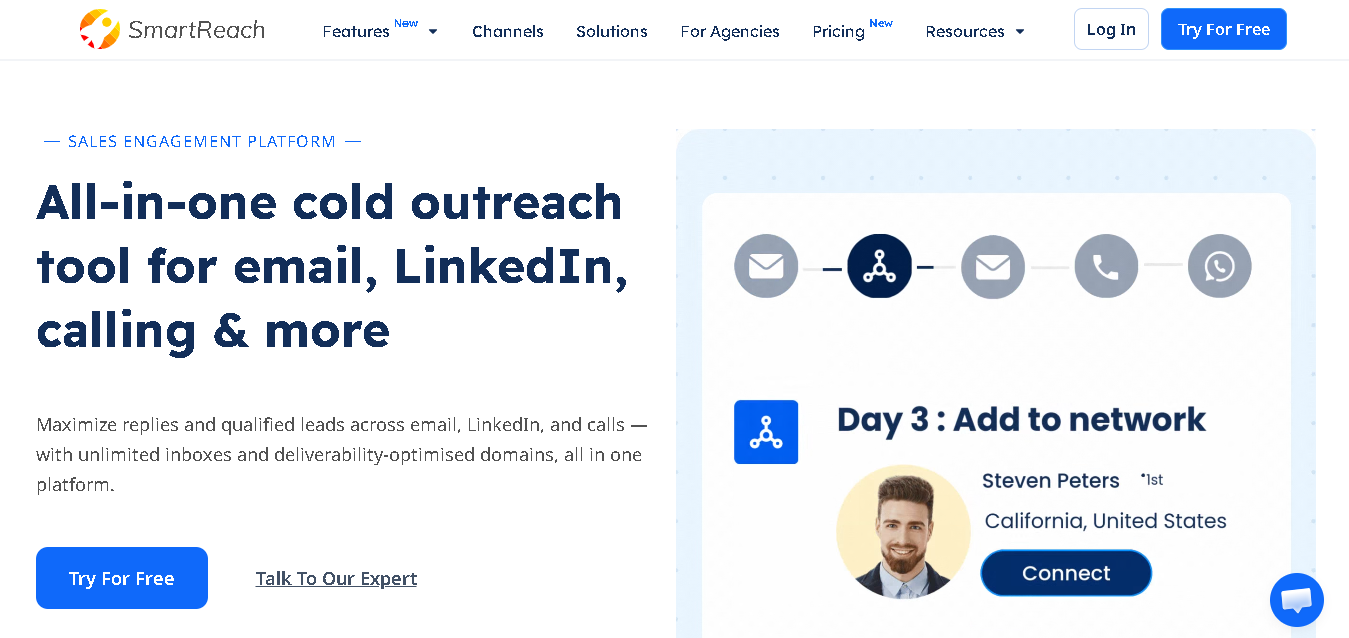
SmartReach helps you reach prospects across multiple channels from one platform.
You can combine email, LinkedIn, calling, WhatsApp, and other touchpoints into a single outreach sequence. This way, you can easily engage prospects on the channels they prefer without constantly switching between tools.
The platform puts a strong focus on deliverability. You can rotate email accounts, verify contacts before sending, buy extra domains and mailboxes, and control sending limits from a single dashboard.
The agency plan is where SmartReach really differentiates. Client dashboards, white-labeling, and multi-client management are built in, not add-ons you pay for per client.
Why It Made the List
Before you launch a campaign, you can check spam reports to spot potential issues in SmartReach. The platform also gradually increases your sending volume instead of sending a large number of emails right away. This helps you protect your email reputation.
You also get unlimited email validation on every plan, so you can clean your lists and avoid sending to invalid addresses.
Key Features of SmartReach
- Reach prospects through email, LinkedIn, calls, and WhatsApp from one platform.
- Create more personalized campaigns with custom variables and Spintax.
- Schedule emails based on your prospects’ time zones
- Avoid sending on holidays with holiday-aware scheduling.
- Verify email addresses before sending campaigns.
- Connect and manage unlimited email accounts.
- Rotate inboxes automatically to improve deliverability.
- Buy domains and mailboxes directly from the platform.
- Set up MX, SPF, DKIM, and DMARC records with less manual work.
- Get CRM integrations with HubSpot, Salesforce, Pipedrive, Zoho (native 2-way sync)
- Monitor deliverability and control your sending activity from one dashboard.
Pros
- Free email validation on all plans
- The agency plan is purpose-built for multi-client management.
- Honest pay-per-prospect pricing model
Cons
- No built-in lead database
- Per-prospect pricing can surprise teams with large lists.
- Not much of a good interface.
Detailed Pricing
Email Outreach Plans
- Basic Plan: $29/month
- Plus Plan: $89/month
- Pro Plan: $199/month
- Email Outreach Scale: $499/month
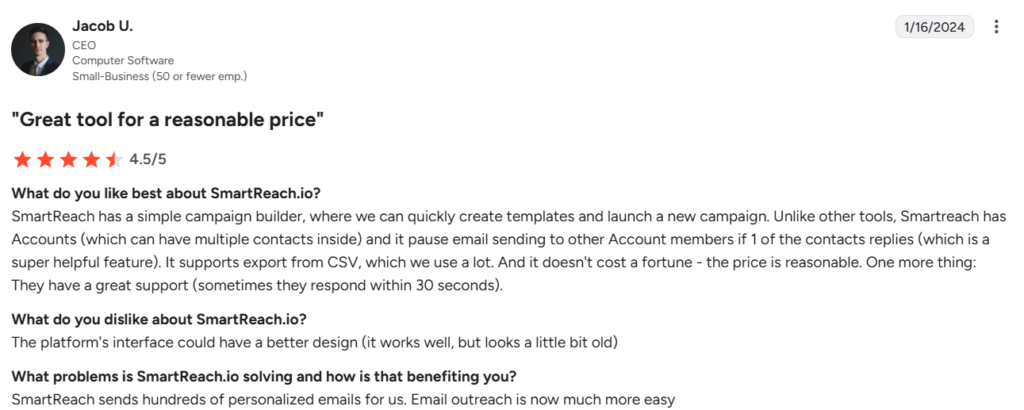
What Jacob likes and dislikes about SmartReach (Source: G2)

Reply.io
Best For: In-house SDR teams and sales-led companies that need email, LinkedIn, calls, and SMS
- Free Trial: 14-day free trial
- Starting Price: $59/month (per user, annual)
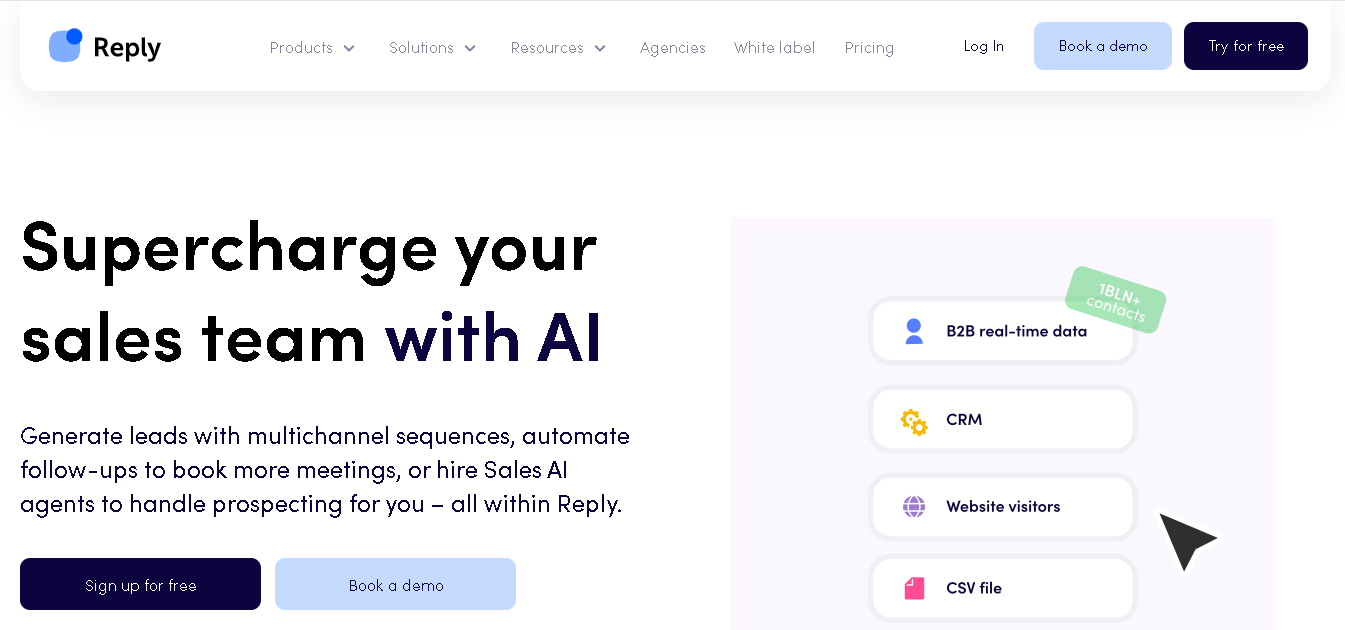
Reply.io is an AI sales outreach and cold email platform built for teams that want to manage their entire outbound process from one place.
You can connect email, LinkedIn, calls, SMS, and WhatsApp in a single sequence. Everything stays organized and synced with your CRM.
One of its best features is CRM integration. Your emails, replies, activities, and contact updates sync automatically with platforms like HubSpot and Salesforce.
You also get tools to help personalize outreach, find prospects, schedule meetings, and manage conversations. For sales teams running outreach at scale, it offers much more than basic cold email software.
Why It Made the List
t brings your team email, LinkedIn, calls, messaging, and CRM together in one platform. Your team can manage outreach, track conversations, book meetings, and keep CRM updated without relying on extra tools or manual work.
Key Features of Reply.io
- Run multichannel outreach through email, LinkedIn, calls, SMS, and WhatsApp.
- Keep contacts and activities synced with HubSpot, Salesforce, and Pipedrive.
- Find and enrich B2B prospects inside the platform.
- Schedule meetings directly from your outreach campaigns
- Warm up email accounts before sending.
- Rotate inboxes to spread sending volume.
- Create and test different email variations.
- Track campaign and team performance with detailed analytics
- Get Jason AI to manage prospect conversations from one place
Pros
- Best multichannel coverage on this list
- Native two-way CRM sync
- Built-in meeting scheduling tool
Cons
- Per-user pricing adds up fast for larger teams
- Has a steep learning curve
- Reporting has inconsistencies as per some users
Detailed Pricing:
- Email Volume: $59/month
- Multichannel: $99/month
- Agency: $166/month
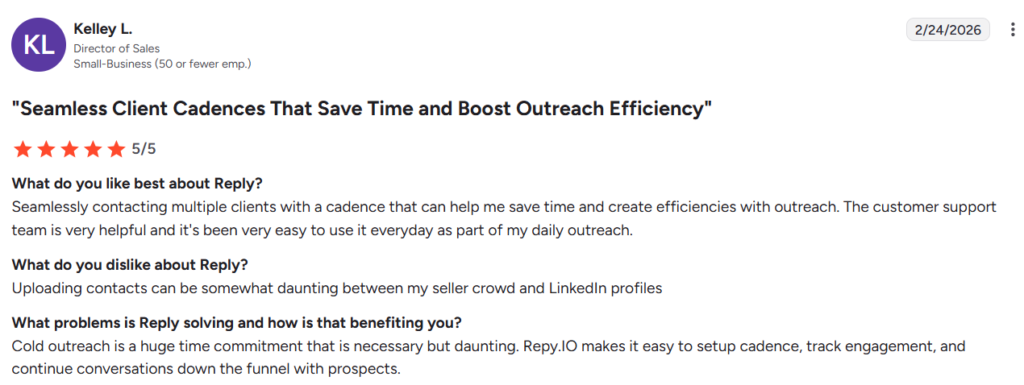
What Kelley likes and dislikes about Reply.io (Source: G2)

Smartlead
Best For: Agencies and high-volume outbound teams sending 50,000+ emails a month across multiple client accounts
- Free Trial: 14-day free trial
- Starting Price: From $59/month
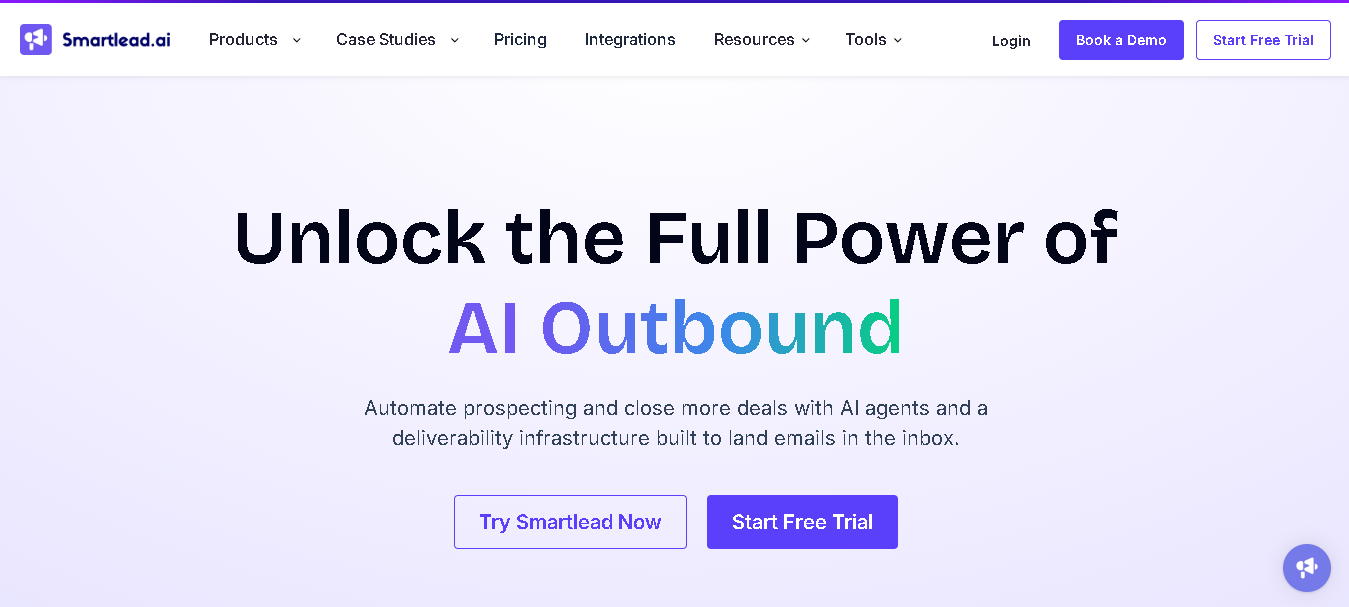
Smartlead is another popular cold email platform built for businesses and agencies that want to send outreach at scale. Here, you can add unlimited email accounts, run warm-ups automatically, verify emails, and even buy domains and mailboxes for cold outreach.
It handles setup tasks like SPF, DKIM, DMARC, sender rotation, and warm-ups for you. You also get SmartDelivery and SmartServers features here. This helps you monitor inbox placement, track domain health, and spot deliverability issues before they affect your campaigns.
Why It Made the List
Here, you can connect unlimited email accounts, run automatic warm-ups, and use unique IP rotation even on the base plan.
It also helps you check whether your emails are reaching inboxes. You can monitor inbox placement, track hundreds of spam blacklists, and get detailed reports on your domain health before deliverability becomes a problem.
Key Features of SmartLead
- Connect unlimited email accounts on every plan.
- Warm up your inboxes automatically with natural email conversations.
- Spread sending volume across multiple inboxes with inbox rotation.
- Match your sending setup to your prospect’s email provider.
- Manage replies from all your campaigns in one unified inbox.
- Reach prospects through email, LinkedIn, and WhatsApp sequences.
- Add your own branding to client portals with white-label support.
- Track deliverability, replies, and campaign performance with detailed analytics
- Use the API to build custom workflows and integrations.
- Test inbox placement and monitor deliverability with SmartDelivery
Pros
- Unlimited email accounts across all plans
- AI warm-up is more sophisticated.
- Strong community and product documentation
- API access available across all plans.
Cons
- Interface can feel complex for new users
- Support response times have been flagged in community feedback.
- Analytics reported as inaccurate by some users at high volumes.
Detailed Pricing
- Base Plan: $59/month (6k mails send, 2k verified prospects per month)
- Pro Plan: $59/month (90k mails send, 30k verified prospects per month)
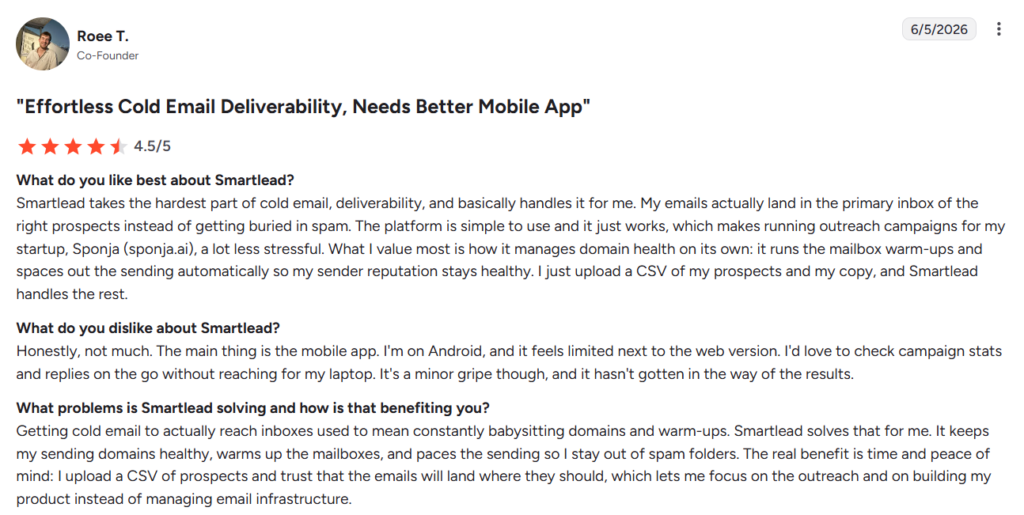
What Roee likes and dislikes about SamartLead (Source: G2)

Woodpecker
Best For: Small B2B teams, solopreneurs, and SEO outreach specialists who want a clean, focused tool that protects deliverability without complexity
- Free Trial: 14-day free trial
- Starting Price: $24/month (per slot/inbox, annual billing)
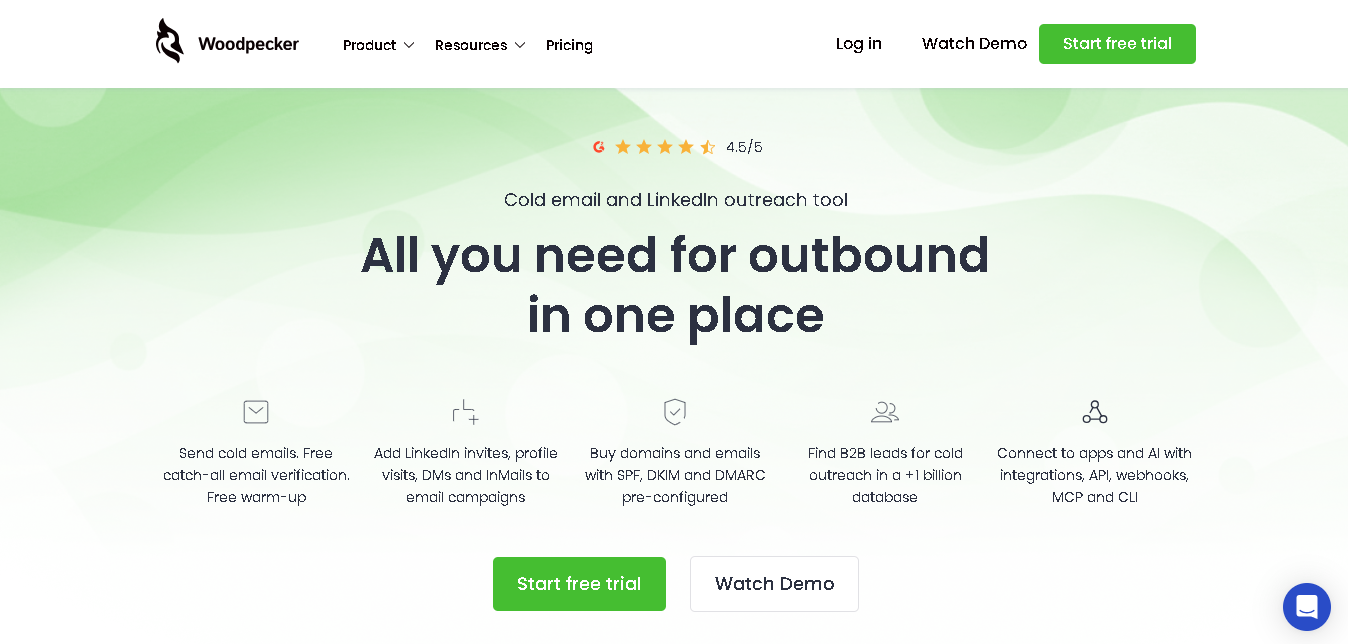
Woodpecker helps you run cold email and LinkedIn outreach from one place. You can verify email addresses, warm up inboxes, and monitor your sender reputation to improve email deliverability.
It also comes with LinkedIn outreach tools, a B2B lead database, and features to manage your email accounts and domains.
With an average deliverability rate of 98%, it helps more of your emails reach the inbox instead of ending up in spam.
Why It Made the List
What we like about Woodpecker is that it keeps things simple. The platform is easy to use, doesn’t have a steep learning curve, and isn’t overloaded with unnecessary features.
The best thing is that you get condition-based campaigns. You can create different follow-up paths (YES or NO) based on how a prospect responds or interacts with your emails. For example, prospects who reply can go down one path, while those who don’t can automatically receive a different follow-up sequence. This makes your outreach feel more relevant without adding extra manual work.
Key Features of Woodpecker
- Run cold email and LinkedIn outreach campaigns from one dashboard.
- Verify email addresses at no extra cost.
- Warm up inboxes to improve deliverability.
- Monitor your sender reputation and email health.
- Use adaptive sending to reduce the risk of landing in spam.
- Automate LinkedIn invites, profile visits, DMs, and InMails.
- Access a B2B database with over 1 billion contacts.
- Buy and manage domains and email accounts directly from the platform.
- Get SPF, DKIM, and DMARC records configured for you.
- Connect with your existing tools through integrations, API, webhooks, MCP, and CLI support.
Pros
- Very simple and clean interface.
- Low learning curve.
- Strong deliverability track record over the last 10 years.
- Condition-based campaigns are smarter than most competitors.
- Solid CRM integrations with native 2-way sync options.
Cons
- Per-slot pricing gets expensive for teams managing many inboxes.
- UI feels outdated compared to other cold emailing tools.
- The database is smaller than dedicated prospecting tools.
Detailed Pricing
- Woodpecker starts at $24/month (billed annually) or $35/month (billed monthly).
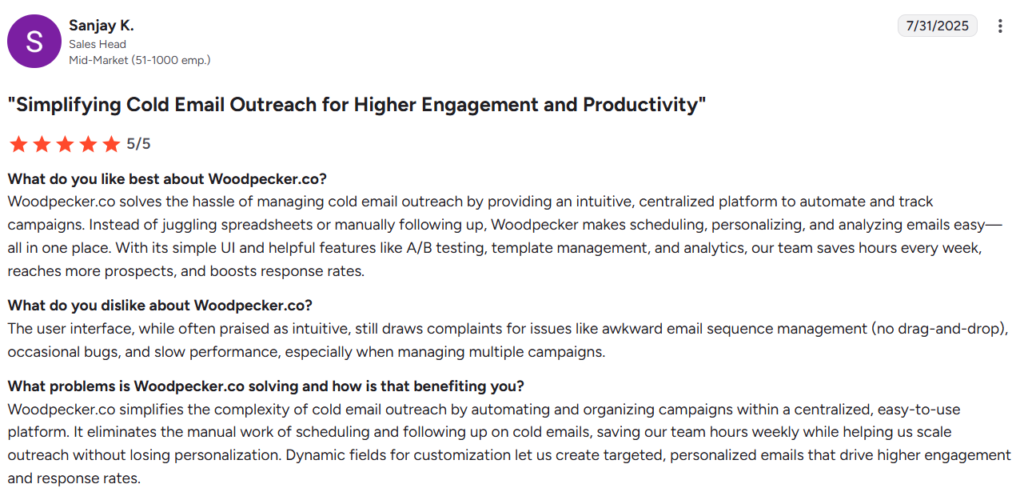
What Sanjay likes and dislikes about Woodpecker (Source: G2)

Mailshake
Best For: Individual sales reps and small sales teams who want to get campaigns running fast with email + LinkedIn + phone in one place
- Free Trial: No free trial (money-back not standard — confirm with their team before purchase)
- Starting Price: $29/month (Starter, per user, billed annually)
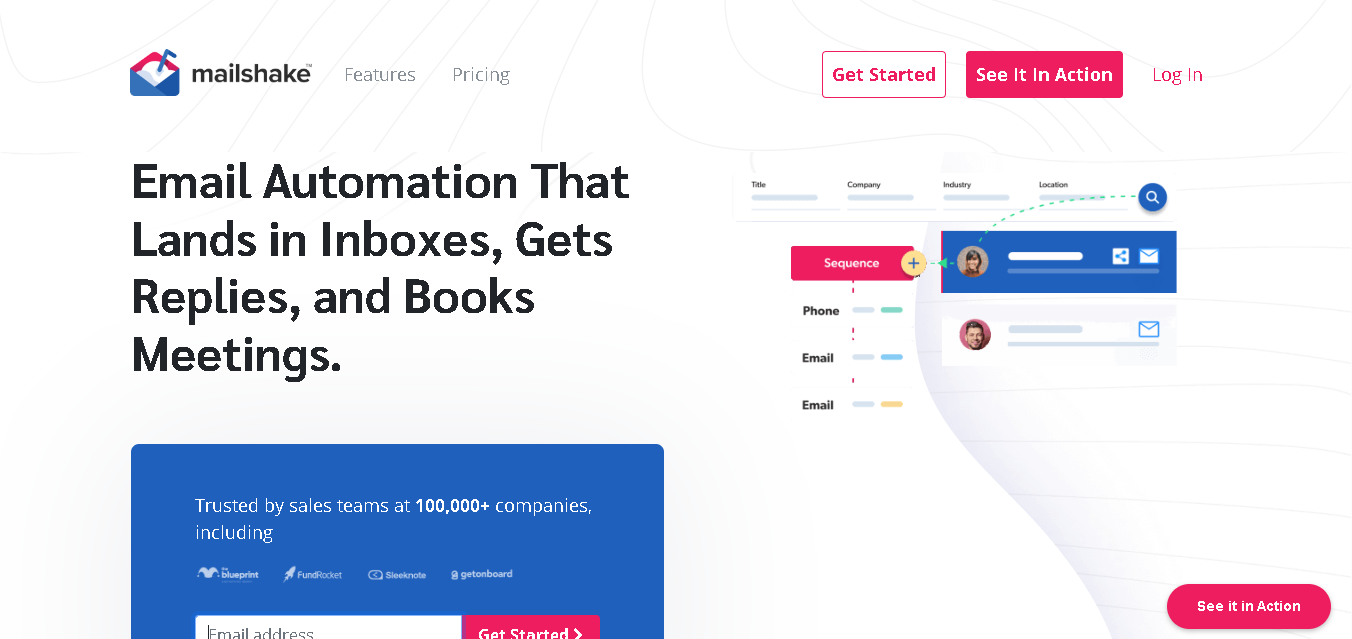
Mailshake has been in the cold email space since 2015. It’s one of the most widely used cold email tools among individual sales reps. It gets you to a live campaign faster than almost anything else on this list.
The interface is clean and accessible. The onboarding is guided. And the core workflow: upload your list, write your sequence, connect your inbox, go, works without friction.
The Sales Engagement plan adds LinkedIn automation and a power phone dialer. That makes Mailshake a genuine multichannel tool for reps who don’t want to manage separate platforms for email, LinkedIn, and calls.
The platform is designed to help small teams, founders, and agencies launch outreach campaigns quickly.
Why It Made the List
Mailshake makes outreach easy to manage. 1,00,000+ companies currently use it. And as per G2 reviews, users rate it as one of the most accessible tools in the category. You can send personalized cold emails, automate follow-ups, connect your CRM, and expand outreach beyond email with calling and social selling features.
You also get deliverability and list-cleaning tools to help keep your campaigns healthy as they scale.
Key Features of Mailshake
- Create multi-step email campaigns with automated follow-ups
- Add LinkedIn outreach to your sequences on higher plans
- Make calls directly from the platform with the built-in dialer
- Warm up your email accounts before launching campaigns
- Generate and personalize emails with the built-in writing assistant
- Test different subject lines and email versions with A/B testing
- Find prospect contact details using the Data Finder tool
- Sync your outreach with HubSpot, Salesforce, and Pipedrive
- Personalize emails using names, company details, and custom fields
- Track opens, clicks, replies, and campaign performance from one dashboard
Pros
- Easy to set up and use
- Supports email, LinkedIn, and phone outreach
- Automated follow-ups save time.
- Built-in deliverability features
- CRM integrations with popular sales platforms
Cons
- No free trial, you pay before you test
- Per-user pricing with one email per seat gets expensive fast for teams.
- Data Finder credits are limited even on paid plans.
Detailed Pricing
- Starter : $29/month (1500 emails sends per month. 1 email address per account)
- Email Outreach: $49/month (unlimited emails sends per month. 2 email address per account)
- Sales Engagement: $99/month (unlimited emails sends per month. 10 email address per account)
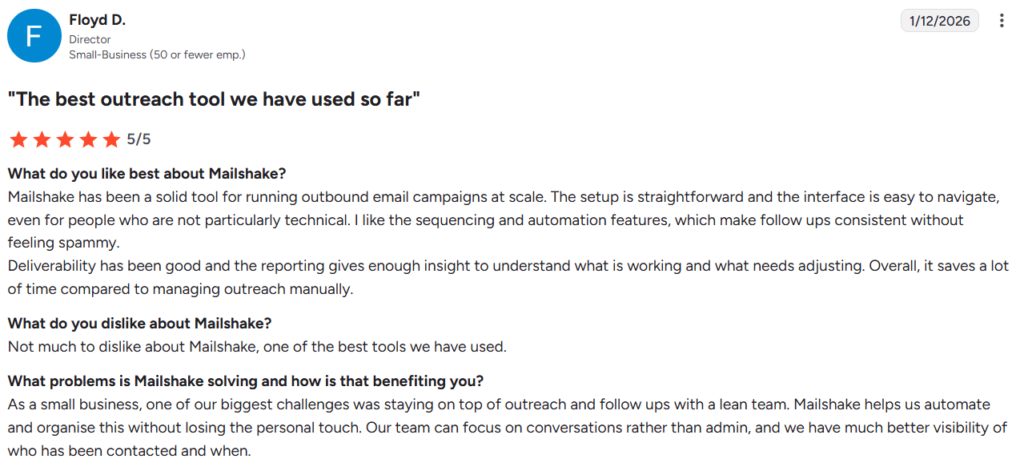
What Floyd likes and dislikes about Mailshake (Source: G2)
How to Choose the Right Cold Email Tool
Not every cold email platform is built for the same type of outreach. Before you choose one, focus on the factors that will have the biggest impact on your results.
1. Start With Your Outreach Goals
Before picking a tool, think about your outreach process.
If you’re only sending cold emails, a simple email outreach platform may be enough. But if you also plan to use LinkedIn, calls, or other channels, look for a tool that supports them all.
2. Prioritize Deliverability
Your emails need to reach the inbox before they can generate replies.
Look for features like email warm-up, inbox rotation, email verification, and sender reputation monitoring. These help protect your domains and improve inbox placement.
3. Check Personalization Features
People can tell when they’re getting a generic outreach email.
A good cold email software should make it easy to tailor your messages using prospect details, custom fields, and dynamic content. The more relevant your emails feel, the better your chances of getting a reply.
4. Evaluate Automation
If you’re sending outreach at scale, automation matters.
The right tool can handle follow-ups, move prospects through different sequences, and keep campaigns running in the background. That means less manual work and more time focused on replies and meetings.
5. Consider Lead Generation Tools
Some platforms include prospect databases, email finders, and verification tools. Having these features built in can reduce the number of tools you need to manage.
6. Evaluate AI Capabilities
AI features can save time, but not all tools offer the same level of support.
Some platforms only help write email copy, while others assist with personalization, subject lines, follow-ups, and campaign creation. Choose a tool that solves real outreach challenges rather than adding AI for the sake of it.
7. Review CRM and Workflow Integrations
Your outreach tool should easily fit into your current workflow.
Make sure it connects with the tools you already use, like your CRM, calendars, and other sales or marketing software.
8. Look at Reporting and Analytics
Good reporting helps you understand what’s working and what’s not.
Keep an eye on key metrics like open rates, reply rates, bounce rates, and overall engagement so you can improve your campaigns over time.
9. Compare Pricing as You Scale
Don’t choose a tool based only on its cheapest plan.
As your outreach grows, you may need more inboxes, contacts, or team members. Take a look at how pricing scales so you don’t run into surprises later.
Our Best Picks for Different Teams
Not sure where to start? These are the tools we’d pick for the most common outreach scenarios.
You’re a startup founder or solo operator
We would recommend Hunter or Snov.io. Both combine lead generation, email verification, and outreach in one platform.
You’re running sales outreach from your CRM
Reply.io is worth considering. Its CRM integrations and multichannel workflows make it a natural fit for sales teams that already rely on HubSpot or Salesforce.
You’re managing outreach for multiple clients
Smartlead and SmartReach are strong options. Smartlead focuses heavily on deliverability and scale. And with SmartReach, you’ll get multichannel outreach and deliverability-focused controls.
You need to send outreach at scale
We would say, Smartlead, Instantly, and Saleshandy here. All are built for higher sending volumes. Features like inbox rotation, multiple sender accounts, and automation help support large campaigns.
Personalization is your biggest priority
Lemlist stands out for personalized outreach. It offers advanced personalization options that go beyond standard merge tags and dynamic fields.
You want something simple and easy to use
Mailshake and Woodpecker are good starting points. Both focus on making outreach easier to manage without overwhelming you with features.
You need lead generation and outreach in one place
Hunter and Snov.io are strong choices. You can find prospects, verify emails, and launch campaigns without relying on multiple tools.
Deliverability is your main concern
Smartlead, Woodpecker, and SmartReach put a strong emphasis on inbox placement, sender reputation, email verification, and deliverability management.
Final Thoughts
The best cold email software is the one that matches your actual workflow. Not the one with the longest feature list.
Start by identifying the features you need most, then choose a platform that can support your outreach as it grows.
Every tool on this list has been tested and evaluated for real outbound use cases. Use the detailed reviews linked above to go deeper on the ones that fit your situation.
