

There are dozens of audio mixer tools out there. Some are built for pro studios. Others are made for content creation workflows. A few are perfect if you just want to clean up your podcast audio or mix a YouTube voiceover.
We’ve done the most work for you. In this guide, you’ll find 10 of the best audio mixer software tools available right now. Each one is picked for a specific use case. Whether you’re a content creator, podcaster, video editor, or a youtuber, there’s something here for you.
Head-On-Head Comparison Of 10 Best Audio Mixing Software In 2026
How We Picked These Music Mixing Software
We evaluated each tool based on:
- Features: Does it include essentials like multitrack editing, EQ, effects, and export options?
- Ease of use: Can you start using it without a steep learning curve?
- Value for money: Are the features worth the price?
- Audience fit: Is it suitable for creators, not just professional studios?
Updates: Is the software actively maintained and improved?
The 10 Best Audio Mixer Software Tools

FL Studio
Best For: Creators who want advanced audio editing plus built-in music and sound creation tools
- Free Trial: Yes
- Starting Price: From $99
FL Studio is one of the most popular music production tools in the world. It runs on both Windows and macOS. The tool is best for both content creators and professional commercial tracks.
It’s interface is built around a pattern-based workflow. You use a step sequencer to build beats and a piano roll to write melodies. It’s visual and intuitive once you get the hang of it.
Why It Made the List
The best part about FL Studio is it has lifetime free updates policy. This means you pay once and never pay again (even for major version upgrades). That matters a lot when you’re comparing it to subscription-based tools that charge you every year. The beat-making workflow is fast, visual, and genuinely fun to use.
Key Features of FL Studio
- Access to 100+ built-in instruments, effects, and sound tools
- Has a pattern-based sequencer with Channel Rack workflow
- Advanced piano roll for melody and MIDI editing
- Get lifetime free updates (one-time purchase model)
- Get a full-featured mixer with up to 500 tracks and routing options.
- VST plugin support for third-party tools
- Audio recording, editing, and time-stretching
- Strong MIDI and hardware integration (e.g., FLkey keyboard)
Pros
- Get strong MIDI support.
- Good for beat-making and electronic music
- Access to a huge community, tutorials, and a plugin ecosystem
- Best for both beginners and advanced users.
Cons
- The interface feels cluttered at first.
- Has a steep learning curve.
- Mac version still feels slightly less optimized for some users.
Detailed Pricing:
- Fruity Edition: $99
- Producer Edition: $179
- Signature Bundle: $269
- All Plugins Edition: $449

Ableton Live
Best For: Creators producing custom audio, soundtracks, intros, and advanced audio projects
- Free Trial: 30-day free trial
- Starting Price: From USD 99
Ableton Live is a powerful digital audio workstation (DAW), best known for its flexible, real-time workflow.
Here, you can record and mix audio, edit multiple tracks, apply effects like EQ and compression, and automate changes across your project.
Even though it’s mainly used by music producers, you can also use it for podcasts, audio mixing, and general content creation. Just note it’s not built for things like VoIP or call recording.
Why It Made the List
Ableton LIVE session view feature is the best you can consider. It lets you trigger loops and clips on the fly without stopping your set. Also, its warping engine is the best in the business for remixing and tempo-matching audio. The 30-day trial gives you enough time to test it thoroughly before committing.
Key Features of Ableton Live
- 70+ audio effects and instruments built in
- Get session view for live clip launching and looping.
- Get an arrangement View for traditional linear audio editing
- Warp and time-stretching tools for remixing
- MIDI mapping to hardware controllers
- Max for Live (advanced version) for custom instruments and effects
Pros
- Best-in-class live performance workflow.
- Rarely crashes, highly-stable.
- Large ecosystem of third-party instruments and plugins
Cons
- Price can be expensive for higher-plans.
- Less intuitive for traditional recording (vocals, instruments)
Detailed Pricing:
- Intro: USD 99 (one time)
- Standard: USD 439 (one time)
- Suite: USD 749 (one time)
Logic Pro
Best For: Mac-based creators, podcasters, and YouTubers
- Free Trial: 90-day free trial
- Starting Price: From $4.99/month
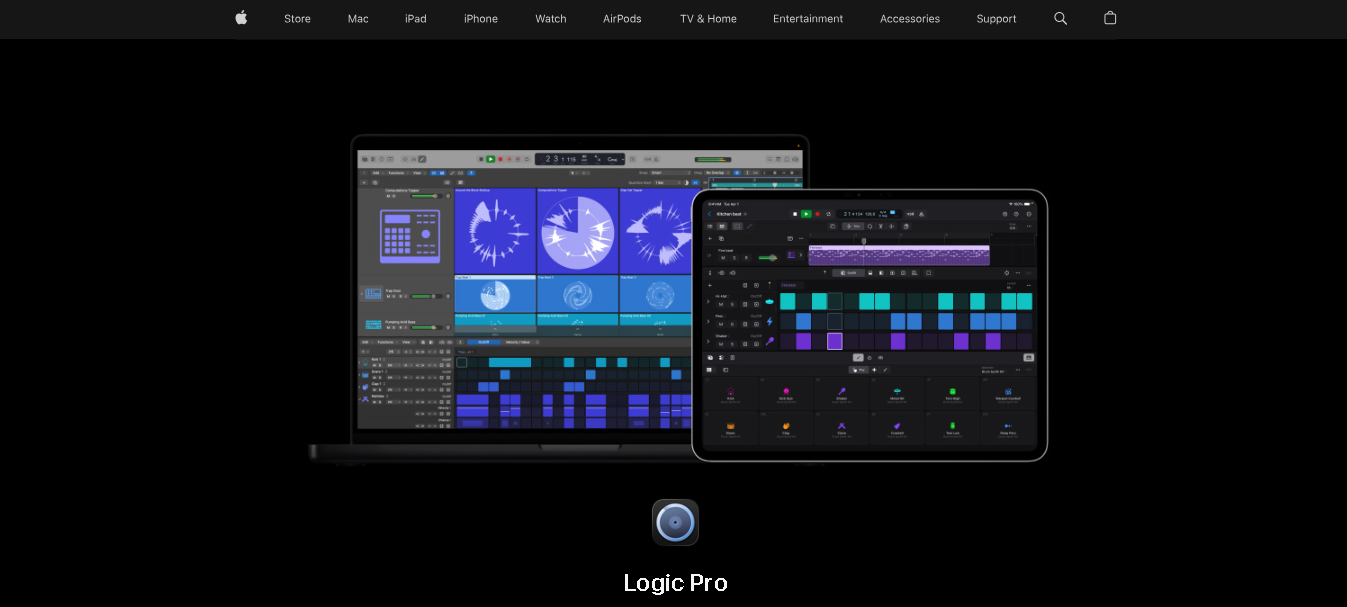
Logic Pro is Apple’s professional music production software. It’s exclusively available on Mac and iPad.
You get a fully professional studio environment with a massive library of loops, instruments, and effects. The interface is clean and easy to navigate. You can record vocals, mix a full band, produce electronic music, and lot more in a single app.
Logic Pro is especially popular among podcasters and YouTubers because of how fast you can set up a project and start recording.
Why It Made the List
It offers enormous value for a one-time amount. You get a tool that competes directly with high-end DAWs like Pro Tools and Ableton Live.
You also get features that many tools charge extra for, like Spatial Audio and Dolby Atmos mixing, along with thousands of royalty-free loops.
It can also easily handle professional-level projects as you grow. Plus, you get a 90-day free trial period here.
Key Features of Logic Pro
- Get 70+ built-in plugins and instruments.
- Get access to thousands of royalty-free loops and samples.
- Edit timing and pitch using Flex Time and Flex Pitch.
- Match tempo automatically with Smart Tempo.
- Mix in Spatial Audio and Dolby Atmos.
- Build beats using Step Sequencer and Drum Machine Designer.
- Chop and transform sounds using Quick Sampler.
- Separate tracks (vocals, drums, etc.) using Stem Splitter.
- Finalize tracks using built-in mastering tools.
- Control your session remotely using the Logic Remote app.
Pros
- 90-day free trial period.
- Regular free updates from Apple
- Very intuitive UI compared to other professional DAWs
Cons
- No Windows support.
- You need an Apple device to use it at all.
- Advance features has more steep learning curve.
Detailed Pricing
- Logic Pro (Mac): $199.99 one-time
- Logic Pro (iPad): $4.99/month
- Apple Creator Studio Bundle: $12.99/month
Avid Pro Tools
Best For: Professional audio editors, agencies, production teams, and studio-quality projects
- Free Trial: 30-day free trial
- Starting Price: From $99 USD/year
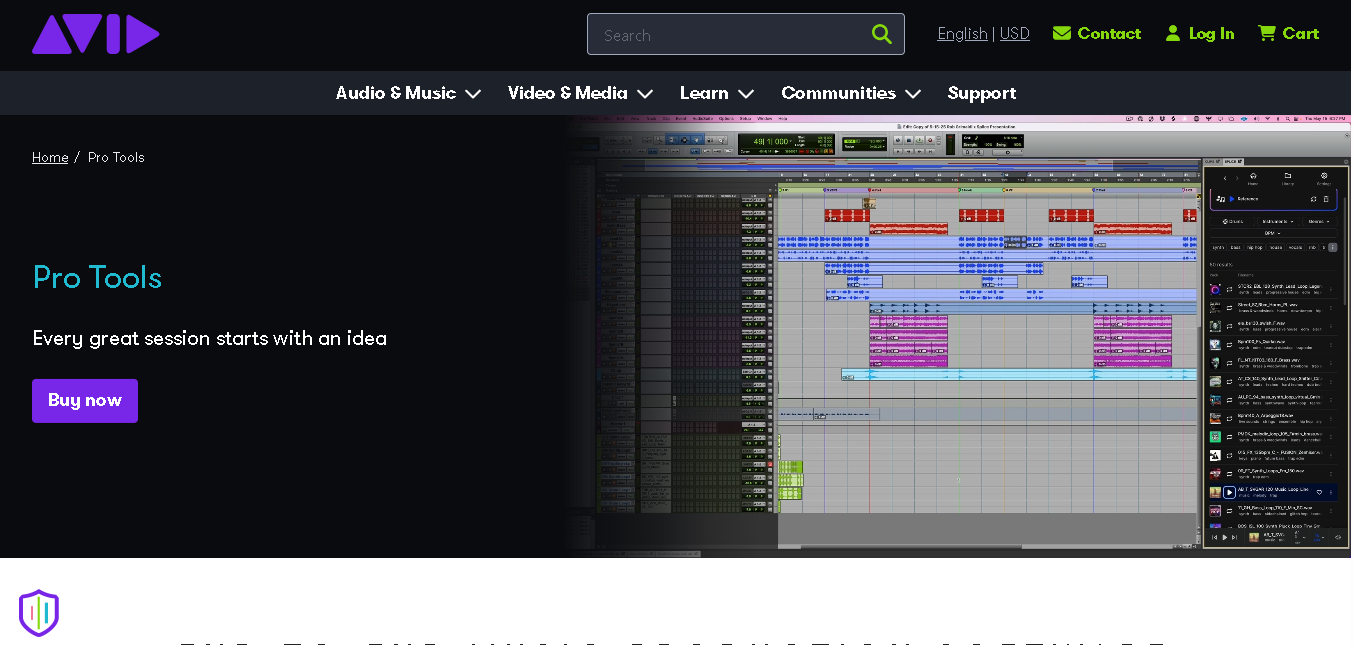
Pro Tools is the industry standard in professional audio. Film soundtracks, album recordings, broadcast audio, Pro Tools handles it all well.
You can use it to record and mix, edit and produce audio at a professional level. Depending on the plan, you can work with up to 128 audio tracks, along with virtual instruments, effects, and advanced editing tools.
Plus, you can start with the free Intro version, which is actually usable, not just a limited demo.
Why It Made the List
It’s free Intro version makes it accessible when you’re starting out. And the subscription model ensures you always have the latest version without paying a huge upfront cost.
Plus the free Intro tier gives you 8 tracks and AAX plugin support.
Key Features of Avid Pro Tools
- Get an industry-standard mixing and editing workflow used in professional studios.
- Edit audio non-destructively without affecting the original files.
- Fine-tune audio with Clip Gain, Elastic Audio, and advanced automation.
- Access thousands of plugins through the Avid Marketplace.
- Collaborate with others remotely in real time.
- Work with up to 64 tracks on the free tier (more on paid plans)
Pros
- Runs on both windows and macOS.
- Has a free Intro version.
- Strong collaboration features for remote teams.
Cons
- The subscription model can get expensive over time.
- Has a steep learning curve than most tools on this list
Detailed Pricing
- Artist Plan: $99 USD/year
- Studio Plan: $299 USD/year
- Ultimate Plan: $599 USD/year
Audacity
Best For: Podcasters, beginners, basic audio editing
- Free Trial: Free forever (open-source)
- Starting Price: Free
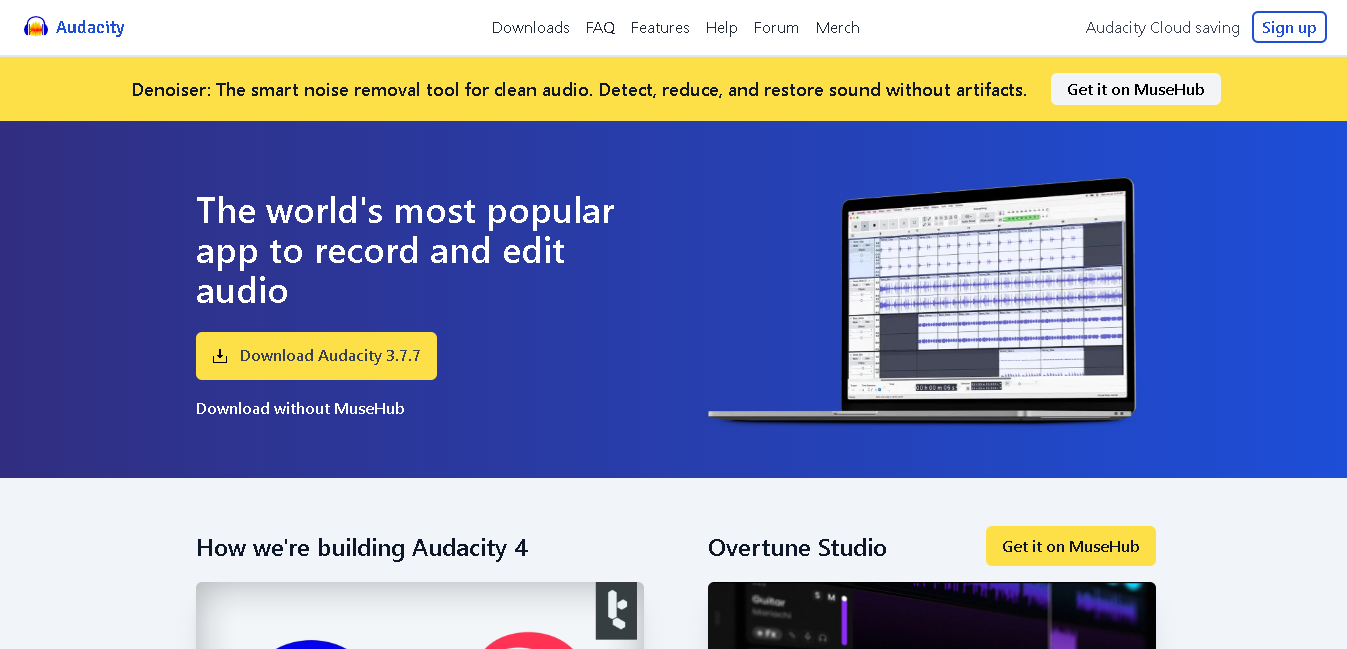
Audacity is one of the most widely used free audio recording and mixing tools out there.
You can record audio, remove background noise, cut and trim clips, apply effects, and export your final file in multiple formats.
It’s not a full DAW like the other tools on this list. You won’t produce a full music album with it. But for podcasters, voice-over artists, and content creators who need to clean up their recordings, Audacity is more than enough.
Why It Made the List
You don’t have to worry about pricing, system compatibility, or complicated setup. You can download it, open it, and start recording within minutes.
It covers noise reduction, trimming, volume adjustments, and clean exports. All of what you actually need. The software keeps getting regular updates. And its newer versions now include AI-powered features like transcription and vocal removal. It can be your reliable free backup tool.
Key Features of Audacity
- Record and edit multiple audio tracks in one project.
- Reduce noise and restore audio quality easily.
- Apply built-in effects like EQ, compression, and reverb.
- Use VST plugins to extend functionality.
- Export your audio in formats like MP3, WAV, FLAC, and more.
- Analyze audio using spectral frequency view.
Pros
- Completely free and open-source
- It runs on Windows, Mac, and Linux.
- Large community with tons of tutorials
- Regular updates with new features
Cons
- Not a full DAW
- No native MIDI support
- Not ideal for real-time audio processing
Detailed Pricing
Audacity is free. Always has been, always will be. There are no tiers, no premium plans, and no upsells. Download it from audacityteam.org.
Reaper
Best For: Budget-conscious creators who want professional-level audio editing and mixing
- Free Trial: 60-days free trial
- Starting Price: From $60 (one-time)
Reaper is one of the best value-for-money music mixing software available today. You get fully professional-grade recording, editing, mixing, mastering, and MIDI production capabilities.
It’s lightweight, fast, and works on low-end hardware. The interface is highly customizable and you can rearrange almost everything to fit your workflow.
Why It Made the List
Reaper delivers professional-level audio production features at a fraction of the cost of most competitors. For a one-time payment of $60, you get unlimited tracks, advanced routing, automation, plugin support, video compatibility, and a fully functional 60-day trial.
It’s also one of the few major DAWs that offers DRM-free licensing and frequent free updates.
Key Features of Reaper
- Get unlimited audio, MIDI, and video tracks
- Have full VST, VST3, AU, and JS plugin support
- Highly customizable interface and layouts
- Powerful automation and scripting tools
- Multichannel audio support
- Extremely low latency performance
- Available on Windows, macOS, and Linux
Pros
- Get 60-day free trial
- Works on older/lower-spec computers
- Highly customizable to your workflow
- Actively developed with regular updates
Cons
- Not intuitive interface
- No built-in virtual instruments (you need plugins)
- Has a steep learning curve
Detailed Pricing:
- Discounted License: $60 one time
- Commercial License: $225 one time
GarageBand
Best For: Apple users creating podcasts, voiceovers, intros, and basic audio projects
- Free Trial: Free
- Starting Price: Free
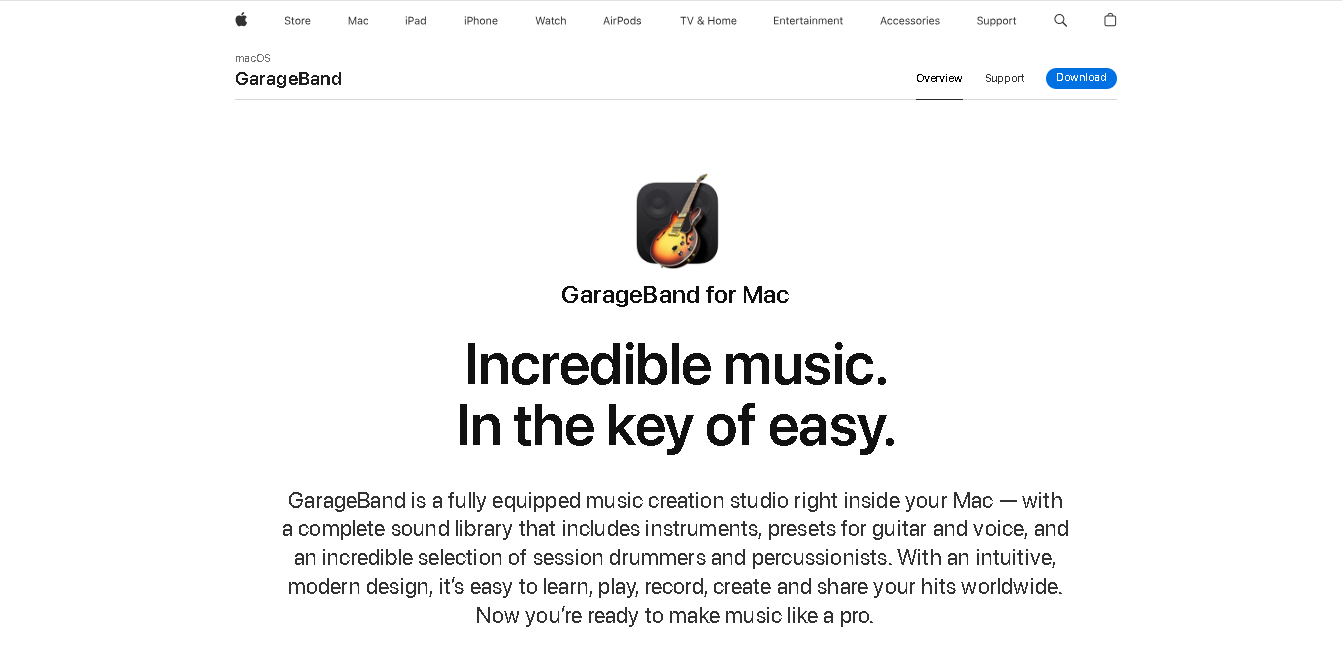
GarageBand is Apple’s free music creation tool. It comes pre-installed on every Mac and iPhone.
You get a library of loops, virtual instruments, smart chord tools, and a clean interface that’s easy to use from day one. If you want quick background music, intro jingles, or podcast intros, GarageBand is a fantastic zero-cost option.
Why It Made the List
GarageBand comes with built-in instruments, royalty-free loops, virtual drummers, and guitar effects. You can record voiceovers, edit audio, create music, and manage multitrack projects easily. It also syncs seamlessly across Apple devices.
Key Features of GarageBand
- Multitrack recording and editing with support for up to 255 tracks
- 2800 royalty-free Apple loops
- Smart instruments for guitar, keyboard, and strings
- Drummer feature with virtual session drummers and percussionists
- Guitar amp simulators and pedal effects
- Flex Time editing for correcting timing issues
- Smart Controls for quick sound shaping
- iCloud syncing across Mac, iPhone, and iPad
- Seamless project transfer to Logic Pro
Pros
- It is 100% free (for apple users)
- Easy enough for complete beginners
- Great loop and sample library for content creators
- Works seamlessly across Mac, iPhone, and iPad
- Royalty-free loops you can use in your content
Cons
- No Windows or Android support
- Has fewer tracks and plugins
- Not suitable for professional music production at scale
Detailed Pricing
- It’s completely free.
Cubase
Best For: Advanced creators working on complex audio production and custom sound design
- Free Trial: 60-days free trial
- Starting Price:
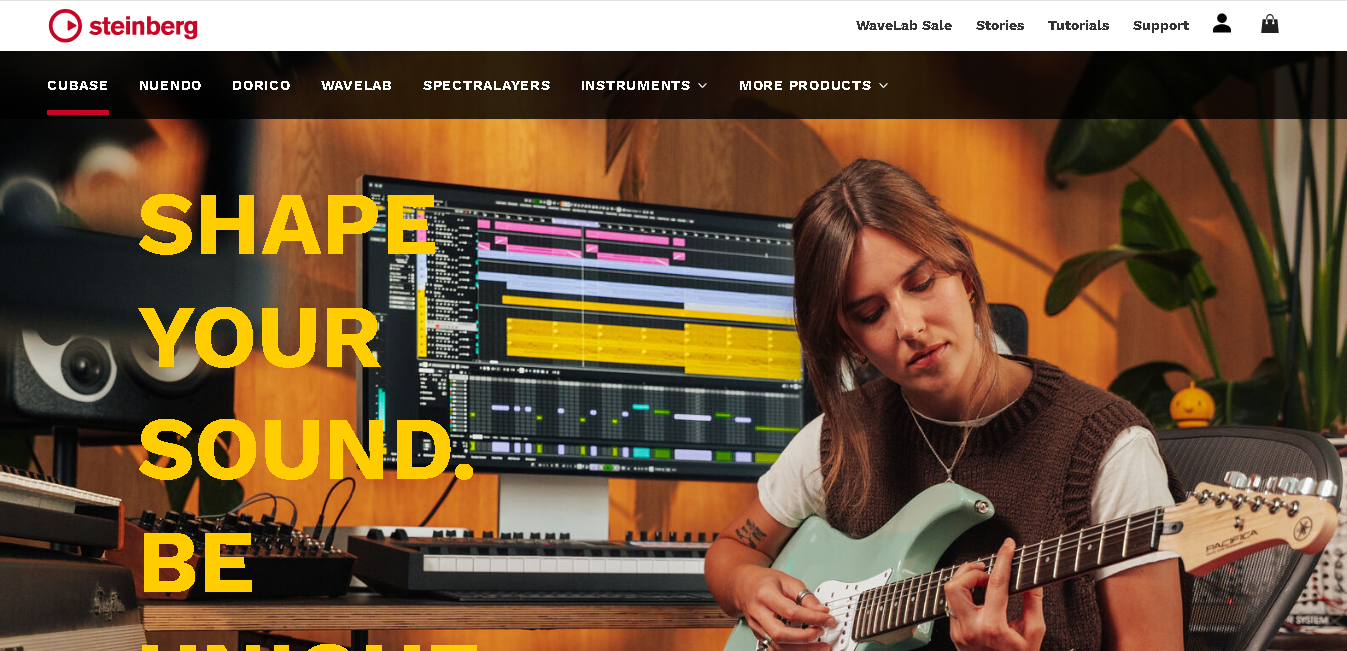
Cubase is made by Steinberg, the company that invented the VST plugin format. It’s been a staple of professional music production since the 1980s.
It’s best known for its deep MIDI capabilities. If you compose music for films, games, or orchestral projects, Cubase gives you unmatched control over MIDI data, virtual instruments, and scoring tools.
The interface is professional and feature-rich. It’s not the easiest tool for beginners, but it’s one of the most capable DAWs in the world.
Why It Made the List
You get the most powerful editing, composition, and production tools available in a DAW. Features like the Key Editor, Score Editor, Chord Track, and VariAudio give you greater control over MIDI and audio than many competing platforms.
Plus it’s flexible and support a wide range of workflows. You can record and edit podcasts, produce music, create sound effects, work with voiceovers, or score audio for video content.
Key Features of Cubase
- Advanced MIDI editing with Key Editor and Score Editor
- Over 90 audio effects and virtual instruments included
- VariAudio for pitch correction and audio editing
- Chord Track and harmony tools for composers
- MixConsole with flexible routing options
- Video playback for film scoring
- Available on Windows and macOS
Pros
- Regular major updates with new features
- Available in three tiers to suit different budgets
Cons
- Steep learning curve
- Requires a Steinberg licensing dongle (eLicenser) on older versions
Detailed Pricing:
- Cubase Pro 15: $579.99
- Cubase Artist 15: $329
- Cubase Elements: $99.99

Voicemeeter Banana
Best For: Streamers, gamers, live creators, and anyone managing multiple audio sources
- Free Trial: Free
- Starting Price: Free
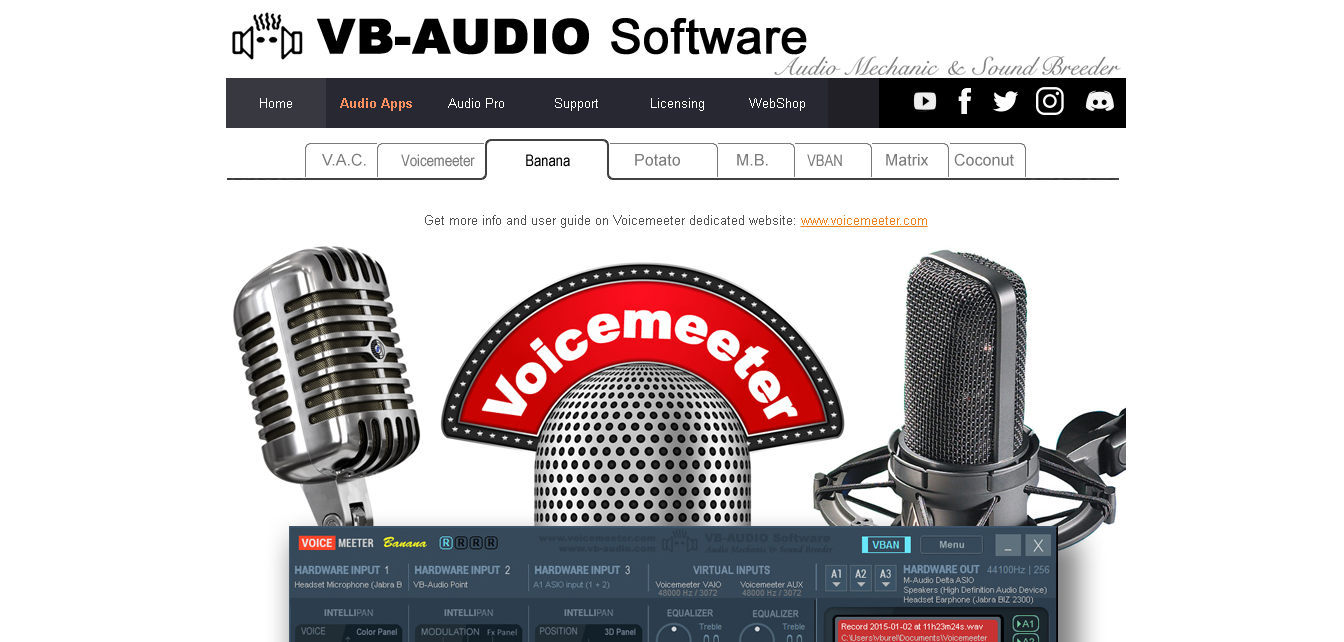
Voicemeeter Banana is a virtual audio mixer that lets you control how audio flows through your computer in real time.
You can route your microphone, game audio, music, and Discord calls to separate channels and control the volume of each independently. This makes it incredibly useful for streamers and content creators who run OBS, Zoom, or Discord at the same time. Plus, it’s completely free (donationware).
Why It Made the List
Voicemeeter Banana helps you manage audio from different apps and devices in one place. If you stream, record videos, podcast, or use Discord while creating content, it makes audio control much easier.
You get a mixer-style interface that lets you adjust each audio source separately. It’s free, works with OBS, and gives you features that are hard to find in other free Win
Key Features of Voicemeeter Banana
- 3 virtual audio inputs and 5 output buses
- Real-time EQ, compression, and gate per channel
- Works with OBS, Discord, Zoom, and any audio app
- Supports ASIO, WDM, and KS audio drivers
- Virtual cable routing for advanced audio setups
- Companion app: Voicemeeter Potato for even more channels
Pros
- Completely free to use
- Works with virtually every app on Windows
- Active community with good tutorial resources
Cons
- Support only windows
- Interface is not beginner-friendly
- Can cause audio issues if set up incorrectly
Detailed Pricing
- It’s completely free.

Cakewalk Next
Best For: Beginner creators looking for a free and easy-to-use audio production tool
- Free Trial: Free
- Starting Price: Free
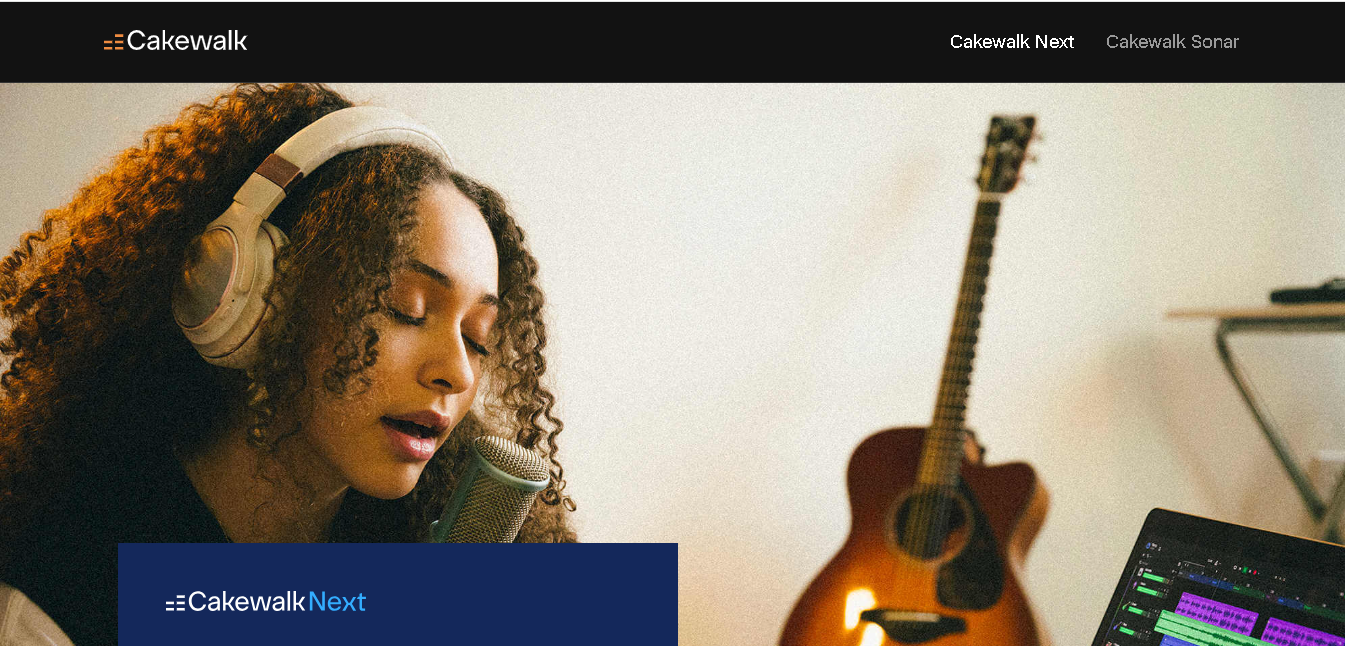
Cakewalk Next is a modern, beginner-friendly DAW. It combines a clean interface with practical creation tools. You can easily record, arrange, and produce audio without the steep learning curve here.
It includes song templates, lyric-writing tools, built-in instruments, and access to BandLab’s royalty-free sound library.
Why It Made the List
Cakewalk Next is completely free. You get a clean and easy-to-use interface, so you can focus on creating instead of learning complicated controls.
And get features like song templates and lyric syncing. BandLab integration help you work faster. You can also use plugins, virtual instruments, and handle multitrack projects with ease.
Key Features of Cakewalk Next
- Multitrack audio recording and editing
- Built-in song templates for faster project creation
- Dedicated lyric writing and lyric-syncing tools
- Access to BandLab’s royalty-free sounds and sample library
- Built-in Sampler and Pad Controller for creating custom sounds and beats
- AU and VST plugin support
- BandLab integration for publishing and collaboration
- Built-in instruments and production tools
Pros
- Completely free to use
- Available on both Windows and macOS
- Has beginner-friendly interface
- Get BandLab’s royalty-free sounds and samples
- Supports AU and VST plugins
Cons
- Smaller plugin library and community.
- Best suited for beginners and intermediate users.
Detailed Pricing:
- Free version has core DAW features with no time limit.
How to Choose the Right Audio Mixer Software
Before you pick a tool, ask yourself these questions:
What do you create?
A podcaster and a music producer need very different tools. Don’t overpay for features you’ll never use.
What’s your skill level?
Some tools have a steep learning curve. Others get you up and running in minutes.
What’s your budget?
There are excellent free options here. But if you’re serious about audio quality, a paid tool is worth the investment.
What device do you use?
Some tools are Mac-only. Others work on Windows and Linux too.
Final Thoughts
There’s no single “best” audio mixer software. The right tool depends on what you create and how much you’re willing to spend.
Start with a free trial where possible. Most tools on this list offer one. Test the interface, the workflow, and the features before you commit.
Read more: 10 Best Mac Video Editing Software in 2026