

Outdated imaging setups are slowing your team down.
You need software that gives you instant access to images. Also, integrates with your dental practice management system, and helps you make faster, accurate clinical decisions.
It can get confusing to choose from so many options available now. You’ll come across some focussing on AI-assisted diagnostics, while others specialize in 3D imaging, multi-location management, or PMS integrations.
To help you find the right fit, we’ve reviewed the 10 best dental imaging software solutions in 2026. Compare features, pricing, and use cases to see which platform works best for your practice.
Comparison Table: Best Dental Imaging Softwares
10 Best Dental Imaging Softwares Full Reviews
DEXIS Imaging Suite
Best for: All-in-one diagnostic imaging
- Free trial: No
- Starting price: Contact for quote
- Deployment: Cloud/SaaS
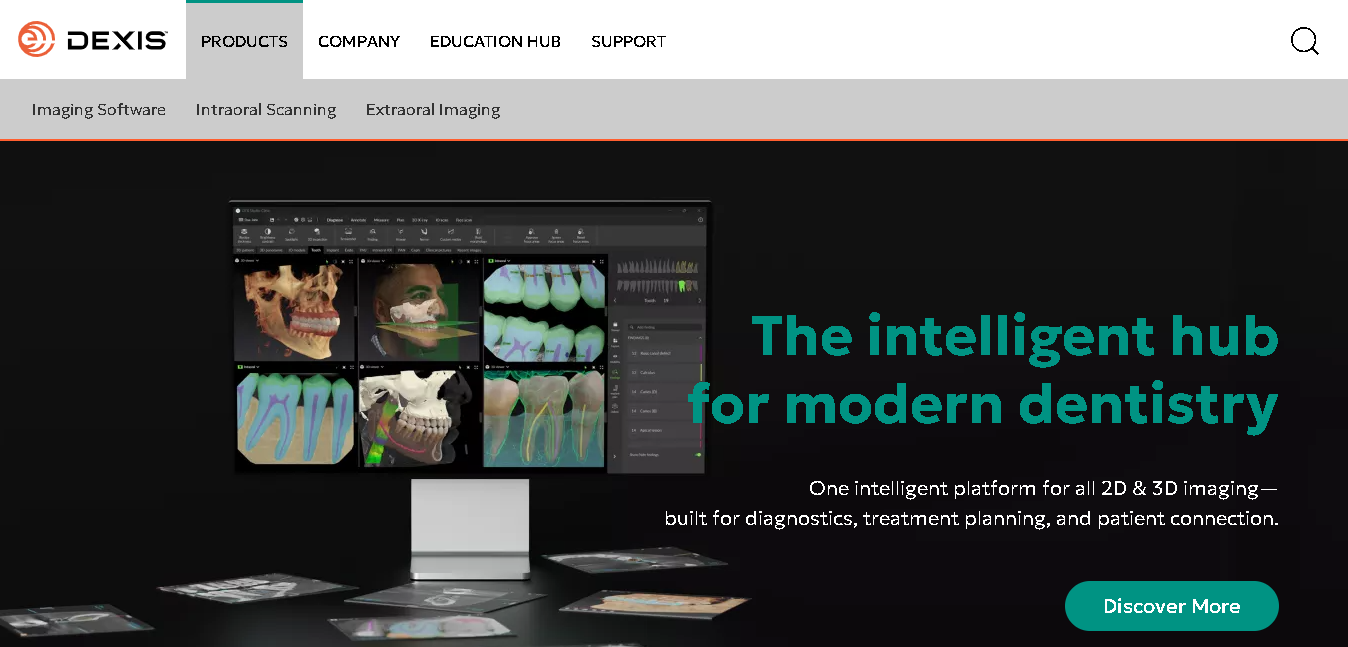
DEXIS Imaging Suite is the most widely used dental imaging software. You can capture, review, enhance, and manage both 2D and 3D images from a single interface.
The platform works with most imaging devices. Plus, integrates easily with your existing practice management system, so you don’t have to rebuild your setup from scratch.
Why it made our list
DEXIS helps you to review cases with more confidence. With PureImage™ and ClearVu™, you get sharper X-rays without losing diagnostic detail. This way you can spot small issues easily.
You also save time during busy appointments. X-rays appear instantly after capture, and even full-mouth series (FMX) can be completed much faster with simpler controls.
Its AI-powered DTX Studio™ integration gives you extra support by highlighting issues like caries, calculus, and bone loss directly on the scans.
And if you manage multiple operatories or locations, DEXIS lets you organize everything in one place.
Key features of DEXIS Imaging Suite
- Access complete patient image history across multiple locations
- Get sharper and clearer X-rays with PureImage™ and ClearVu™
- Spot issues like caries, calculus, and bone loss faster with AI-assisted detection tools.
- Save time with instant image availability and a faster digital X-ray workflow.
- Can complete full-mouth series (FMX) quickly using the 1-click DEXray module.
- Easily connects with major dental practice management systems you already use.
- Have flexibility to work with a wide range of sensors through open integration support.
- Directly export and share X-rays with patients, labs, or specialists.
- Access intraoral scans seamlessly through ScanFlow integration.
- Securely store and manage patient data with HIPAA-compliant cloud storage.
Pros
- High-quality imaging with AI-assisted diagnostics
- Fast and efficient clinical workflow
- Strong integration ecosystem
- Extensive training resources
Cons
- Pricing not given.
- Steep learning curve.
- Some AI capabilities depend on additional integrations.
Detailed Pricing
- DEXIS doesn’t list prices publicly. Cost depends on the number of users, locations, and which imaging devices you pair with the software. Contact their team for a quote.
Curve Dental
Best for: Cloud-native multi-location practices
- Free trial: Can schedule a demo
- Starting price: Contact for quote
- Deployment: Cloud
Curve Dental is a browser-based platform that combines practice management and dental imaging in one place. You don’t need to install software or maintain a server. Your team can log in from any device and access patient records, images, scheduling, billing, etc whether they’re in the clinic or working remotely.
Why it made our list
You get to easily access your patient records, charts, and images from anywhere. You can overlay X-rays on charts, adjust image settings instantly, and even save your preferred filters so you don’t have to repeat the same steps every time.
You also get AI-assisted diagnostics through Pearl’s Second Opinion. This helps you identify potential issues directly on X-rays.
Key features of Curve Dental
- Access everything from a browser
- Imaging and patient records stay fully integrated in one system
- Can overlay X-rays on charts and adjust visibility with simple controls
- Save and reuse image filters
- Get built-in tools to adjust contrast, brightness, sharpness, and more
- Measure root depth, angles, and anatomical areas directly on images
- Save notes, measurements, and images directly to the patient record
- Access images from anywhere (browser or mobile app)
- Data is backed up automatically with built-in cloud security
- Use AI-assisted detection through Pearl integration
Pros
- No server hardware or IT overhead required
- Easy to onboard new locations
- Strong uptime and data redundancy
Cons
- Its not a standalone imaging tool
- Advanced 3D/CBCT features are limited
Detailed Pricing
Pricing is quote-based. Contact Curve for a custom quote.
DentiMax
Best for: Budget-conscious single practices
- Free trial: Yes
- Starting price: $139/month
- Deployment: Cloud + On-site
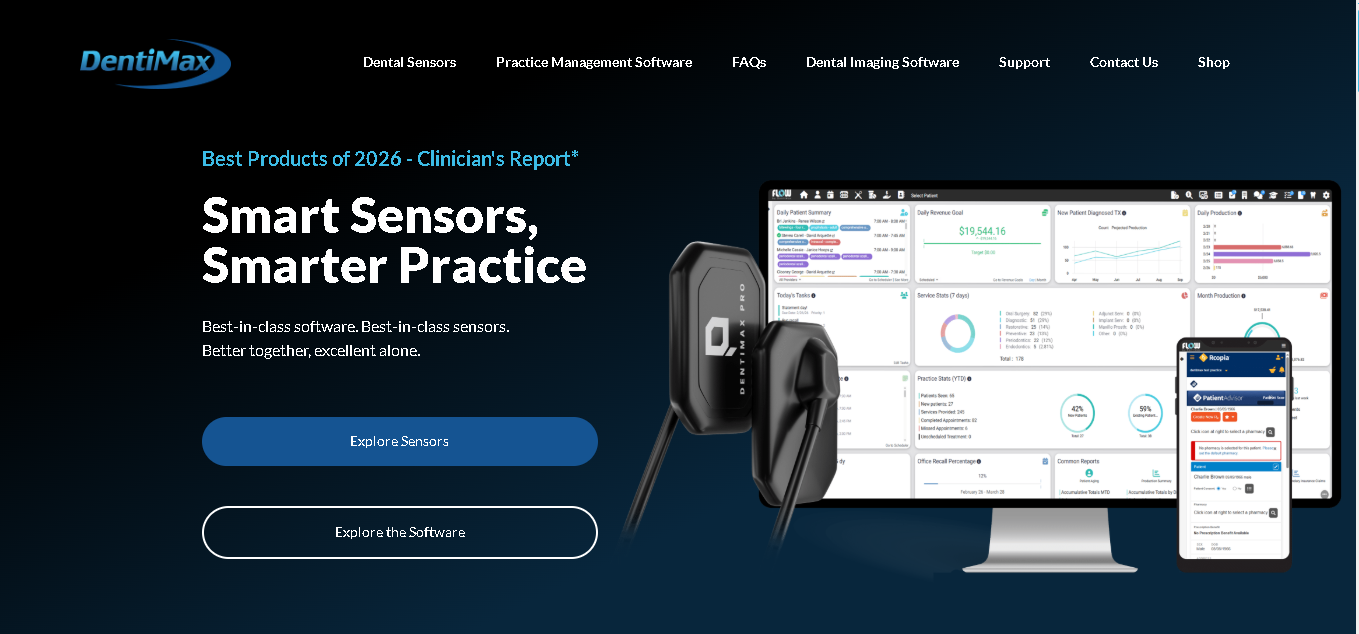
DentiMax’s dental imaging software, DentiView, is what you’ll use to capture, manage, and work with all your dental images. You can connect your existing sensors, cameras, and imaging devices, and start working without changing your entire setup.
You can use it to capture X-rays, adjust images, and store everything alongside your patient records.Plus, it integrates with most major practice management systems. So you don’t have to worry about breaking your current workflow.
Why it made our list
DentiMax is one of the few tools in this category that publishes clear pricing. It also gives you the option to stay on-site if cloud storage isn’t right for your setup.
On the imaging side, DentiView gives you the essentials you actually use daily. You can adjust brightness, contrast, and sharpness, annotate images, take measurements, and compare scans easily.
Key features of DentiMax (DentiView)
- Capture images from intraoral sensors, cameras, and pan/ceph units
- Use it with your existing hardware and devices
- Custom image layout builder
- Adjust brightness, contrast, and sharpness quickly
- Annotate, measure, and compare images easily
- Create custom image layouts for your workflow
- Import and export images in standard formats
- Integrate it with major practice management systems like (Dentrix®, Eaglesoft®, Softdent®, Easydental®, PracticeWorks)
Pros
- Get transparent pricing.
- Easily choose between cloud and on-site deployment
- Works with a wide range of imaging hardware
Cons
- Phone support is only available 7 AM–5 PM Mountain Time
- Advanced imaging support requires a separate paid package ($699/year)
- Limited AI features compared to newer platforms
Detailed Pricing
- Custom Pricing
Carestack
Best for: DSOs managing multiple locations
- Free trial: Yes
- Starting price: Contact for quote
- Deployment: Cloud
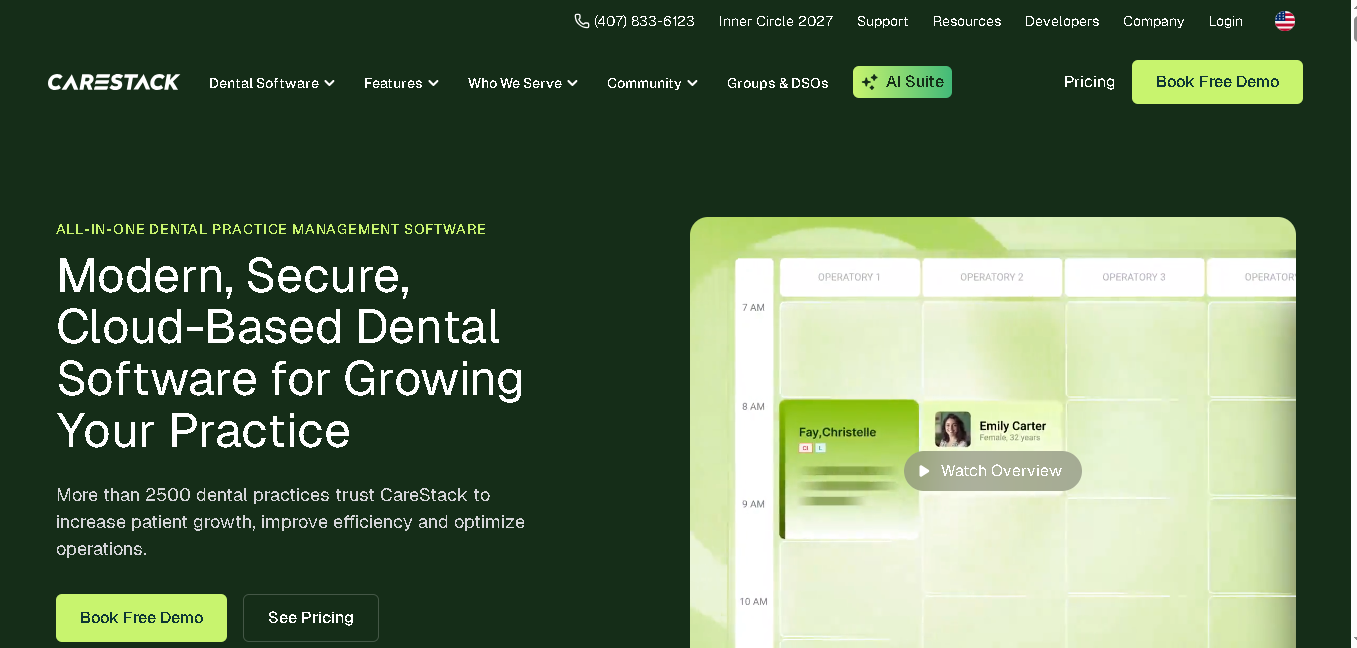
Carestack is a cloud-based dental imaging platform built for dental groups and DSOs. It brings you practice management, patient engagement, and dental imaging tools under one system.
You can easily connect your existing tools through CareStack and access all your patient images directly within the platform. So no need to switch between systems to view X-rays, charts, or treatment details.
Why it made our list
Carestack gives you centralized access to images. Along with role-based controls so the right people see the right data.
You can also connect the most popular imaging software and devices with Carestack. This becomes especially useful when you’re handling referrals, insurance claims, or coordination between locations. You can pull up images instantly, share them easily, and keep everything tied to the patient record without extra steps.
Key features of Carestack
- Access patient images across all your locations from one system
- Connect your existing imaging software through built-in integrations.
- Capture images with supported sensors, cameras, and panoramic devices.
- Adjust brightness, contrast, and apply filters easily.
- Annotate images and take measurements directly
- Import images from other providers or referring doctors
- Attach images directly to insurance claims.
- Get role-based access control for better data security.
- Get centralized reporting and performance insights.
- Get built-in patient communication tools.
Pros
- Built specifically for dental groups and DSOs
- Strong compliance and access control features
- Scales as you add new locations
Cons
- Its not a standalone imaging solution
- More than a small or single-location practice needs
Detailed Pricing
- Carestack prices on a per-location or per-provider basis. No public pricing, request a demo for a quote.
Planmeca Romexis
Best for: Practices using Planmeca hardware
- Free trial: Yes, 30-day
- Starting price: From $250/month
- Deployment: Cloud + On-premise
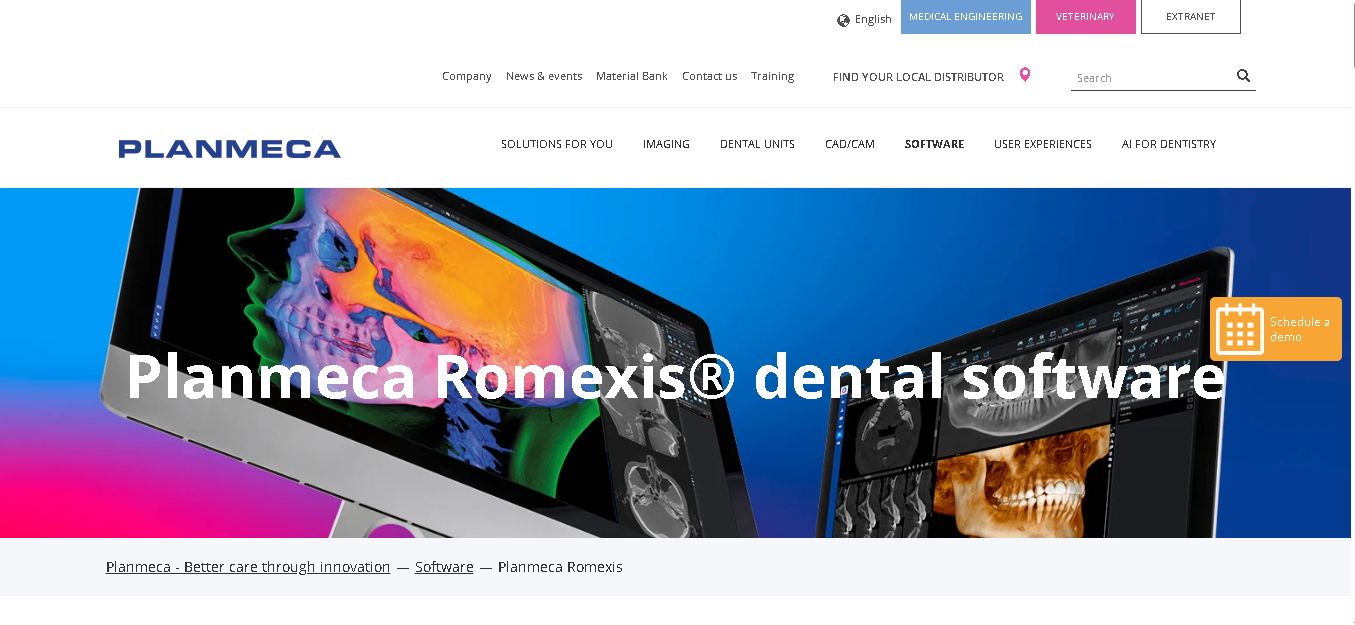
Planmeca Romexis dental software lets you do 2D X-rays, CBCT, intraoral scans, and CAD/CAM workflows in one platform. You can run it on Windows or Mac. Plus, it supports a wide range of imaging formats, including DICOM. And if you’re already running Planmeca imaging hardware, it’s a stronger fit for you.
Why it made our list
Romexis gives you a 30-day free trial. Plus, it mentions its pricing publicly so yes top on transparency among all tools on this list. This gives you an option to test the tool before finalizing. The Mac support is also rare in this category.
Key features of Planmeca Romexis
- Get 2D and 3D CBCT imaging
- Has CAD/CAM workflow integration
- Cross-platform support (Windows and Mac)
- Treatment planning and calibration tools
- DICOM file support
- Image analysis tools
Pros
- Offers a 30-day free trial.
- Works on both Windows and Mac
Cons
- Advanced 3D features have a steep learning curve
- Requires high-spec hardware: 24GB RAM, Intel i7 or M1 chip
Detailed Pricing
- Starting from $250/month. Final pricing depends on which modules you need, how many users you have, and your hardware configuration.

3Shape
Best for: Digital workflow and lab integration
- Free trial: Yes
- Starting price: Contact for quote
- Deployment: Cloud
3Shape is known for its TRIOS intraoral scanner and its deep connection to dental lab workflows. It handles intraoral scanning, digital impressions, and CAD/CAM design. For practices doing a high volume of restorative, implant, or prosthetic work, it’s one of the most capable setups available.
Why it made our list
You can easily send cases digitally and track everything in one place here. If you’re handling a high volume of cases, that time saving adds up quickly. You also get 3D visualizations that help you explain treatment plans more clearly to patients, which can improve case acceptance.
Key features of 3Shape
- Easily capture high-quality scans with TRIOS intraoral scanning.
- Create and manage digital impressions easily
- Send cases directly to labs and specialists
- Integrate with CAD/CAM systems for restorations
- Show 3D treatment visuals to patients
- Track cases through a cloud-based system
Pros
- Best-in-class intraoral scanning quality
- Tight lab and specialist integration
- Strong patient communication with 3D visualization
Cons
- Hardware-dependent (works best with 3Shape’s own scanner)
- Not a full 2D X-ray or CBCT platform
Detailed Pricing:
- 3Shape doesn’t publish pricing. Cost includes both hardware (the TRIOS scanner) and a software subscription. Contact their team for a quote.

Dolphin Imaging Plus
Best for: Orthodontic and surgical planning
- Free trial: Yes
- Starting price: Contact for quote
- Deployment: Cloud/SaaS
Dolphin Imaging Plus is an FDA-cleared Class II medical device built for orthodontists and oral surgeons. You can capture, organize, and analyze images, and then present them clearly to patients or referring doctors.
Ceph tracing, side-by-side image comparison, and direct integration with PowerPoint and Word. All this makes it a strong clinical and patient communication tool.
Why it made our list
Dolphin focuses heavily on how you present treatment plans, not just how you analyze images. If you regularly explain cases to patients, collaborate with other dentists, or share plans with surgical teams, that makes a big difference.
You can compare images side by side, create cephalometric tracings, and even export directly into presentations or documents.
Key features of Dolphin Imaging Plus
- Create and analyze cephalometric tracings
- Compare images side by side for better evaluation
- Work with 2D DICOM imaging formats
- Print calibrated, life-size panoramic images
- Export directly to PowerPoint and Word
- Share images easily with referral contacts
Pros
- Best for orthodontics and oral surgery
- Has built-in treatment plan presentation tools
Cons
- Not designed for general dentistry workflows
- 3D/CBCT support requires a separate optional add-on
Detailed Pricing
- Pricing is available on request. Contact Dolphin Imaging directly for a quote based on your practice type and user count.
Apteryx Imaging
Best for: Cloud-based imaging with an AI add-on
- Free trial: Yes
- Starting price: Contact for quote
- Deployment: Cloud
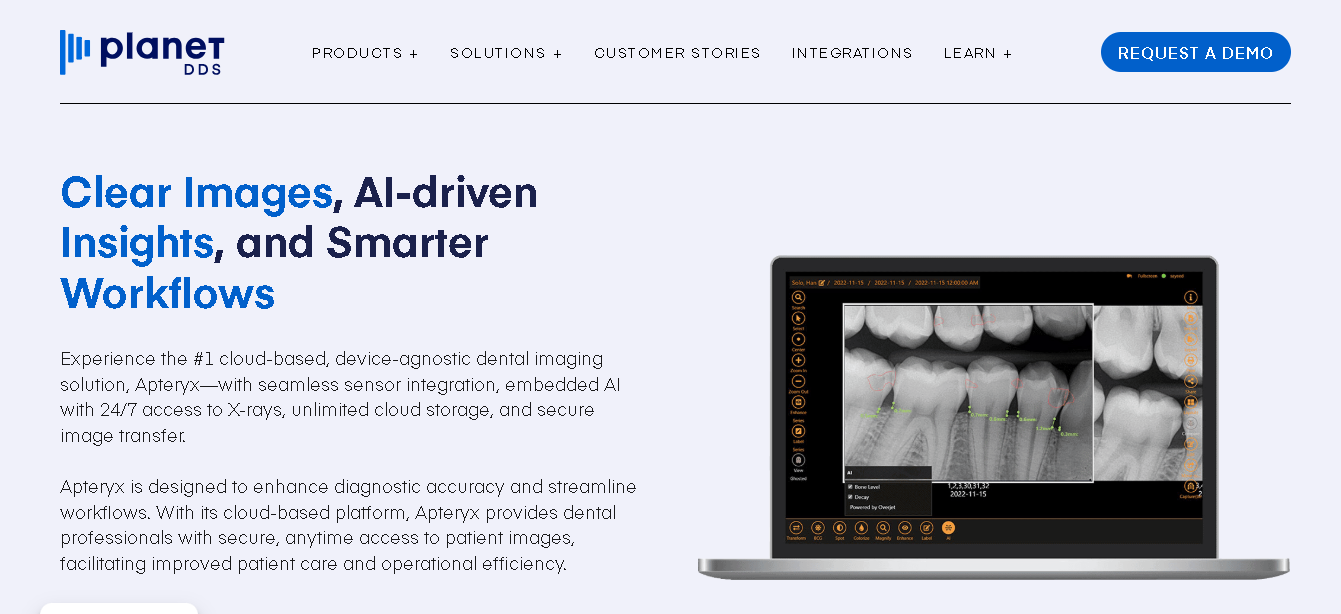
Apteryx is a cloud-based dental imaging platform.You can store, view, and manage your clinical images from anywhere, and connect it with your existing sensors and practice management tools.
Why it made our list
Apteryx lets you easily add AI diagnostics or 3D capabilities. This makes it a practical option if you’re not ready to invest heavily in advanced features right away but want the option to expand when needed.
Key features of Apteryx Imaging
- Manage and view all your clinical images in one place
- Integrate with sensors and practice management systems
- Use templates, bitewings, and measurement tools
- Share images securely using DICOM formats
- Add AI diagnostics for detecting dental conditions
- Store and view STL files for digital workflows
- Enable a 3D viewer when needed
Pros
- Easy to start and add features as you grow
- Use your existing hardware and systems
- Access your images from anywhere
Cons
- AI and 3D features are not included by default
- Pricing isn’t transparent upfront
- 3D functionality is limited without add-ons
Detailed Pricing
- Apteryx doesn’t list pricing publicly. Call their sales team for a quote.

Carestream Dental
Best for: 2D and 3D imaging versatility
- Free trial: Yes, 30-day free trial
- Starting price: Contact for quote
- Deployment: Cloud
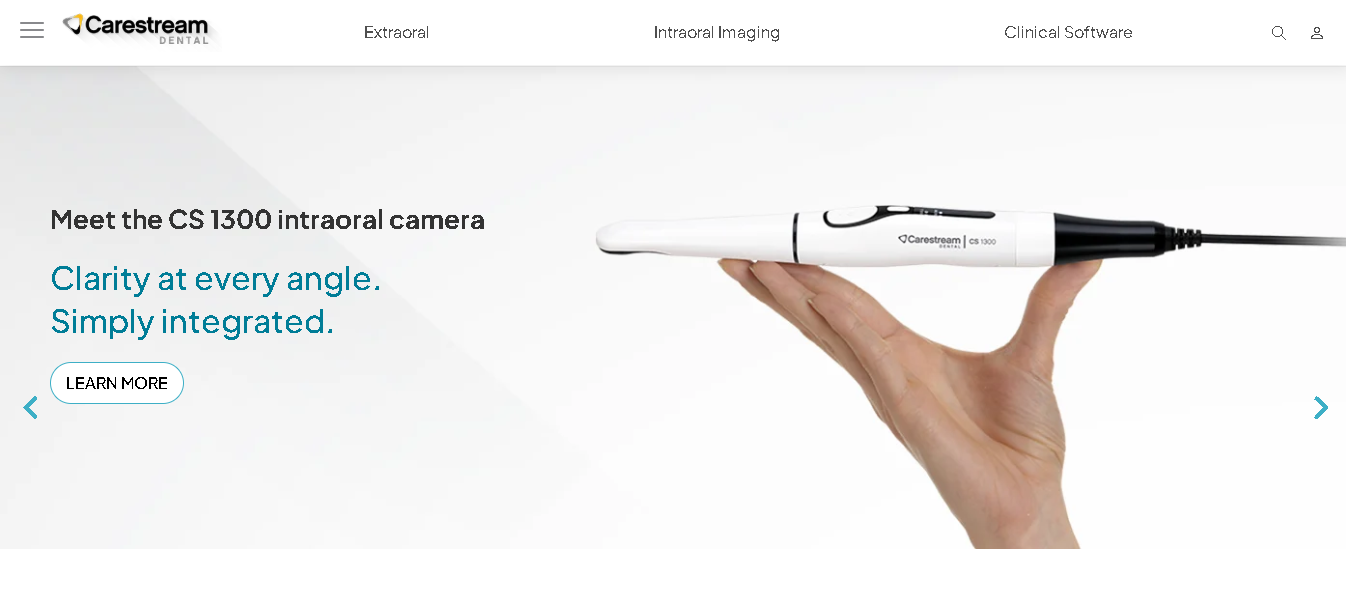
Carestream covers the full imaging range: 2D radiographs, panoramic, cephalometric, and CBCT/3D. It supports patient charting, treatment planning, and lab communication. It’s used across general practices and specialty clinics.
Why it made our list
Few platforms handle 2D and 3D imaging with equal depth. Carestream does both without requiring you to switch tools or add separate modules for each imaging type. If your practice spans general dentistry and specialist work or if you’re planning to expand into 3D imaging, it can grow with you.
Key features of Carestream Dental
- Get full 2D and 3D CBCT imaging support.
- Access to panoramic and cephalometric tools
- Has a built-in 3D image viewer
- Patient charting integration
- Lab communication features
- Customizable imaging workflows
Pros
- It can handle both 2D and 3D imaging.
- Get good image quality across all imaging types.
- Good training and support options
Cons
- Pricing varies widely by product line and configuration.
- Some modules require separate licensing.
- Hardware requirements depend on which Carestream product you choose
Detailed Pricing
Carestream doesn’t publish standard rates. Contact their sales team for a custom quote based on your product selection and hardware setup.

Diagnocat
Best for: AI-assisted diagnostics
- Free trial: No
- Starting price: Contact for quote
- Deployment: Cloud
Diagnocat is an AI-powered diagnostic platform. It reads panoramic X-rays, intraoral images, and CBCT scans and detects over 60 dental conditions. It then generates diagnostic reports you can share directly with patients or referring providers. It’s FDA-cleared and was built alongside dental radiologists.
Why it made our list
Most imaging platforms give you better storage. Diagnocat gives you a second set of eyes. If you want AI that flags clinical findings and not just annotates images. This is one of the few tools with the clinical credibility to back it up.
Key features of Diagnocat
- AI detection across 60+ dental conditions
- Panoramic, intraoral, and CBCT scan analysis
- Auto-generated diagnostic reports
- 3D model generation from CBCT data
- Referral and file-sharing portal
- FDA-cleared AI engine
Pros
- Strong diagnostic accuracy across imaging types
- Good for patient communication
- Get auto-generated reports
Cons
- Patient data is stored and processed in the cloud instead of your local system.
- Works better as an add-on to your main imaging software
Detailed Pricing
- Diagnocat uses a subscription model. Pricing isn’t published and varies by scan volume and features. Contact their team for a quote.
How We Chose These Dental Imaging Tools
We looked at eight criteria when evaluating each platform:
1. Imaging types supported
Does the tool handle 2D, panoramic, CBCT/3D, and intraoral photos? Or is it limited to one type?
2. Cloud vs. on-premise
Cloud-first matters for DSOs and multi-site practices. On-premise can be better for data control.
3. Practice Management Software integrations
Your imaging software should work smoothly with the PMS you already use. Whether that’s Dentrix, Eaglesoft, Open Dental, or another platform.
4. HIPAA compliance
This is something you can’t compromise on. Your software should securely store and manage patient data while meeting HIPAA compliance standards.
5. AI capabilities
Modern dental imaging tools can now help you identify things like caries, bone loss, and other conditions directly on scans. These features won’t replace your expertise, but they can give you extra support while reviewing cases.
6. Ease of use
Your entire team will use this software, not just you. If the platform feels too technical or confusing for assistants and front desk staff, it can lower the efficiency instead of improving it.
7. Training and support
You should also look at how quickly you can get help when problems come up. Good onboarding, training, and responsive support can save your team a lot of frustration later.
8. Pricing transparency
We noted which tools publish pricing and which don’t. Both types are on this list.
Bottom Line
There’s no single “best” dental imaging software. It really depends on how your practice works.
The best way is to shortlist a few tools that fit your needs, request demos, and see how they actually work in your setup. Most vendors offer demos or trials, use them. What looks good on paper doesn’t always fit your workflow, and it’s better to find that out early.