

When you don’t have a clear, real-time view of your inventory, even small mistakes snowball.
One wrong barcode or a tiny manual entry error can lead to missing stock, delayed orders, and hours wasted just trying to figure out what went wrong.
Without a proper system, you’re not really managing inventory, you’re guessing.
A barcode inventory system fixes this. You scan a product, and your system updates instantly. You know what’s in stock, where it is, and what’s moving.
But not every tool will fit your setup. What works for your Shopify store won’t work for a large warehouse. And a retail shop doesn’t need the same complexity as a manufacturer.
That’s why we created this guide. We reviewed 9 barcode inventory softwares and explained who each one is built for. So you can choose what actually works for you.
Signs You’ve Outgrown Your Current System
Before you look at tools, check this list. If two or more apply to you, you have a tooling problem, not a process problem.
- You do stock counts manually or in spreadsheets
- Stockouts or overselling happen more than once a month
- Your team spends time looking for items instead of moving them
- You sell on more than one channel but stock isn’t syncing
- You have more than one location with no centralized view
- You’re adding SKUs but your current system wasn’t built for it
If you nodded at two or more of those, keep reading.
How We Evaluated These Barcode Inventory Softwares
We looked at nine tools across the following criteria:
Quick Overview Table
How We Evaluated These Barcode Inventory Softwares
We looked at nine tools across the following criteria:
- Barcode scanning — does it work on mobile, hardware scanners, and offline?
- Real-time inventory updates — how fast does stock reflect after a scan?
- Integration depth — Shopify, Amazon, WooCommerce, QuickBooks, and others
- Multi-location support — can it handle more than one warehouse or store?
- Ease of onboarding — how long before your team is up and running?
- Pricing transparency — what do you actually get at each tier?
- Who it’s built for — we flagged tools that overpromise to every buyer type
Featured Tools
The 9 Best Barcode Inventory Management Tools, Reviewed

Zoho Inventory
Best for Multichannel Ecommerce Brands
- Starting Price: Free plan available. Paid plans from $29/org/month (billed annually)
- Free Trial: 14 days
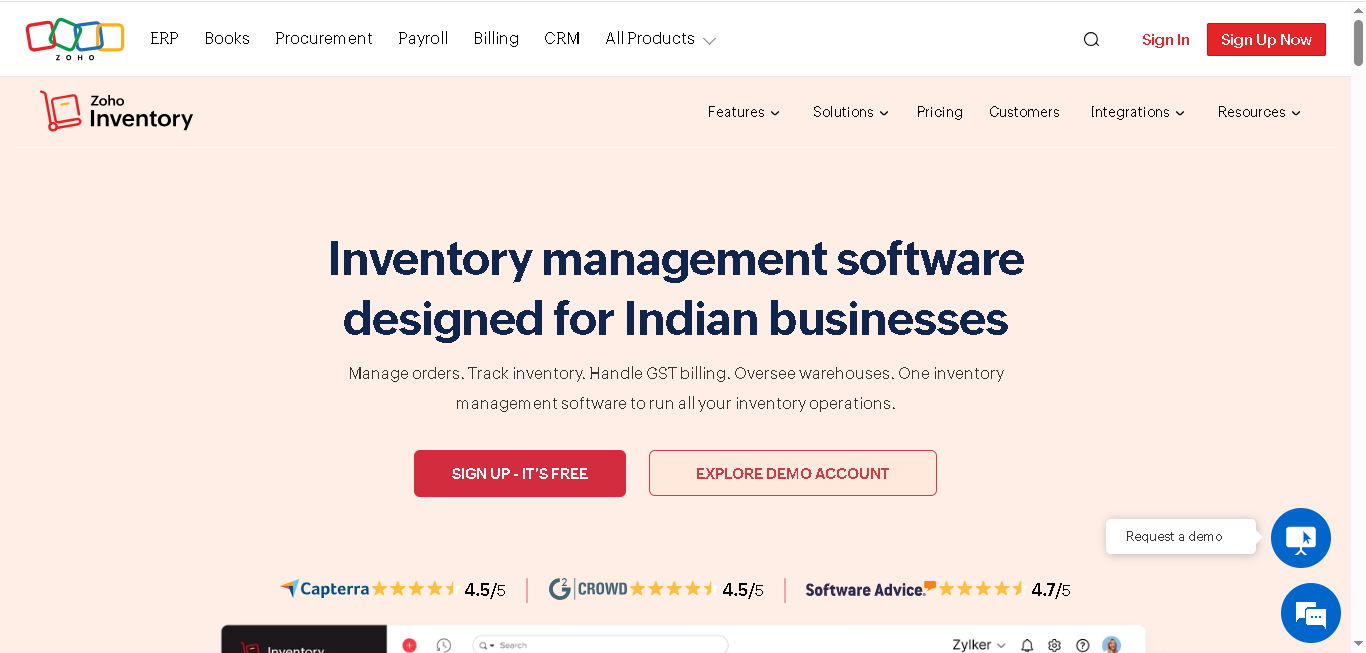
Zoho Inventory is a cloud-based inventory management platform. It connects your sales channels, warehouses, and stock data in one place. It works well for ecommerce brands that sell across Shopify, Amazon, eBay, and Etsy at the same time.
Why we picked Zoho Inventory:
Zoho’s barcode scanning works inside transactions invoices, bills, purchase orders. You can scan items to automatically add line items or even capture serial numbers. This saves you time and avoids silly entry mistakes.
You can scan barcodes and generate and print them using Zoho’s built-in barcode generator. It supports over 14 barcode formats, including EAN, UPC, Code 128, and QR codes, along with customizable label templates.
It also supports multi-warehouse tracking, serial and batch numbers, and automated reorder points. If you’re managing more than one location, you don’t have to log into different systems for each one.
Key features:
- Scan barcodes directly while creating sales orders, purchase orders, and invoices
- Get a built-in barcode generator that supports both 1D and 2D barcode formats.
- Sell on platforms like Shopify, Amazon, eBay, or Etsy
- Track stock across multiple warehouses with real-time inventory updates.
- Serial and batch tracking for traceability and expiry management
- Set low-stock alerts and automatic reorder points
- Create and print custom barcode labels based on your workflow.
- Android and iOS app support
Integrations: Shopify, Amazon, eBay, Etsy, QuickBooks, Xero, Zoho Books, Zoho CRM, Stripe, PayPal
Pros
- You can keep inventory synced across different sales channels
- Get an end-to-end barcode system (generate, print, scan, track)
- Reduces mistakes during stock handling and billing.
- Has a free plan for small teams
- Integrates well with the Zoho ecosystem
Cons
- Limited offline functionality
- Interface can feel overwhelming once you have many active orders
- Some reports require setup for deeper insights
Pricing:
- Standard: $29/month
- Professional: $79/month
- Premium: $129/month
- Enterprise: $249/month

inFlow Inventory
Best for SMBs That Want Barcode-First Simplicity
- Starting Price: From $129/month (billed annually)
- Free Trial: 14 days
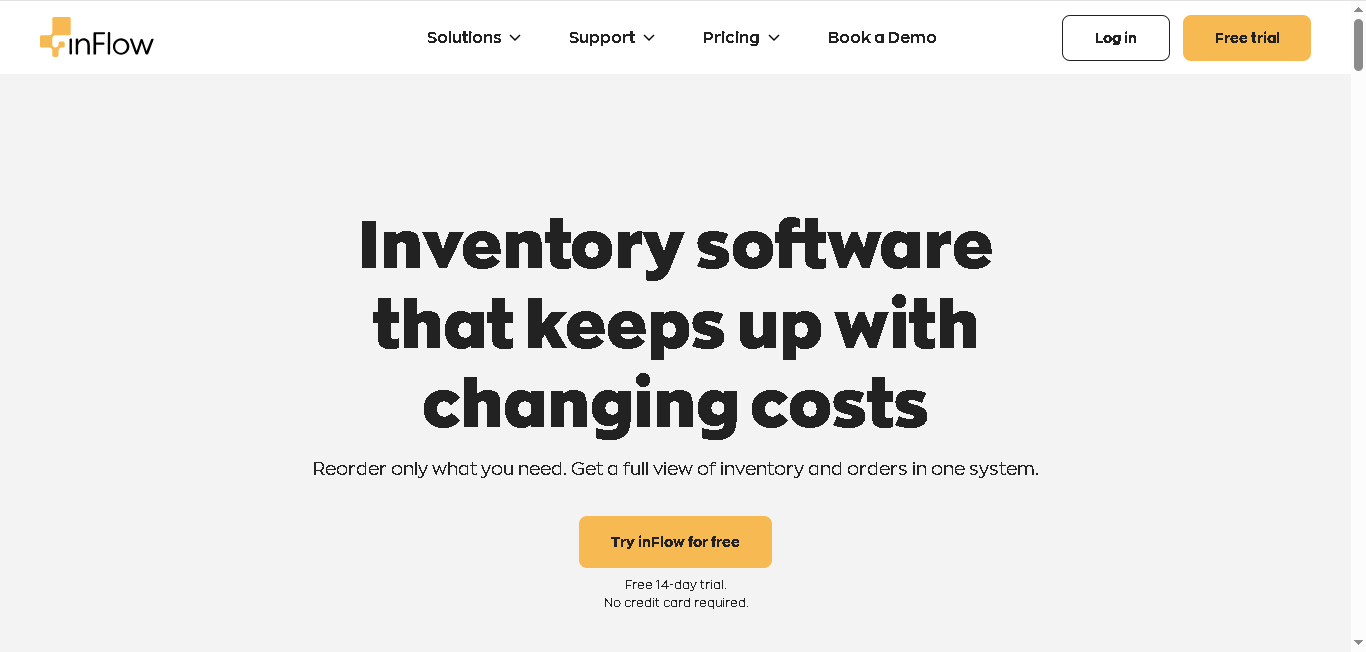
inFlow Inventory is designed to make barcode inventory management simple and fast for small to mid-sized businesses.
inFlow builds your entire workflow around barcode scanning. You can create barcode labels, scan products using your phone or a barcode scanner. And your inventory updates instantly after every scan. Currently, it’s been used in over 90 countries and has earned high marks for ease of use and customer support.
Why we picked inFlow Inventory:
With inFlow you can easily design your own barcode labels, add details like SKU numbers, serial numbers, pricing, and storage locations, and print them whenever needed.
It supports both custom barcodes and standard UPC/EAN codes, so you can use it for internal tracking as well as retail-ready inventory.
If your team handles warehouse operations daily, you can also use inFlow’s Smart Scanner device. It comes with a built-in laser scanner and is more durable for heavy scanning work compared to a regular phone.
Key features:
- Create and print barcode labels using the built-in Label Designer.
- Get inventory updates automatically whenever you scan an item.
- B2B customer portal for your wholesale orders
- Manage different currencies and units inside the same system.
- Barcode scanning works on both Android and iPhone devices.
- Print labels directly from desktop or mobile.
Integrations: inFlow connects with platforms like Shopify, QuickBooks Online, Xero, WooCommerce, Amazon, eBay, Square, ShipStation, and Zapier.
Pros
- Easily set up barcode workflows without much training.
- Customer support is responsive and easy to work with.
- Label printing is flexible and easy to customize.
- It works well whether you sell wholesale, retail, or both.
Cons
- Pricing increases as you add more team members.
- Multi-warehouse management is available, but not as advanced as larger enterprise inventory systems.
Pricing:
- Entrepreneur: $129/month (billed annually)
- Small Business: $349/month (billed annually)
- Mid-Size: $699/month (billed annually)
Finale Inventory
Best for High-SKU Multichannel Sellers
- Starting Price: From $99/month (smaller plans).
- Free Trial: Free demo available
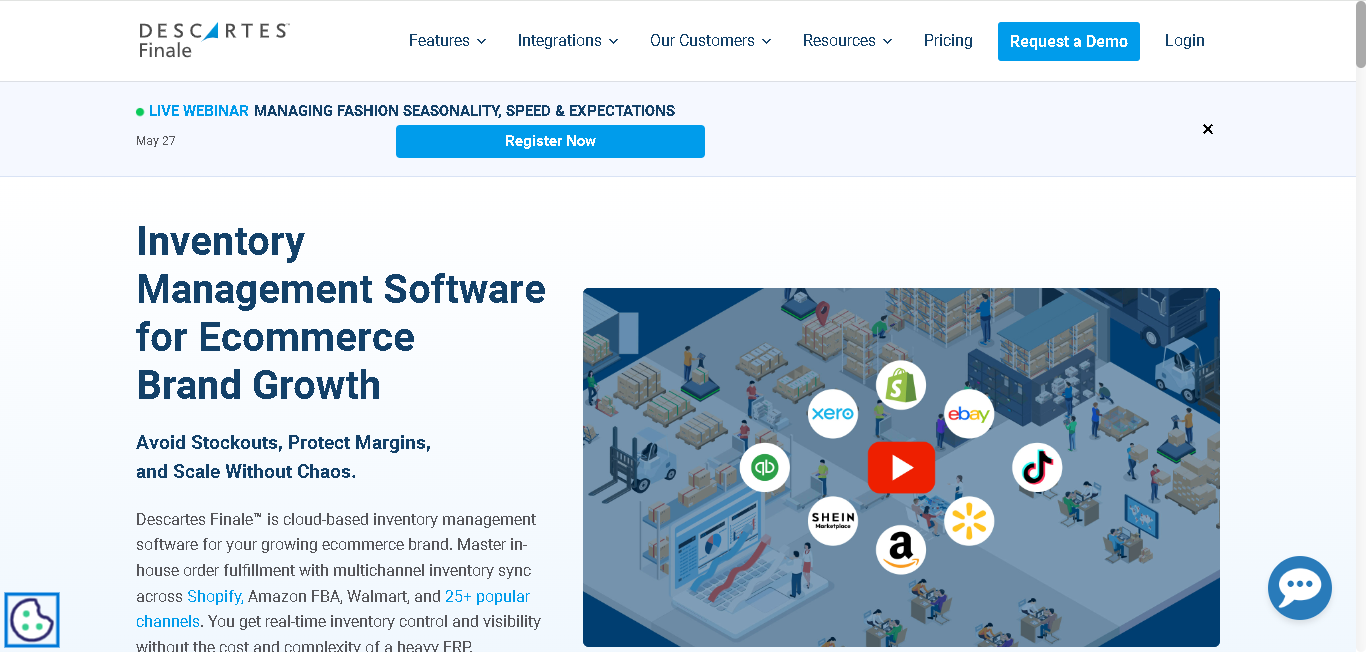
Finale Inventory is built for businesses that have outgrown entry-level inventory tools. If you’re managing hundreds to tens of thousands of SKUs across multiple sales channels, Finale gives you the control most systems lack.
Why we picked Finale Inventory:
Finale’s barcode scanning feature is one that most tools skip. It verifies the scan before it processes. If your warehouse worker scans the wrong item, the system catches it before the shipment goes out. That’s not a small thing when you’re shipping at volume.
The platform is also strong when it comes to inventory forecasting. The system looks at your sales activity across different channels and calculates safety stock levels for each SKU automatically. This makes restocking more accurate and easier to manage.
For multichannel sellers on Amazon, Shopify, Walmart, and eBay at the same time, Finale keeps stock levels accurate across all of them. This way you get to avoid overselling issues.
Key features:
- Verify barcodes during scanning to ensure the system catches packing mistakes before orders are shipped.
- Platform calculates safety stock automatically based on your sales activity
- Keep inventory synced across Amazon, Shopify, Walmart, eBay, and other sales channels in real time.
- Get features like wave picking, batch processing, and pick-and-pack workflows
- Track lots and serial numbers for better inventory visibility and traceability.
- Android devices can continue barcode scanning even without Wi-Fi
- Custom barcode label creation and printing (including SKU/FNSKU)
Integrations: Finale Inventory integrates with Shopify, Amazon, eBay, Walmart, WooCommerce, BigCommerce, QuickBooks, Magento, Xero, Etsy, Square
Pros
- Barcode verification helps you avoid costly shipping mistakes.
- Get responsive customer support that users rate highly
- Offline scanning is helpful if your warehouse has weak or inconsistent Wi-Fi.
- Free onboarding is included with Bronze plans and higher.
Cons
- Pricing increases quickly for full features
- Not ideal for manufacturing workflows
- Slight learning curve for new teams
Pricing:
- Smaller Plan: $99/month
- Standard Plan: $499/month

Sortly
Best for Small Retail and Visual Inventory Tracking
- Starting Price: Free plan available.
- Free Trial: 14-day free trial
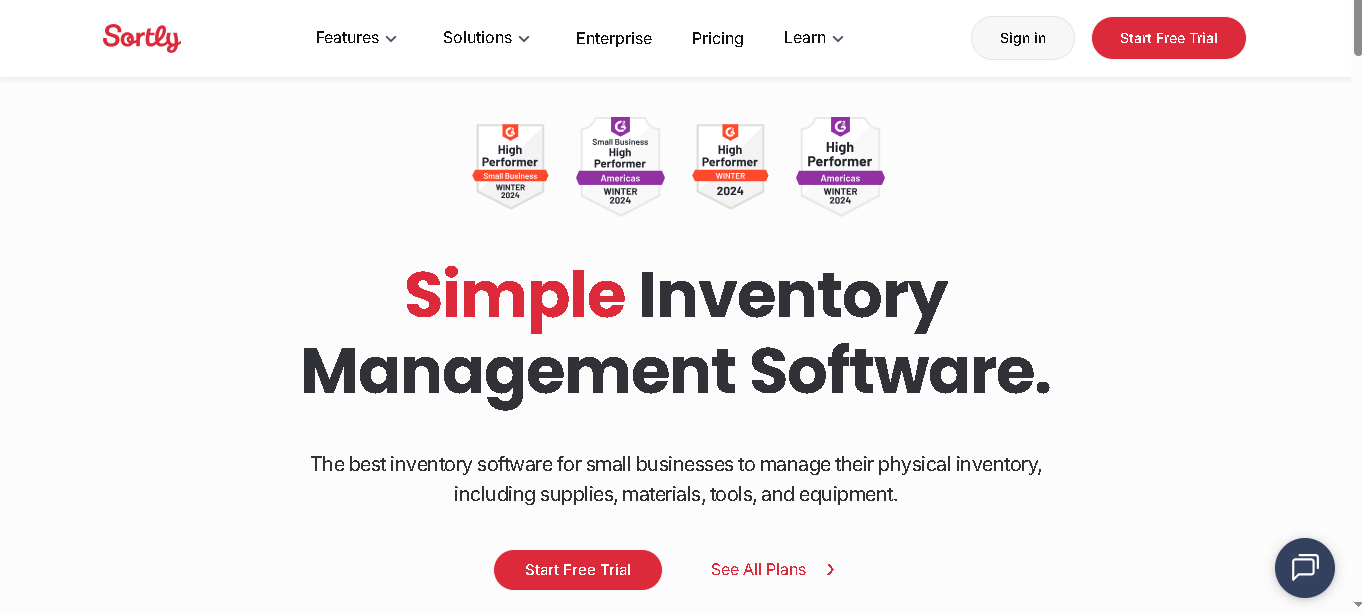
Sortly takes a different approach to inventory. Instead of spreadsheet-style lists, it lets you organize stock with photos, folders, and custom tags. It’s the most accessible barcode software on this list to set up and use.
Why we picked Sortly:
Sortly is simple and easy to use from the start. You don’t need a technical setup, warehouse experience, or a dedicated IT team to get started. It’s best for small businesses that want a mobile-friendly and visual way to manage their inventory.
Barcode and QR code scanning works from your phone camera. You can print your own labels from the app. And one feature most people miss is that it works offline. If your store or stockroom has bad Wi-Fi, Sortly keeps scanning and syncs when you’re back online.
For small retailers, the photo-based inventory is useful. You can see what an item looks like, where it lives, and how many you have left all from your phone.
Key features:
- Scan QR codes and barcodes directly using your smartphone camera.
- Attach photos to inventory items for easier tracking and identification.
- Custom folders, tags, and fields help you organize inventory the way you want.
- Offline scanning keeps working even when your internet connection drops.
- Low-stock alerts help you know when it’s time to reorder products.
- Bluetooth scanner support is available for faster scanning
- Activity history (track who did what and when)
- Team collaboration with user access controls
Integrations: Sortly integartes with QuickBooks, Xero, Shopify
Pros
- Easy setup without a long learning process.
- Offline scanning is useful and uncommon at this pricing level.
- The visual inventory layout works well for non-technical teams.
- The free plan is good enough for very small businesses getting started.
Cons
- Limited integrations compared to other tools
- Basic reporting (not for deep analytics)
- Not suitable for high-volume warehouse operations
- Limited ecommerce support beyond Shopify
Pricing:
- Advanced: $24 USD/month (billed annually)
- Ultra: $74 USD/month (billed annually)
- Premium: $149 USD/month (billed annually)

Odoo Inventory
Best for Teams That Want Open-Source Flexibility
- Starting Price: Community edition is free.
- Free Trial: Free demo available
Odoo Inventory is part of a larger open-source business suite. It gives you inventory management, barcode scanning, and warehouse operations and it connects to Odoo’s CRM, accounting, purchasing, and sales modules. If you want one system that does everything and you’re willing to configure it, Odoo is the most flexible option on this list.
Why we picked Odoo Inventory:
Odoo Inventory gives you a greater control over your inventory system. Your every stock movement, whether it’s coming in, going out, or moving between locations, is automatically tracked. This gives you a clear history of your inventory activity, so it’s easier to monitor stock and avoid missing items.
You can use barcode scanning across daily warehouse tasks like receiving purchase orders, transferring stock, and running stock counts. Your team can handle most of the process using mobile devices and barcode scanners instead of relying on manual updates.
It’s an open-source model, which means your team can customize it. Custom workflows, custom fields, custom barcode formats if you have a developer on staff, Odoo can be shaped around how you work.
Key features:
- Use barcode scanning for receipts, transfers, picking orders, and stock counts.
- Inventory movement is logged through a double-entry tracking system.
- Manage stock across multiple warehouses and storage bins.
- Automatic reorder rules help you maintain inventory levels more easily.
- Lot and serial number tracking throughout the supply chain
- Connects with Odoo’s wider business management suite.
Integrations: Odoo integrates with QuickBooks, PayPal, UPS, FedEx, eBay, Amazon, Shopify, WooCommerce, DHL, Stripe
Pros
- Most customizable tool on this list
- Multi-warehouse management is strong and detailed.
- Product traceability works well for industries with strict tracking requirements.
- The Community edition is free to download and use.
Cons
- Setup can take time and usually needs technical knowledge.
- Offline functionality is somewhat limited.
- Advanced barcode tools are available only in the paid Enterprise version.
- Complex customizations may require developer support.
Pricing:
- Enterprise from $25/user/month

Katana
Best for D2C Brands With a Manufacturing Component
- Starting Price: Core plan starts from $299/month
- Free Trial: 14-day free trial + free plan available
Katana is a manufacturing ERP built for small and mid-sized businesses that make and sell their own products. If you’re a D2C brand that manufactures, assembles, or kits products and needs to track raw materials alongside finished goods Katana is the most purpose-built option on this list.
Why we picked Katana:
Most inventory tools track what you have. Katana tracks what you have and what you need to make what you’re about to sell. That’s a different kind of visibility and it matters a lot when your production and fulfillment are linked.
Its visual production dashboard shows live manufacturing status. You can see what’s in production, what materials are available, and whether you can fulfill upcoming orders without going out of stock on components. That level of insight is rare at this price point.
Katana’s barcode scanning ties into production orders and warehouse transfers. Your shop floor team can scan materials in, scan finished goods out, and update stock in real time all from a mobile device.
Key features:
- Schedule production activities and see inventory updates in real time.
- Track both raw materials and finished products from one dashboard.
- Scan barcodes during warehouse transfers and production tasks
- Visual dashboard helps you quickly check what’s happening in production.
- Manage bills of materials (BOMs) for different products and manufacturing processes.
- Forecast inventory demand based on incoming sales orders
Integrations: Katana integrates with Shopify, WooCommerce, Xero, QuickBooks, Zapier, Salesforce, BigCommerce, Square
Pros
- Best tool on this list for brands that manufacture or assemble products
- Visual dashboard gives instant production clarity
- Real-time updates across production and sales
Cons
- Need a stable internet connection since offline access is not available.
- Customization options are more limited
- Pricing can feel expensive for smaller businesses
- Not the best fit if your business only handles retail or wholesale
Pricing:
- Free plan available
- Core plan starts from $299/month

EZOfficeInventory (EZO)
Best for Asset-Heavy Operations
- Starting Price: From $44.75/month (billed annually)
- Free Trial: 15-day free trial
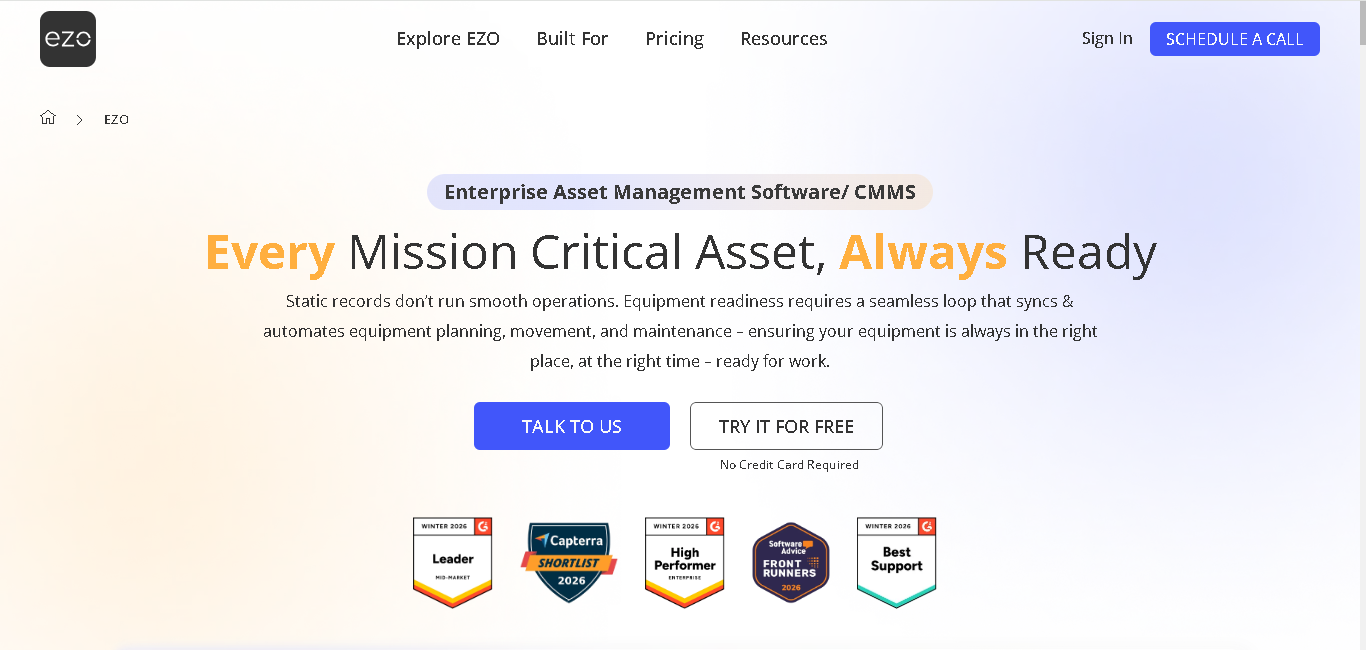
EZOfficeInventory now called EZO is different from the other tools on this list. It’s not a pure inventory system for retail or ecommerce. It’s an asset tracking platform. That makes it best for businesses that manage equipment, tools, and physical assets alongside or instead of traditional stock.
Why we picked EZO:
EZO does one thing better than any tool on this list it tracks the full lifecycle of an asset. Every piece of your equipment has a maintenance history, a checkout log, a depreciation record, and a current status.
If you’re in construction, education, healthcare, or facilities management that level of tracking is exactly what you need.
The barcode and QR code scanning works on mobile, and the platform supports RFID as well. You can track assets across multiple locations, schedule maintenance, and get alerts when items are due for service.
It also has a reservation system. Teams can book equipment for specific dates, and the availability calendar prevents double-booking. Traditional inventory tools don’t have this.
Key features:
- Track assets using barcodes, QR codes, and RFID tags.
- Manage the complete asset lifecycle from purchase and maintenance to retirement or replacement.
- Preventive maintenance alerts help you schedule servicing before issues become bigger problems.
- Reservation and availability calendar makes it easier for your team to check and book assets when needed.
- Create custom reports and view analytics to better understand asset usage and performance.
- Mobile app for Android and iOS available
Integrations: EZO integrates with Dropbox, OneDrive, Zendesk, Jira, Google Workspace, Okta, OneLogin, Zapier
Pros
- Offline scanning available via mobile app
- Unlimited users (fair usage policy)
Cons
- Not suitable for retail or ecommerce inventory workflows
- Pricing can be high for very small teams
- Reporting customization could be more flexible
Pricing:
- Essentials: $44.75/month (billed annually)
- Advanced: $52.25/month (billed annually)
- Premium: $57.50/month (billed annually)
HandiFox
Best for QuickBooks-Dependent Businesses
- Starting Price: From $39/month (billed annually)
- Free Trial: Available
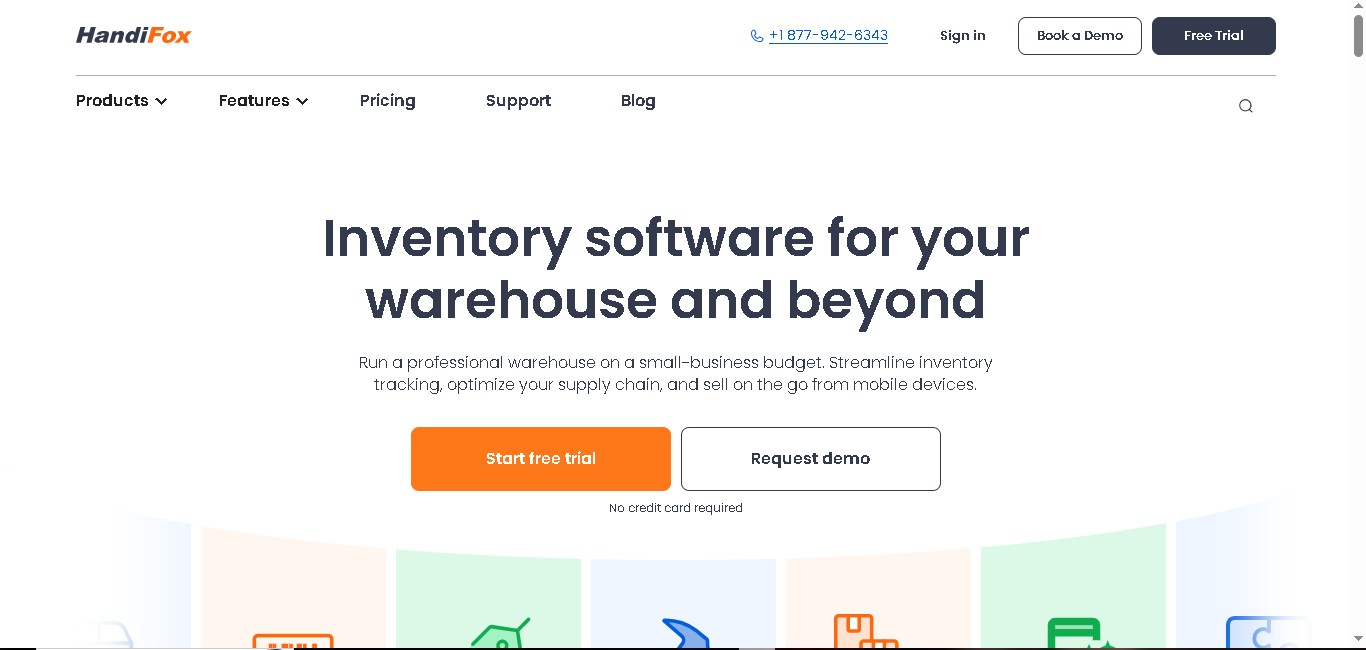
HandiFox does one thing well: it syncs with QuickBooks in real time, without double entry. If your accounting lives in QuickBooks and your team spends hours reconciling inventory data with financial records, HandiFox was built to close that gap.
Why we picked HandiFox:
HandiFox works especially well if you already use QuickBooks and want your inventory updates to stay connected with your accounting automatically.
The system is built closely around QuickBooks. So when your team scans inventory, transfers stock, or receives shipments, the information updates inside QuickBooks without extra manual work.
The mobile barcode scanning covers the full day-to-day receiving items, counting stock, picking orders, processing sales. It works on Android and iOS, and it works offline. Your team can scan in a dead-zone warehouse and sync when they get back online.
Another advantage is flexibility. HandiFox offers both cloud and desktop versions, so you can choose the setup that fits your business operations better.
Key features:
- Keep your QuickBooks inventory and accounting synced in real time across both cloud and desktop versions.
- Scan barcodes for receiving inventory, stock transfers, stock counts, and sales processing.
- Track inventory across multiple locations and warehouses from one system.
- Serial and lot number tracking with expiration dates
- Offline scanning with background sync
- The Create+ feature helps process transactions faster
Integrations: HandiFox integrates with QuickBooks Online, QuickBooks Desktop (deep, native sync)
Pros
- Best QuickBooks integration on this list no reconciliation needed
- Works offline important for warehouses with poor connectivity
- Strong customer support rated 4.8/5
- Affordable entry price for small teams
Cons
- Very limited integrations beyond QuickBooks
- System slows down with a high volume of open sales orders
- Initial onboarding may not be enough for non-technical teams
- Cost data is visible to employees in the web version by default
Pricing:
- Start: $39/month (billed annually)
- Optima: $79/month (billed annually)
- Pro: $109/month (billed annually)
Final Thoughts
The right barcode inventory software depends on how your business works. What fits a small retail store may not work for a warehouse, ecommerce brand, or manufacturing setup.
You need a tool that matches your daily operations, sales channels, and inventory complexity.
At the end of the day, you want software that helps you reduce manual work, avoid stock mistakes, and make inventory tracking easier for your team.
You can compare reviews, pricing, and features for all nine tools on RelevantSaaS. And choose the one that fits your workflow best.
Read More About:
Best Property Management Software 2026
7 Best Duplicate File Finders for Windows And Mac (2026)