

With so many options available, finding the right facility management software can be challenging.
Some platforms focus on maintenance and work orders. While others offer broader capabilities like asset tracking, compliance management, vendor coordination, and multi-site operations.
We’ve compared the top facility management software solutions to help you find the best fit for your needs, budget, and team size.
Quick Comparison: Best Facility Management Software at a Glance
How We Picked These Facility Management Tools
We didn’t just rely on review sites or vendor claims. We looked at the factors that matter most when you’re choosing facility management software for your team.
- Core FM features — work orders, preventive maintenance, asset tracking, compliance
- Multi-site capability — can it handle more than one location without becoming a mess?
- Ease of adoption — does your team need a 3-month onboarding, or can they start next week?
- Mobile access — because your team isn’t always at a desk
- Vendor management — can you track and coordinate external contractors?
- Cost visibility — does it give you real data on maintenance spend?
- Pricing transparency — hidden costs are a red flag
MaintainX
Best For: Operations managers and facility teams who spend most of their time in the field
- Free Trial: Free plan available
- Starting Price: $20/user/month (Essential plan)
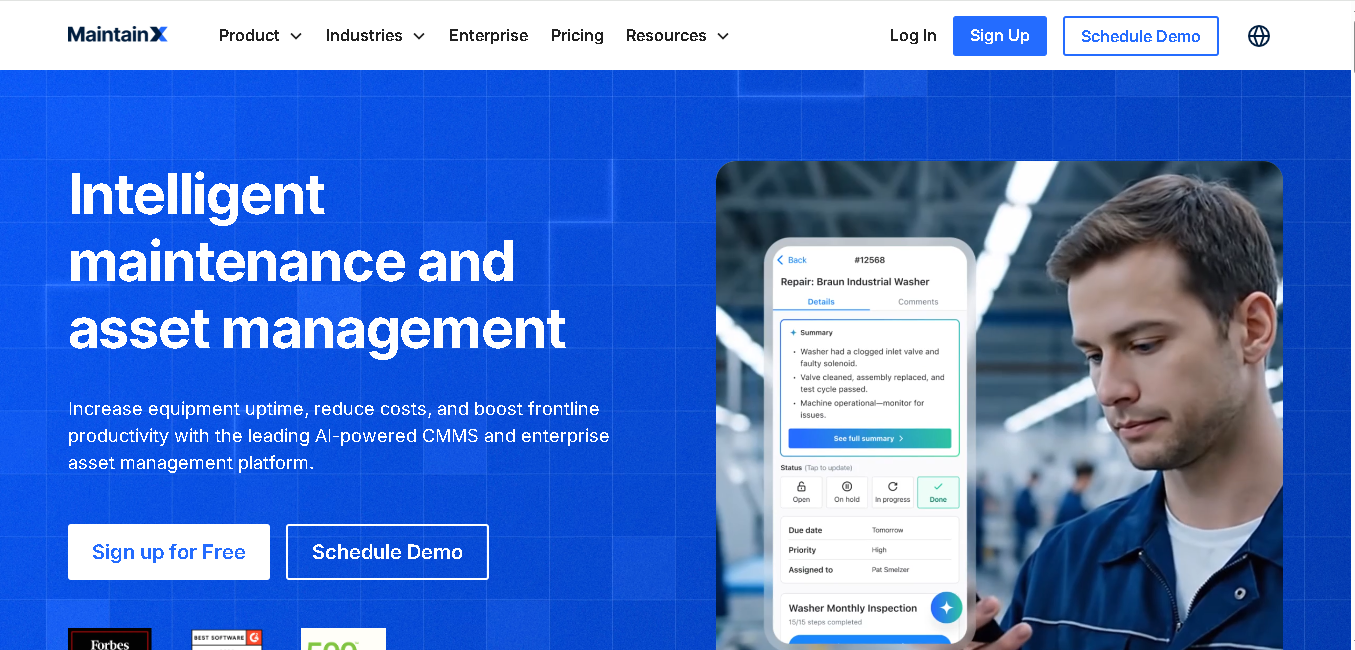
MaintainX is one of the most widely used facility maintenance software on the market right now. It’s built around a mobile-first experience, which means your technicians can create work orders, update statuses, and communicate with the team directly from their phones.
It can be used across industries including manufacturing, hospitality, property management, retail, and healthcare.
Why It Made Our List
MaintainX lets you manage work orders, inspections, assets, inventory, and reporting in one system. All this helps you to improve maintenance efficiency, increase equipment uptime, and keep compliance records organized.
Key Features of MaintainX
- Easily create, assign, and track work orders without relying on paperwork.
- Schedule maintenance in advance to avoid unexpected equipment failures.
- Manage inspections digitally and keep compliance records easy to access.
- Track asset history and performance from a single dashboard.
- Monitor spare parts inventory and get alerts before stock runs out.
- Use real-time reports to spot issues, reduce downtime, and make better decisions.
Pros
- Very easy to set up
- It works offline too
- Comes with a free plan
- Scales well from 5-person teams to enterprise operations
Cons
- Customization options are more limited
- Advanced analytics require the Premium plan
Detailed Pricing
- Basic Plan: $0
- Essential: $20/user/month
- Premium: $65/user/month
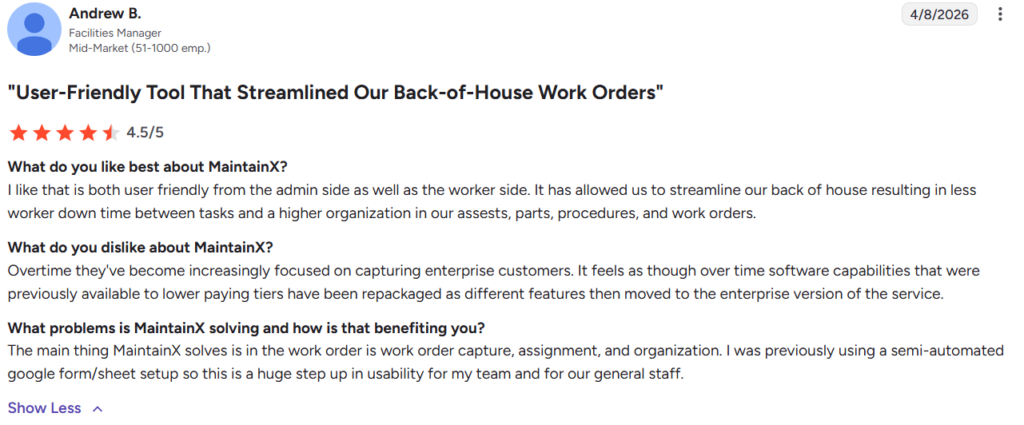
What Andrew likes and dislikes about MaintainX (Source: G2)
Limble CMMS
Best For: Small to mid-size facility teams that want a powerful tool without a complicated setup
- Free Trial: 14-day free trial available
- Starting Price: Custom Pricing
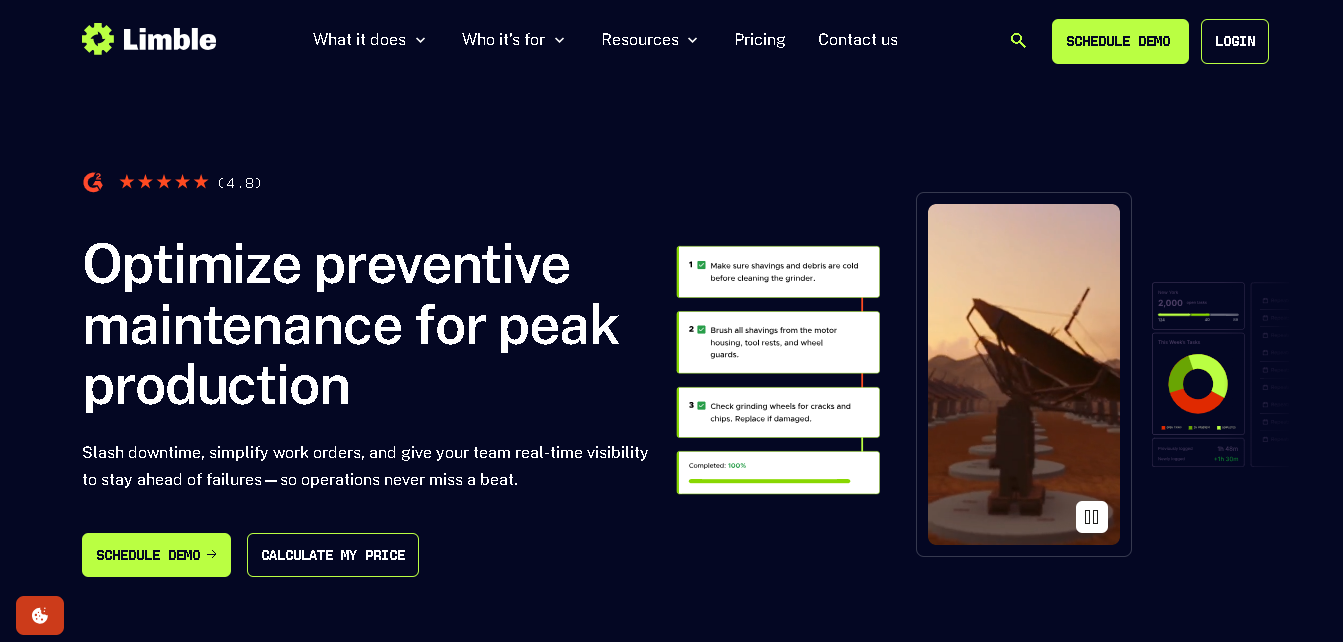
Limble is a cloud-based CMMS and asset management platform. You can easily manage your work orders, preventive maintenance, assets, compliance, and team communication here.
The platform focuses on reducing downtime, improving productivity, and giving your team real-time visibility into maintenance operations.
Why It Made Our List
Limble gives you a combination of usability and reporting depth that most tools in this price range don’t offer. With its reporting suite you get real visibility into maintenance costs, asset health, and team performance.
It helps you move away from reactive maintenance by giving your team the tools to plan, prioritize, and monitor maintenance work more effectively.
Key Features of Limble
- Schedule maintenance tasks automatically.
- Build custom dashboards for your team
- Create, assign, and track work orders from one central location.
- Monitor asset history, costs, and performance
- Assign work orders to external vendors
- Automate safety checks and keep digital records
- Get onboarding, training, and ongoing support
- Scan QR code for maintenance requests
- Get detailed reports to track downtime, maintenance expenses, and operational trends.
Pros
- Easy-to-use interface
- Minimal training needed
- Built-in compliance and audit tracking tools
- Training resources and customer support available
Cons
- Pricing is not publicly transparent
- Advanced features comes with higher-tier plans
Detailed Pricing
- Custom Pricing
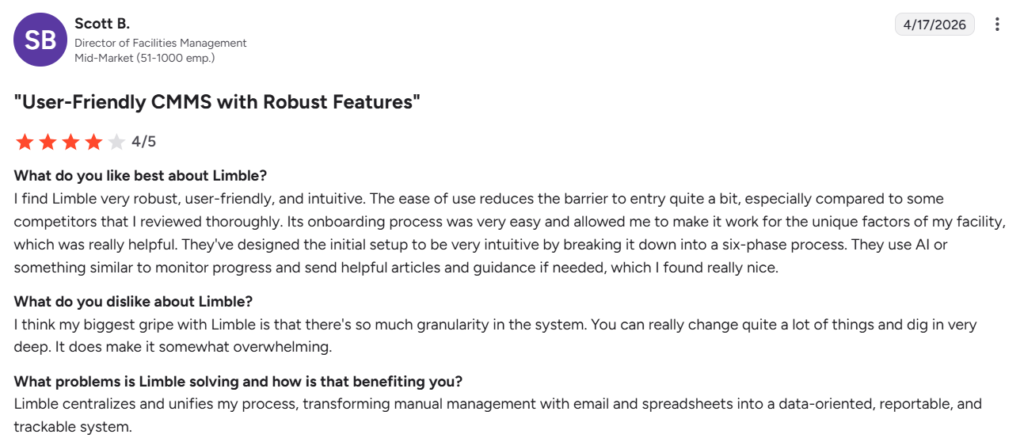
What Scott likes and dislikes about Limble (Source: G2)
UpKeep
Best For: Operations and maintenance managers who need a clean, fast mobile experience with solid asset tracking
- Free Trial: Free plan available
- Starting Price: $24/user/month
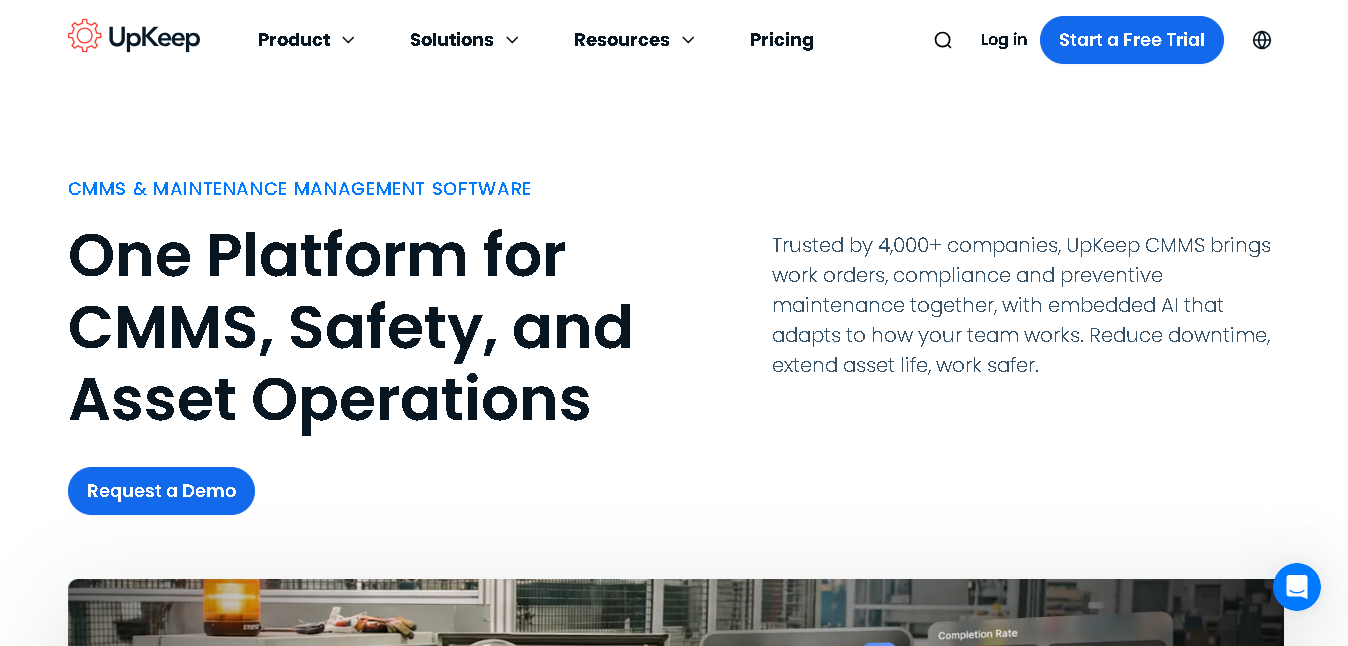
UpKeep is one of the most recognized maintenance management platforms. And especially best if your team works on-site, in the field, or across multiple locations.
With it, you can easily organize work orders, track assets, schedule preventive maintenance, and get better visibility into your day-to-day operations. Whether you’re using a phone or a laptop, you get a reliable system that helps you stay on top of all maintenance tasks.
Why It Made Our List
You get a clean interface, fast onboarding, and a consistent mobile experience with UpKeep. It’s not the most feature-rich tool on this list, but for teams that want reliability over complexity, it delivers good.
Key Features of UpKeep
- Create, assign, track, and complete work orders from anywhere
- Keep your team updated with photos, checklists, and notes.
- Schedule recurring maintenance tasks based on equipment needs
- Keep asset records, service history, and maintenance data organized
- Report safety issues, track incidents, and manage corrective actions
- Let non-licensed users submit work requests via a simple web form
- Monitor maintenance activities, assets, and operational data across multiple locations
- Easily connects with Slack, Teams, QuickBooks, Zapier, and several ERP/BMS platforms
Pros
- Very clean and intuitive interface
- Easy access from mobile and desktop devices
- Good fit for teams managing a mix of owned and leased assets
- Responsive customer support
Cons
- Bit high-pricing
- Reporting is less customizable
Detailed Pricing
- Essential: $24/user/month
- Premium: $55/user/month
- Professional and Enterprise requires quote request.
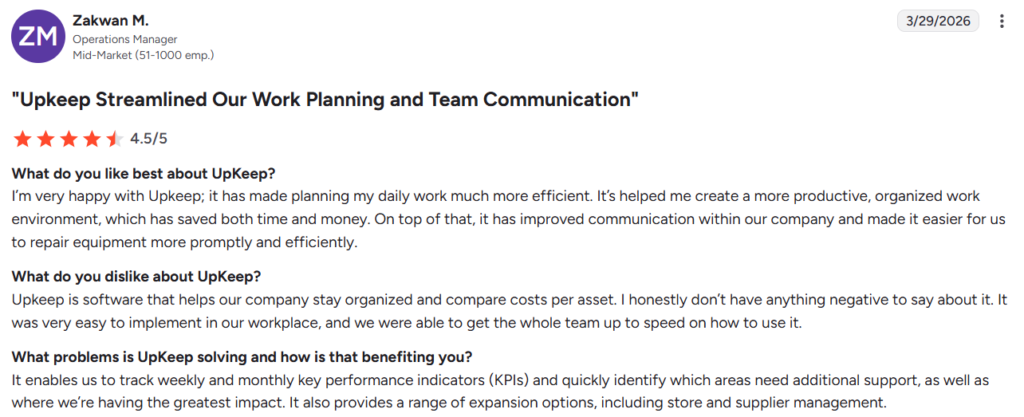
What Zakwan likes and dislikes about UpKeep (Source: G2)
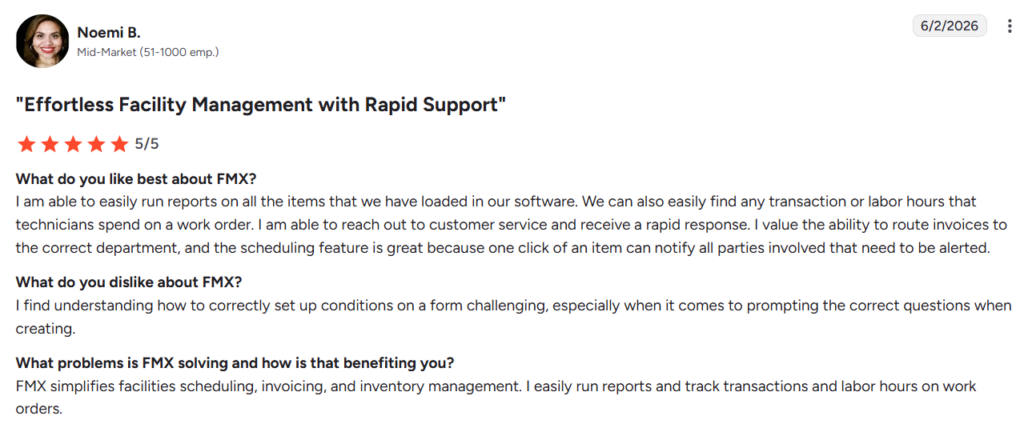
FMX
Best for simplified planning and workflows
- Free Trial: Free demo available
- Starting Price: Contact for pricing
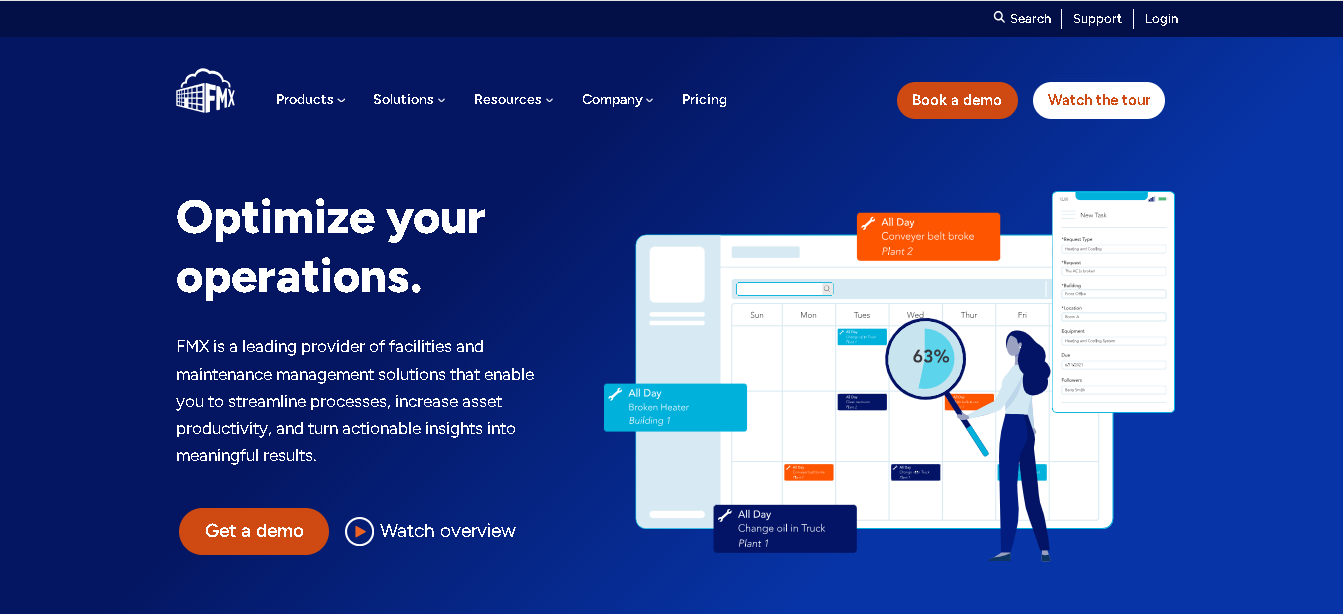
FMX is another popular facility management software built for organizations. It helps you stay on top of compliance, inspections, and maintenance schedules. If you manage schools, government facilities, or multiple buildings with strict regulations, it helps you keep everything organized in one place.
You also get a real-time dashboard and automated alerts, so you can quickly see what’s happening, what’s overdue, and what needs your attention.
Why It Made Our List
If your team handles fire safety checks, inspections, or compliance reporting, FMX helps you keep everything organized. You can track deadlines, inspections, and requirements without relying on spreadsheets.
Key Features of FMX
- Track maintenance tasks, work orders, and facility conditions in real time
- Automate reminders for inspections, compliance deadlines, and recurring safety checks.
- Schedule preventive maintenance with calendars, checklists, and technician assignments.
- Book rooms, equipment, and staff through a shared scheduling system.
- Receive alerts for equipment issues, compliance gaps, and upcoming deadlines
Pros
- Get real-time reporting and dashboards.
- Simple and easy-to-use interface
- Responsive customer support
Cons
- Mobile experience is less responsive
- Fewer customization options
- Not best for managing manufacturing plants or heavy industrial operations.
Detailed Pricing
FMX uses custom pricing based on organization size, number of locations, and features required. You’ll need to contact their sales team for a quote.
What Noemi likes and dislikes about FMX (Source: G2)

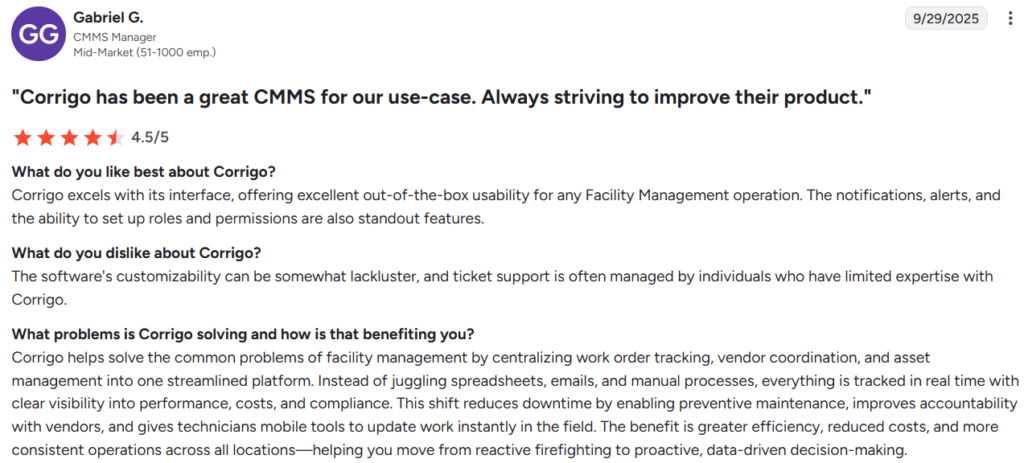
Corrigo (by JLL)
Best For: Retail operators, commercial property managers, and organizations managing large networks of locations with external service providers
- Free Trial: Demo available on request
- Starting Price: Contact for pricing
Corrigo is a facility and work order management platform built by JLL (Jones Lang LaSalle), one of the world’s largest commercial real estate firms.
It’s particularly well-suited for organizations that rely heavily on external contractors and vendors. Corrigo combines maintenance management with a large service provider network and vendor coordination tools.
Why It Made Our List
Here, you can track vendor performance, compare costs across providers, manage service agreements, and hold vendors accountable to SLAs.
It’s best if you’re dealing with dozens of vendors across many sites. You get more than basic work order tracking here.
Key Features of Corrigo
- Keep asset records and maintenance history organized.
- Manage vendors and contractors more efficiently.
- Automate recurring tasks with location-specific schedules
- Schedule preventive maintenance to reduce downtime.
- Track performance and costs through reports and dashboards.
- Update tasks and work orders from your mobile device.
- You can connect it with your existing business systems.
Pros
- Strong work order automations
- Built-in vendor and contractor management
- Backed by JLL’s industry expertise and service network
- Good cost visibility across large property portfolios
Cons
- Pricing is quote-based
- May offer more functionality than smaller teams require
Detailed Pricing
Corrigo pricing is customized based on portfolio size and features. Contact their sales team.
What Gabriel likes and dislikes about Corrigo (Source: G2)
Planon
Best For: Corporate real estate teams, campuses, and large organizations that need integrated workplace management across maintenance, leases, and space
- Free Trial: Demo only
- Starting Price: Contact for pricing
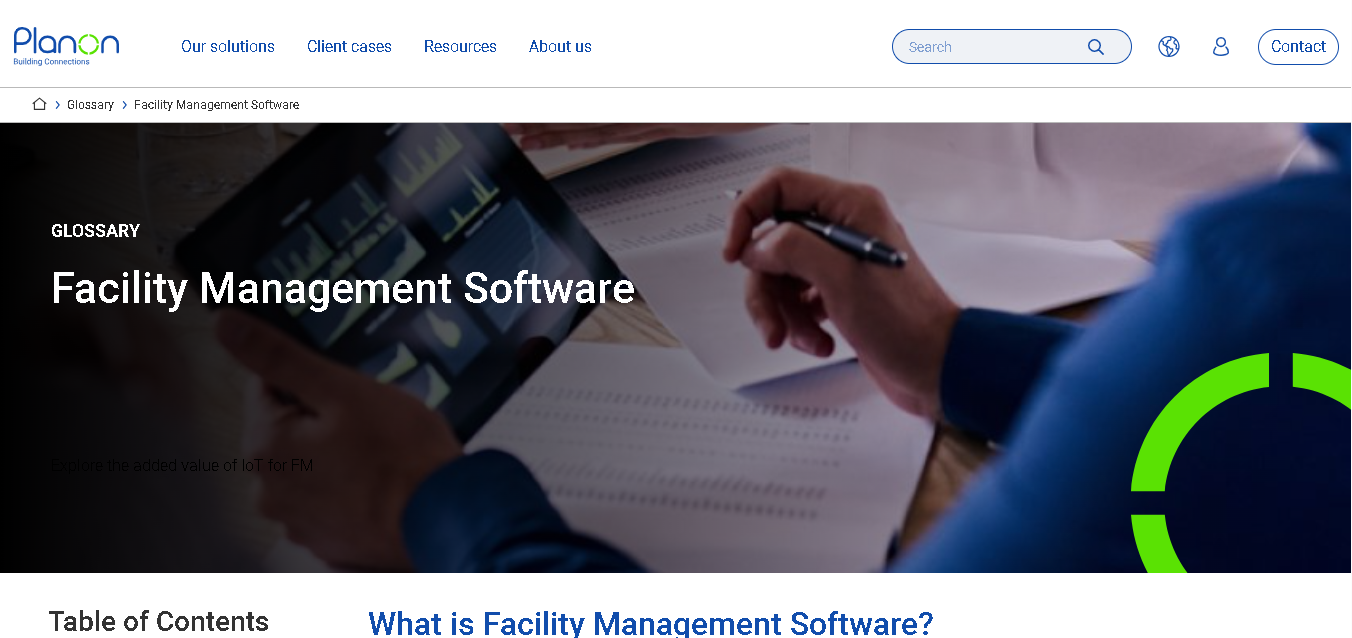
Planon is an Integrated Workplace Management System (IWMS), which means you can manage much more than maintenance from a single platform.
Along with work orders and asset management, you can handle space planning, lease management, sustainability tracking, and smart building operations. It’s best suited for a large campus, healthcare facility, or multi-building portfolio.
Why It Made Our List
Planon gives you a single place to manage everything. Be it space optimization, lease renewals, energy consumption, and smart building integration. It’s built for organizations that have the budget and team to implement it properly.
Key Features of Planon
- Manage maintenance, space, real estate, and workplace operations
- Visualize and optimize how space is being used across buildings and campuses.
- Track lease agreements, renewal dates, costs, and compliance requirements.
- Connect sensors, HVAC systems, and building automation tools for smarter maintenance.
- Import floor plans and building models for easier asset and space management.
- Monitor energy usage and sustainability metrics to support your ESG goals.
Pros
- Strong IoT and smart building capability
- Good for compliance and sustainability reporting
- Supports global operations with localization and multi-region capabilities
Cons
- Not suitable for smaller organizations or teams without IT support
- Pricing is bit higher than other softwares
Detailed Pricing
Planon uses custom, enterprise-level pricing. Contact their sales team for a quote
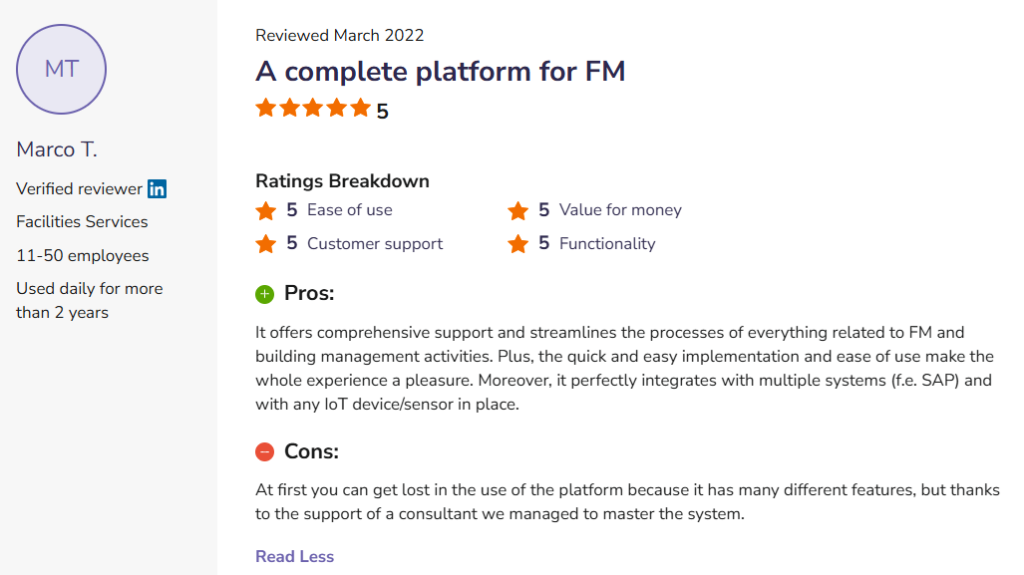
What Marco likes and dislikes about Planon (Source: Software Advice)
Fracttal One
Best For: Asset-intensive operations teams focussed on predictive maintenance
- Free Trial: Free demo available
- Starting Price: Contact for pricing
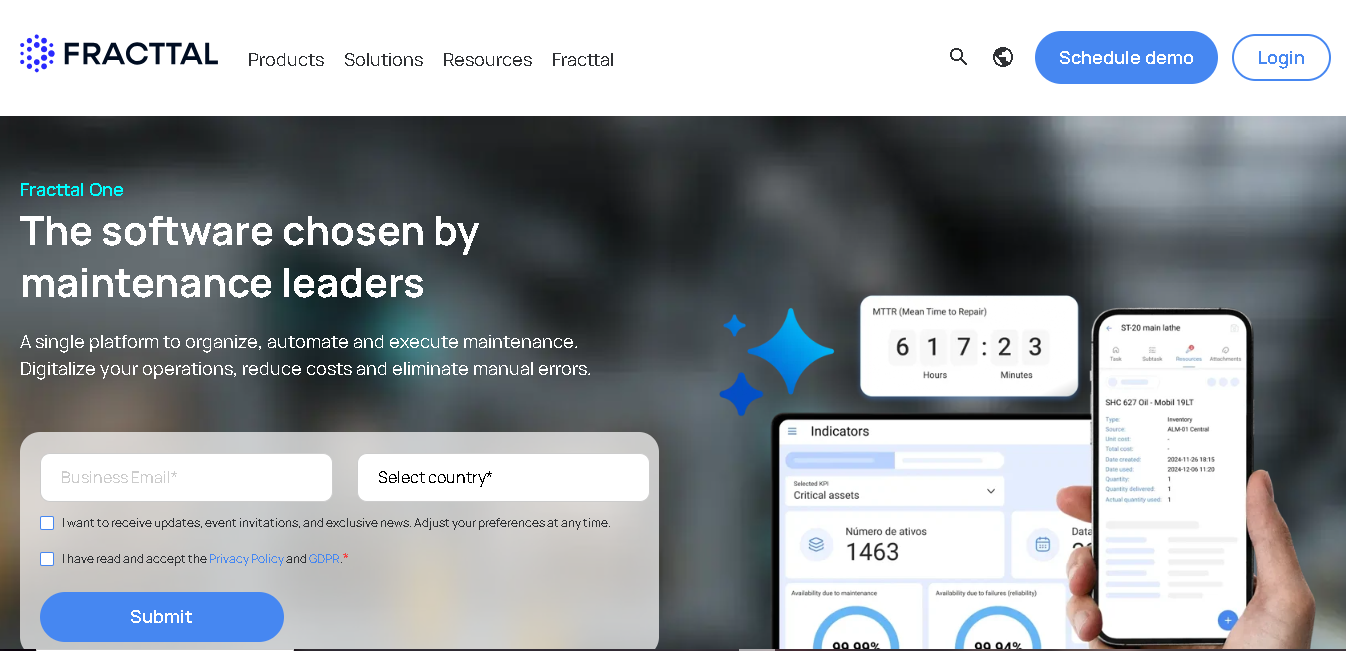
Fracttal One is a cloud-based maintenance management platform with a strong focus on predictive analytics. It uses real-time data and historical trends to forecast when an asset is likely to fail, informing you beforehand.
It’s particularly well suited for facilities with high-value, high-usage equipment where unplanned downtime is expensive.
Why It Made Our List
Fracttal can reduce your equipment breakdowns, minimize downtime, and get more life out of your assets. All this through predictive analysis.
Key Features of Fracttal
- Use predictive maintenance insights to identify potential equipment issues
- Monitor asset condition, maintenance history, and performance.
- Automate preventive maintenance based on schedules, usage, or equipment conditions.
- Get AI-powered assistant to handle routine tasks and get operational support.
- Track costs, performance trends, and maintenance through detailed reports.
Pros
- Easy to upload documentation, photos, and videos
- Cloud-based with good mobile accessibility
- Useful virtual assistant
Cons
- Flat-rate pricing is on the higher end
- Steeper learning curve
Detailed Pricing
Fracttal uses flat-rate and custom pricing depending on team size and required modules. Contact their sales team for current pricing.
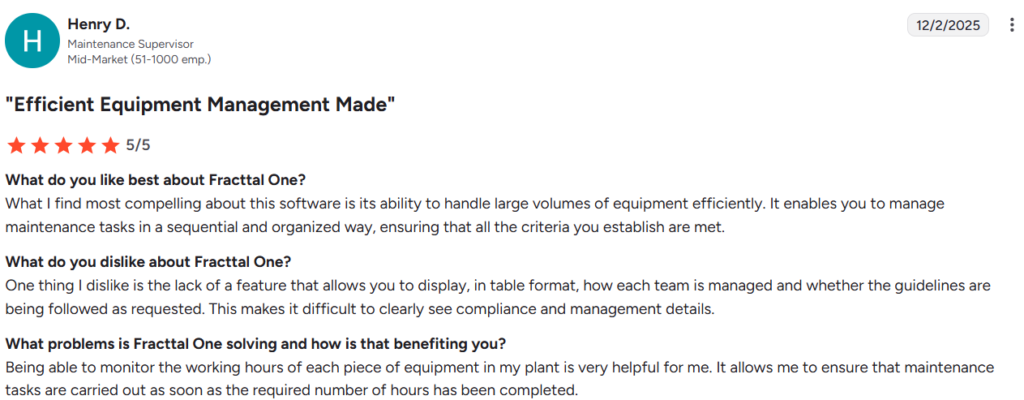
What Henry likes and dislikes about Fracttal (Source: G2)
Archibus
Best For: Large enterprises and institutions that need an end-to-end IWMS
- Free Trial: Demo only
- Starting Price: Contact for pricing
Archibus is a facility and workplace management platform built for large organizations. If you’re managing multiple buildings, campuses, or properties, it helps you handle maintenance, assets, space planning, leases, and sustainability from one system.
It’s especially useful when you need more than just maintenance management and want better control over your facilities and real estate operations
Why It Made Our List
Archibus offers a level of customization and feature depth that most tools on this list don’t match. It’s best if your team manages a large property portfolio and has complex facility management needs.
Key Features of Archibus
- Track and optimize how office and facility space is being used.
- Manage leases, properties, and real estate information
- Monitor asset locations, maintenance history, and operating costs.
- Automate preventive and corrective maintenance workflows.
- Track energy, water, and sustainability metrics for compliance and reporting.
- Use floor plans and building models to manage spaces and assets more effectively.
Pros
- Get strong compliance, sustainability, and regulatory reporting
- Trusted by large organizations worldwide
- Good CAD/BIM integration
Cons
- Need IT support or consultants during setup.
- Less intuitive interface
- Too complex for small or mid-sized organizations.
Detailed Pricing
Archibus pricing is fully custom and enterprise-level. Contact their sales team or an authorized partner for a quote.
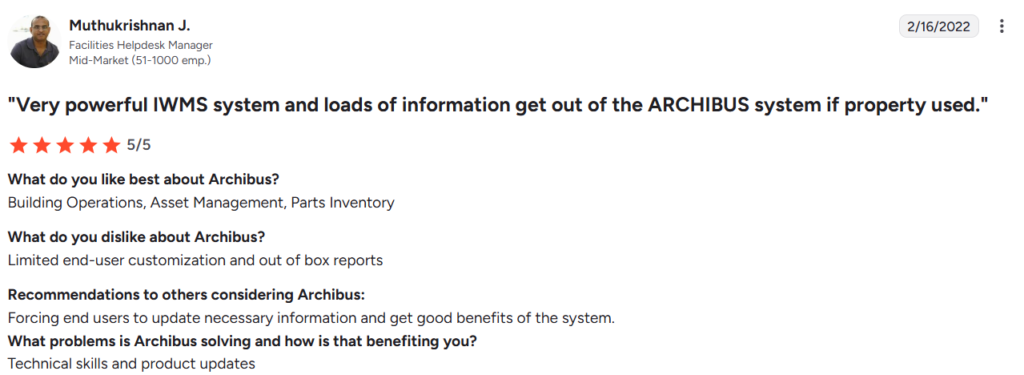
What MuthuKrishnan likes and dislikes about Archibus (Source: G2)
How to Choose the Right Facility Management Software
Here’s a simple framework to guide your decision:
Step 1: Understand what you are trying to solve.
It could be maintenance delays, equipment downtime, compliance tracking, vendor management, or rising operational costs. This will help you focus on tools that fit your needs.
Step 2: Consider your team and locations
What is the size of your team, and what is the number of facilities you manage? The right solution should support your current operations and still work as your organization grows.
Step 3: Mobile vs. desktop.
If your technicians spend most of their time in the field, a strong mobile app is essential. If most work happens from an office, desktop functionality may be a higher priority
Step 4: Check the implementation timeline
Some platforms can be set up quickly, while others require a longer rollout. Choose a solution that matches the time and resources your team can realistically commit.
Step 5: Request a free trial or demo.
Shortlist two or three, get your team into the platform, and see how it feels in real use.
Final Thoughts
The right facility management software doesn’t just help you respond to problems faster. It helps you stop them from happening in the first place.
Whatever you choose, make sure they are solving your pain point. Pick the tool that solves it best for the team you have today.
