
Your current recording setup isn’t really helping you anymore. The audio isn’t always clean, editing takes longer than it should, and somehow you’re still jumping between multiple tools just to get one piece of content out.
You already understand the basics. What you need now is a tool that actually fits how you work. Something that saves time, keeps things simple, and doesn’t break your flow.
In this guide, you’ll find 10 audio recording tools, each picked for a specific use case. This way you’ll get a clear idea of what works best for you and why.

Audacity
Best For: Podcasters, voice-over artists, and solo creators who want a capable free tool
- Free Trial: Free forever (open-source)
- Starting Price: Free
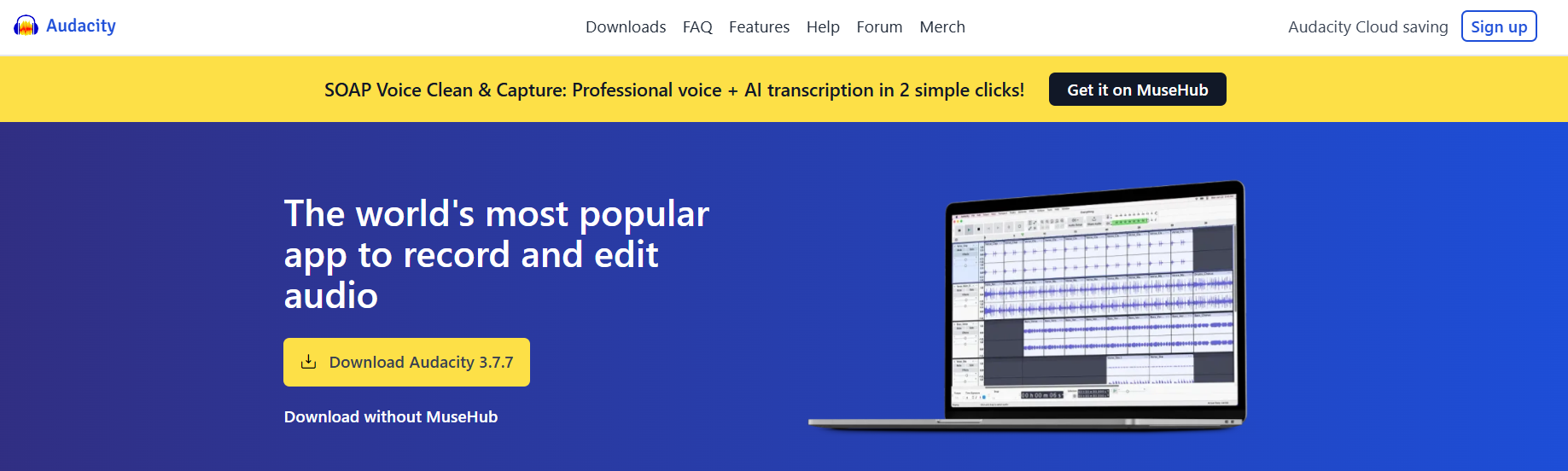
Audacity is the most-used free audio recording software in the world. It runs on Windows, Mac, and Linux, so almost anyone can use it.
You can record your voice, edit audio, add effects, and export it in all the common formats. It also supports multi-track recording and noise reduction, which is useful for podcasts, voiceovers, and music projects.
Why It Made the List
Most free tools compromise somewhere. Audacity does not. You get a real multi-track recording. You get noise reduction, compression, and EQ. You get VST plugin support. Plus, you can export it to MP3, WAV, FLAC, and more.
The software keeps getting regular updates. And its newer versions now include AI-powered features like transcription and vocal removal. No other free audio recorder software offers this full feature set without a subscription or hidden costs. It can be your reliable free backup tool.
Key Features of Audacity:
- Record and manage multiple tracks at once for podcasts, interviews, or layered audio.
- Cut, trim, split, reverse, and rearrange clips easily.
- Remove background noise like fan sounds, hiss, or hum in a few clicks.
- Get compressor, EQ, reverb, distortion, pitch and speed control features.
- Transcribe audio locally (no uploads needed) and even remove vocals from tracks.
- Extend functionality using VST3, LADSPA, and Nyquist plugins.
- Export files in MP3, WAV, FLAC, OGG, and more.
Pros
- It’s completely free.
- Works on Windows, Mac, and Linux
- Strong community and plugin library
Cons
- Interface might feel a bit old.
- Cannot record multiple inputs at once from different devices
- No team collaboration features.
Detailed Pricing
Audacity is free. Always has been, always will be. There are no tiers, no premium plans, and no upsells. Download it from audacityteam.org.
Adobe Audition
Best For: Video editors, marketing teams, and audio engineers working inside the Adobe ecosystem
- Free Trial: 7-day free trial
- Starting Price: $22.99/month
Adobe Audition is a popular professional audio recording and editing tool mostly used for podcasts, voiceovers, and video audio work.
You can record audio, cut unwanted parts, reduce background noise, and mix different tracks in one place. It also helps make recordings sound cleaner and more polished without making the process too complicated.
It works especially well if you’re already using Adobe tools. You can send audio directly from Premiere Pro, edit it in Audition, and bring it back without slowing down your workflow.
Why It Made the List
Audition is feature-rich, reliable, and updated regularly. The noise reduction tools are best-in-class. You can remove a specific frequency from an entire file. You can auto-heal clicks and pops. You can send audio clips from Premiere Pro directly to Audition and back in seconds.
It’s actually time-saving for teams doing video content, marketing, or brand work.
Key Features of Adobe Audition
- Easily switch between detailed editing and full multi-track mixing.
- Visually identify and remove unwanted sounds.
- Clean up audio automatically or manually.
- Send clips directly from Premiere Pro and edit them in Audition.
- Automatically lower the background music when dialogue plays
- Has pre-built session templates.
- Get VST, VST3, and AU plugin support.
Pros
- Best noise reduction tools in the category
- Integration with Adobe Premiere Pro
- Huge template library for content teams
Cons
- Follows a subscription model
- Has a steeper learning curve
Detailed Pricing
- Single App: $22.99/month
- Creative Clouds App: $59.99/month
GarageBand
Best For: Mac users, podcasters, musicians, and content creators who want a full-featured free DAW
- Free Trial: Free forever (pre-installed on Mac)
- Starting Price: Free
GarageBand is a free, professional-level digital audio workstation (DAW) built specifically for Apple users. It comes pre-installed on Mac and is also available on iPhone and iPad.
You can use it to record vocals, instruments, podcasts, and even full music tracks. It gives you 255 tracks, 24-bit/96kHz recording, a large sound library, built-in effects, and tools to mix and polish your audio from start to finish. For Mac users, there is no better starting point.
Why It Made the List
You can record, edit, add music, mix everything together, and export a final file, all of this in one place at GarageBand. You also get access to instruments, loops, and a virtual drummer that adapts to your track.
Another big advantage is how smoothly it works across Apple devices. You can start recording something on your iPhone and continue editing it on your Mac without extra steps.
Key Features of GarageBand
- Get up to 255 audio tracks.
- Cut, arrange, fix timing, and fine-tune audio down to small details.
- Quickly adjust EQ, compression, and effects.
- Get a large sound library for music, intros, and background layers.
- Add dynamic drum tracks that automatically match your project.
- Move projects between Mac, iPhone, and iPad seamlessly.
Pros
- Completely free for Mac and iOS users
- Has AU plugin support
- The interface is clean and easy to learn.
Cons
- No Windows version/support
- VST plugins are not supported (AU only)
- No direct publishing to podcast platforms
Detailed Pricing
GarageBand is free. It comes on every Mac and can be downloaded free from the App Store on iOS. There is no paid version, when you need more, you upgrade to Logic Pro.
Reaper
Best For: Content creators, podcasters, and engineers who want a full professional DAW without the subscription cost
- Free Trial: 60-day fully functional trial
- Starting Price: $60 (discounted personal license)
Reaper is a full digital audio workstation. It runs on Windows, Mac, and Linux. You can use it for podcasts, music production, sound design, or even video-related audio work.
It supports unlimited tracks, full plugin support, a powerful routing engine and everything you’d expect from professional music mixing software.
Why It Made the List
You get full control while using Reaper. You pay once, and you get a powerful, flexible DAW that you can shape exactly the way you want. You can customize layouts, create your own shortcuts, and even automate tasks using scripts.
Plus, it is lightweight and fast. The installer is under 30MB, and it runs on almost any machine. The 60-day trial is fully functional. Nothing is locked out. You can use every feature from day one.
Key Features of Reaper
- Create as many audio or MIDI tracks as you need, with advanced routing between them.
- Get full plugin support: VST, VST3, AU, JS, and more.
- Automate repetitive tasks and build your own workflow.
- Get community-built-in extensions.
- Record and monitor audio with minimal delay.
- Sync audio with video and edit sound for visual content.
Pros
- No subscription model
- Lightweight and runs on older hardware
- Deeply customizable for any workflow
Cons
- No built-in instruments or sound library
- Interface is not beginner-friendly
- Less polished than commercial DAWs
Detailed Pricing
- Discounted License: $60 one time
- Commercial License: $225 one-time
Pro Tools
Best For: Professional recording studios, audio engineers, and post-production teams
- Free Trial: 30-day free trial
- Starting Price: $99 USD/year
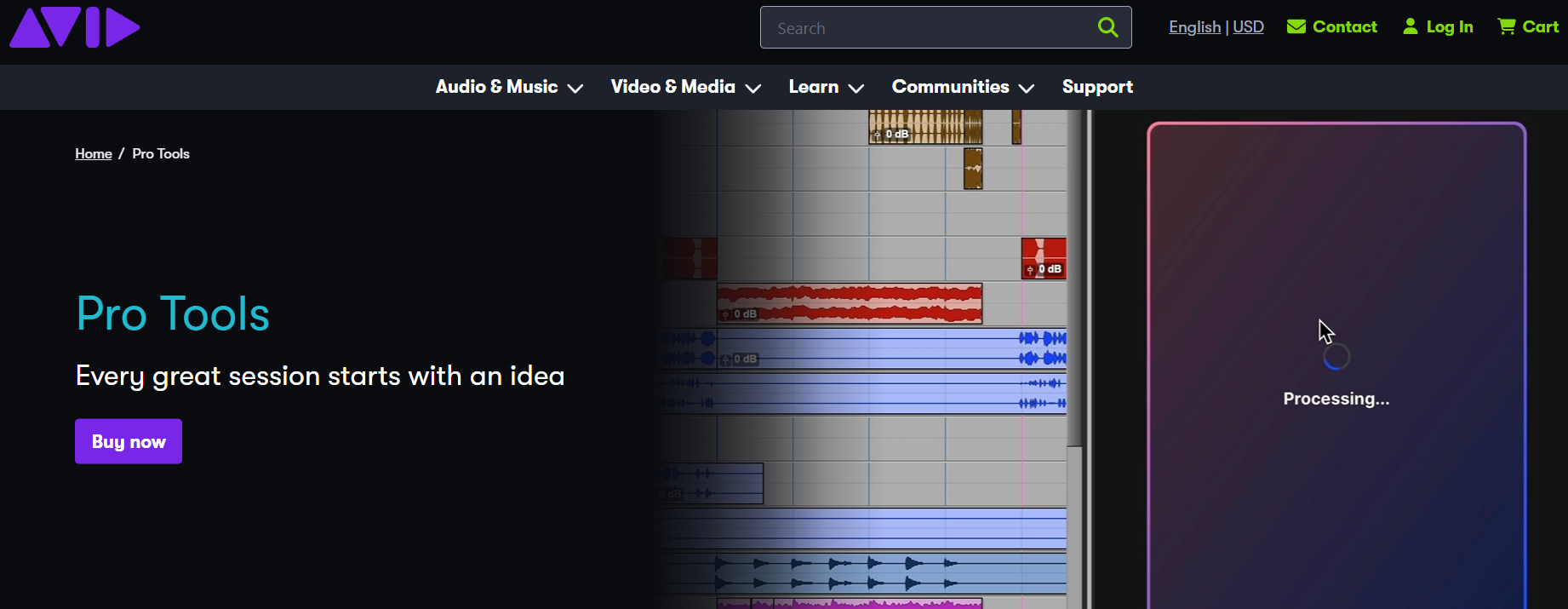
Pro Tools by Avid is one of the most widely used audio production tools in professional studios. You’ll see it everywhere from music production to film, TV, and broadcast.
You can use it to record, edit, mix, and produce audio at a professional level. Depending on the plan, you can work with up to 128 audio tracks, along with virtual instruments, effects, and advanced editing tools.
The free Intro tier gives you 8 tracks and AAX plugin support. Paid plans remove track limits and add cloud collaboration.
Why It Made the List
If you’re working on commercial projects or sending files to a studio, using Pro Tools makes your life easier. You don’t have to worry about compatibility or converting sessions.
Even on the lower-tier plans, you’re still using the same core engine that professionals use. That means your workflow, shortcuts, and session structure stay consistent as you grow.
Key Features of Pro Tools
- You can open your sessions in almost any professional studio setup without issues.
- Handle up to 128 audio tracks (plan-based)
- Adjust timing and pitch without damaging the original audio.
- Share and work on sessions with remote team members.
- Create and edit MIDI tracks with a full piano roll interface.
- Adjust volume at the clip level before mixing.
- Get access to dozens of virtual instruments and thousands of sounds.
Pros
- AAX plugin support at all paid tiers
- Strong cloud collaboration tools
- Precise audio editing tools
Cons
- Deal with iLok setup and licensing.
- Limited to 8 tracks on the free Intro plan.
- Not much powerful system for smooth performance
Detailed Pricing
- Artist Plan: $99 USD/year
- Studio Plan: $299 USD/year
- Ultimate Plan: $599 USD/year
WavePad
Best For: If you want to edit audio quickly without learning a full DAW
- Free Trial: Free version available
- Starting Price: $59.95 one-time (Master’s Edition)
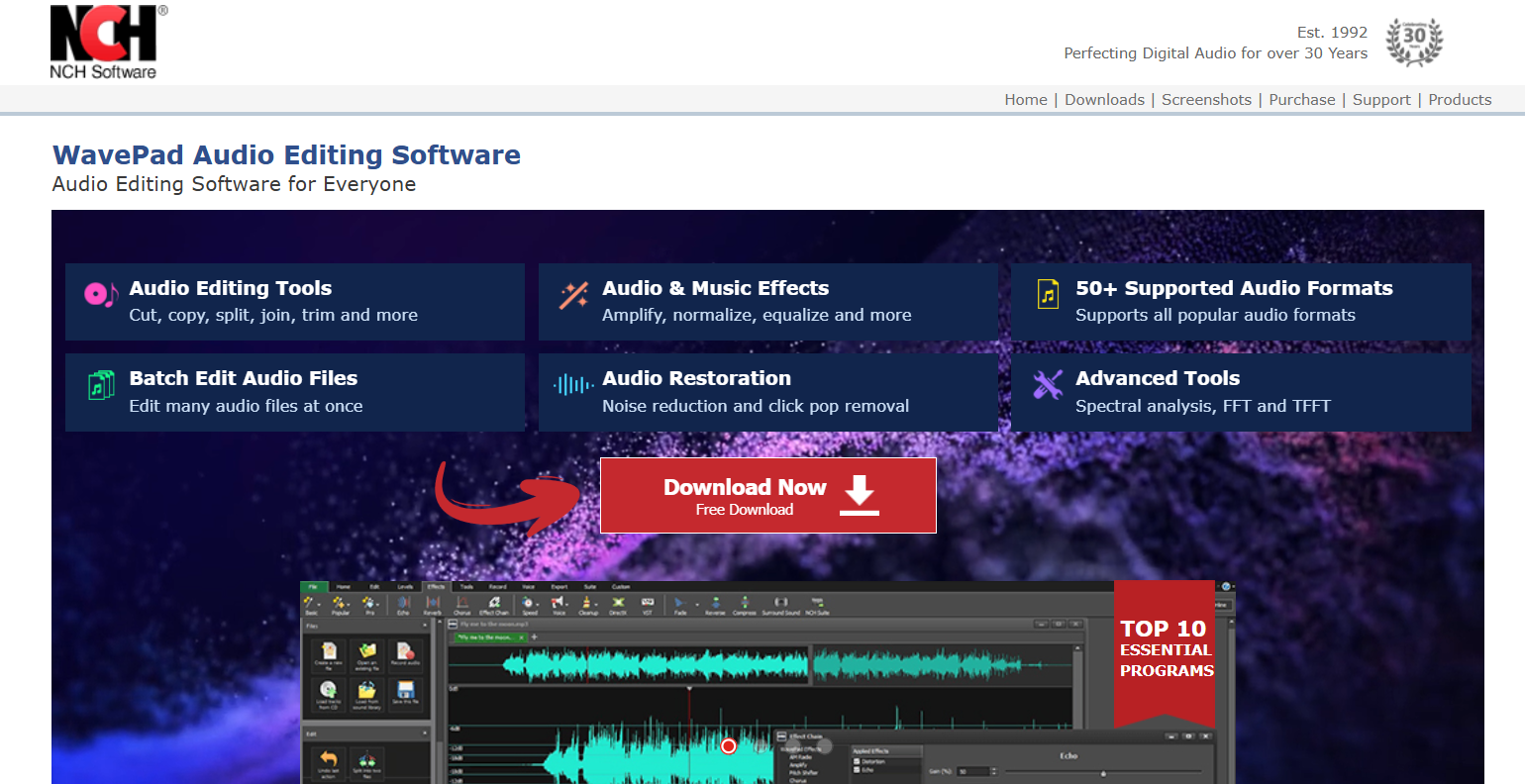
WavePad is a simple, full-featured audio editor from NCH Software. It lets you record, edit, and clean up audio without getting into complex workflows.
You can cut, trim, split, and adjust your recordings in just a few clicks. It also gives you built-in effects like noise reduction, compression, EQ, and reverb. It works on both Windows and Mac, and supports almost every common audio format.
Why It Made the List
With WavePad, you get basic editing tools, noise reduction and batch processing. It also comes with built-in audio effects, which helps you improve recordings quickly without spending hours editing.
Another good part is the pricing. Unlike many audio tools that charge monthly fees, WavePad offers a one-time purchase option, so there’s no ongoing subscription cost.
Key Features of WavePad
- Get basic editing features: Cut, copy, trim, split, and join.
- Remove noise, clicks, pops, and background hum with built-in tools.
- Apply effects or convert multiple files in one go.
- View audio frequencies (FFT/TFFT) for more precise edits.
- Work with MP3, WAV, FLAC, OGG, AAC, M4A, and many more.
- Use EQ, reverb, compression, pitch shifting, and more.
- Quickly find and edit exact points in long recordings.
- Extend functionality using VST plugins.
Pros
- Simple and clean interface.
- One-time pricing.
- Good built-in effects library
- Works on Windows and Mac
Cons
- Less powerful than Adobe Audition or Pro Tools
- The free version has limited export formats.
- No real multi-track production workflow
Detailed Pricing
- Master’s edition: $59.95
- Standard edition: $39.99
Riverside
Best For: Podcasters, interviewers, and content teams who record remote guests
- Free Trial: Free plan available (also 14-day free trial for every plan)
- Starting Price: $29/month
Riverside records audio and video locally on each person’s device instead of relying on internet quality.
That means even if your connection drops or gets unstable, you still get clean, high-quality recordings from everyone. After the session, the files are uploaded and synced automatically.
You also get a built-in editor, so you can trim, clip, and prepare your content without switching tools. For remote podcasting and interviews, this is the best setup available.
Why It Made the List
Riverside solves the remote recording problem. Your guest records on their side. You record on yours. The files are synced and aligned automatically. You end up with separate, clean tracks for each speaker, ready to edit.
The editor is built in, too. You can trim, clip, and create audiograms without leaving the platform.
Key Features of Riverside
- You get uncompressed audio and video from each participant.
- Edit each voice independently.
- Record high-quality (4K) video for YouTube or content repurposing.
- Edit recordings by editing text instead of waveforms.
- Get automatic transcripts for captions and show notes.
- Live stream directly to platforms like YouTube or LinkedIn.
Pros
- It’s the best remote recording quality audio software
- Separate tracks for every speaker
- The built-in editor removes the need for a second tool.
Cons
- Not ideal for music or non-interview audio
- Higher price than simple recorders
- File upload time after sessions can take a few minutes.
Detailed Pricing
- Pro: $29/month
- Grow: $39/month
- Webinar: $99/month
Cleanfeed
Best For: Radio broadcasters, live show producers, and podcasters with remote guests
- Free Trial: Free plan available
- Starting Price: $36/month
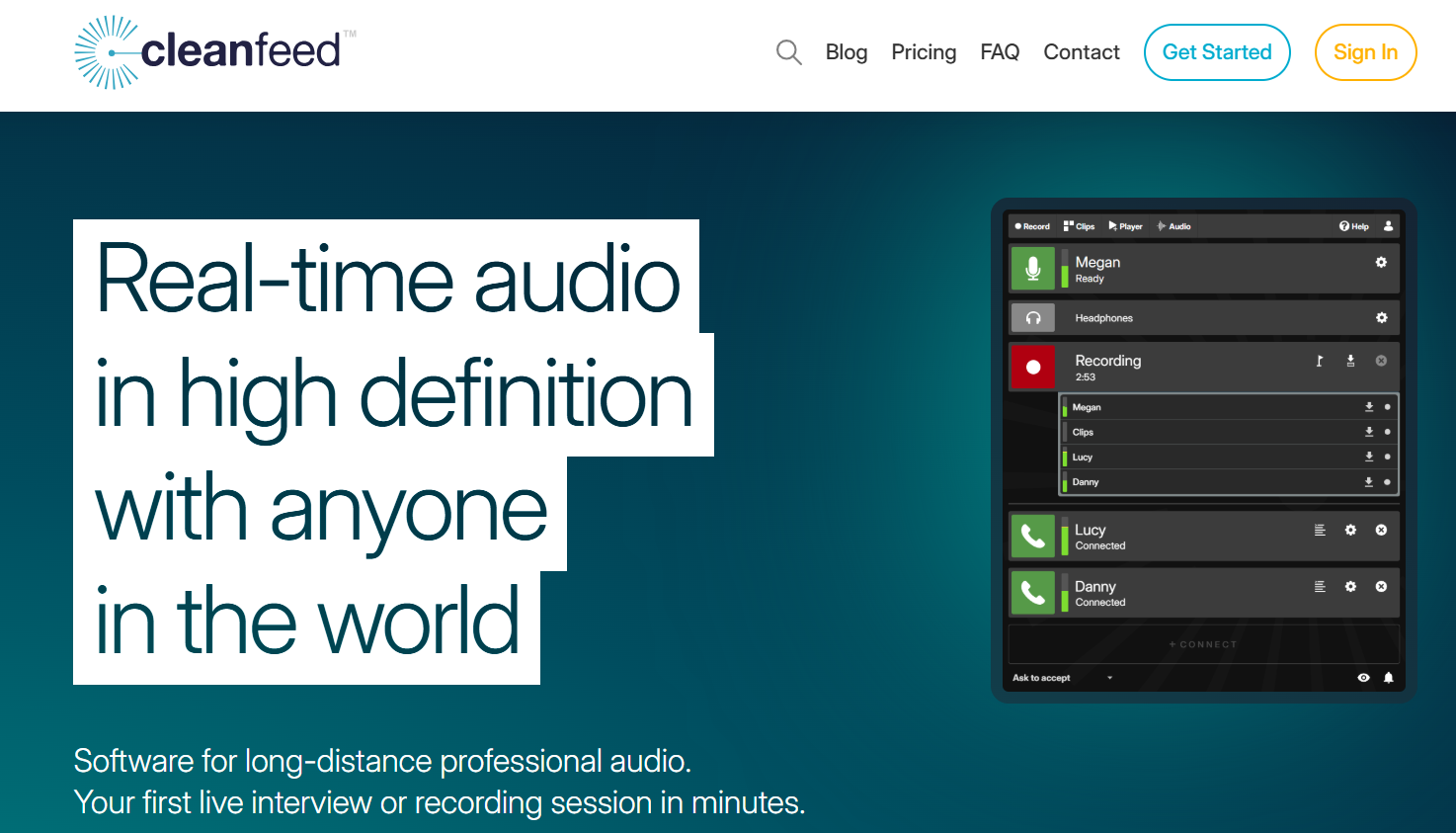
Cleanfeed runs in your browser. There is nothing to install. You get a link, your guest clicks it, and the session starts. It records in high quality (up to 24-bit/48kHz audio). And it is the tool of choice for broadcast radio because of its low latency.
No other browser-based tool matches Cleanfeed’s audio quality for live recordings.
Why It Made the List
Cleanfeed gives you near-real-time audio with much better quality than Zoom or phone calls. That’s why it’s widely used in radio and live broadcasting. If you need clean audio while recording live guests, this does the job well.
Key Features of Cleanfeed
- You and your guests just use a link.
- Get broadcast-level audio from a browser.
- Bring multiple people into one session.
- Audio levels adjust automatically.
- Can route audio into your recording setup
Pros
- Works on any device with a browser.
- Broadcast-quality audio
- Ideal for live radio and live podcast formats
Cons
- Editing features are basic
- Higher price for a single-purpose tool
- Free plan limits multi-guest functiona
Detailed Pricing
- Cleanfeed Lite is free
- Cleanfeed Pro: $36/month
- Cleanfeed cinema: $2500/year
Logic Pro
Best For: Mac-based creative teams, music producers, and professional podcasters
- Free Trial: 90-day free trial
- Starting Price: $199.99 one-time (or $4.99/month on iOS)
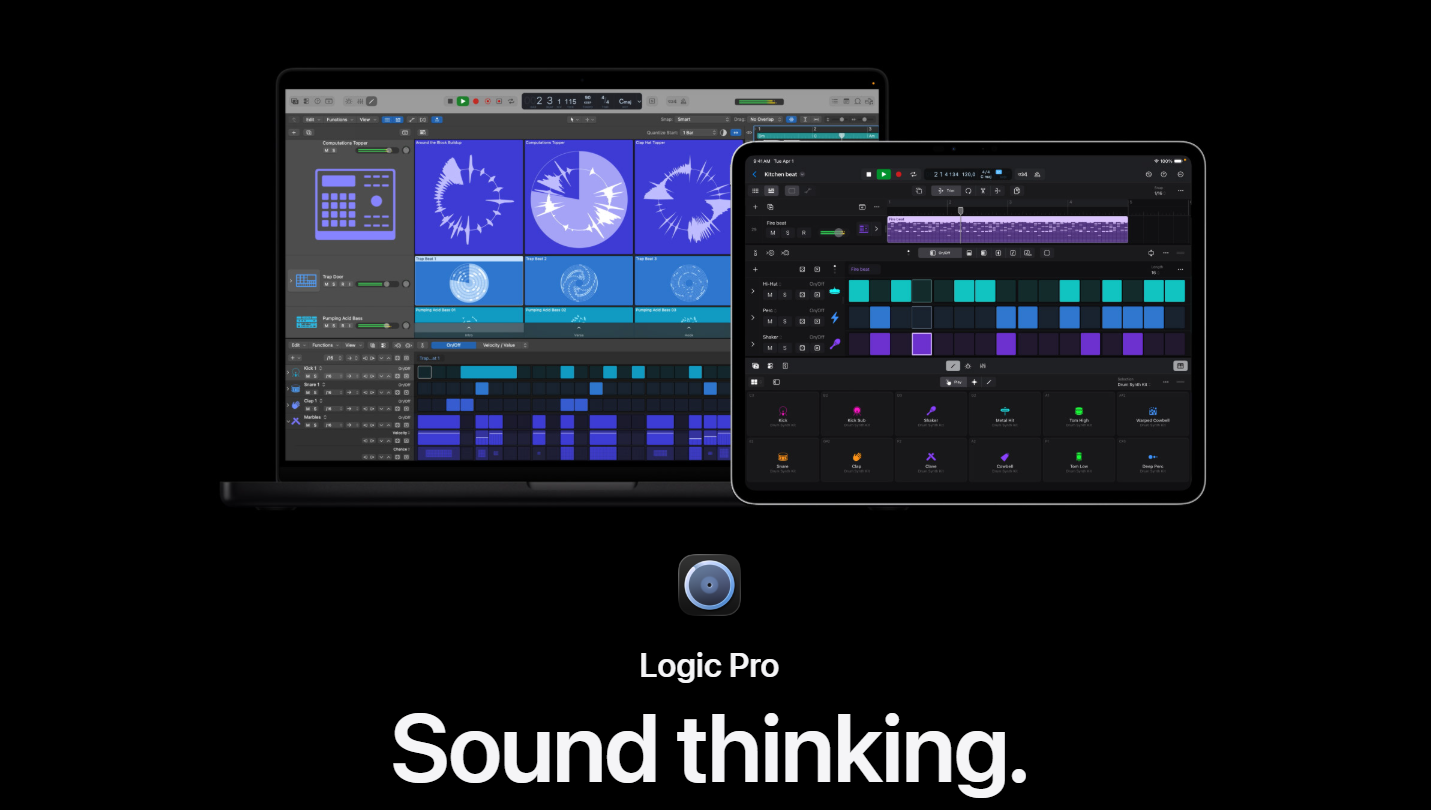
Logic Pro is Apple’s professional DAW and the natural upgrade from GarageBand.
You get everything: unlimited tracks, advanced MIDI tools, a massive plugin library, and support for high-end features like Dolby Atmos mixing. You pay once and own it, which makes it a strong long-term investment.
Why It Made the List
In LogicPro, you don’t need extra plugins or tools to get started. You can produce, mix, and finish projects at a professional level. And if you’ve used GarageBand before, the transition feels natural.
Key Features of Logic Pro
- Build complex projects without limits.
- Create spatial audio for modern platforms.
- Build beats and patterns easily.
- Match tempo across recordings automatically.
- Separate vocals, drums, and instruments from a track.
- Add AI-driven virtual musicians to your project.
Pros
- One-time price only
- Excellent plugin library included
- Seamless GarageBand upgrade path
- Dolby Atmos and spatial audio support
Cons
- No Windows version
- No free tier (only a 90-day trial)
- Heavier system requirements than lighter DAWs
Detailed Pricing:
- Mac (desktop): $199.99 one-time
- iPad: $4.99/month
Squadcast
Best For: Podcast producers, editors, and remote recording teams
- Free Trial: Free plan available
- Starting Price: $16/month
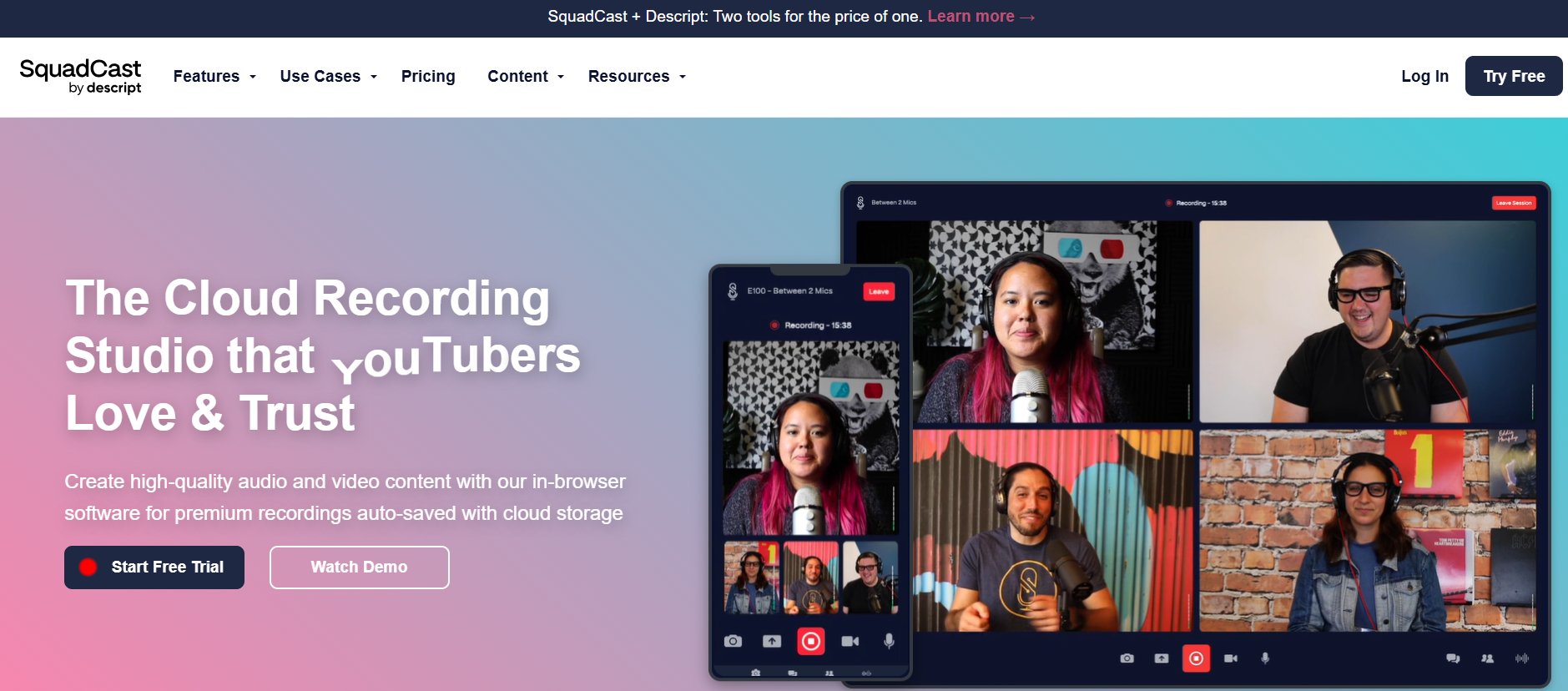
Squadcast is built specifically for podcast recording. Like Riverside, it records audio locally on each device. But it focuses only on audio, no video features. It also connects directly with Descript, so your recording can move straight into editing.
Why It Made the List
If your focus is just audio, Squadcast gives you a cleaner and more affordable setup. You record, your files upload automatically, and you can send them straight to editing.
Key Features of Squadcast
- Your audio uploads while you record.
- Get clean audio for each speaker.
- Move straight into transcript-based editing.
- You and your guests can test audio before recording.
- Can see audio levels and connection quality in real time.
- Recordings stay safe even if something fails.
Pros
- Pay less than most remote recording tools.
- Guests don’t need to install anything.
- Get reliable audio quality.
Cons
- You don’t get video recording.
- You can’t live-stream.
- The free plan is limited.
Detailed Pricing
- Has a free plan
- Hobbyist: $16/month
- Creator: $24/month
- Business: $50/month
Note: Squadcast has now joined Descript.
How We Selected These Audio Recording Tools
Every tool on this list was evaluated against the same criteria. Here is what we looked at:
Recording quality.
You want clean, usable audio from the start.
So we looked at how well each tool captures sound, like bit depth, sample rate, and how it handles background noise and latency. Because if your raw recording is bad, no amount of editing will fully fix it.
Editing depth.
We checked whether you can trim, clean up, mix, and export inside the same tool. Or if you’ll need a second app to get the job done.
Workflow fit.
Is this tool built for your specific use case: podcasting, voiceovers, remote interviews, music production? We chose tools that serve defined audiences, not just general-purpose options.
Ease of use.
How long does it take to get your first clean recording? We favored tools that reduce friction in the first session.
Pricing and value.
Is the price fair for what you get? We looked at free plans, trial access, and long-term cost. Whether you’re paying once or subscribing monthly, the tool should feel worth it over time.
Team use.
Can more than one person use this? Does it support collaboration, cloud sync, or shared sessions?
How to Choose the Right Audio Recording Software
Here is a simple way to narrow it down.
If you are just starting out, start with Audacity (Windows/Linux) or GarageBand (Mac). Both are free. Both are capable. You will not outgrow them quickly.
If you record remote interviews or podcasts with guests, look at Riverside or Squadcast. Both record locally on each device. The audio quality is far better than Zoom or Google Meet.
If your team already uses Adobe Creative Cloud, Adobe Audition is the obvious fit. The Premiere Pro integration alone saves hours each week.
If you want one tool to do everything — record, edit, mix, and produce music or high-production content, Logic Pro (Mac) or Reaper (cross-platform) are the best value.
If you do live radio or need browser-based recording with guests, Cleanfeed is the most reliable option at that specific job.
If you are a professional studio or need to share sessions with commercial engineers, Pro Tools is the industry standard. There is no other choice when interoperability matters.
Final Thought
There’s no one perfect audio recording tool for everyone. The best choice is the one that matches your workflow, budget, and the kind of content you create. All these listed tools offer free trials or demos. So test and try before committing to one
Read More:
Best Duplicate File Finders For Windows And Mac
10 Best Mac Video Editing Software In 2026