


Startups today are filing patents earlier, locking down trademarks faster, and entering licensing or partnership conversations much sooner than before.
IP management isn’t a legal problem anymore. It’s a business problem.
Once your company files a patent or registers a trademark, you have deadlines to track. You have documents to store. You have legal fees to watch.
Miss one renewal date, and you lose rights you paid thousands to protect.
This guide is especially for founders, ops leads, and growing businesses. We’ve picked 9 IP management tools and mapped each one to where you are in your growth journey.
Quick Comparison: Best IP Management Softwares at a Glance
How We Evaluated These Intellectual Property Management Tools
Our criteria included:
Scalability: Does the tool grow with you, or will you outgrow it in 12 months?
User Experience: Can a non-lawyer navigate it?
Pricing Transparency: Does it require a 3-month sales cycle just to get a quote?
Collaboration: How easily can external lawyers be invited into the system?
Top 9 Intellectual Property Management Softwares In 2026

AppColl
Best Stage Fit: Early-stage startups and small teams.
- Free Trial: Yes Available
- Starting Price: Starts $100/user/month

AppColl is a cloud-based IP management platform meant to simplify how companies handle patents, trademarks, and related legal work.
It serves as a central system for tracking your IP portfolio, managing deadlines, storing documents, and collaborating with your team or outside counsel.
Why We Picked It
In contrast to traditional IP tools, AppColl is easy to navigate, even for non-legal users. It also pulls data directly from the United States Patent and Trademark Office, which decreases manual work for US filings. It also offers a Tandem module that lets you share limited access with clients or team members so they can view and collaborate on IP-related information more easily.
Key Features of AppColl:
- Automatically sync US patent and trademark data from the USPTO
- Manage patents, trademarks, and related documents from one dashboard
- Get deadline reminders and renewal tracking to stay organized
- Track legal costs with built-in billing and invoicing tools
- Manage invention ideas from disclosure to filing in one place
- Create custom workflows, forms, and automated email alerts
- Collaborate with your team and outside legal counsel more easily
Pros
- Easy to learn and use, even for first-time users
- More affordable option compared to many IP management tools
- Get more advanced and strong core features for small teams
Cons
- The UI feels a bit dated
- Limited integrations compared to enterprise platforms
Detailed Pricing:
- PM Pro: $100/user/month
- PM Plus: $130/user/month
- PM Corporate: $130/user/month + $100/law firm
- Invention Manager: $350/user/month.

Alt Legal
Best Stage Fit: Trademark-heavy companies (Consumer brands, e-commerce businesses, and SaaS companies)
- Free Trial: Request for free demo.
- Starting Price: Starts at $60/month
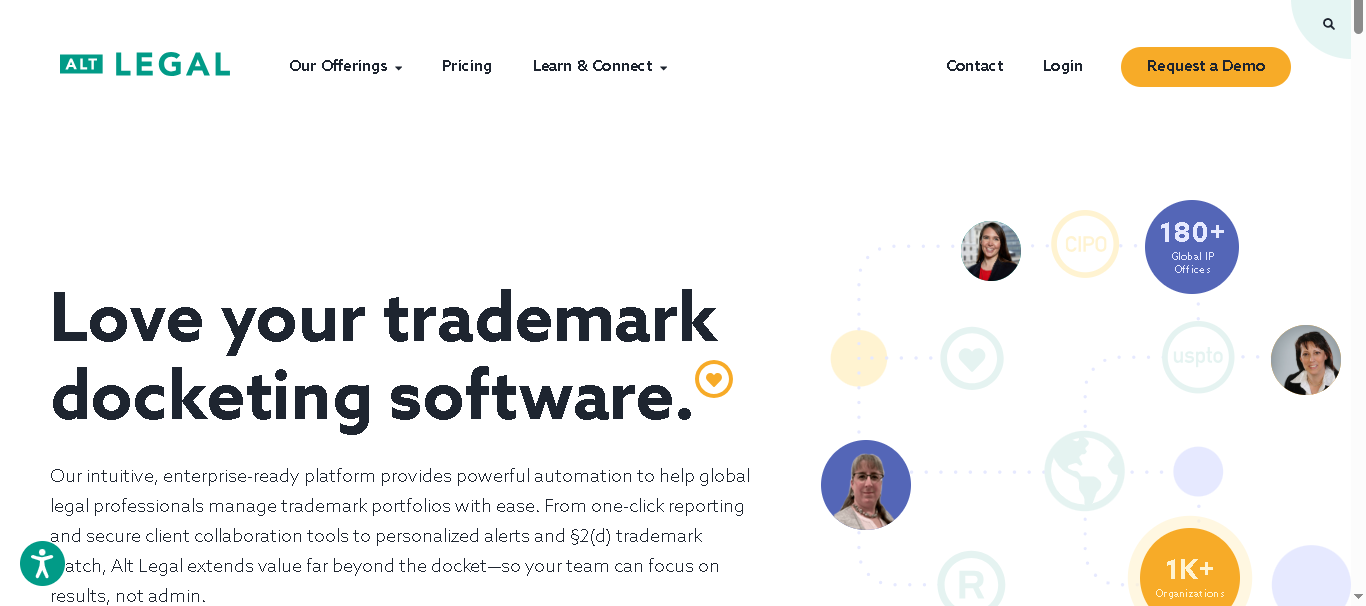
Alt Legal is a cloud-based IP management tool built specifically for trademark-heavy teams. It automates docketing by pulling live data from the United States Patent and Trademark Office and 180+ global IP offices, so you don’t have to track filings manually. The platform is designed to reduce admin work and keep everything organized in one place.
Why We Picked It
Instead of charging per user, Alt Legal charges per matter. This makes it affordable for growing teams. If your focus is primarily trademarks and you want something easy to set up and run, this is one of the most practical options available.
Key Features of Alt Legal:
- Automatically track trademarks across more than 180 global IP offices
- Get alerts when someone files a similar brand name or logo
- Receive daily email updates about important changes and upcoming actions
- Use ready-made email templates with auto-filled case details
- Sync calendars and manage collaboration with your team more easily
Pros
- Best-in-class UI
- Pricing based on matters, not users
- Strong automation for trademark tracking
Cons
- You may find it limiting for large and complex IP portfolios
- You get only basic document management compared to enterprise-level platforms
Detailed Pricing:
- Up to 50 matters: $60/month
Trademark Protection add-on: +$30/month - Up to 100 matters: $100/month
Trademark Protection add-on: +$40/month - Up to 200 matters: $195/month
Trademark Protection add-on: +$60/month - Up to 400 matters: $295/month
Trademark Protection add-on: +$95/month

FoundationIP
Best Stage Fit: Series A/B companies managing patents and trademarks
- Free Trial: Request a demo.
- Starting Price: Custom (contact sales)
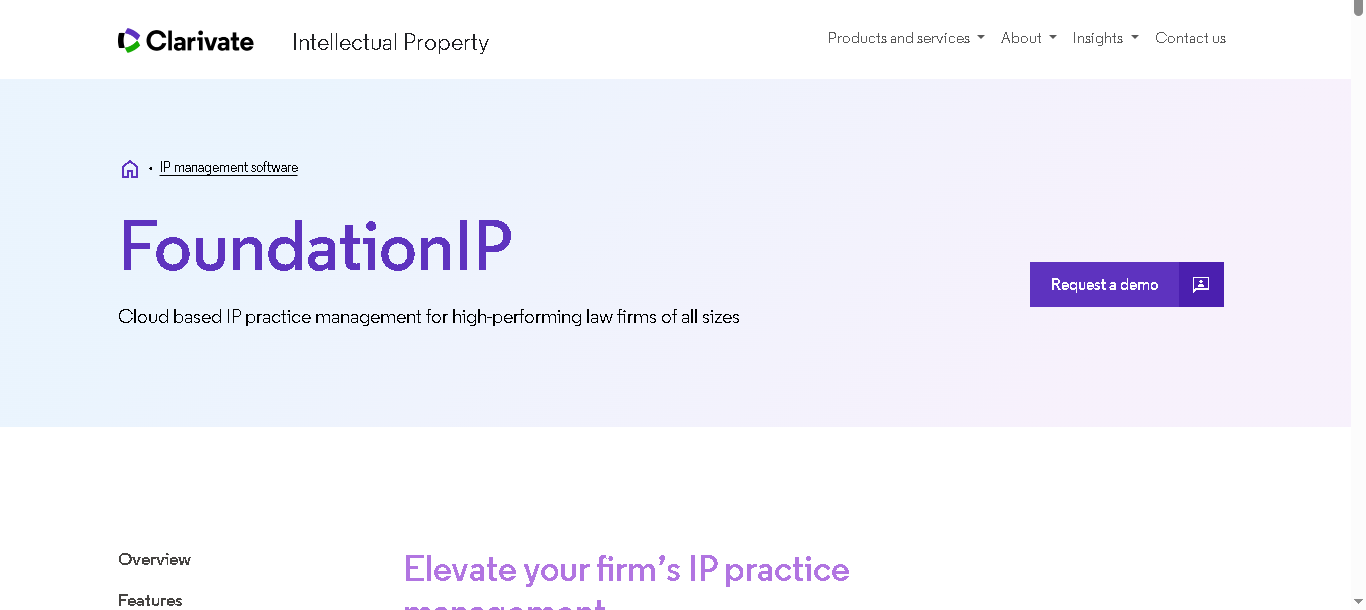
FoundationIP is a cloud-based IP lifecycle management platform from Clarivate. It covers patents, trademarks, and other IP assets from filing through maintenance.
It’s designed for law firms but works well for mid-size corporate IP teams that need flexibility and automation without a full enterprise system.
Why We Picked It
FoundationIP has strong workflow automation and good reporting features. It’s a very customizable platform. For a Series A or B company that’s outgrown spreadsheets but doesn’t need an enterprise system, it fills that gap.
Key Features of FoundationIP:
- Full IP lifecycle management (patents, trademarks, designs)
- Automated data capture and document management
- Portfolio tracking, analytics, and reporting tools
- Collaboration tools for inside and outside counsel
Pros
- Easy to customize workflows
- Cloud-based, so you can access and collaborate from anywhere
- Uses Clarivate data for accurate deadline tracking
Cons
- Setup can take time
- Support response can be slow (as per some users)
Detailed Pricing
- Custom pricing only. Contact Clarivate for a quote. Generally best suited for teams managing 50+ IP assets.
IPFolio
Best Stage Fit: Series B+ companies with 15–100 IP assets that are already using Salesforce.
- Free Trial: Request a demo
- Starting Price: Custom (contact sales)
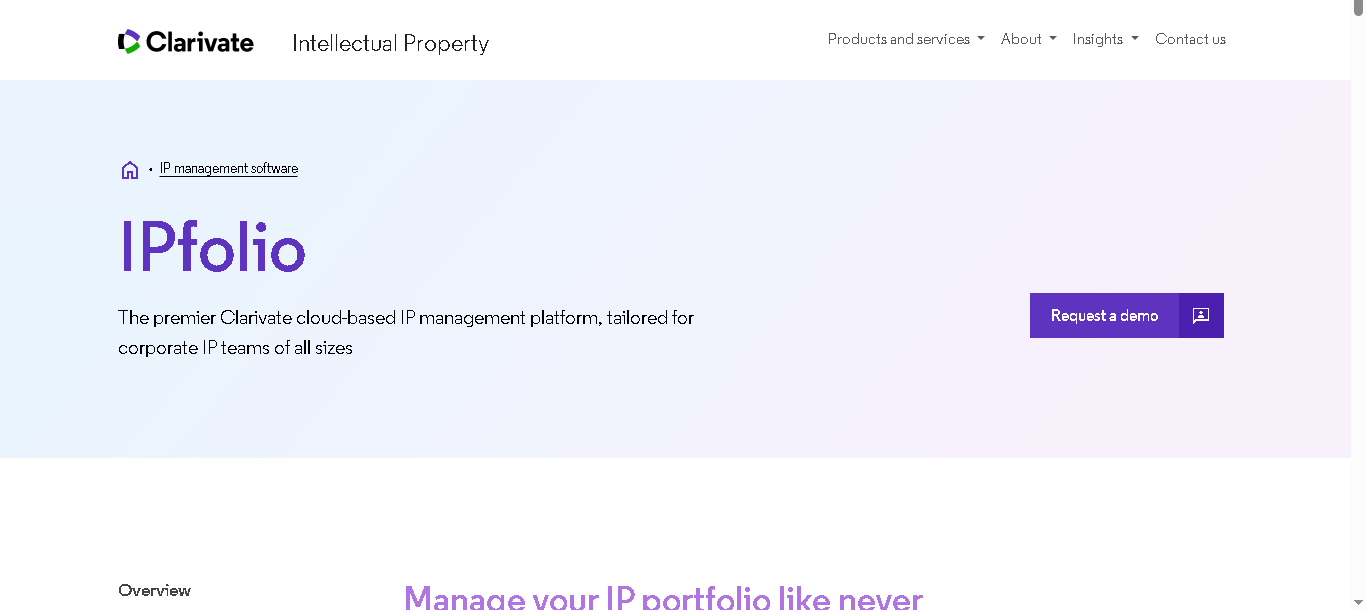
IPfolio is a cloud-based IP management software (now part of Clarivate) built on Salesforce. Here, you get strong security and a high level of customization. More importantly, it lets you connect your IP data with other business functions like sales, R&D, and finance.
It is designed more for corporate IP teams than law firms, with a focus on usability and visibility.
Why We Picked It
If you manage a growing IP portfolio, you may need more than just legal tracking. Different teams like finance, leadership, and product often need visibility too. IPfolio makes this easier with simple dashboards and reporting tools that are easy to understand, even for non-legal users.
Key Features of IPFolio:
- Manage patents, trademarks, copyrights, and trade secrets from one platform
- Track portfolio status, value, and risks through real-time dashboards
- Get deadline reminders and renewal alerts to stay organized
- Automate workflows and manage tasks more efficiently
- Collaborate with internal teams and outside legal counsel
- Connect the platform with tools like Salesforce and Clarivate system
Pros
- Clean and intuitive interface
- Strong customization due to Salesforce foundation
- Good balance between usability and scalability
Cons
- Automation less advanced than some enterprise-level tools
- You need to contact the company directly for pricing details
- Need some setup time in the beginning to configure the platform
Detailed Pricing:
- Custom pricing only. Available as part of the Clarivate ecosystem

PatSnap
Best Stage Fit: Tech-driven companies where R&D, innovation, and competitive advantage are top priorities.
- Free Trial: Yes Available
- Starting Price: Free plan
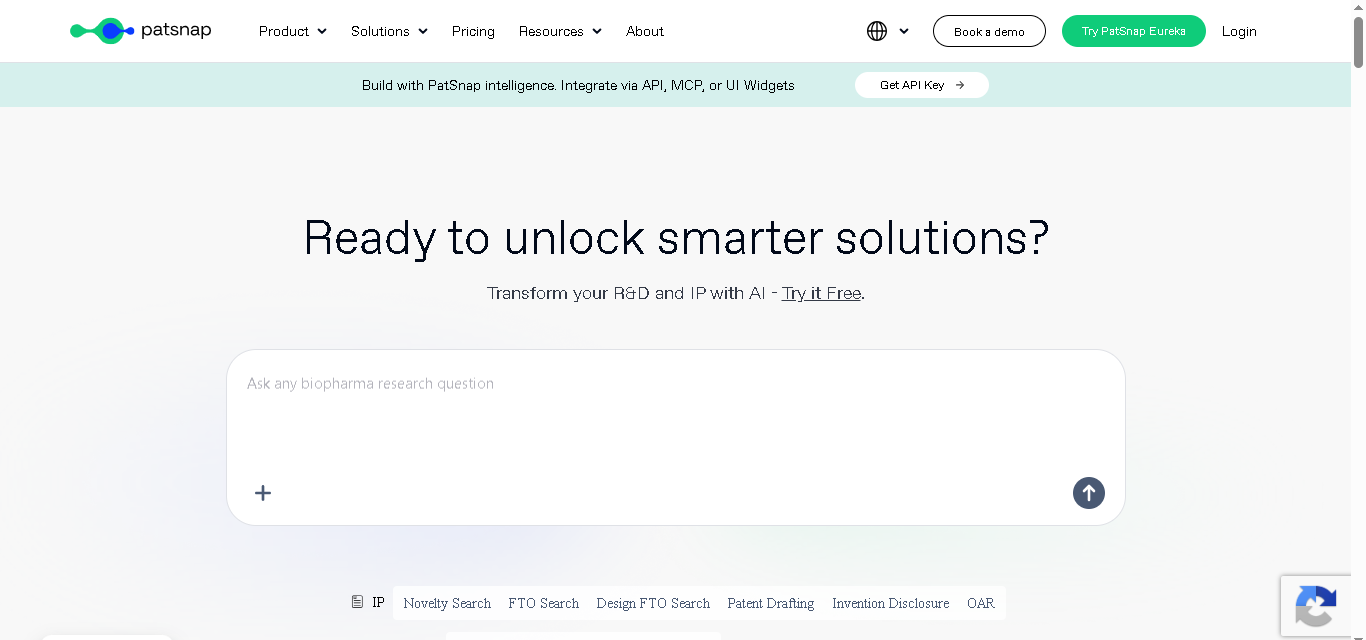
PatSnap is an AI-powered IP management and intelligence platform. Instead of only managing your IP, it helps you understand what others in your industry are building.
It analyzes huge amounts of global patent and R&D data to give you insights you can actually use. So that you can make smarter decisions, avoid risks, and move faster.
Why We Picked It
PatSnap is the right tool if your company builds technology and needs to know what patents exist around your product area. They not just track the ones you own. That’s a different use case from pure portfolio management, but it’s one that fast-growing tech companies hit quickly.
Key Features of PatSnap:
- Search patents using smart semantic matching, not just exact keywords
- Access to a global patent database covering more than 170 countries and regions
- Explore technology trends and industry landscapes more easily
- Track competitors and compare innovation activity
- Run prior art and freedom-to-operate checks for research and legal work
- Use visual patent maps to understand complex patent data faster
Pros
- Get deeper patent and technology insights
- Find relevant patents even when different wording or terminology is used
- You can use it for both R&D planning and IP management
- You get useful insights into competitor activity and market trends
Cons
- You may find the premium features expensive
- You might need time to learn the platform if you are not from a technical background
Detailed Pricing:
PatSnap IP Agents (Patent Search & Drafting)
- Basic plan: Free
- Pro Patent Searching: $400/month
- Pro Patent Drafting: $200/month Free trial available.
- Enterprise: Custom
- Open Platform: Custom

Questel
Best Stage Fit: Companies managing IP across multiple countries
- Free Trial: Yes Available
- Starting Price: Custom Pricing
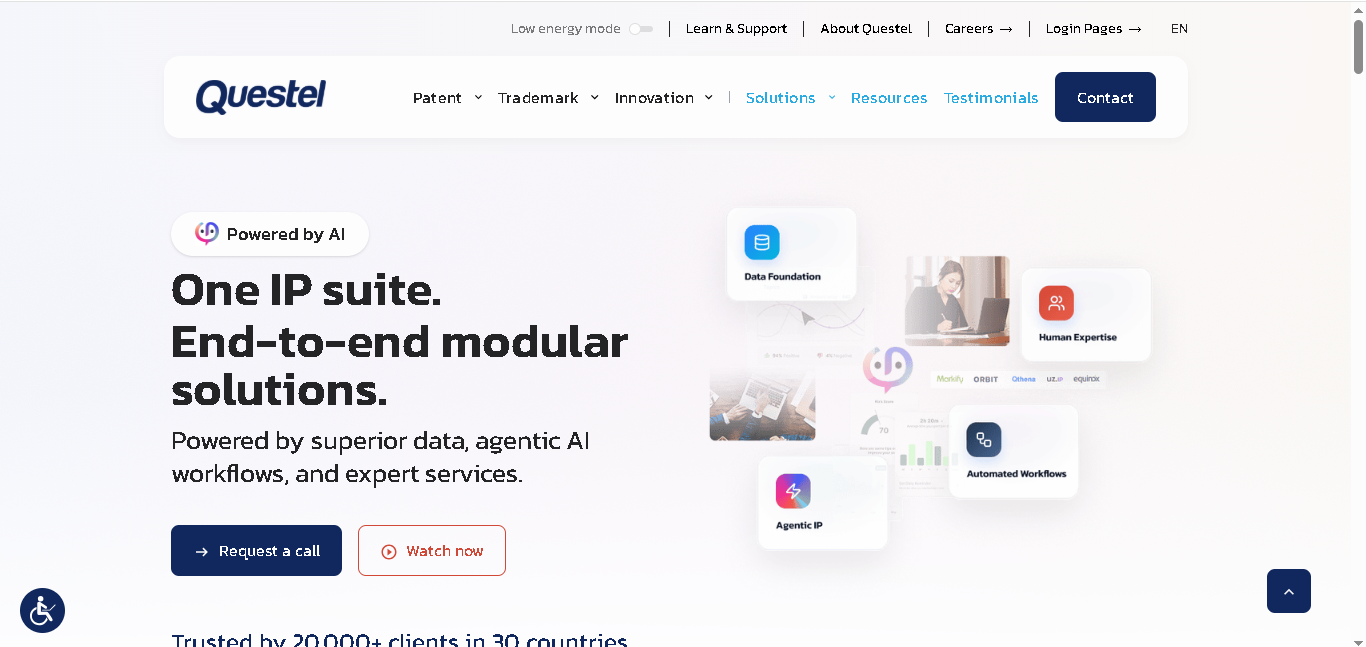
Questel is a global IP management and innovation platform designed for companies with growing international portfolios. It combines portfolio management, patent intelligence, and renewal tracking in one system.
It’s used by 20,000+ organizations across 30+ countries. Questel is especially known for IP foreign filings, giving you access to a network of 320 agents and 1,200 translators. This way you can handle filings across multiple countries without extra complexity.
Why We Picked It
Questel is a good choice if you’re expanding into multiple countries. Its product Equinox helps you track deadlines, filings, and renewals, while Orbit is useful for patent research and competitor analysis.
Key Features of Questel:
- Manage patents, trademarks, designs, and domains
- Use Equinox to track deadlines and handle renewals
- Get global filing support with agents and translators
- Check, file, and renew trademarks easily
- Use AI tools for invention tracking and patent research
- Manage legal work like contracts, licensing, and disputes
- Works for both companies and law firms
Pros
- Strong global coverage for multi-country portfolios
- Combines IP management + patent intelligence
- More flexible than heavy enterprise platforms
Cons
- Can feel complex for small teams
- Requires setup and onboarding effort
- Pricing not transparent
Detailed Pricing:
- Custom pricing based on modules, users, and portfolio size.
CPA Global
Best Stage Fit: Large enterprises managing global patent renewals and annuities
- Free Trial: Request a demo
- Starting Price: Custom (enterprise)
CPA Global, now part of Clarivate, is built for companies that manage large, global IP portfolios. It focuses heavily on the operational side of IP, especially renewals, annuities, and maintenance.
Beyond renewals, you also get support for broader IP lifecycle management. Your team can track patents, trademarks, and deadlines in one centralized system.
Why We Picked It
You’re handling a large number of patents across countries. In this case CPA Global can save you a lot of manual work. It automates payments and gives you a clear view of your IP costs, so you’re not guessing where your budget is going.
Key Features of CPA Global:
- Automate patent and trademark renewals and payment management
- Manage IP filings across major countries and regions
- Track your full IP portfolio and important deadlines from one platform
- Plan budgets and estimate future IP-related costs more easily
- Connect it with other Clarivate IP tools for broader portfolio management
Pros
- Handle large global IP portfolios more efficiently
- Strong international coverage and support across multiple countries
Cons
- Customization options limited for specific workflows
- You may find it expensive compared to smaller or mid-sized IP tools
Detailed Pricing:
- You’ll need to contact Clarivate for a custom quote based on portfolio size and global coverage.
Clarivate
Best for: Enterprise teams needing data-driven IP strategy
- Free Trial: Yes Available
- Starting Price: Custom (enterprise)

Clarivate is one of the biggest names in IP data and analytics. Its suite includes Derwent Innovation for patent search, FoundationIP for lifecycle management, IPFolio for portfolio tracking, and CPA Global for renewals.
If you need an end-to-end IP technology stack backed by world-class data, Clarivate covers it.
Why We Picked It
Clarivate stands out for its high-quality data. Its Derwent patent database is widely used by pharma and tech companies. If you need to understand the overall patent landscape, not just manage your own IP, Clarivate gives you strong, reliable insights.
Key Features of Clarivate:
- Powerful patent search and insights (Derwent Innovation)
- Manage your patents and IP from start to finish (FoundationIP)
- Track and check trademarks worldwide
- Handle renewals and payments easily (CPA Global)
Pros
- Very high-quality patent data (trusted by pharma and tech teams)
- Everything you need in one system
- Strong insights to help you make better IP decisions
Cons
- Expensive and not ideal for smaller companies
- Setup can take time, especially if you use multiple tools together
Detailed Pricing:
- Custom enterprise pricing. Requires a direct sales engagement. Total cost includes onboarding, training, and integration fees.

Anaqua
Best Stage Fit: For large enterprise with complex global-scale portfolios
- Free Trial: Yes, 30-day Free Trial
- Starting Price: Custom (enterprise)
Anaqua is an enterprise IP management platform used by Fortune 500 companies and major law firms. It handles the full IP lifecycle: docketing, analytics, renewals, trademark clearance, and enforcement.
Its 2024 release of PATTSY WAVE version 8 added enhanced automation and collaboration tools.
Why We Picked It
Anaqua is the right choice when your IP portfolio is so large and complex that managing it with anything less would create serious business risk. It’s built for organizations where IP is a core strategic asset and needs full end-to-end management with deep analytics and global coverage.
Key Features of Anaqua:
- Manage patents, trademarks, and other IP records from one platform
- Automate routine work like docketing, reminders, and workflow management
- Store and organize important documents in a central system
- Track performance and activity with built-in reports and analytics
- Use smart tools to improve IP planning and management decisions
- Choose solutions designed for both businesses and law firms
- Get a platform widely used by large companies and legal teams worldwide
Pros
- You can customize the platform based on your workflow and business needs
- You can manage large global IP portfolios as your company grows
Cons
- Need a longer setup and implementation process
- You and your team may require training to use all features properly
Detailed Pricing:
- Custom enterprise pricing. Typically based on portfolio size, users, and modules.
How to Choose the Right Tool for Your Stage
Choosing an IP management tool isn’t about picking the “best” one, it’s about picking what fits your current stage.
If you’re early-stage (pre-Series A, under– 20 IP assets)
At this point, your biggest problem isn’t complexity. Its staying organized Its staying organized without making complicated things. You don’t need heavy workflows or enterprise-level dashboards yet.
Start with tools like AppColl or Alt Legal. They’re simple, easy to set up, and give you just enough structure to track filings, deadlines, and documents without slowing you down.
If you’re scaling (more filings, rising legal costs)
You’re working with external counsel, handling more filings, and your legal costs are no longer predictable. This is where tools like IPfolio or FoundationIP make sense.
They help you collaborate better with teams and lawyers, track costs more clearly, and give you visibility into what’s happening across your IP portfolio.
If you’re enterprise (global filings, large portfolio)
At this stage, IP is no longer just a legal task, it’s a strategic function. You’re dealing with multiple countries, complex filings, renewals, compliance, and high costs.
You’ll need powerful, scalable platforms like Anaqua, or CPA Global. These tools are built to handle complexity, large datasets, global workflows, and deep reporting.
Final Thoughts
IP management used to be a legal department problem. Today, it’s a business operations problem.
Your patents protect your product. Your trademarks protect your brand. Both can disappear if you don’t have a system to manage them. And the cost of losing them is almost always higher than the cost of the software that would have prevented it.
Start with the tool that fits where you are now. You can always upgrade. But if you miss a deadline and lose a patent, you can’t get it back.
Read More About:
10 Best Property Management Softwares In 2026
Best HOA Accounting Software For Professional Managers In 2026
7 Best Trademark Monitoring Software In 2026