

Generic accounting software is not built for HOA work. It does not understand fund accounting. It cannot separate operating and reserve funds.
It has no concept of assessments, violations, or ARC requests. And it will not generate a board-ready financial report that quick.
Purpose-built HOA accounting platforms fix these gaps. But they vary a lot: in pricing, in features and in who they are actually built for.
Some are great for large HOA management firms. Others are better for small independent HOA managers. And some are just basic business tools that require integration with HOA management softwares to perform well.
This guide will break everything down clearly so you can choose what fits your setup best.
Why Trust RelevanSaaS Reviews
HOA accounting isn’t just bookkeeping. It involves fund management, compliance, board reporting, and resident data, all in one system. Most generic tools aren’t built for this level of complexity.
At RelevanSaaS, we’ve researched and analysed several HOA accounting platforms to identify what actually works in real-world use. Every tool in this guide is evaluated on fund accounting capabilities, reporting accuracy, ease of use, pricing transparency, and scalability.



9 Best HOA Accounting Software In 2026

AppFolio
Best for large HOA management portfolios
- Free trial: No demo required
- Starting price: $1.49/unit/month (minimum $298/month for community associations)
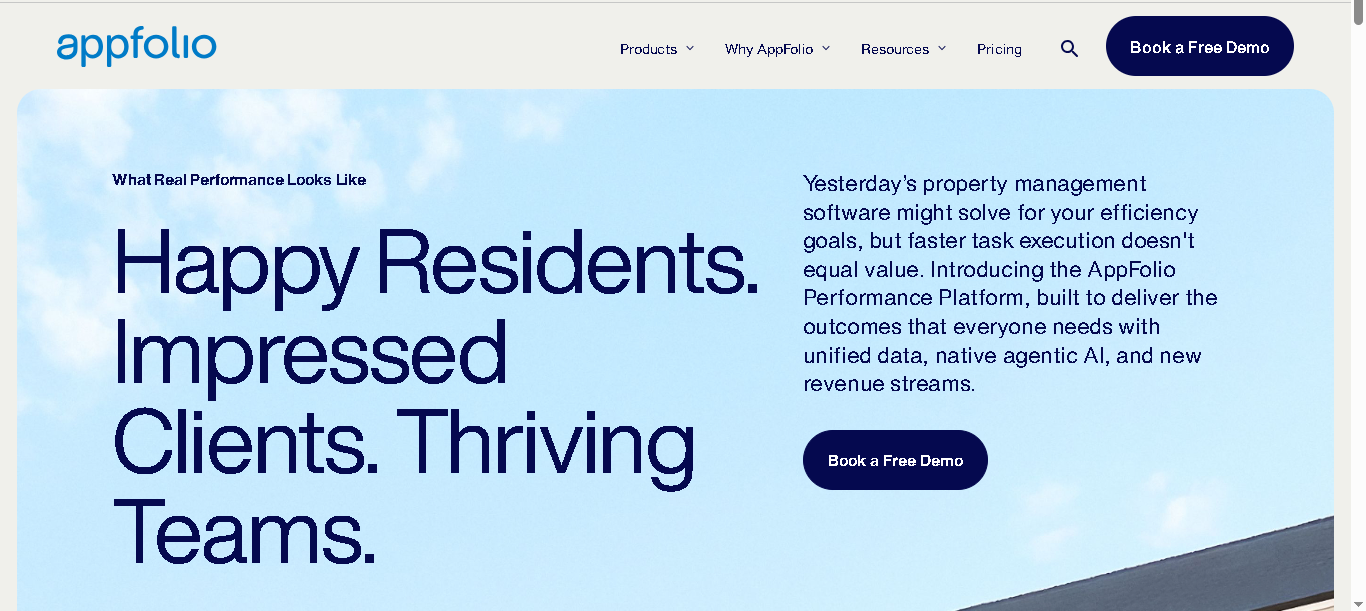
AppFolio Property Manager is an intuitive HOA and property management platform. It’s mainly built for property managers, but includes dedicated features for managing HOAs and housing societies.
You can track maintenance dues, record payments, manage expenses, handle maintenance requests, and communicate with residents. Everything sits in one system, which means less back-and-forth and more control over daily operations.
Who Is AppFolio Best For?
AppFolio works best for large management firms handling multiple communities. If you’re managing 200+ units across several associations, the per-unit pricing and multi-association reporting make more sense. It’s less ideal for small portfolios where the minimum monthly cost feels too high for what you’re getting.
Why It Made the List
AppFolio stands out because it combines native fund accounting with AI-powered workflows. Most platforms offer one or the other. The multi-association financial views also make it one of the few tools where a manager can actually see a clean, real-time picture across an entire portfolio without running separate reports.
Key Features Of AppFolio
- Automated assessment billing with flexible fee schedules
- Online maintenance requests and work order tracking
- Architectural reviews with built-in messaging
- Real-time financial reporting with multi-association views
- Association calendar, rules, and board/committee management
- Smart accounting with bank integration and auto bill entry
- Native fund accounting with multi-fund reporting
- AI-powered workflows to handle tasks faster
- Separate portals for homeowners, board members, and vendors
Pros
- All-in-one platform for HOA management, accounting, and communication
- Easy for homeowners and board members to stay updated
- Strong financial tools with clear and shareable reports
- Automates daily tasks like maintenance and billing
Cons
- Pricing can feel high for smaller communities
- Some features may feel too much if your HOA is small
- Less flexibility compared to highly customizable systems

Buildium
Best for growing HOA management companies
- 14-day free trial
- From $58/month (Essential), Growth plan from $183/month
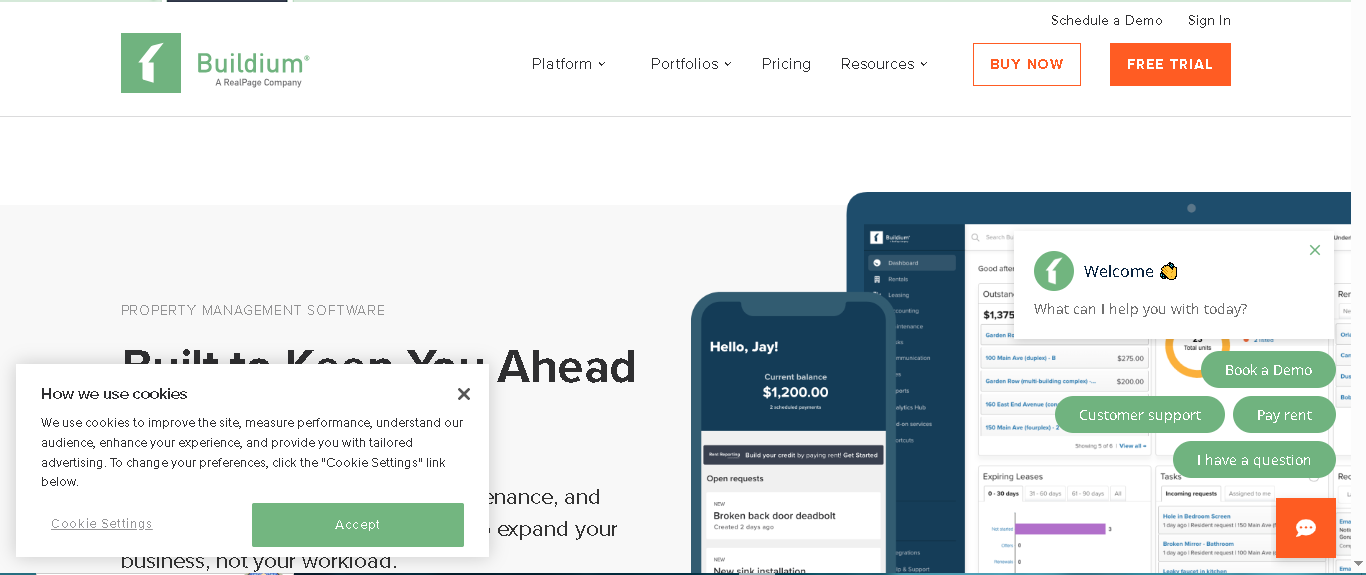
Buildium is mainly a property management software, but it includes strong features for managing HOAs. It helps you collect dues, track payments, manage expenses, handle maintenance, and stay in touch with residents and board members. You also get access to resident portals, clear financial reports, and violation tracking.
Who Is Buildium Best For?
Buildium is the right fit for growing management companies roughly in the 50 to 1,000 unit range. It’s not the cheapest option, but it gives you a solid mix of accounting and operations without the enterprise complexity of AppFolio.
Why It Made the List
Buildium earns its spot because it’s the most complete mid-market option. The combination of accounting, violation tracking, maintenance, and resident portals in one tiered pricing model means you can start light and grow into more features as your portfolio expands without switching platforms.
Key Features of Buildium
- Manages finances (dues, payments, expense tracking)
- Creates financial reports (income, balance sheet)
- Resident portal for payments & requests
- Tracks rule violations and sends notices
- Handles maintenance and work orders
- Communication via email & messages
- Stores documents in one place
- Automates reminders, late fees, and recurring tasks
- Maintain separate operating and reserve fund
Pros
- 14-day free trial available
- Good for mid-size HOAs (around 50–1000 units)
- Strong accounting + management features in one place
- Easy to use and saves time with automation
Cons
- Limited report customization options
- Not ideal for very large portfolios (2000+ units)
- Some HOA features are basic (not very advanced)
- ARC/approval workflows are a bit limited

Yardi Breeze Premier
Best for mid-to-large management firms
- No demo required
- Custom pricing (contact Yardi for a quote)
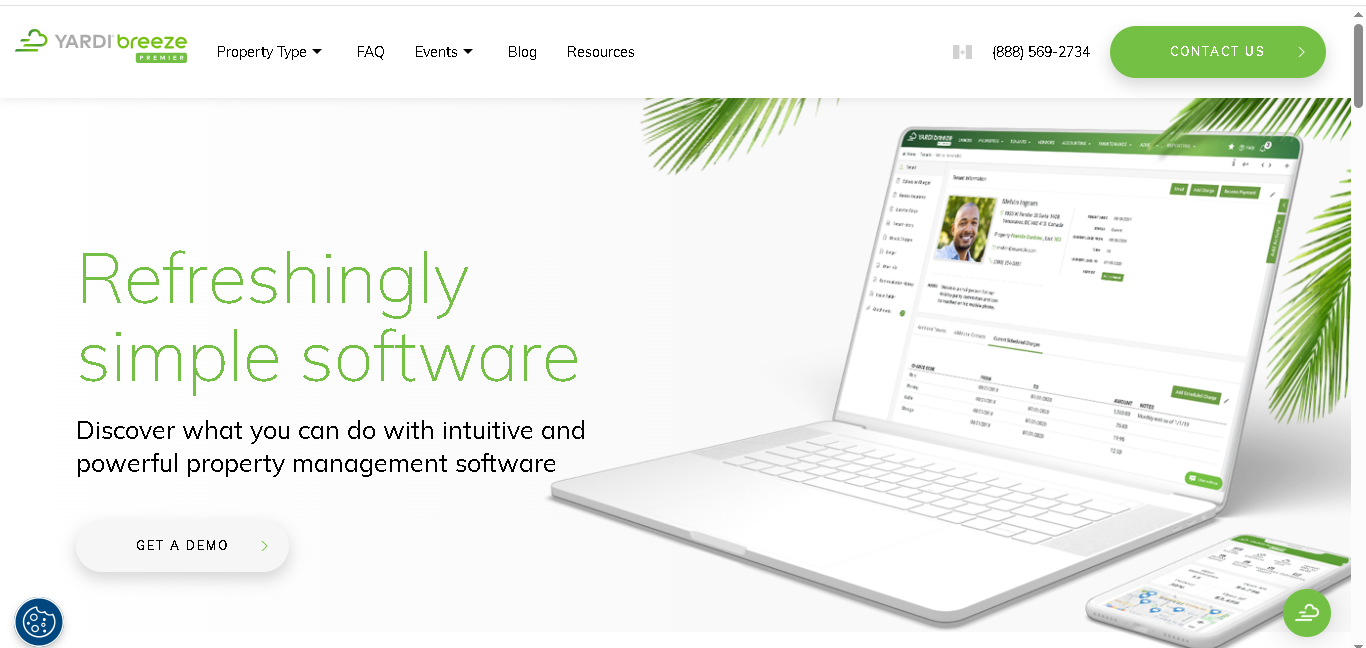
Yardi is a trusted name in property management. Breeze Premier is its HOA-focused tool for managing housing societies and condo associations without heavy technical setup. It helps HOA managers collect dues, handle accounting, track violations, manage maintenance, and communicate with residents.
Who Is Yardi Breeze Premier Best For?
Yardi Breeze Premier is a good fit for mid-to-large management firms that want a well-known, stable platform. If your company already operates in the Yardi ecosystem or needs a tool that comes with a strong support infrastructure, Breeze Premier is a natural choice.
Why It Made the List
Yardi’s brand reputation matters in a market where HOA boards ask about the software their manager uses. Breeze Premier offers the right mix of HOA-specific features: reserve tracking, CondoCafe portal and ARC workflows.
Key Features Of Yardi Breeze Premier
- Full HOA accounting including reserve fund tracking
- Homeowner portal via CondoCafe for dues, documents, and requests
- Violation tracking and ARC workflows
- Maintenance request management
- Automated reporting for board packets
- Mobile-friendly manager and homeowner experience
Pros
- Comes from Yardi, a well-known and trusted brand
- Has all the important features you need to manage an HOA in one place
Cons
- Can feel expensive for smaller housing societies

Smartwebs
Best for HOA-dedicated accounting and operations
- Demo only, no free trial
- From $0.40/door/month (management only) or $0.65/door/month (full platform)
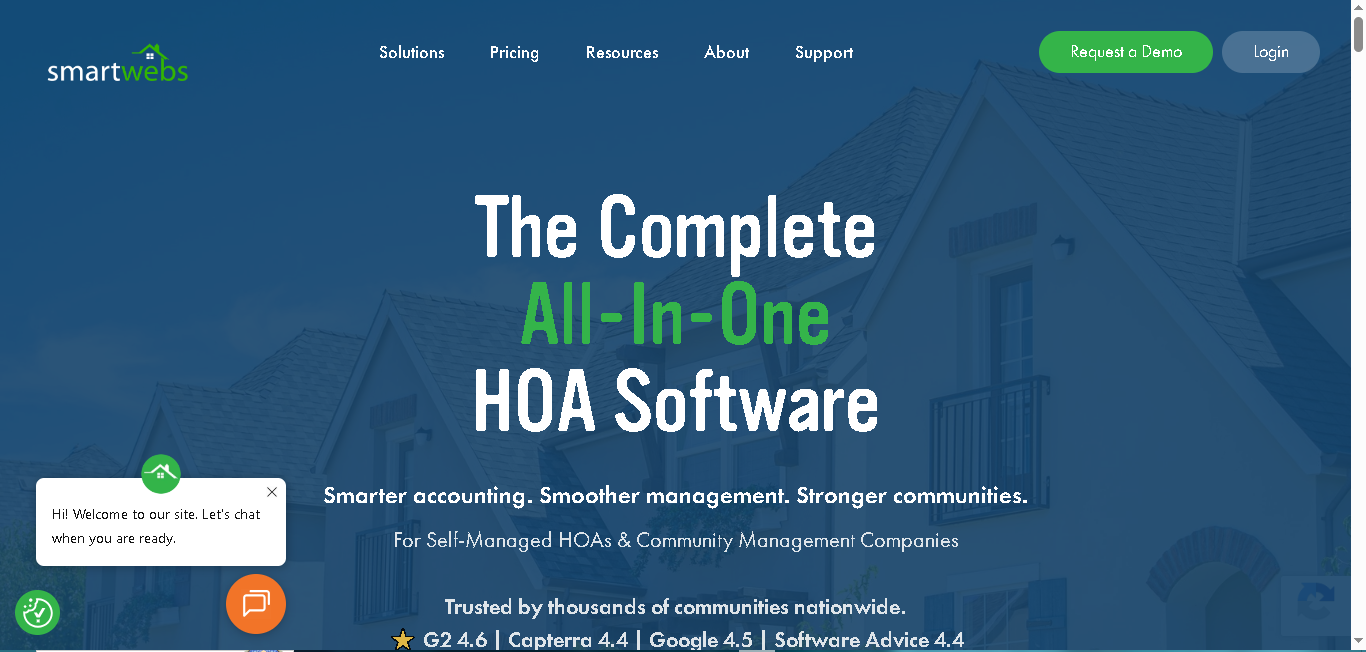
Smartwebs is an all-in-one software made only for HOAs. Not rental properties. Just housing societies. That’s what makes it different. It works for both professional management companies and self-managed communities and covers accounting, violations, ARC requests, work orders, and resident communications in one cloud-based system.
Who Is Smartwebs Best For?
Smartwebs is ideal for HOA-dedicated management companies of any size. Because it’s built exclusively for HOAs, it fits violation workflows, ARC processes, and fund accounting without the workarounds you’d need on a general property management tool. The per-door pricing also makes it more cost-effective as your team grows.
Why It Made the List
Most tools on this list started as property management or general accounting software and added HOA features later. Smartwebs built from scratch for HOAs. That means less friction in day-to-day operations violation tracking connects directly to resident communication, ARC requests flow into accounting, and nothing feels bolted on.
Key Features of Smartwebs
- Handles accounting (dues, payments, expenses)
- Automated collections, late fees, and payments (ACH)
- Real-time financial reports and dashboards
- Tracks violations, ARC requests, and work orders in one system
- Resident portal for payments and communication
- Mobile app to manage things on the go
- Bulk communication (email, text, notices)
- Secure bank integrations for smooth transactions
- AvidXchange integration for accounts payable automation
Pros
- Made specifically for HOAs
- Pricing is per unit, so it scales well
- Strong violation and ARC management
- Works for both small and large HOA management companies
Cons
- No free trial available
- Reporting can feel basic for very large portfolios
PayHOA
Best for small professional HOA managers
- 30-day free trial
- Starting price: From $49/month (up to 100 units), $99/month (up to 300 units)
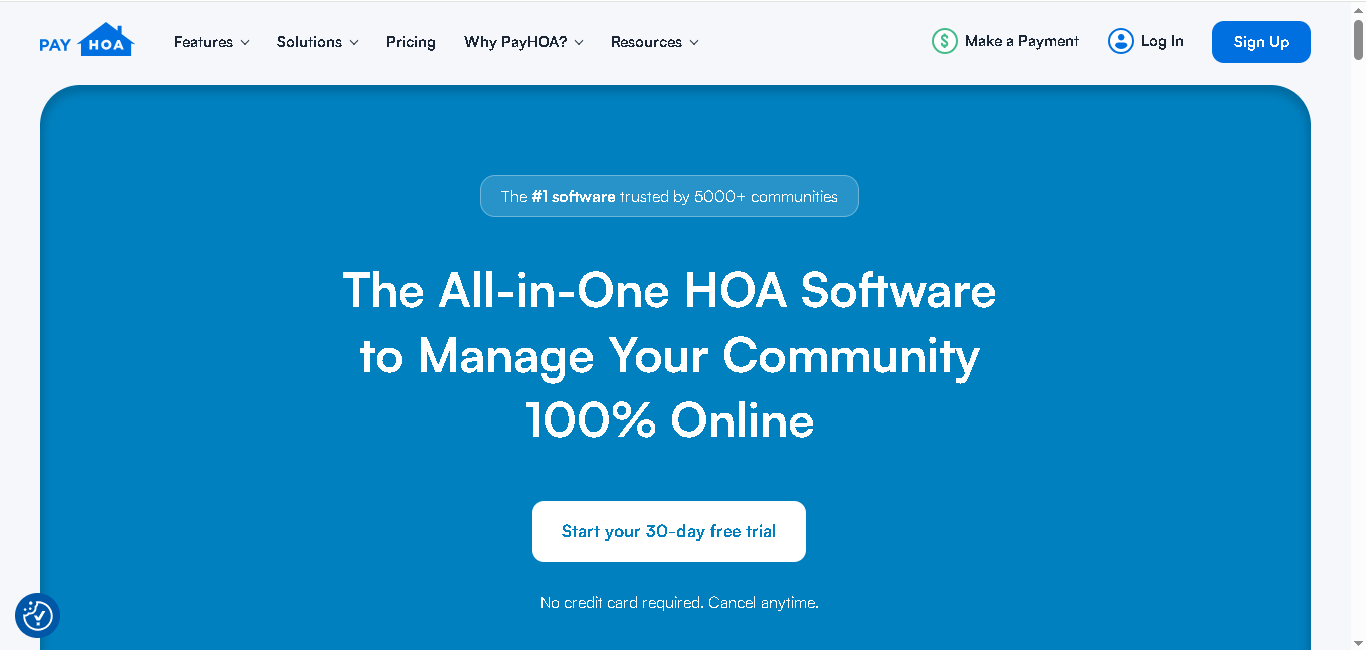
PayHOA is a simple, cloud-based tool made just for HOAs. It’s more affordable and easier to set up than AppFolio or Buildium, and lets you manage your communities fully online. You can handle dues, accounting, violations, maintenance, and resident communication all in one place. It’s especially good if you’re managing a small number of communities or just starting out.
Who Is PayHOA Best For?
PayHOA is the right pick for small professional managers typically those overseeing a handful of communities under 300 units total. If you want something affordable, quick to launch, and purpose-built for HOAs without paying for features you don’t need, this is it.
Why It Made the List
PayHOA offers the 30-day free trial, flat per-tier pricing, and a clean interface that makes it easy to recommend to smaller firms. It covers all the HOA essentials fund accounting, violation tracking, resident portal, and maintenance without the enterprise complexity. For managers just getting started, the learning curve is close to zero.
Key Features Of PayHOA
- Online invoicing and dues collection (ACH, card payments)
- Full HOA accounting (income, expenses, reports)
- Automated late fees and payment tracking
- Violation tracking with photos
- Maintenance request management with workflows
- Homeowner portal for payments, documents, and requests
- Operating and reserve fund accounting with separate ledgers
- Unlimited communication (texts, emails, calls)
- Voting, announcements, and community updates
- Integrates with stripe, twilio, plaid and more third party platforms.
Pros
- 30-day free trial available
- Very easy to set up and use
- Affordable for small HOAs
- Clean and simple interface
Cons
- Not ideal for large portfolios or big companies
- Reporting is not very advanced
- Fewer integrations compared to other HOA software
- Some features (like ARC workflows) are basic
- ARC workflows are basic

FrontSteps
Best for resident portals combined with cash flow management
- No trial, sales call required
- Custom pricing (contact FrontSteps for a quote)
Celoxis includes a portfolio dashboard where users can view project data across their portfolio.
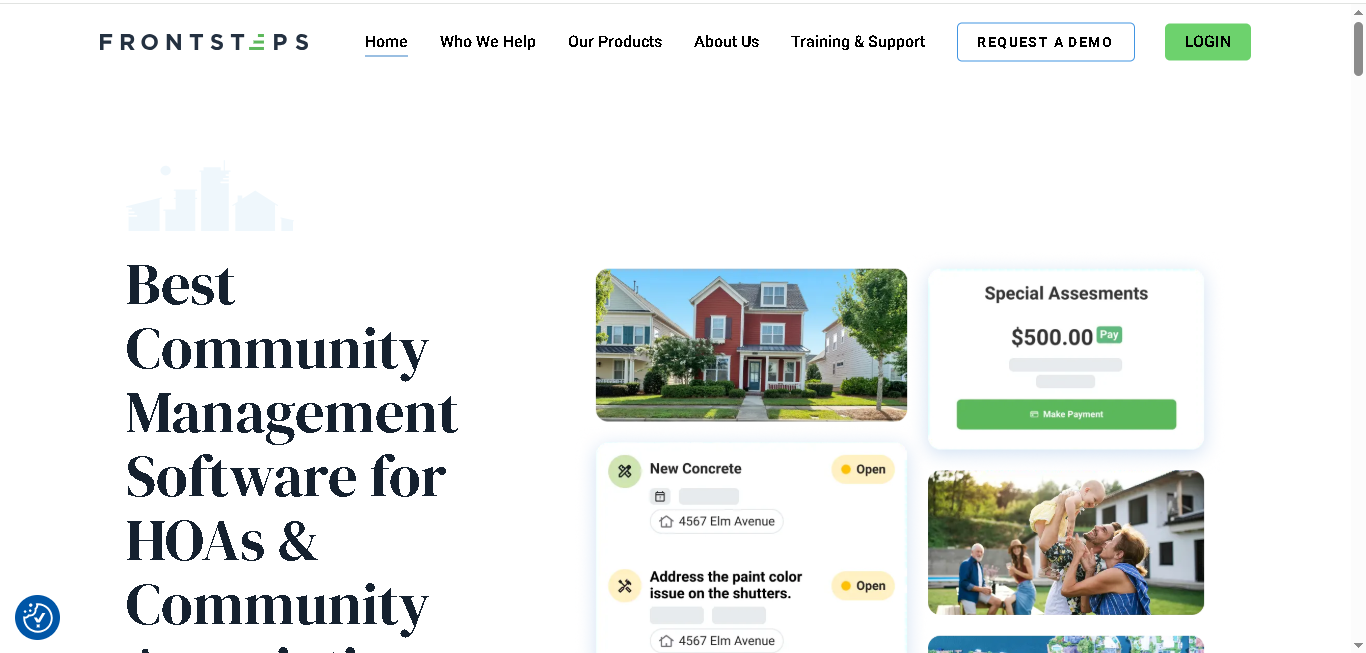
FrontSteps started as a resident communication tool. Over time, it added accounting and cash flow management features. Today it’s one of the better HOA platforms for managers who prioritize the homeowner experience, smooth communication, easy payments, and a clean community portal alongside basic dues and cash flow tracking.
Who Is FrontSteps Best For?
FrontSteps suits management companies where resident communication and portal experience are a top priority. If your clients (the boards) care deeply about how homeowners interact with the community online, FrontSteps delivers a better portal experience than most tools in this price range.
Why It Made the List
The resident portal and board portal combination is where FrontSteps stands out. While its accounting features aren’t as deep as AppFolio or Buildium, the ability to create community websites, manage access systems, and maintain separate board portals makes it a strong choice for HOA managers who want residents to feel engaged and informed.
Key Features Of FrontSteps
- Homeowner portal where residents can pay dues, check documents, and see updates
- Tracks payments and manages cash flow easily
- Helps manage rule violations and lets you message residents inside the app
- Lets you create a simple website for each community
- Mobile app so you can manage things anytime, anywhere
- Separate board portal for meetings, approvals, and decisions
Pros
- Strong resident portal and communication tools
- Good for creating professional community websites
- Secure system with modern access features
- Easy-to-use mobile app for residents
Cons
- Accounting features are not very advanced
- Interface can feel a bit outdated
- Slower updates and new features
- Setup and processes can feel complex
ManageCasa
Best for simplified planning and workflows
- Free plan available
- From $1/unit/month (free plan available for small portfolios)
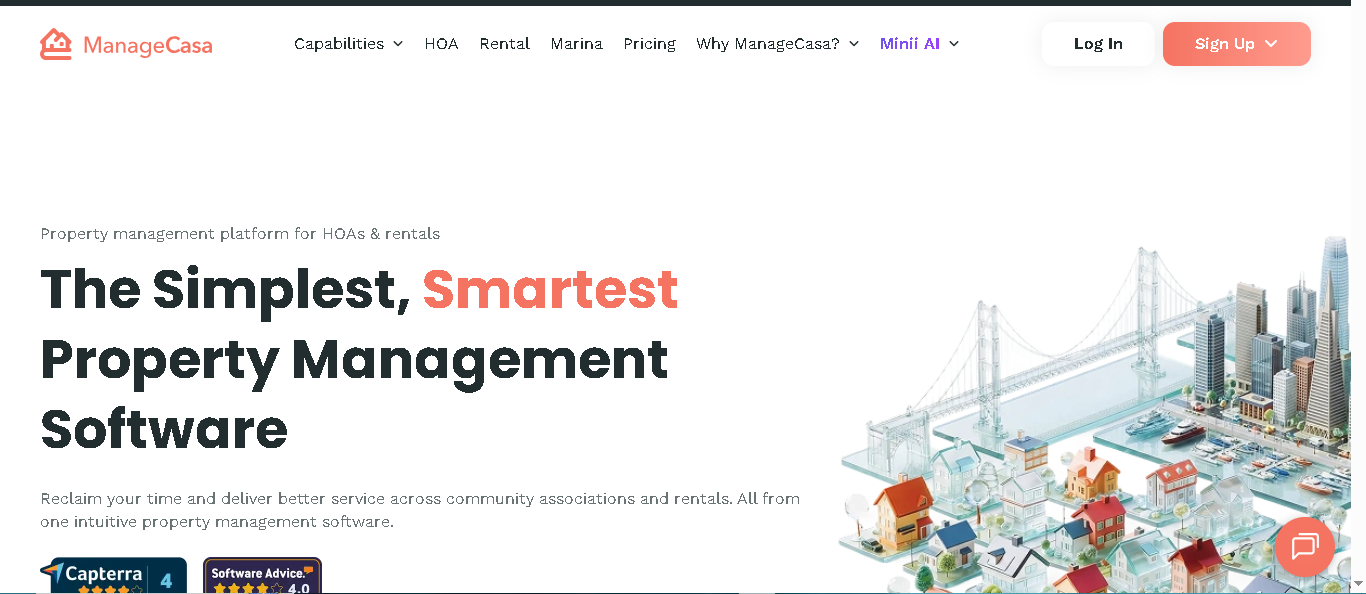
ManageCasa is an easy-to-use HOA accounting software that handles dues, accounting, maintenance, and communication. It works for both small and growing communities, and also supports a mix of HOA and rental properties useful if your portfolio isn’t purely HOA. It’s simple to set up, and the free plan means you can get started without any upfront cost.
Who Is ManageCasa Best For?
ManageCasa is best for small teams or independent managers who want something quick to launch without a long onboarding process. The free tier covers the basics. Paid plans are affordable, and the platform works well if you manage both HOAs and some rental properties on the side.
Why It Made the List
ManageCasa earns its spot because of accessibility. The free plan, fast setup, and AI-assisted features make it a practical entry point for newer managers or small firms that don’t yet need the power (or price) of AppFolio or Buildium.
Key Features Of ManageCasa
- Collect dues and manage payments online
- Basic accounting with income, expenses, and reports
- Homeowner portal for payments, requests, and documents
- Maintenance and work order tracking
- Violation tracking and rule enforcement
- Communication tools (announcements, messages, alerts)
- Document storage and sharing
- AI features for support, maintenance, and accounting tasks
- Mobile access for managers and residents
Pros
- Free plan available
- Easy and quick to set up
- Affordable for small to mid-size HOAs
- Handles both HOA and rental properties
Cons
- Accounting is not as advanced
- HOA-specific features are a bit basic
- Reporting is limited on lower plans

FreshBooks
Best for solo managers who need clean invoicing
- 30-day free trial
- From $19/month (Lite), up to $55/month (Premium)
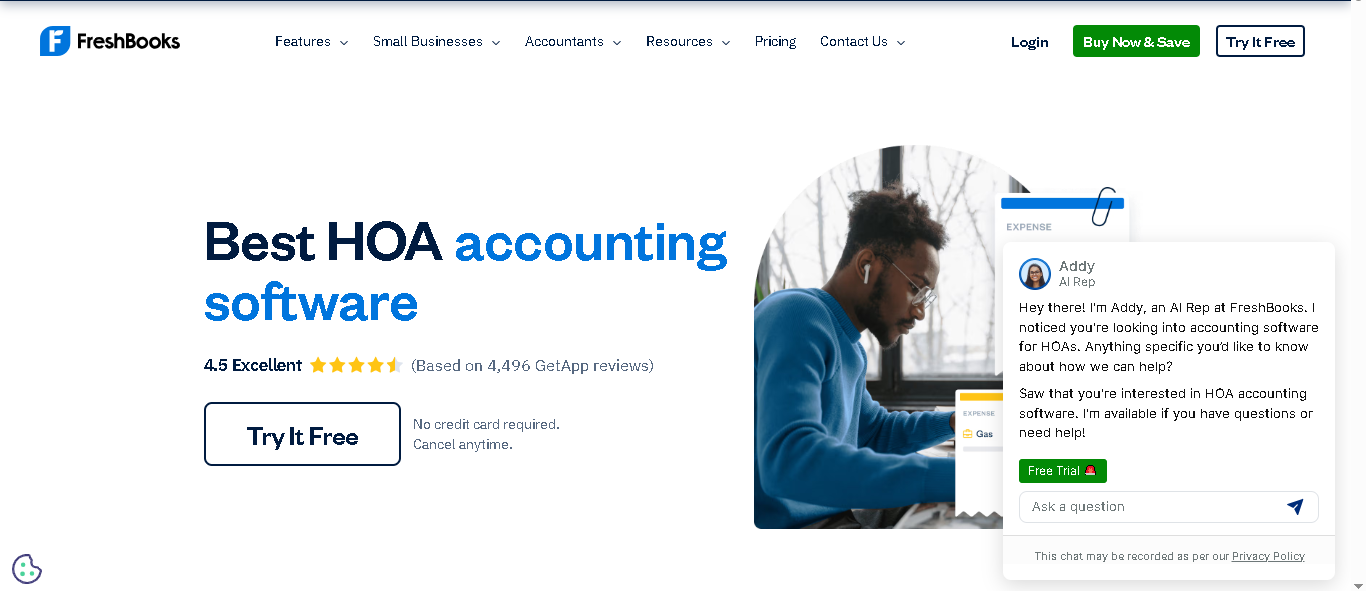
FreshBooks is a general-purpose accounting software that works well for HOA managers whose primary need is clean, accurate financials. It handles dues collection, expenses, invoices, and reports in one simple interface. It’s not a full HOA management platform. You won’t get violation tracking or maintenance workflows. But if accounting is the main gap you’re trying to fill, FreshBooks does it cleanly.
Who Is FreshBooks Best For?
FreshBooks is the right pick for solo managers or small firms who already use a separate tool for community operations and just need solid accounting. It also works well if you’re managing a very small portfolio and don’t want to pay for HOA-specific features you’ll never use.
Why It Made the List
FreshBooks made the list because of its simplicity and price point. For a solo manager who needs clean invoicing, automated payment reminders, and readable financial reports without the complexity of an all-in-one platform, FreshBooks hits the mark. The 30-day trial also lets you test it thoroughly before committing.
Key Features Of FreshBooks
- Automates dues collection and payment reminders
- Creates invoices and tracks payments
- Tracks expenses and vendor payments
- Generates financial reports (budget, income, expenses)
- Manages reserve funds and budgets
- Real-time financial insights for better decisions
- Mobile app for managing finances on the go
Pros
- Very easy to use and beginner-friendly
- Strong accounting and invoicing features
- Gives clear financial reports for boards
- Helps improve cash flow and tracking
Cons
- Not a full HOA management software
- No built-in features for violations, maintenance, or community management
- May need extra tools for complete HOA operations
Bitrix24
Best for simplified planning and workflows
- Free plan available
- Free plan / Paid plans from $61/month for 5 users
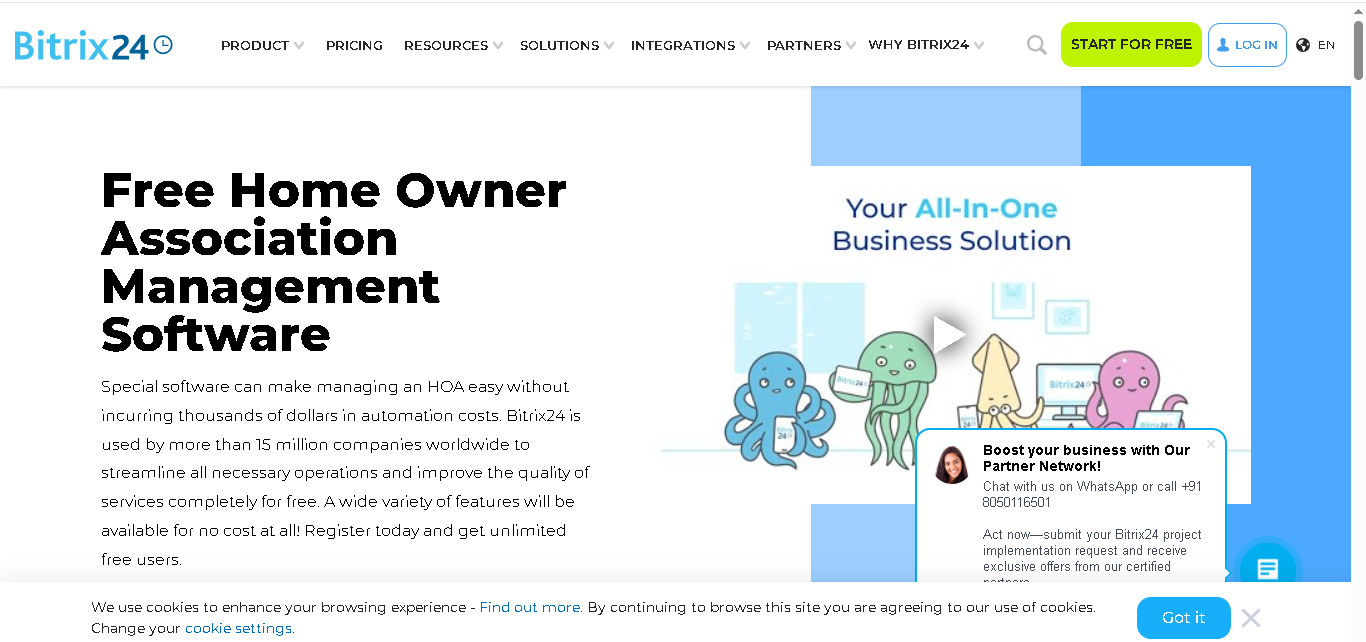
Bitrix24 is a CRM and collaboration platform that many managers use as an affordable base for HOA operations. It lets you add unlimited users, track payments, set reminders for dues, and run all resident communication in one place. Where it really helps is team coordination and client relationship management.
Who Is Bitrix24 Best For?
Bitrix24 is a fit for management company teams that want to combine CRM, task management, and basic accounting in one low-cost tool. If you’re tracking relationships with board clients, managing internal workflows, and handling basic invoicing and don’t yet need dedicated HOA features, the free tier goes a long way.
Why It Made the List
Bitrix24 is on this list because of its free plan and CRM capabilities. No other tool here gives you unlimited users, client relationship tracking, group discussions, and team task management at zero cost. For a small management company that wants to centralize everything even at the expense of HOA-specific depth, it’s a practical starting point.
Key Features Of Bitrix24
- Built-in CRM for tracking management company clients and leads
- Add unlimited users (no limit on team size)
- Track payments manually and set reminders
- Chat, email, and share updates with residents
- Create groups, discussions, and even voting
- Share documents and meeting details
- Manage tasks and team workflows
Pros
- Free plan with many features
- Combines multiple tools in one
- Good for team collaboration
Cons
- Not built for HOAs specifically
- No proper dues collection or accounting system
- Payment tracking is mostly manual
How to Choose the Right HOA Accounting Software
There is no single best tool for every management company. The right pick depends on your portfolio size, team, and priorities. Here are the key things to think through before you decide.
1. Know your portfolio size
Small firms managing under 50 communities have different needs than companies with 200+ communities. Larger portfolios need stronger reporting, multi-association views, and automation. Smaller firms can often get by with a lighter tool at a fraction of the cost.
2. HOA- specific Vs General tools
Some tools are built specifically for HOAs, like Smartwebs and PayHOA. These usually fit HOA workflows better right out of the box. Then there are general property management tools like Buildium or AppFolio. These are great if you’re managing rentals along with HOAs.
Tools like FreshBooks or Bitrix24 are more general. They’re helpful, but you’ll likely need an additional HOA tool to cover everything.
3. Check if fund accounting is supported
HOAs need to keep operating funds and reserve funds separate. Not every tool handles this properly. So if your communities have reserve requirements (which most do), make sure the software supports fund accounting natively, not as a workaround.
4. Look at your board reporting needs
Boards expect clean, readable financial reports every month. Some tools generate these automatically. Others require manual work. If board reporting is a major part of your workflow, gprioritize tools with strong reporting features like AppFolio, Buildium, or Smartwebs.
5. Factor in integrations
Does the HOA management software connect to your bank? Can it handle online payments? Does it integrate with tools like AvidXchange? Good integrations save hours every month. Check the integration list before committing.
6. Try before you buy
Most tools on this list offer a free trial or demo. Use it. Run a real community through the software for a few days. That tells you more than any feature comparison chart.
Read More About:
8 Best Barcode Inventory Management Tools
10 Best Property Management Softwares In 2026
9 Best IP Management Software Tools In 2026
