

Handling family law cases can be exhausting, both emotionally and practically.
But you can at least reduce operational chaos by keeping your billing, case documents, and client communications in one place. That way, you spend less time managing files and repetitive tasks and more time focusing on your actual cases.
While most case management software includes family law as a use case. There are also tools in the market built specifically for co-parenting and family law needs.
That’s exactly why we’ve put together this list of 7 tools. To help you find what actually works for your day-to-day practice.
How We Evaluated These Tools
We reviewed each tool through the lens of a working family law attorney or paralegal. Our evaluation focused on five areas:
Functionality for family law.
Does the platform address the actual pain points of family cases? Let’s say custody schedules, divorce documents, sensitive data, and billing disputes?
Ease of use.
You shouldn’t need an IT team to figure things out. If you (or your paralegal) can’t get comfortable with it quickly, it’ll slow you down rather than help.
Document management and security.
Family law handles highly sensitive client data. Every tool we have added offers encrypted storage and controlled access.
Billing and time tracking.
If you miss billable hours or send invoices late, it directly affects your cash flow. That’s why we have focused on tools that make it easy to track time, log billable work, and send invoices quickly.
Pricing transparency.
Don’t just look at the starting price. You want to understand what you’ll actually end up paying once you start using it fully.
7 Best Family Law Softwares (2026)

Clio
Best For: Solo lawyers and small-to-mid-size family law firms that want one place to manage cases, clients, and legal work
- Free Trial: 7-day free trial
- Starting Price: $49/user (EasyStart)
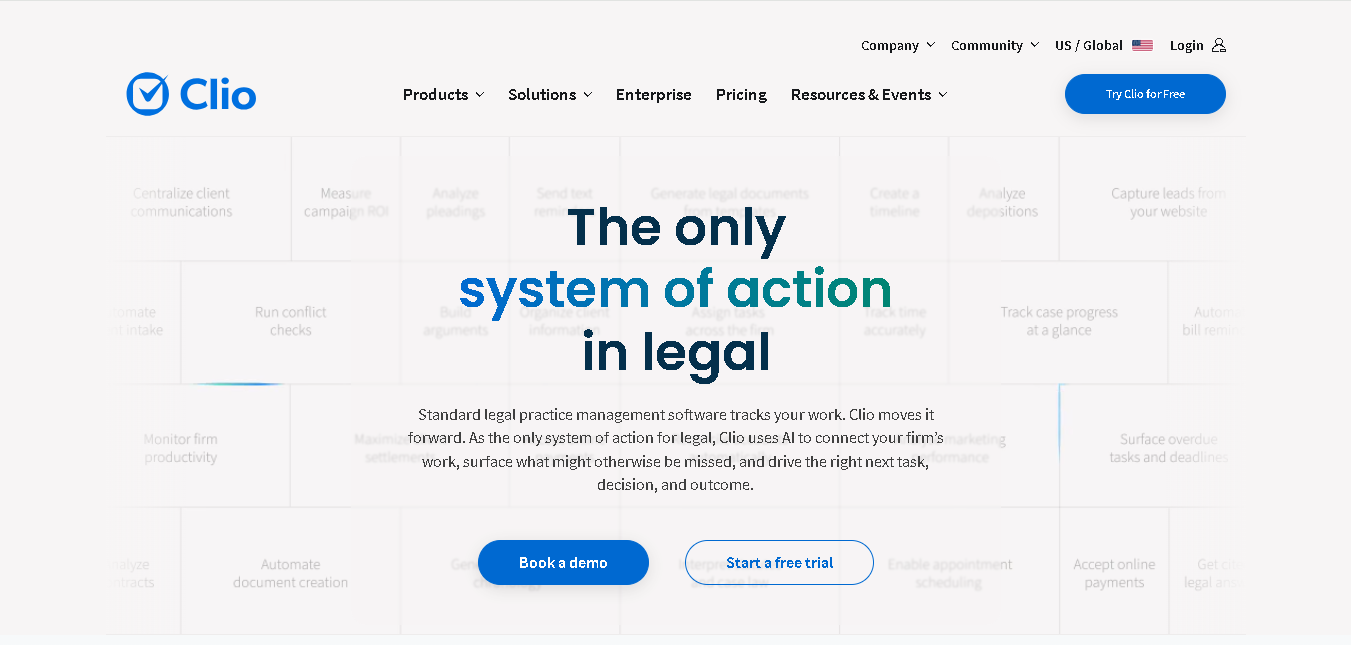
Clio is a popular legal software that also works well for family law firms. You can use it to manage divorce cases, custody matters, or other family matters.
Handle all your clients’ sensitive data, communication, documents, billing, and timelines together in one place. Clio keeps everything organized, so you don’t miss important updates or deadlines. It becomes even more useful when you’re dealing with multiple parties, emotional conversations, and cases that continue for months.
Why It Made the List
Clio makes day-to-day case management simpler for you. You can track custody details, schedule court dates, store legal documents, and review client conversations easily.
It also gives your clients a secure portal where they can check for updates, upload documents, or message you directly. This reduces the need for repeated follow-ups. On top of that, you can connect it with 300+ tools, including QuickBooks, Google Workspace, Microsoft 365, and LawPay.
Key Features of Clio
- Case management built for tracking divorce, custody, and family case details.
- Secure client portal so clients can view updates without constant follow-ups
- Court calendar to manage hearings, mediations, and deadlines
- Document management for storing agreements, filings, and case records
- Custom intake forms for different case types, like custody or separation
- Task lists to make sure no step in a case is missed
- Time tracking and billing are linked directly to your cases
- Mobile access so you can check case details during court or meetings
- Get suggestions based on your case details with Clio Duo assistant.
- Automate documents, collect e-signatures, and access fillable court forms with custom template options.
Pros
- Partnered with 100+ bar associations
- It is HIPAA, SOC 2, and PCI compliant.
- Has an intuitive interface
Cons
- Pricing can be a bit expensive.
- Mobile apps are less powerful than desktops.
- Some features require higher plans.
Detailed Pricing
- EasyStart: $49/user
- For other plans, you need to request pricing quote.
MyCase
Best For: Solo practitioners and small firms that want a simple, affordable, all-in-one system
- Free Trial: 10-day free trial
- Starting Price: $39/user/month
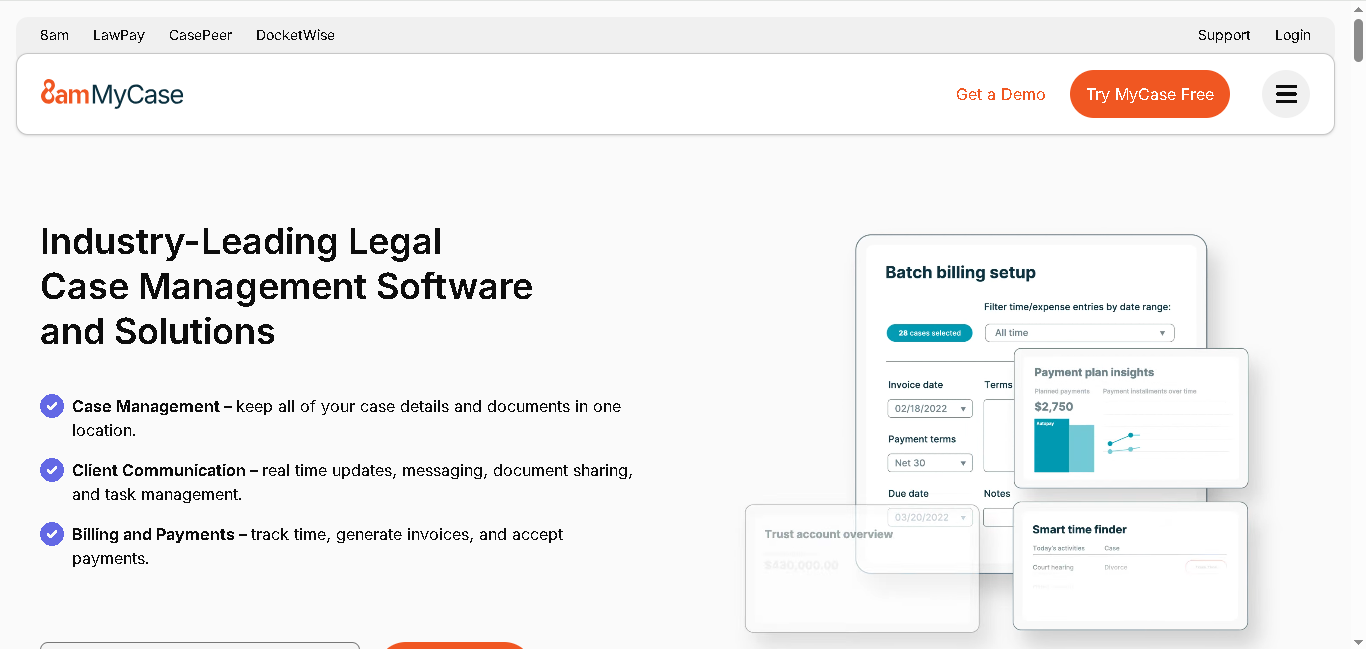
MyCase is a family law software built to help you manage your entire family law practice from one place.
You can use it to handle cases, documents, billing, and client communication without switching between different tools. Everything stays organized and easy to access, which is especially helpful when you’re handling divorce, custody, and other complex family law matters. It’ll reduce your admin work so you can spend more time focusing on your clients.
Why It Made the List
MyCase gives you many of the same features as Clio, but at a lower starting price and with a simpler setup. You and your team can learn the platform quickly without spending weeks on training.
It also has a secure client portal. Here, your clients can easily check case updates, sign documents, and pay invoices. All this without having to call or email all the time. This is especially useful in family law, where clients often need regular updates during stressful situations.
Key Features of MyCase
- Partnered with over 130 bar associations
- Keep all your family law matters organized.
- Secure document storage for forms, court orders, and case files
- Client portal for messages, updates, and shared documents
- Built-in text messaging for faster client communication
- Time tracking to capture every billable minute
- Automated billing and invoicing
- Multiple payment options (credit card, eCheck, etc.)
- Easy to use, even if you’re not tech-savvy
- Client intake and lead tracking to manage new cases
- File sync so you can access documents from your desktop
- Integrates easily with Access Legal, CallRail, Candle AI and more
Pros
- Strong focus on client communication
- Good fit for small teams with heavy caseloads
- Has a mobile app for iOS and Android
Cons
- Has limited advanced features
- Customization options are limited.
- May not scale well for larger firms
Detailed Pricing
- Basic Plan: $39/user/month (billed annually)
- Pro Plan: $89/user/month (billed annually)
- Advanced Plan: $109/user/month (billed annually)

SmartAdvocate
Best For: Mid-size to large family law firms handling high case volumes and complex workflows
- Free Trial: Demo on request
- Starting Price: Custom pricing (estimated $93+/user/month based on industry averages)
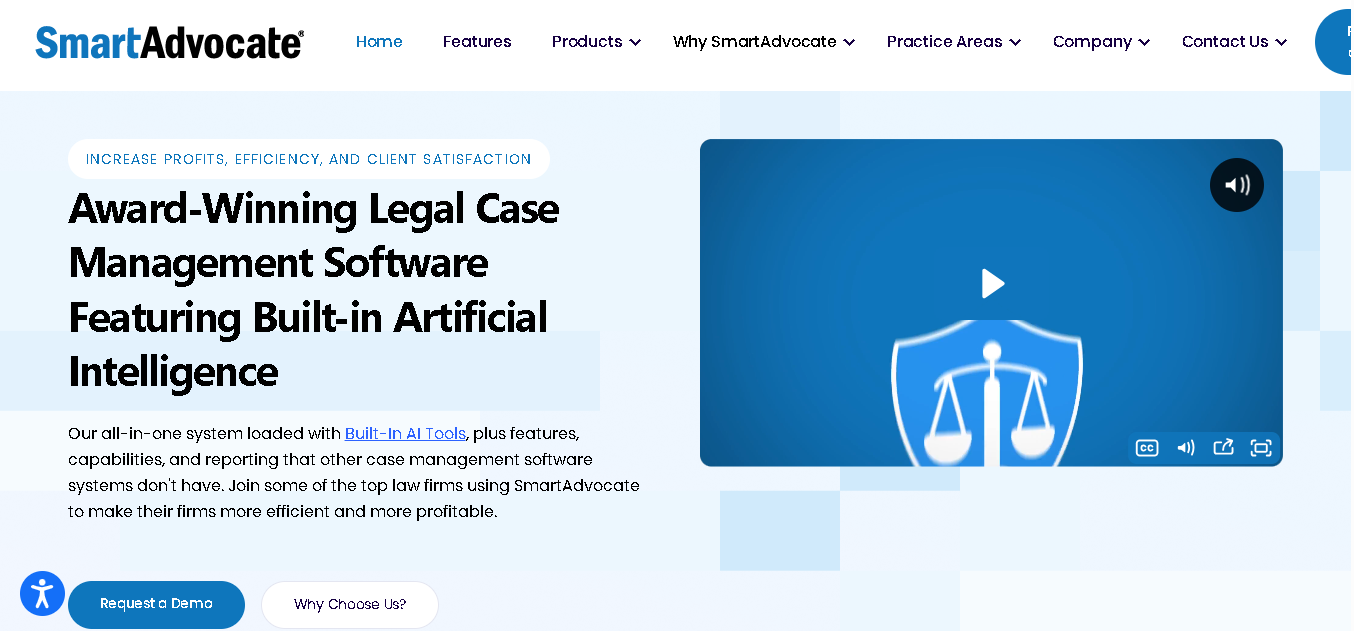
SmartAdvocate is a highly customizable case management system built for firms handling large and complex legal matters.
You can use it across different practice areas, including family law, corporate law, fraud investigations, insurance claims, and in-house legal operations. It also works well for managing custody disputes, child support tracking, and court order compliance.
It lets you customize workflows, case stages, and document management based on how your firm operates, so you don’t have to adjust your process to fit the software.
Why It Made the List
When you’re handling custody schedules, divorce proceedings, and child support modifications, you need more than basic tracking. You need a system that shows the right information at the right stage of a case.
And SmartAdvocate lets you build workflows, dashboards, and case views that match your exact process.
Key Features of SmartAdvocate
- Customize the case management system to match your family law workflows.
- Track custody schedules, visitation plans, and holiday arrangements
- Manage child support records, payment history, and modification details.
- Automate recurring tasks like filings, reviews, reminders, and deadlines.
- Create legal documents and court forms faster with document automation.
- Keep track of hearings, payment dates, and important deadlines through the built-in calendar.
- You can securely share updates and documents with clients through a client portal
- Collaborate with your team using shared tasks, notes, and notifications.
- Get AI-generated summaries for case files, motions, and legal records.
- Monitor case progress, compliance through detailed reports
Pros
- Has both cloud-based and server-based deployment
- Highly customizable
- Best for law firms having large volumes of family law cases
- Good reporting and case visibility
Cons
- Takes time to learn and set up properly
- No pricing given
- Interface feels outdated
Detailed Pricing
SmartAdvocate does not publish pricing publicly. You need to contact their team for a custom quote based on firm size, number of users, and deployment type.

Neos
Best For: Mid-size family law firms that want strong financial tracking and AI-powered workflows
- Free Trial: Yes (demo available)
- Starting Price: $109/user (annually)
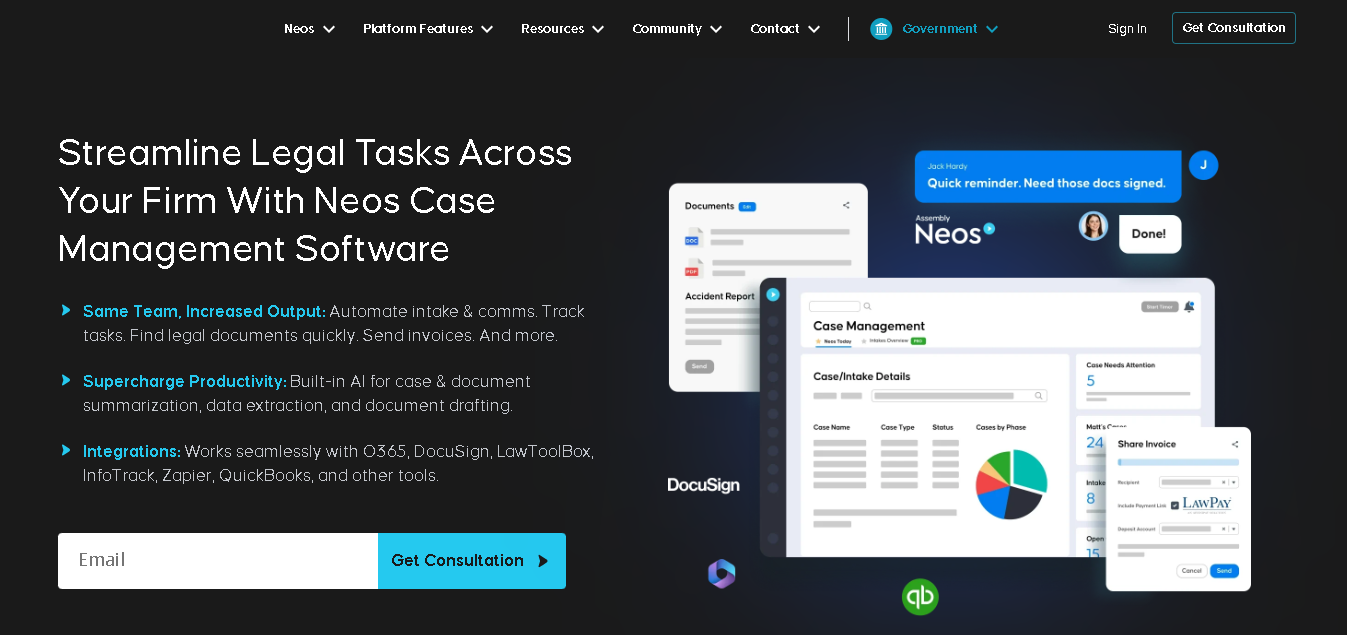
Neos is built by Assembly Software and is a cloud-based case management software. Also designed to handle complex family law workflows.
You can manage cases, documents, billing, and client communication here in one place. It’s built to adapt to how you already work, especially when your cases involve financial matters such as asset division, child support, or spousal support.
It also includes built-in AI tools to help you reduce time spent on document review and admin work.
Why It Made the List
It’s best when your family law cases involve detailed financial tracking and heavy documentation.
You can keep track of assets, expenses, support calculations, and financial records directly inside your case files. This makes things like settlements and financial affidavits easier to manage. You can also customize case types for divorce, custody, child support changes, and protective orders based on your workflow.
On top of that, its AI features help you move faster by summarizing documents and reducing manual work.
Key Features of Neos:
- Case management tailored to family law workflows.
- Financial tracking for asset division, child support, and spousal support
- AI-powered document summarization and data extraction
- Time tracking with automatic invoice generation
- Document management with OCR search and an organized file structure
- Dynamic intake forms based on case type (divorce, custody, etc.)
- Automated client communication via email and SMS
- E-signatures and automated onboarding workflows
- Integrations with tools like Microsoft 365, QuickBooks, and LawPay
Pros
- Highly customizable
- Built-in AI helps reduce document review time.
- Good automation for intake and communication
Cons
- No transparent pricing
- The whole setup takes time
- May feel complex for smaller firms
Detailed Pricing
- Neos Essentials: $109/user (annually)
- Neos Premium: Custom Pricing
- Neos Plantinum: Custom Pricing
Custody X Change
Best For: Family law attorneys, mediators, and parents who need accurate custody schedules and court-ready parenting plans
- Free Trial: Yes
- Starting Price: $6/month (billed annually for parents); professional plans available separately
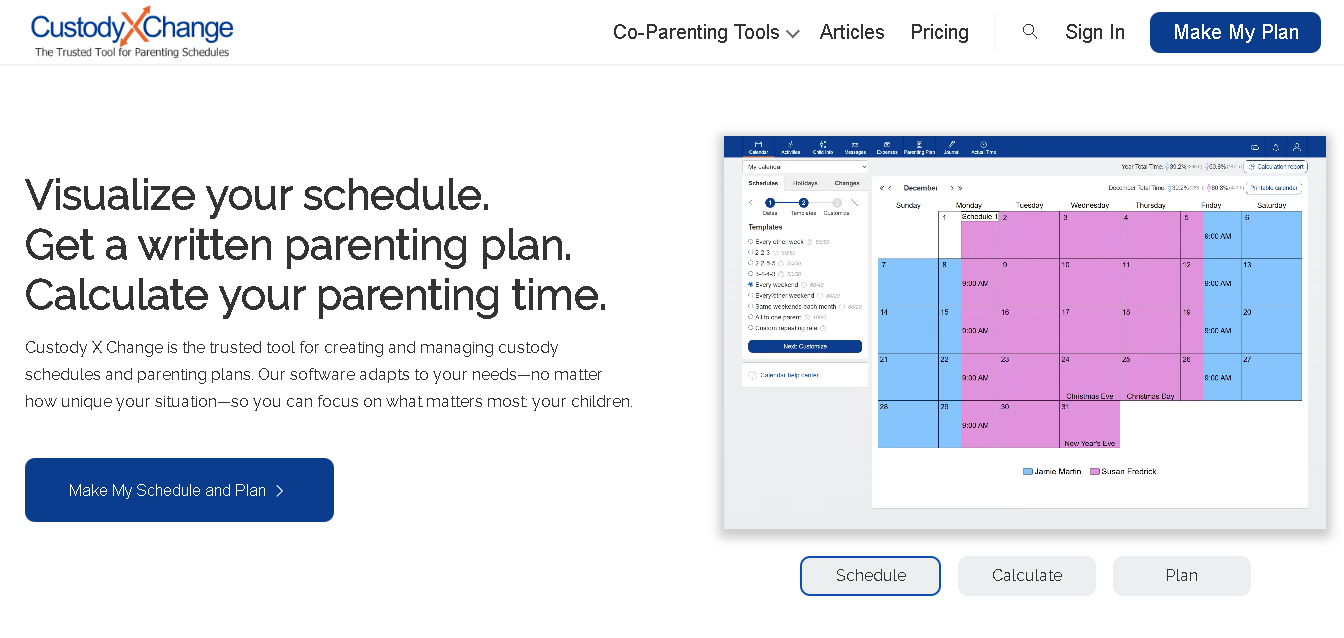
Custody X Change is a co-parenting software that works alongside family law tools. It focuses specifically on custody scheduling and parenting plans.
You don’t use it to manage your full law practice. There is no billing, no case management, or full client tracking. Instead, you use it when you need to create clear, accurate custody schedules and present them in a way that courts and clients understand.
It helps you build parenting plans, calculate time splits, and avoid errors in custody and child support calculations.
Why It Made the List
Here you can build a detailed parenting plan from scratch, while accounting for holidays, school calendars, and varying weekly schedules.
You can show parents the schedule through simple visual calendars, while automatic parenting time calculations make it easier for both sides to understand time sharing and reach agreements faster. The software also integrates with Family Law Software (a separate platform) and syncs with Google Calendar for day-to-day use after the plan is finalized.
Key Features of Custody X Change
- Create and adjust custody schedules with an interactive drag-and-drop calendar.
- Automatically calculate parenting time percentages without manual work.
- Build custom parenting plans with court-ready documents.
- Use visual calendars to clearly present schedules during court hearings or mediation.
- Track holidays, school breaks, and other important family events in one place.
- Record expenses and maintain journal logs for legal documentation.
- Communicate through secure messaging with built-in tone alerts.
- Use it alongside your existing family law software and legal tools.
Pros
- Get clear court-ready parenting plans.
- Easy for both professionals and parents to use
- Affordable compared to full legal software
Cons
- Not a full case management software
- Has limited integrations
- No dedicated mobile app
Detailed Pricing
Parent plans (billed annually):
- Basic Plan: $6/month
- Standard Plan: $10/month
- Premium Plan: $15/month

CARET Legal
Best For: Small to mid-size law firms that want a single platform for case management, billing, and full accounting without relying on QuickBooks
- Free Trial: Yes (demo available)
- Starting Price: Custom pricing
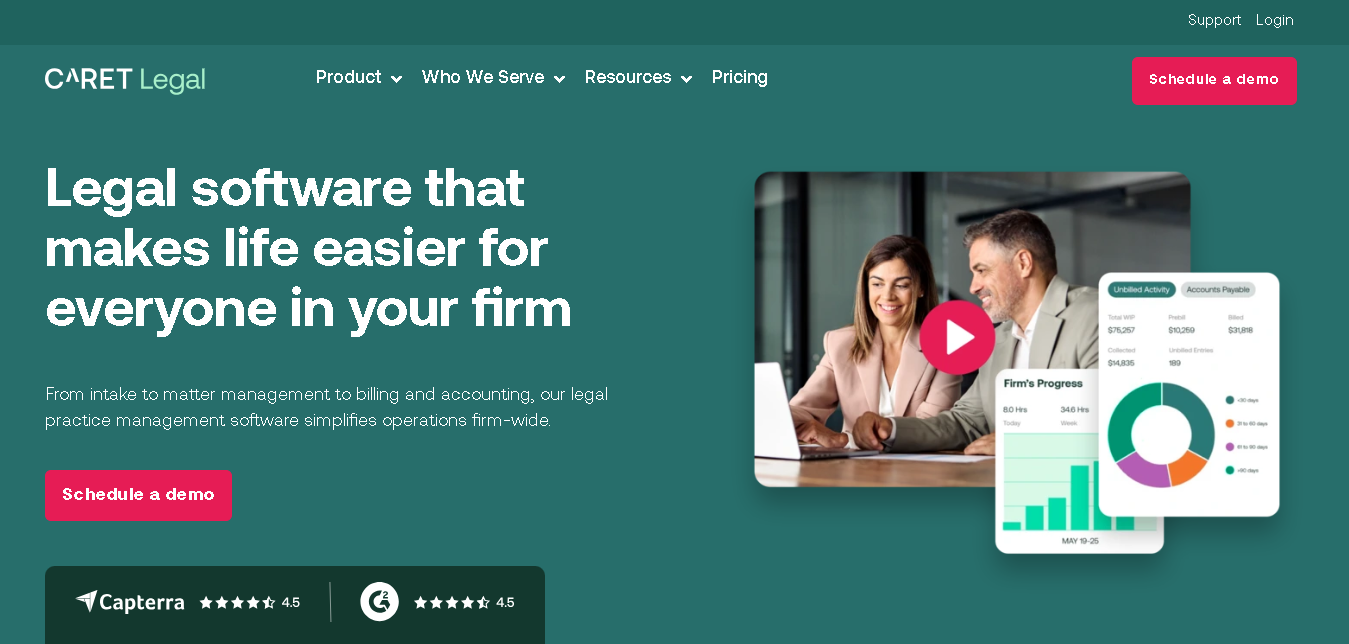
CARET Legal is an all-in-one platform where you manage your cases, billing, and full accounting without relying on separate tools.
You don’t need to connect external software for bookkeeping. All your accounting, expenses, invoices, and reports stay in one system. This makes handling sensitive financial details in family law cases easier.
It also connects your email directly to your cases, so your communication is automatically saved under the right matter without extra effort.
Why It Made the List
You can easily manage multiple parts of your law practice from one system instead of using separate tools for email, billing, accounting, case management, and document storage. This helps reduce extra software costs and keeps your data organized in one place.
Its built-in accounting and reporting tools also give you a clearer view of finances without needing expensive add-ons or extra software.
Key Features of CARET Legal
- Manage accounting directly inside the platform without needing QuickBooks
- Organize cases, assign tasks, and manage workflows.
- Sync emails automatically with Google Workspace and Microsoft 365
- Track billable hours and automate invoices more easily.
- Store, search, and create documents using built-in templates.
- Securely communicate and share files with clients through a client portal.
- Track court dates and important deadlines through the calendar system.
- Monitor firm performance with reports and dashboards.
Pros
- Strong billing and financial tracking
- Clean and easy-to-use interface
- SOC 2 and GDPR compliant.
- Data migration support
Cons
- No transparent pricing
- Reporting can feel limited for advanced needs.
- Fewer integrations options
Detailed Pricing
CARET Legal does not publish pricing publicly. Contact CARET Legal directly for a quote based on your firm’s size and needs.
OurFamilyWizard
Best For: Family law attorneys, mediators, and co-parents dealing with high-conflict custody cases and need clear, trackable communication
- Free Trial: 30-day money-back guarantee
- Starting Price: Starts at $110/year per parent
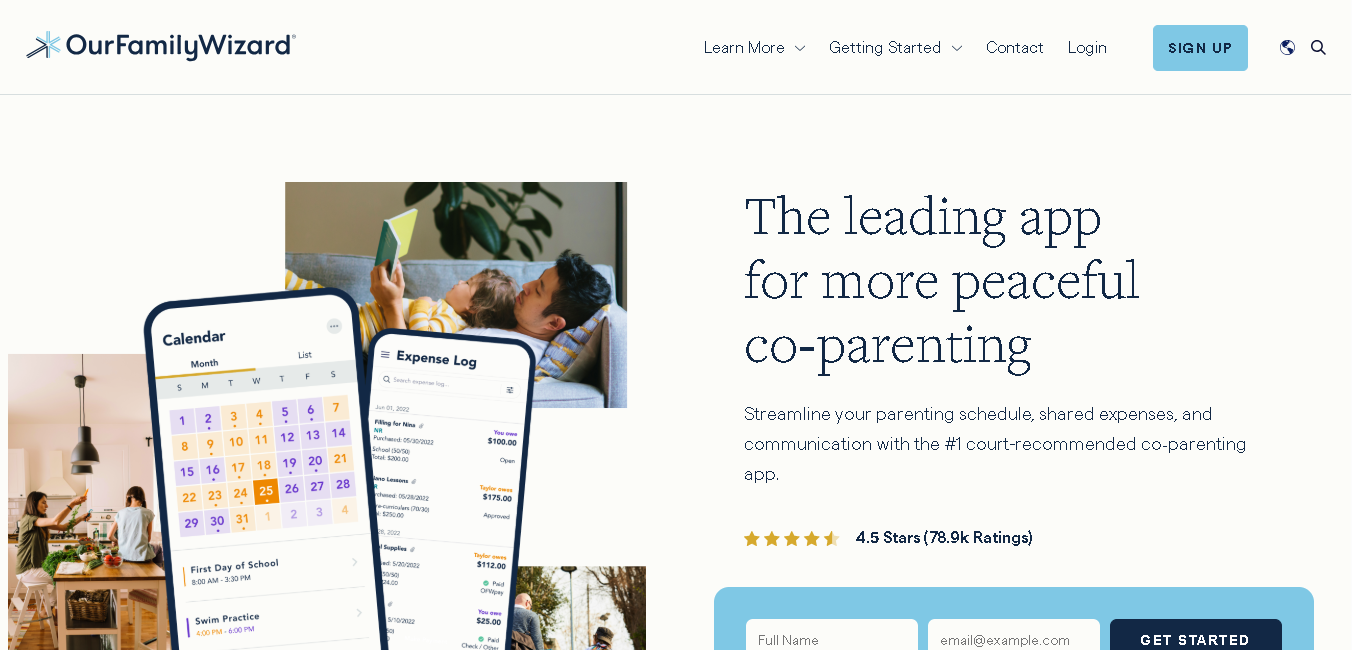
OurFamilyWizard is a co-parenting app designed to help separated parents manage custody schedules, communication, and shared responsibilities in one place.
You can use it to organize everyday coordination with the other parent. This helps keep communication clear and properly documented. The platform is also accepted by courts across all 50 U.S. states, along with courts in Canada, United Kingdom, Australia, and New Zealand.
Why It Made the List
You get to keep clear and court-ready records of co-parenting communication. All messages, schedule changes, and shared expenses between co-parents are time-stamped and stored securely.
It also includes ToneMeter AI, which warns you about aggressive or emotional language before sending a message. This helps keep conversations calmer and can reduce unnecessary conflict and legal issues.
Key Features of OurFamilyWizard
- Manage custody schedules, events, and changes through a shared calendar.
- Communicate with the other parent through structured and trackable messaging.
- Keep time-stamped records of messages, requests, and updates.
- Track shared child-related expenses in one place.
- Securely store important details like school and medical information.
- Access a complete activity history when you need records for legal situations.
- Maintain better transparency and coordination between both households.
Pros
- Keeps communication clear and organized
- Creates reliable records
- Works well along with legal softwares
Cons
- Not a full case management software
- Has limited customization
- Paid plans can be expensive.
Detailed Pricing
OurFamilyWizard uses annual subscription pricing per parent. Both co-parents need their own accounts. Attorneys, mediators, and other professionals access the platform for free.
- Starts at $110/year per parent
- Essentials: $149.99/year
- Premium: $216/year
- Max: $299.88/year
How to Choose the Right Family Law Software for Your Practice
Here’s a simple concept you need to follow while choosing family law software:
If you’re a solo practitioner or small firm (1–5 attorneys)
You can go with MyCase or Clio. Both are affordable, easy to set up, and cover your core needs.
If you run a larger family law department (6+ attorneys) or multi-practice firm
In this case, you may need stronger reporting, automation, and workflow management. Go for Clio, CARET Legal, or Neos. They offer reporting and automation tools that growing firms need.
If your primary pain point is divorce-specific documents
Add DivorceHelp123 alongside your practice management system. It’s a specialist tool and will save your team hours of data entry and document prep each week.
If custody scheduling and parenting plans are central to your work
Custody X Change can make scheduling much easier. You can create parenting plans, manage time-sharing schedules, and present visual calendars clearly in court or mediation.
If your clients are in high-conflict custody situations
Recommend or set up OurFamilyWizard for your clients. Get a free Practitioner Account and use it to download communication records before hearings.
If you’re tired of juggling separate billing, accounting, and email tools
CARET Legal is built for you. It replaces more systems than any other tool on this list.
Final Thoughts
There’s no single best family law software. The right tool depends on your firm’s size, the specific problems you’re trying to solve, and your budget.
Some tools help you manage your entire practice. While others solve focused problems like custody scheduling or co-parenting communication.
The key is to pick a system that keeps your cases organized, reduces manual work, and helps you stay in control as your caseload grows.
Most of these platforms listed above offer trials or demos. So use them before coming to a conclusion.