
You need a platform where all your cases stay in one place. Easy to track, easy to assign, and clear visibility on what’s still open and what’s already closed.
So when something comes up, you’re not going across different spreadsheets or emails just to find context. Everything is already there, properly organized.
In this article, we’ve covered 11 case management tools. And rouped them into categories like legal, general use, and enterprise/low-code. So it’s easier for you to figure out what actually fits your team.
Don’t just pick a tool randomly and move on. Most of these offer free trials or demos—use them. Test how they work for your workflow, see what feels right, and then make a decision.
Let’s get into it.
Quick Comparison Table: : Best Case Management Tools
How We Picked These Tools
Every tool on this list was evaluated against the same set of criteria. We looked at:
- Ease of use — Can a non-technical team lead set this up without calling IT?
- Case tracking depth — Does it give you full visibility from intake to resolution?
- Workflow automation — Can it auto-assign, escalate, and follow up without manual work?
- Integrations — Does it connect with the tools your team already uses?
- Pricing transparency — Is what you see actually what you pay?
- Customer reviews — What do real users say about it on G2 and Capterra?
We only included tools with enough verified user reviews to give you a reliable picture. No tools made the list just because they’re popular.
11 Best Case Management Softwares:Full Review
Category 1: Legal Case Management Softwares

Clio
Best for: End-to-end legal case and billing management for law firms of all sizes
- Free Trial: 7-days free trial
- Starting Price: $49/user (EasyStart)
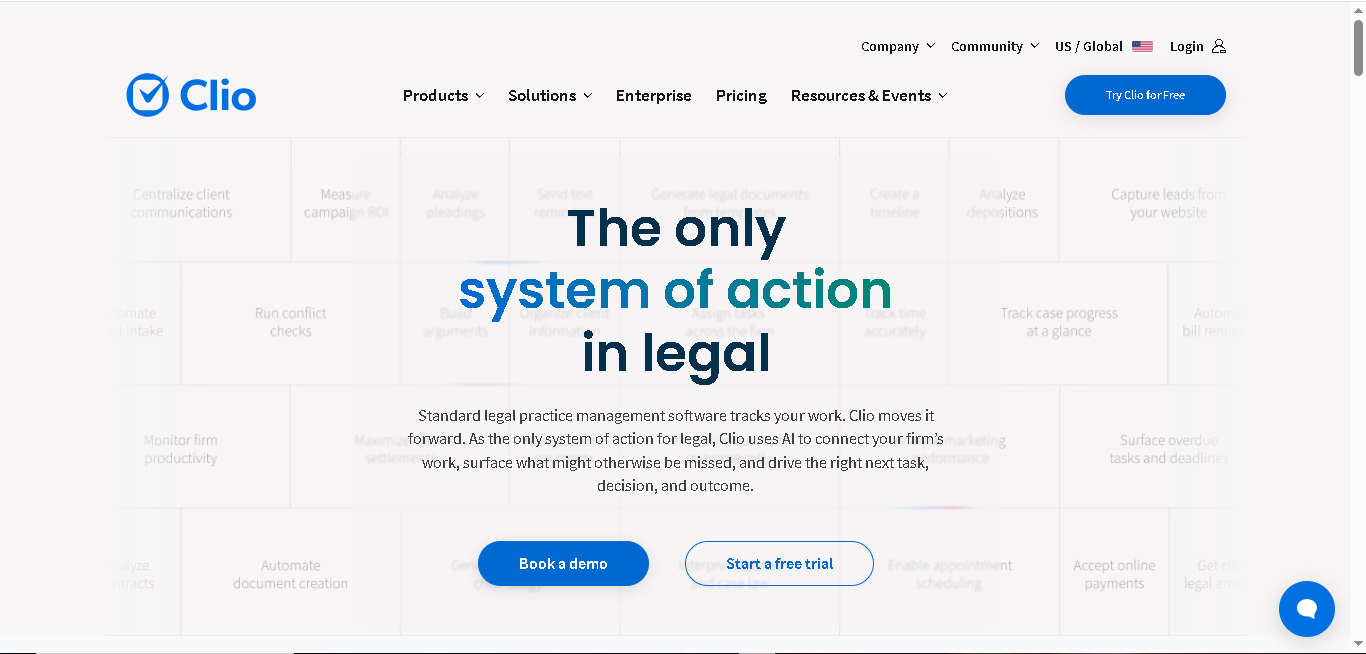
Clio is the most widely used legal case management software by law firms. Over 4,00,000 legal professionals rely on it. The platform manages your cases, clients, billing, documents, and deadlines.
It’s a cloud-based platform and can work on any device. You can easily connect it with 300+ third-party apps like QuickBooks, Google Workspace, and Microsoft 365.
Why It Made the List
Most legal case management tools either handle billing well or case management well, Clio does both for you. You can track billable hours, manage documents, organize case details, and generate invoices from the same dashboard here.
More than 100 bar associations have recommended or approved Clio.
Key Features of Clio
- Keep all your case documents, notes, contacts, tasks, and communication organized
- Track billable hours in real time and create invoices faster
- Share documents, updates, and messages securely with clients and co-counsel
- Access your case files, billing details, and documents from any device
- Manage court dates, appointments, and important deadlines (centralized calendar)
- Use templates and automation tools to create legal documents
- Collect client information through online intake forms and sync it directly into your workflow
- Customize categories, billing rates, task lists, and matter templates based on your firm’s needs
- Collaborate with your team efficiently and track every case update in real time
Pros
- Easy cloud access for remote and mobile work
- Integration with 300+ apps
- Approved by 100+ bar associations
Cons
- Can feel overwhelming to set up
- Advanced automation is available only on higher-tier plans
- No offline functionality
Detailed Pricing
- EasyStart: $49/user
- For other plans, you need to request pricing quote.
MyCase
Best for: Small to mid-sized law firms that want an all-in-one platform without complexity
- Free Trial: 10-day free trial
- Starting Price: $39/user/month
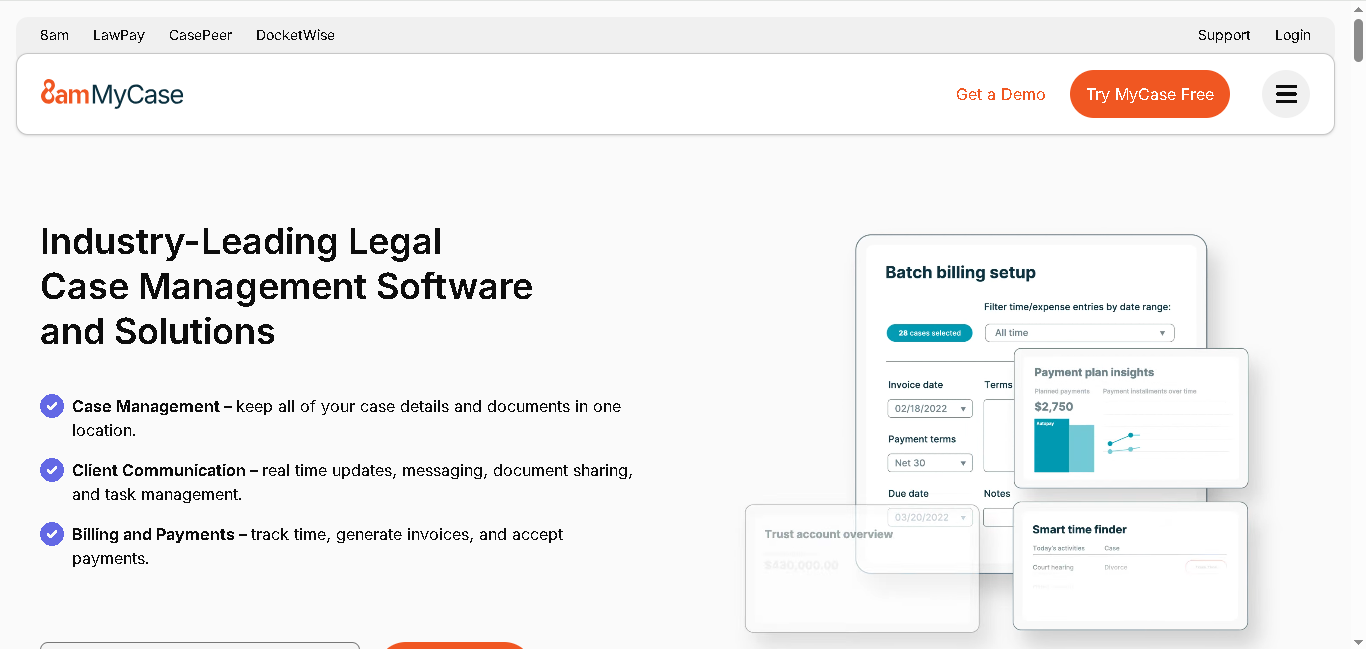
MyCase is a cloud-based legal practice management platform, best for small and mid-sized law firms. It brings together case management, client communication, billing, and payments into one clean system.
It’s generally seen as more accessible and affordable for firms with 5-20 attorneys. Plus, you can set it up in a day, and your team won’t need much training to figure things out.
Why It Made the List
MyCase has a very simple built-in client portal that your clients can easily use. And if your firm deals with a high volume of client communication, document requests, and payment collection, this is best. Your clients can self-serve easily. This means you get fewer emails, fewer follow-ups, and less back-and-forth for your team.
Key Features of MyCase:
- Partnered with over 130 bar associations
- Manage all your cases and client details in one place
- Get a secure client portal for messages, document sharing, and payments
- Track time, create invoices, and accept online payments
- Capture new clients with customizable intake forms
- Send documents for e-signatures and automate follow-ups
- Manage deadlines, meetings, and reminders through a shared calendar
- Generate documents automatically using client data
- Store, organize, and edit all your case files in the cloud
- Text clients directly and keep communication in one thread
- Track expenses and convert them into billable invoices
- Integrates easily with Access Legal, CallRail, Candle AI and more
Pros
- Quick to set up
- Clean, easy-to-use client portal
- Built-in payment processing with competitive rates
- Has a mobile app for iOS and Android
Cons
- Limited integrations options
- Basic reporting and analytics
- No built-in conflict checking tool
- Slow customer support response at times
Detailed Pricing
- Basic Plan: $39/user/month (billed annually)
- Pro Plan: $89/user/month (billed annually)
- Advanced Plan: $109/user/month (billed annually)

PracticePanther
Best for: Solo attorneys and small firms who want automation without a steep learning curve
- Free Trial: 7-day free trial
- Starting Price: $49/user/month
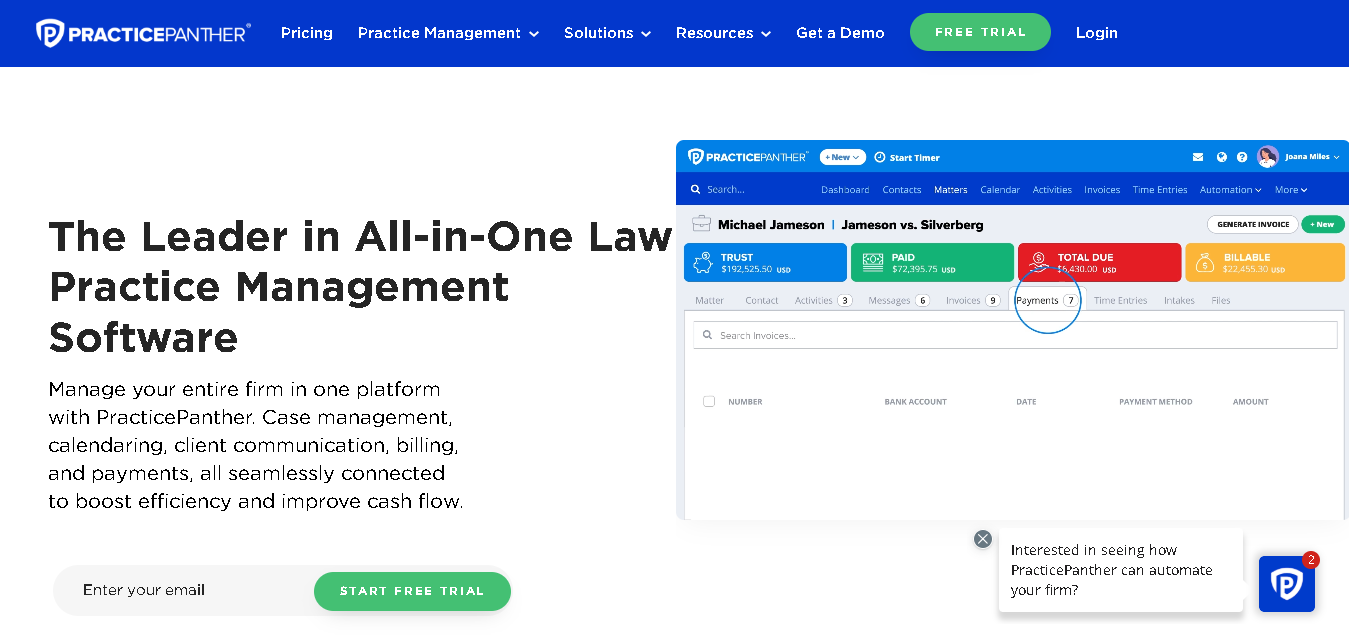
PracticePanther is another good legal practice management platform designed especially for solo practitioners and small law firms. It covers the basics well: case management, billing, time tracking, and client communication.
The best thing PracticePanther offers is workflow automation. You don’t need a technical background to set things up. You can create workflows, automate repetitive tasks, and keep everything organized without overcomplicating your process.
Why It Made the List
PracticePanther gives you a week-full trial to actually run a few real cases through the system and see whether it fits your workflow or not. On top of that, it offers direct integrations with QuickBooks, Google workspace, Outlook, Dropbox and LawPay. You can also connect it with external applications like Zapier. The software has partnered with 50+ bar associations.
Key Features of PracticePanther:
- Manage all your cases, contacts, and activities in one place
- Automate tasks, reminders, and workflows without needing technical setup
- Track time, expenses, and turn them into invoices
- Capture new clients and manage your intake process
- Communicate with clients through email, notes, and built-in texting
- Store, organize, and securely share all your documents
- Send documents for e-signatures directly from the platform
- Sync your billing and accounting data with QuickBooks automatically
- Manage deadlines, tasks, and schedules from a central calendar
Pros
- 7-day free trial
- No-tech knowledge required
- Workflow automation is easy to configure
Cons
- No pipeline reporting for tracking lead-to-client conversion
- Has no built-in editor for documents
- Limited customization on reports
Detailed Pricing
- Solo Plan: $49/user/month (billed annually)
- Essential Plan: $69/user/month (billed annually)
- Business Plan: $89/user/month (billed annually)
- Business Pro: $114/user/month (billed annually)
Filevine
Best for: Law firms that handle complex cases and need detailed case and document management.
- Free Trial: Demo on request
- Starting Price: Custom pricing

Filevine is a modern legal case management software. It is built for law firms that handle high-volume, document-heavy cases (personal injury, litigation, and criminal defense) simultaneously.
Here you get a more advanced case tracker system that helps you manage large case files, automate timelines, and even use AI to summarize documents. So if your team spends a lot of time reviewing records, organizing files, or tracking settlements across multiple cases, Filevine is actually good for them.
Why It Made the List
Filevine takes away your manual work. You don’t have to go go through documents and build timelines. You can simply rely on built-in AI to summarize and speed things up.
Key Features of Filevine
- Manage all your cases, deadlines, tasks, and timelines in one place
- Store, organize, and securely share documents
- Use AI-powered document summaries to review large case files faster
- Automate workflows, repetitive tasks, and case updates
- Track settlements, negotiations, and case progress in real time
- Review and organize medical records with built-in AI assistance
- Communicate with clients through secure messaging and client portals
- Send documents for e-signatures directly from the platform
- Track billable time, manage invoices, and handle payments
- Collaborate with team using shared dashboards, activity logs, and reporting tools
- Integrate with tools like QuickBooks, Outlook, Dropbox, and Microsoft Teams
- Access your cases securely from desktop or mobile
Pros
- Advanced AI features save time on document-heavy work
- Highly customizable software
- Strong reporting tools
Cons
- Pricing is not public
- Steep learning curve
Detailed Pricing
- Filevine uses custom, quote-based pricing depending on firm size, number of users, and the features you need. You’ll need to book a demo to get a number.
Category 2: General Case Management
Kissflow
Best for: Teams that want to create and manage custom workflows without coding
- Free Trial: Free trial available
- Starting Price: $2,500/month (flat rate, up to 100 users)
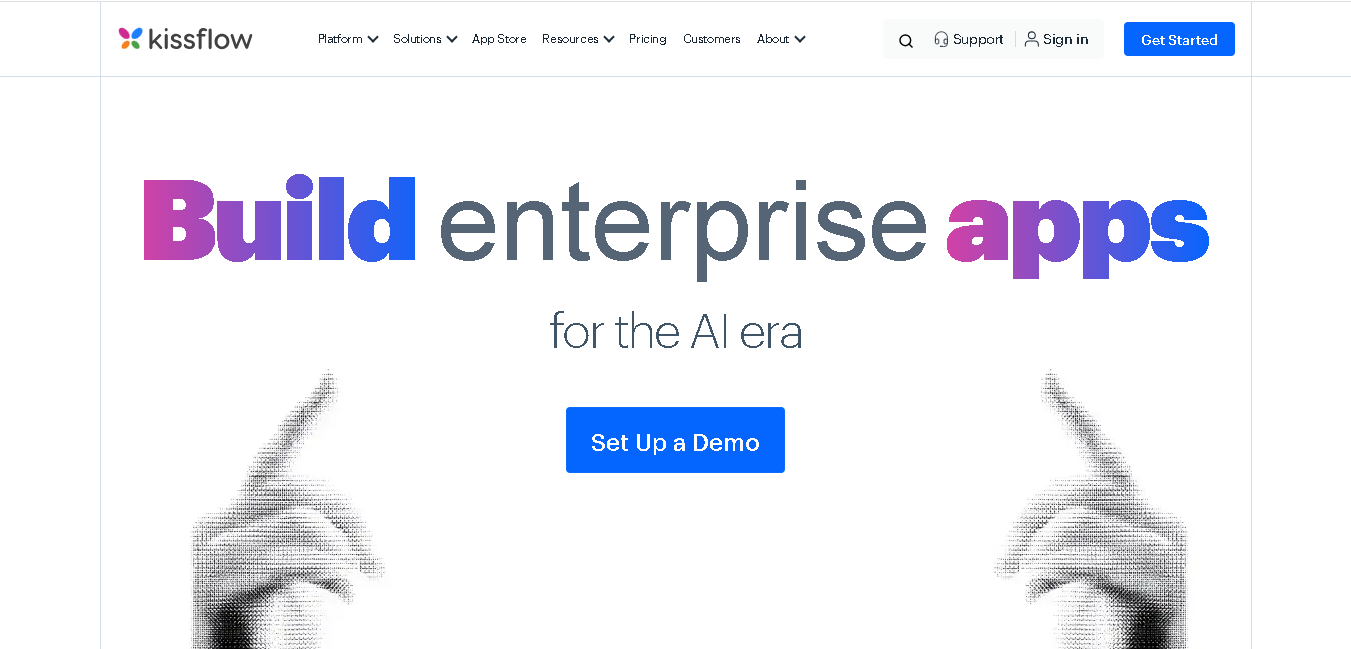
Kissflow is a cloud-based workflow and case management software that offers you a flexible system instead of rigid workflows. Here, you can adapt processes based on your situations: internal requests, complaints, approvals, or investigations.
You can easily manage both structured tasks and unpredictable cases from one platform here. It’s a best fit for mid-market companies, in industries like manufacturing, retail, FMCG, and professional services.
Why It Made the List
With KissFlow, you can separate processes and cases and handle both properly without forcing them into a single structure.
You also get a no-code builder that’s genuinely easy to use. You can create workflows, forms, and automations quickly, which makes it a strong choice when you want speed without complexity.
Key Features of KissFlow:
- Track all your cases using visual boards (Kanban, list, or table views)
- Build custom forms and workflows using a simple drag-and-drop builder
- Automatically assign cases based on rules like workload or category
- Set SLAs and auto-escalate cases if deadlines are missed
- Generate reports using charts, tables, or dashboards
- Manage workflows like tickets, claims, incidents, and requests
- Collaborate across teams without data getting stuck in silos
- Connect tools like Slack, Google Workspace, Microsoft Teams, and Salesforce
Pros
- Set everything up without needing technical help
- Clean, easy-to-navigate interface
- Good customer support and onboarding assistance
Cons
- Pricing can feel bit expensive if your team is small
- Fewer ready-made templates
- Advanced reporting is only available in higher plans
Detailed Pricing
- Basic: $2,500/month
- Enterprise: Custom Pricing
Zendesk
Best for: Customer service teams managing high-volume support cases and tickets
- Free Trial: 14-day free trial
- Starting Price: $19/agent/month
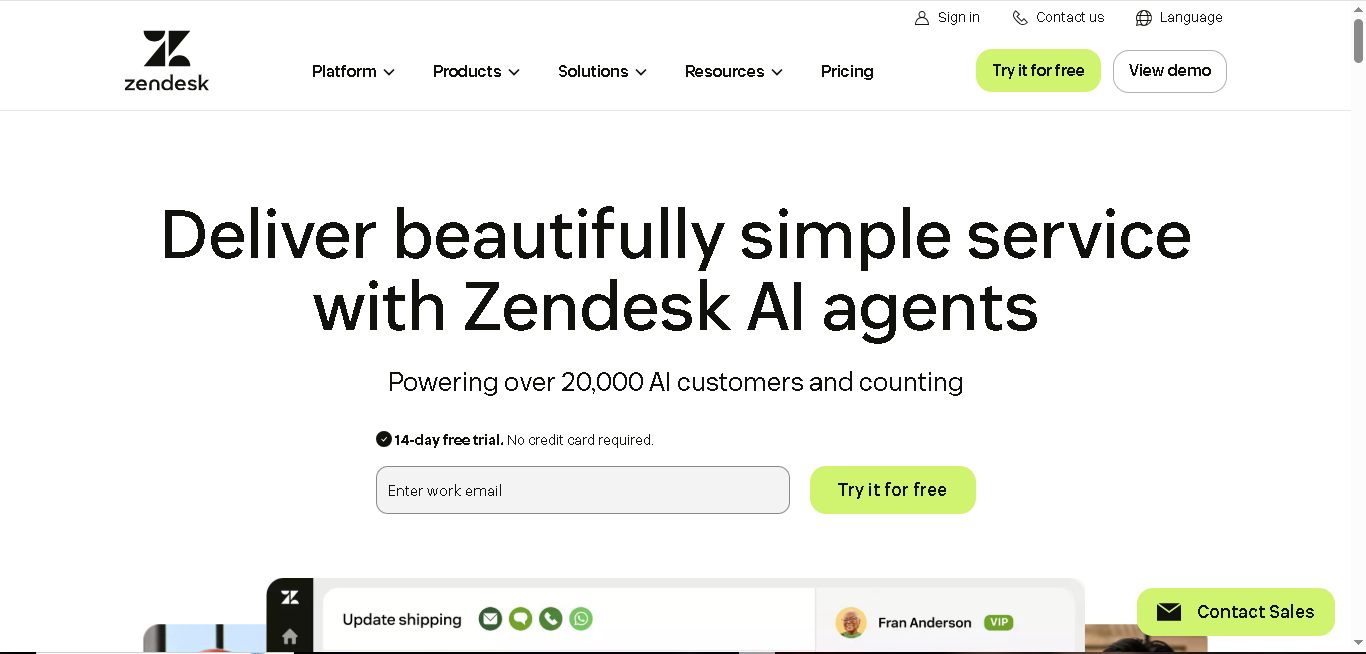
Zendesk is one of the most widely recognized names in customer service software, and for good reason. It gives you a centralized system to manage all your customer conversations in one place.
Every support request becomes a “ticket” (which is essentially your case), so you can track it from the first message to resolution without losing context.
And if your team handles customer complaints, returns, product issues, or account inquiries at any high volume, Zendesk is built for exactly that workflow.
Why It Made the List
It’s best when it comes to omnichannel communication. Your customer can reach out on different channels, and you still get the full conversation history in one view.
You also get AI-powered routing, which means tickets are automatically categorized and assigned. This saves your team from manual sorting and lets them focus on actually resolving issues.
Key Features of Zendesk
- Manage all customer tickets from email, chat, phone, and social media in one inbox
- Automatically route tickets based on content, priority, or intent
- Set up automations to respond, escalate, or close tickets
- Create a self-service help center for customers
- Define SLAs and track response and resolution times
- Monitor ticket volume, CSAT scores, and team performance through reports
Pros
- Good omnichannel support
- Has AI automation features
- Access to large marketplace with 1000+ integrations
Cons
- Costs can increase quickly as you add more agents and features
- Advanced reporting is only available in higher-tier plans
- Initial setup can feel complex
Detailed Pricing
- Support Team: $19/agent/month (billed annually)
- Suite Team: $55/agent/month (billed annually)
- Suite Professional: $115/agent/month (billed annually)
- Suite Enterprise: $169/agent/month (billed annually)
HR Acuity
Best for: HR and employee relations teams managing sensitive workplace cases and investigations
- Free Trial: Free Demo available
- Starting Price: Custom Pricing
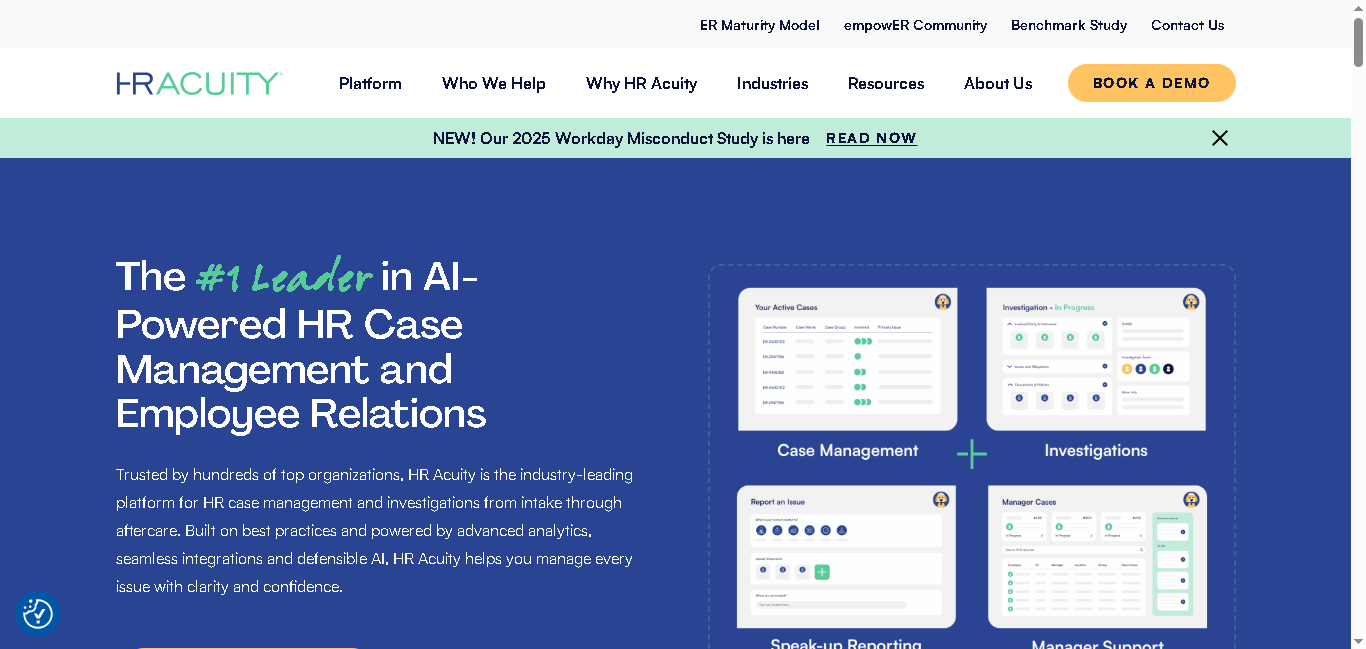
HR Acuity is a purpose-built employee relations case management platform. It primarily helps HR teams to manage sensitive employee cases like misconduct, harassment, policy violations, and workplace investigations.
You can document cases consistently and follow guided investigation steps. This way you can maintain clear records without missing details.
Why It Made the List
HR Acuity helps you keep everything properly documented and organized. Every action, update, and conversation is recorded with clear timestamps, which becomes extremely important if a case is ever reviewed legally or by regulators.
You also get benchmarking insights. This lets you compare your case trends with industry data, helping you spot recurring issues early and improve workplace policies before it grows bigger.
Key Features of HR Acuity:
- Log and manage cases using structured intake forms for different issue types
- Track investigations step-by-step with notes, evidence, and timelines
- Generate audit-ready records with a full history of actions and decisions
- Use AI to summarize cases, assist with documentation, and speed up reporting
- Get benchmarking insights by comparing your data with industry trends
- Access real-time analytics to identify patterns, risks, and recurring issues
- Follow guided workflows and templates for consistent investigations
- Integrates with HR systems like Workday, SAP, ADP, and others
Pros
- Built specifically for HR and employee relations use cases
- Creates legally defensible case records automatically
- Has strong security and access controls
Cons
- Pricing not available
- Less flexible for non-HR use cases
- Implementation may require dedicated HR involvement
Detailed Pricing
HR Acuity uses custom, enterprise pricing based on company size and the number of active users
Category 3: Healthcare & Social Services Case Management

Bonterra Case Management
Best for: Nonprofits and social service organizations managing client programs and outcomes
- Free Trial: Demo on request
- Starting Price: Custom pricing

Bonterra is built specifically for nonprofits and social service organizations that need more than just basic case tracking. You can manage client interactions, track services delivered, and measure outcomes.
Here, you get a centralized platform that helps you document every client interaction while also showing how your programs are performing and what impact you’re creating.
Why It Made the List
Bonterra is designed for organizations working with people, programs, and funding requirements. Instead of using a generic CRM or workflow tool, you get features designed for intake, client tracking, reporting, and program management.
You can easily track a person’s progress over time, measure outcomes against program goals, and generate reports needed for grants and funding requirements.
Key Features of Bonterra
- Create custom intake forms for different programs and funding requirements
- Manage complete client records across services, interactions, and teams
- Track client progress against specific goals and outcomes over time
- Generate funder-ready reports based on grant or contract requirements
- Monitor program performance through real-time dashboards
- Control access with role-based permissions
Pros
- Best for nonprofits and social service organizations
- Strong reporting capabilities
- HIPAA-compliant for health-related service programs
Cons
- No pricing details given
- Interface may feel complex
- Limited integration options with general business tools
Detailed Pricing
Bonterra uses custom pricing based on the size of your organization, the number of programs you run, and the features you need.

Therap
Best for: Intellectual and developmental disability (IDD) service providers and behavioral health organizations
- Free Trial: Demo on request
- Starting Price: Custom Pricing
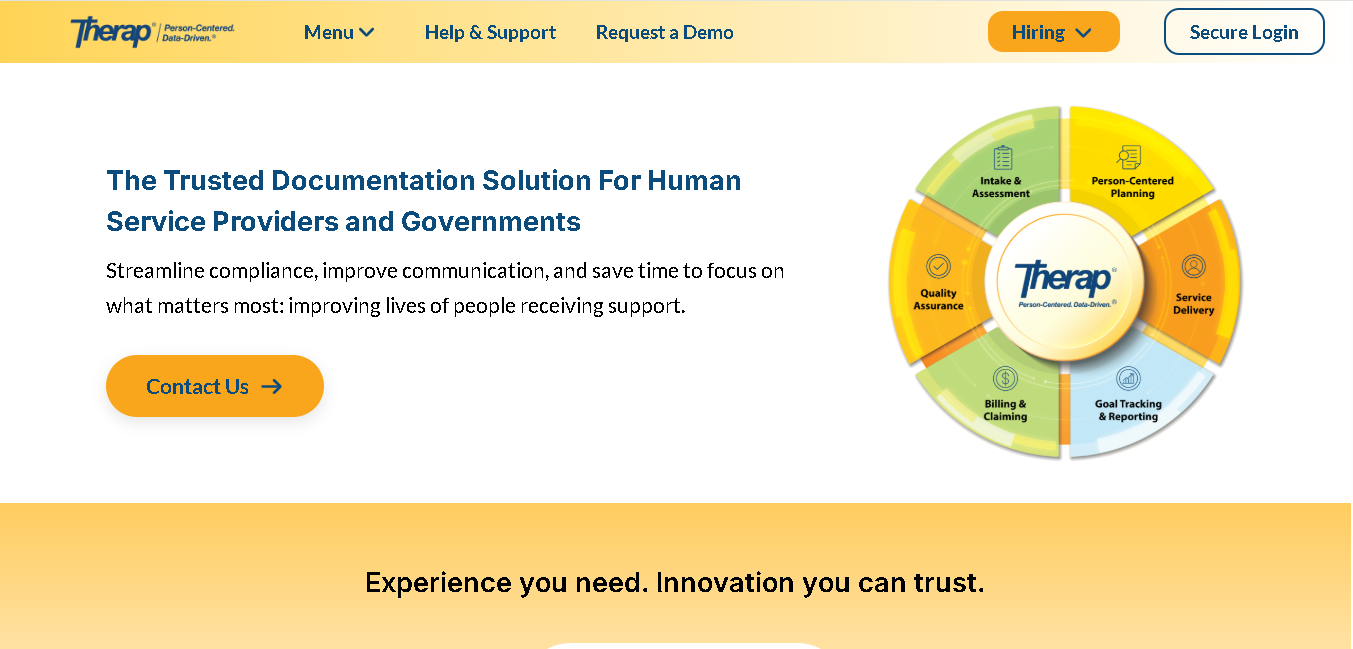
Therap is a specialized electronic health record (EHR) and a case management software. Its built to support individuals with intellectual and developmental disabilities (IDD), traumatic brain injuries, and behavioral health needs. It’s one of the most comprehensive tools purpose-built for your workflows.
Here you can log daily notes, report incidents, and generate Medicaid-related reports directly from the platform.
Why It Made the List
Therap helps you meet state-specific Medicaid reporting requirements without extra manual work. Instead of exporting and reformatting data for billing, you can handle reporting directly inside the platform.
Key Features of Therap:
- Create and manage individual care and support plans
- Log daily notes, behaviors, and progress updates
- Report and track incidents with proper documentation
- Use real-time logs to keep staff and supervisors updated
- Generate billing records aligned with Medicaid requirements
- Export reports in formats required by your state
Pros
- Built specifically for IDD and behavioral health providers
- Commonly used by state agencies and care teams
- Strong compliance and documentation features
Cons
- Old interface and less intuitive
- Mobile app is not functional
Detailed Pricing
Therap uses custom pricing based on the number of individuals served, the modules your organization needs, and your state’s specific requirements. Contact Therap directly for a quote.
Category 4: Enterprise & Low-Code Platforms
Pega
Best for: Large businesses that want AI-powered case management and automated workflows in one platform
- Free Trial: 30-day free trial (Pega Community)
- Starting Price: Custom-based pricing
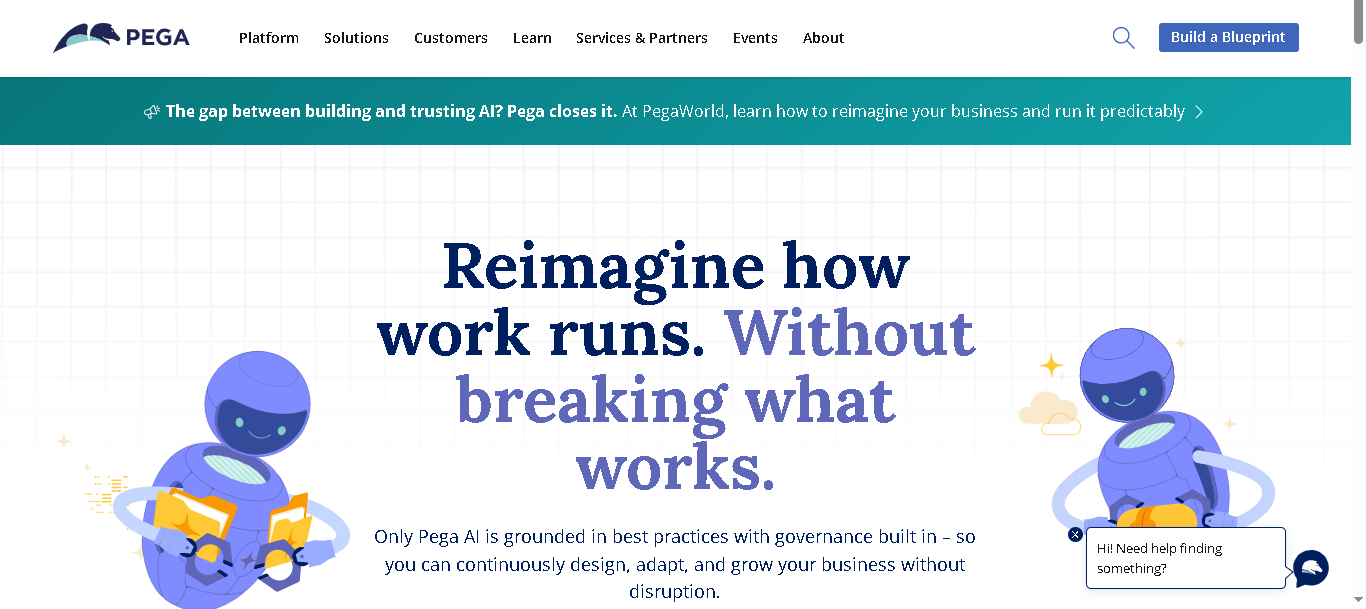
Pega is an enterprise-level case management software. It’s built for organizations that manage high-stakes case workflows like insurance claims, fraud investigations, loan processing, or government services.
You can connect different systems, automate workflows, and guide decisions using AI here. Plus, Pega gives you full control if your operations involve multiple teams, systems, and decision layers.
Why It Made the List
Pega stands out because of its AI decisioning engine. It helps you decide what should happen next based on context, past data, and business rules. That kind of guidance can improve both speed and decision quality in complex environments.
You also get strong automation and process visibility, so you can see how cases move across teams and optimize workflows over time.
Key Features of Pega:
- Design and manage complex case workflows with multiple stages and conditions
- Use AI to get real-time recommendations
- Automate repetitive tasks and system interactions using RPA
- Manage customer-facing cases with full interaction history across channels
- Visualize workflows to understand how data, people, and actions connect
- Enforce compliance with built-in audit trails and governance controls
- Build and customize applications using low-code tools
Pros
- Built-in advanced AI decisioning
- Easily handle highly complex, regulated workflows
- Scale across large teams and enterprise systems
Cons
- Pricing is very high
- Not suitable for small or mid-sized teams
Detailed Pricing
Pega’s pricing is quote-based. Contact Pega’s sales team directly for an accurate quote.

ServiceNow
Best for: Large enterprises managing IT service, operations, and cross-functional case workflows at scale
- Free Trial: Free Demo available
- Starting Price: Custom pricing
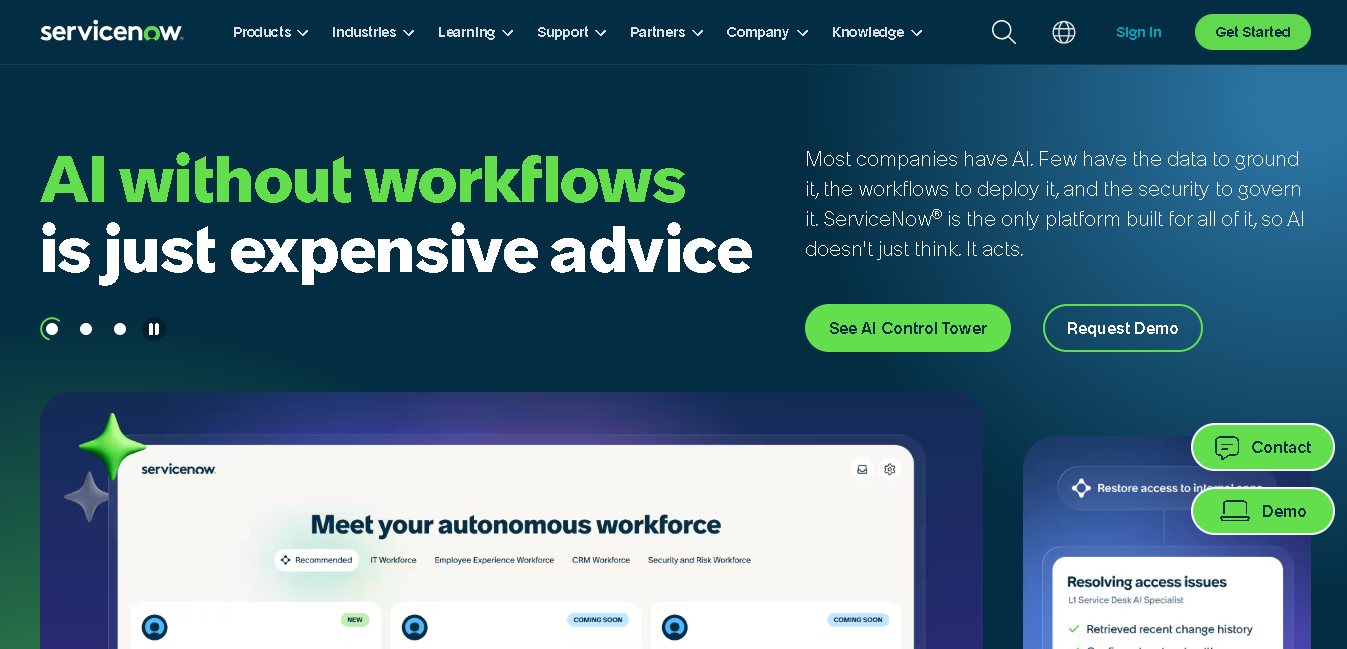
ServiceNow gives you a single platform to manage different types of cases across your organization. Whether it’s IT incidents, HR requests, or customer service issues. Here, you can bring everything into one system and manage workflows end to end.
You can connect teams, systems, and processes so that cases move smoothly from one department to another without losing visibility. This becomes especially useful when multiple teams are involved in resolving a single issue.
Why It Made the List
ServiceNow stands out because it connects different departments into one workflow. You can build processes that involve IT, HR, legal, and other teams all within one flow while still tracking in real-time.
You also get automation and AI features that help route cases, organize requests, and speed up resolution times without too much manual work.
Key Features of ServiceNow
- Manage IT incidents, requests, and changes using structured workflows
- Handle HR cases like employee requests, onboarding, and policy queries
- Track customer service cases with full interaction history
- Build workflows that connect multiple departments without coding
- Automate routing, categorization, and responses using AI
- Use virtual agents (chatbots) to handle common queries
- Track performance and case status through real-time dashboards
Pros
- Get enterprise-grade security, compliance, and access controls
- Scales across hundreds of thousands of users
Cons
- Not suitable for small or mid-sized teams
- Costs are high due to licensing and implementation
Detailed Pricing
- ServiceNow uses a custom-quoted, enterprise subscription model rather than a public, tiered pricing list
How to Choose the Right Case Management Software for Your Team
Before you book a demo or start a free trial, get clear on these four things:
1. First, think about the kind of cases you handle.
Legal work, customer support, HR issues, or healthcare cases all need different features. A tool built for one won’t automatically work for another, so start there.
2. Next, consider how technical your team is.
If you need something your team can set up on their own, go for a no-code tool. But if you have IT support, you can look at more advanced platforms.
3. Be realistic about your budget.
The base price is just the starting point. You’ll also spend on setup, training, integrations, and customization. Think about all that, too.
4. Finally, involve the people who’ll actually use it every day.
Let a few team members try it and share feedback. After all, it’ll be primarily them using it.
Conclusion
You don’t need the “best case management tool ”, you need the one that actually fits how your team works day to day.
Focus on clarity, ease of use, and how well it handles your specific type of cases instead of chasing features you won’t use.
Take the time to test a few options, involve your team, and see what feels natural in real workflows. The right choice will save you time, reduce chaos, and make your work a lot more manageable.
Read More About:
Best 10 Property Management Softwares For 2026
Best IP Management Software Tools In 2026
7 Best Family law Software Tools
7 Best Trademark Monitoring Software In 2026