
Curve Dental is a cloud-based dental practice management software trusted by more than 80,000 dental professionals currently.
You can manage your appointments, patient records, billing, charting, imaging, and more from one place. Plus it can be used on both Windows and Mac.
The platform offers a lot of useful features and is often praised by users for its ease of use, cloud access, and customer support. But it also has a few drawbacks. And it’s worth knowing about them before you sign up.
So, we did the research for you. We looked at Curve Dental’s features, pricing, and customer support. And read hundreds of reviews across G2, Capterra, and Software Advice.
Read through the entire review and you’ll have an answer if Curve Dental is the right fit for your practice or not.
Note: Buy it if you want cloud access and simple daily use. Think twice if you need clear pricing upfront or a free trial first.
Curve Dental Features: What Do You Actually Get?
Curve is an all-in-one dental platform. It runs in your chrome browser. There’s no server to install and no software to update.
Here’s what matters most.
1. Cloud-Based Access and Reliability
Curve Dental is cloud-based, so you can access it from anywhere. Whether you’re at the front desk, in an operatory, or working from home, all you need is Google Chrome and an internet connection.
It works on both Windows and Mac. A basic internet speed of around 5 Mbps is usually enough.
Before you sign up, ask the Curve team about their recent uptime and reliability. And since it’s a cloud platform, having a backup internet connection is always a smart idea.
2. Appointment Scheduling
Curve Dental makes scheduling quick and easy. You can drag and drop appointments, move multiple bookings, and block time in just a few clicks.
Curve Sidekick helps you find common tools faster. SmartFill automatically fills canceled appointments from your waitlist, helping keep your schedule full.
3. Clinical Charting and Perio Charting
Charting is quick and visual. You can chart teeth, track conditions, and plan treatment in one place. Some users want the treatment plan to show up better on the tooth diagram. So it’s good, but not perfect for every workflow.
4. Patient Records
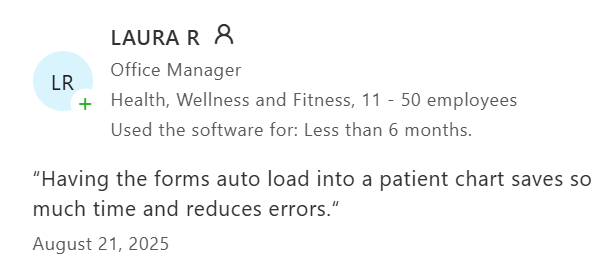
All your patient data lives in one spot. Notes, history, images, forms, and billing sit together. You don’t have to jump between systems to find things. New team members learn it fast.
5. Billing and Invoicing
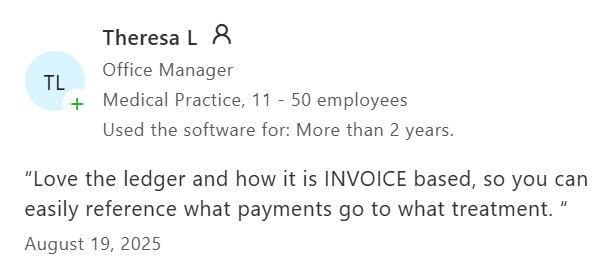
Curve Dental runs its billing on an invoice-based ledger. You can clearly see which payment matches each treatment, so your records stay organized.
Your invoices and patient statements are clean and easy to understand. Patients can quickly check their balance and upcoming appointments. Payment posting is also automated, which helps save time and reduce manual work.
6. Insurance and Claims
You can check insurance eligibility in seconds. Curve uses ERA and eClaim tools to speed this up. You can track a claim’s status without leaving the software.
7. Imaging Integration
Curve Dental lets you capture and store X-rays directly in your patient’s chart. Since everything is cloud-based, you don’t need a separate server.
A few users want better image layout, like tooth-specific views. Curve keeps adding updates here, so it’s improving.
8. Patient Communication (Curve GRO)
Curve GRO helps you stay connected with your patients. You can send appointment reminders, exchange text messages, offer online booking, and collect digital forms.
Some mobile features are only available with a Curve GRO subscription. You may need the add-on to access the full feature set.
9. Reporting and Analytics
You get dashboards and ready-to-run reports. You can track production, collections, and key numbers in real time.
10. Multi-Location Support and Integrations
Here, you can manage all your locations from one cloud login without syncing servers between offices.
Curve integrates with popular dental tools like Weave, Birdeye, CareCredit, and DentalXChange, so it fits easily into your existing workflow
11. More Curve Dental Features In 2026
Curve added or expanded a lot lately.
- Curve Pay. Built-in payments with next-day deposits, tap, and text-to-pay.
- Eligibility+. AI insurance verification at the code level, with discrepancy detection.
- Smart Forms. Digital intake forms that auto-fill patient data before the visit.
- e-Prescribe. Send prescriptions and check medication history inside Curve.
- Business Analytics. Curve Insights dashboards for finances and daily huddles.
- Membership Plans. Run in-house patient membership plans.
- Ambient AI (Curve Care+). Voice AI that writes notes, charting, and perio as care happens. This one is brand new.
Curve Dental Pricing 2026: How Much Does It Cost?
Curve Dental doesn’t list its pricing on its website.
Most estimates put the cost at around $350 per provider per month. Your final price depends on the number of dentists in your practice and your specific needs.
To get an exact quote, you’ll need to contact the Curve sales team and share details about your practice. There’s no way to view pricing online without requesting it.
What Affects Your Price?
Your final cost depends on a few things:
- Number of providers: The more dentists in your practice, the more you’ll likely pay.
- Add-on features: If you choose extras like Curve GRO for patient texting, online booking, and mobile features, your monthly cost will increase.
- Implementation: If you’re moving from another dental software, you may also pay for onboarding, training, and data migration.
Curve Dental Pros and Cons
Pros
- Cloud access from anywhere
- Clean and easy-to-use interface
- 24/7 U.S.-based customer suppor
- Manage scheduling, billing, imaging, and patient records in one place
- Great for multi-location practices
- New mobile app for on-the-go access
- Saves on IT and server costs since everything is cloud-based
Cons
- Pricing is not public
- No free trial available, only demo available
- Insurance estimates may not always be accurate
- Report customization is somewhat limited
- Reaching the billing team can sometimes take time
- Few updates caused issues with tasks like patient checkout
- Subscription costs have increased over the years
What Curve Dental Users Liked and Disliked
We read hundreds of reviews across G2, Capterra, Software Advice, and Reddit. And looked for patterns that showed up again and again.
Here’s what we found.
Here’s what users consistently liked
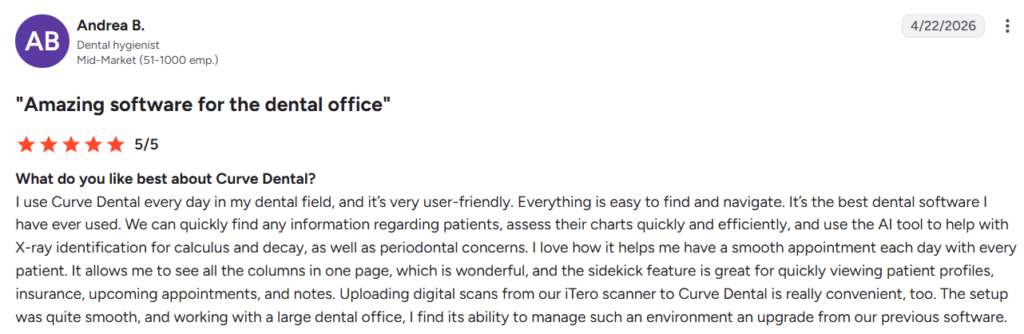
- Easy to use. Many users said it’s simple to navigate, and finding patient information doesn’t take much time.
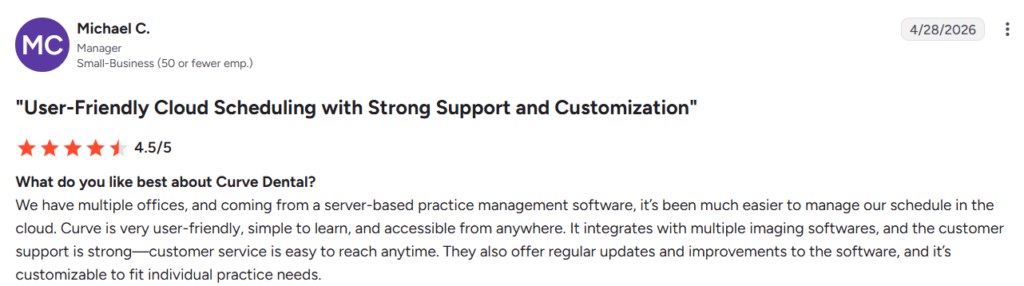
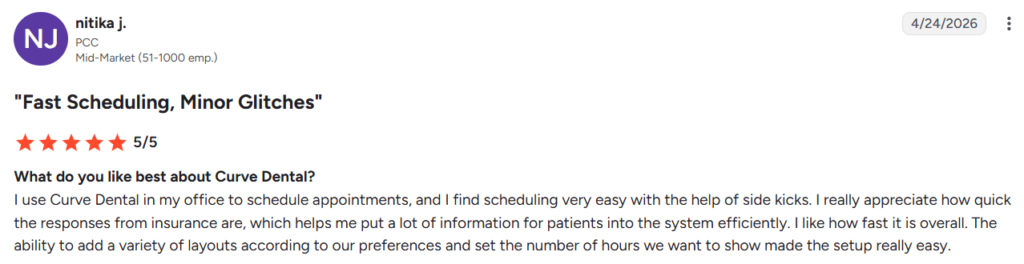
- Scheduling is fast and simple. Users liked how easy it is to schedule appointments. They also appreciated being able to customize the calendar to fit their workflow.
- Everything is in one place. Many users said they can quickly access patient charts, insurance details, treatment notes, and upcoming appointments from a single screen.
- Cloud access makes work easier. Users liked being able to access Curve Dental from anywhere. Practices with multiple locations said it made managing their offices much easier.
- Works well with imaging tools. Several users said uploading scans from imaging systems like iTero is quick and fits smoothly into their daily workflow.
- Helpful customer support. Many users praised the support team for being responsive. They also liked that the software receives regular updates.
- Invoice-based ledger. Some users specifically liked the invoice-based ledger because it makes billing easier to understand and helps them track patient balances more accurately.
Here’s what users consistently disliked
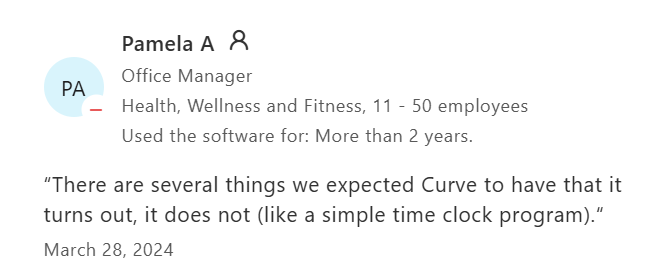
- Some features are missing. A few users said Curve Dental doesn’t include some basic tools they expected, like a built-in time clock.
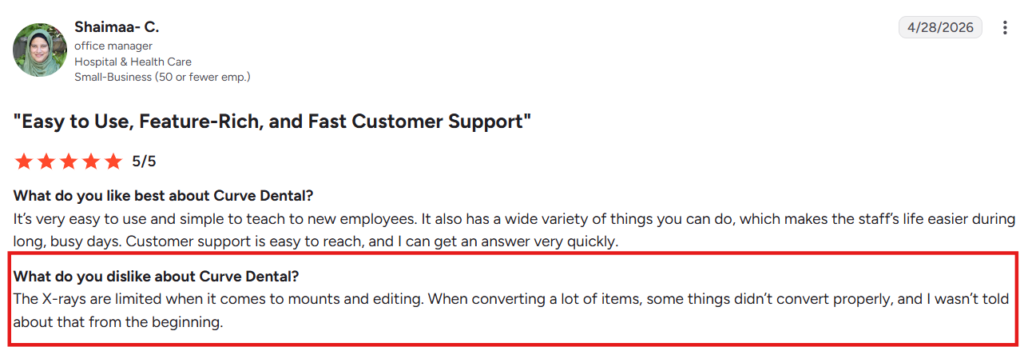
- Some imaging and data conversions need improvement. Users reported limitations when editing X-rays, and some data didn’t convert correctly during migration.
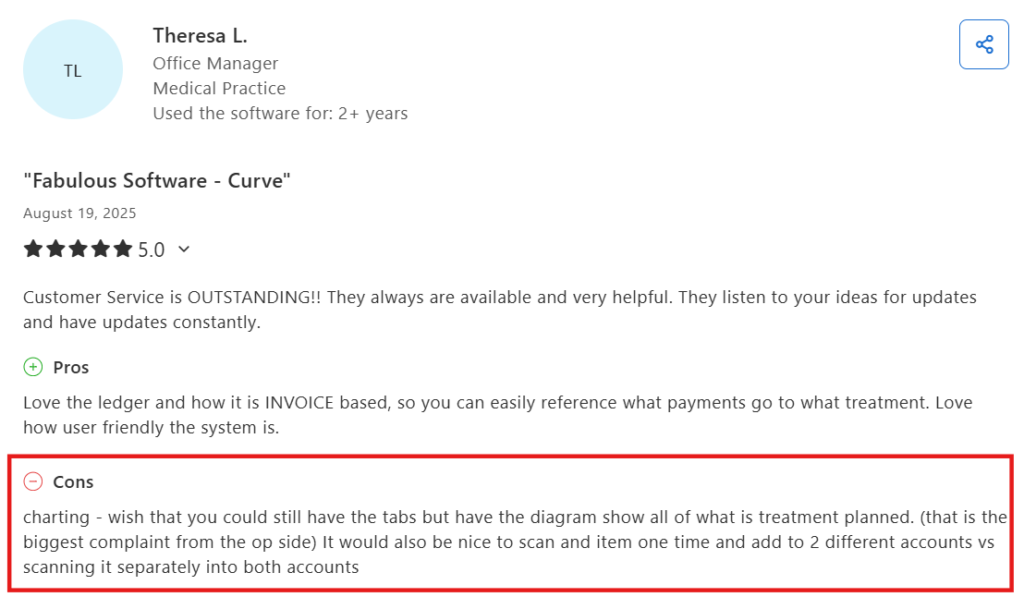
- Charting could be more flexible. Some reviewers wanted better charting options, including more visibility into planned treatments and fewer steps for certain tasks.
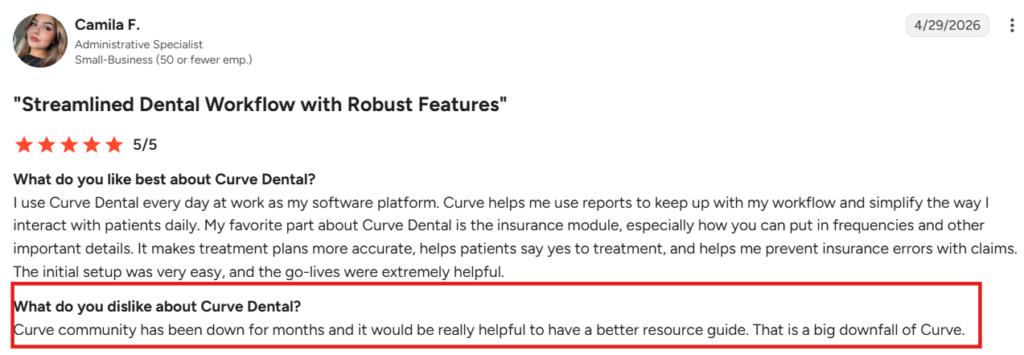
- Learning resources could be better. A few users said the Curve Community and help resources weren’t always available or detailed enough.
- Some workflows could be more efficient. Users mentioned small workflow issues, like having to scan the same item more than once for different accounts.
Curve Dental vs Dentrix vs Eaglesoft vs Open Dental vs CareStack vs Denticon
Here’s a quick side-by-side comparison with other best dental practice management softwares.
| Software | Type | Starting price | Best for |
| Curve Dental | Cloud | Quote-based | Cloud-first, multi-location |
| Dentrix | Server (cloud option) | Quote-based | Large practices, deep features |
| Eaglesoft | Server | Quote-based | Practices wanting on-premise |
| Open Dental | Server/cloud | $179/month | Budget-conscious practices |
| CareStack | Cloud | $829/month | Multi-location dental chains and DSOs |
| Denticon | Cloud | $750/month | Large multi-location groups |
Quick picks:
- Choose Curve if you want cloud access and easy daily use.
- Choose Dentrix or Eaglesoft if you prefer a server setup with deep tools.
- Choose Open Dental if you’re budget-focused and don’t mind setup.
- Choose CareStack or Denticon if you run a large DSO.
Is Curve Dental Worth It in 2026?
Yes, Curve Dental is a good choice if you want a cloud-based practice management system. It’s easy to use, your team can learn it quickly, and it works especially well if you manage multiple locations.
That said, it may not be the right fit if you want transparent pricing, a free trial, or highly customizable reports.
Before you decide, request a demo and test it with your own workflow. That will give you a better idea of whether it fits your practice.
