
You’re running a dental practice but still relying on disconnected tools, manual follow-ups, and paperwork? That’s not just slowing you down, it’s costing you time and revenue.
Today, you can automate daily operations, reduce front desk workload, improve patient communication, and keep your billing organized. All this with modern dental practice management software.
To help you choose the right fit, here are the best solutions to improve your clinic’s efficiency and day-to-day operations.
Side-by-Side Comparison: Top Dental Practice Management Software
How We Have Evaluated These Dental Management Softwares
We look at five things when we evaluate each tool:
- Does it handle scheduling, records, billing, and reporting in one place?
- Is the pricing clear, or does it hide costs in add-ons?
- Can a non-technical desk staff member use it on day one?
- Does it hold up when you add more locations or providers?
- What do real users say after six months of using it?
We update this list when pricing changes, new features ship, or user sentiment shifts.
Side-by-Side Comparison: Top Dental Practice Management Software
CareStack
Best for: Multi-location dental chains and DSOs
- Free trial: Free demo available
- Starting price: From $829/month
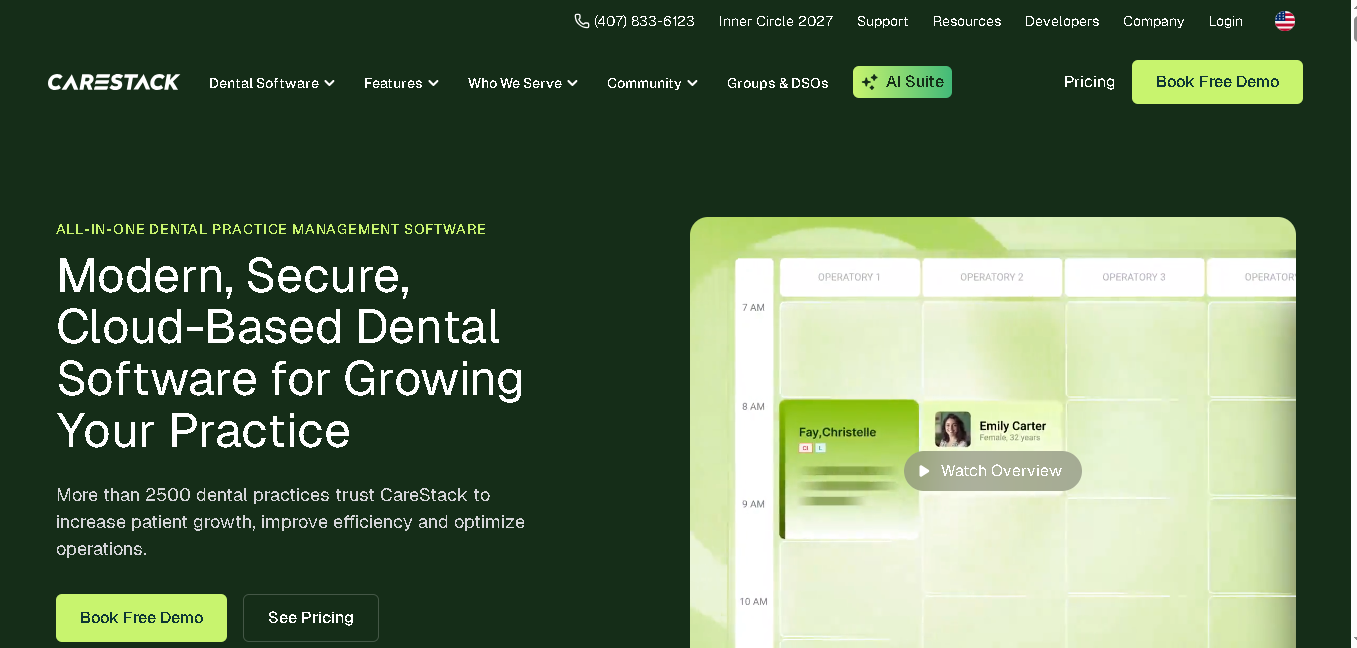
CareStack is a cloud-based dental practice management platform designed to handle everything your clinic needs in one place. It brings together scheduling, clinical workflows, billing, patient communication, and reporting into a single system.
It works for single clinics. And is equally powerful for multi-location practices that need centralized control and visibility across operations.
Why It Made the List
CareStack gives you a centralized, real-time view of your entire dental practice across multiple locations. You can track production, collections, and patient flow from a single dashboard.
With its built-in revenue cycle management, you can send claims faster, automatically flag rejections, and track payments.
Your patients also get to do online booking, get automated reminders, and use digital forms. All this with a secure patient portal, two-way texting, and AI-powered communication tools.
You can even monitor patient implant timelines and receive supplier recall alerts. Along with teledentistry, remote access, reputation management, and flexible payment options, it gives you everything you need to scale your practice in one platform.
Key Features of CareStack:
- Drag-and-drop scheduling with automated waitlists
- Centralized dashboard for all your clinic locations
- Insurance billing, claims, and payment tracking
- For patients: online booking, digital forms, and automated reminders
- Access to two-way texting and AI-powered patient communication
- Implant tracking with supplier recall alerts
- Periodontal charting, e-prescriptions, imaging integrations, and teledentistry
Pros
- Best for multi-location practices
- Has built-in revenue cycle management
- Covers both administrative and clinical workflows
Cons
- Expensive for smaller or solo practices
- Initial setup can take time
- Interface can feel complex at firs
Detailed Pricing
- Essentials: $829/month
- Intelligence: $1299/month
Curve Dental
Best for: Cloud-first practices that want a clean, all-in-one system
- Free trial: Free demo available
- Starting price: Custom pricing (contact for quote)
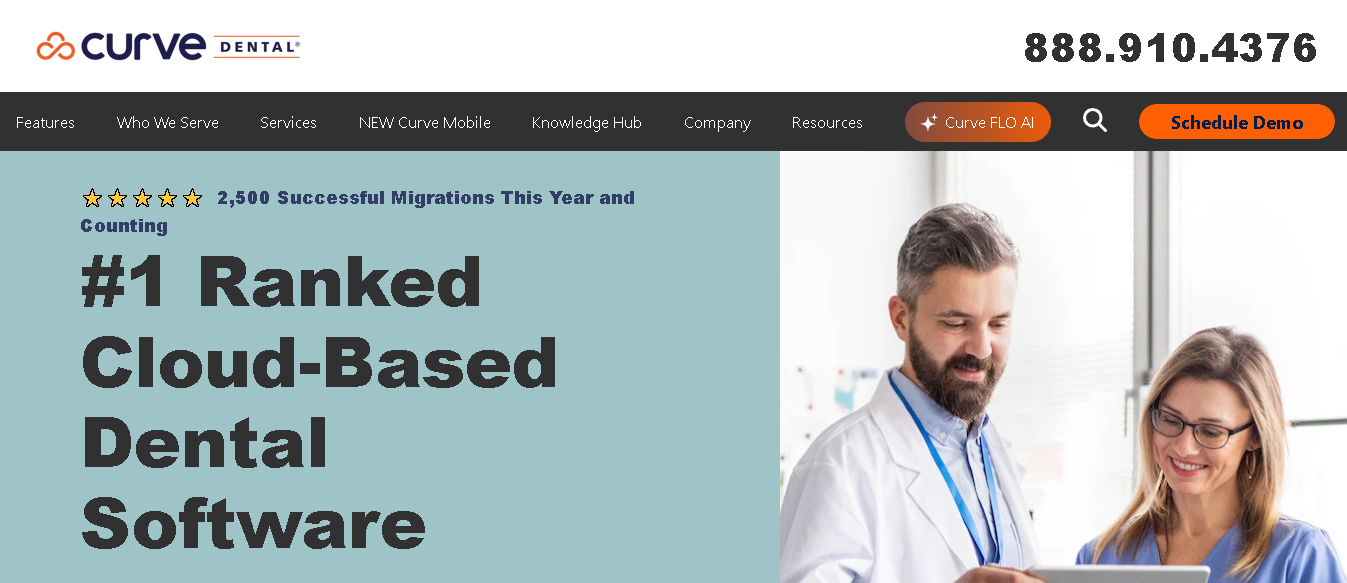
Curve Dental is a fully cloud-based dental practice management system that runs directly in your browser. You don’t need to install anything or manage servers. Just log in and start working.
It brings your scheduling, charting, imaging, billing, and patient communication into one place. All this combined with a clean and modern system without much technical complexity.
Why It Made the List
The scheduling calendar is one of the best features in Curve Dental. You can quickly spot gaps, avoid double bookings, and use SmartFill to automatically fill cancelled slots.
You also get built-in imaging, so you can view X-rays and patient records in one place without switching tools. And since the system is easy to use, your team can get up to speed quickly without long training time.
Key Features of Curve Dental
- Access your system from any device without installing software
- Get a drag-and-drop scheduling calendar with real-time availability updates
- Patients can book appointments online anytime based on your availability
- Send automated reminders and manage two-way patient texting
- Patients can fill digital intake forms before visiting your clinic
- Capture and view X-rays directly inside patient charts
- Manage insurance claims, eligibility checks, and payment posting in one place
- Track production, collections, and patient retention with built-in reports
- Automate recall scheduling to bring patients back regularly
Pros
- Access your system from anywhere easily
- Has easy-to-use interface
- All your imaging and patient records stay in one place
Cons
- Pricing is not transparent
- Occasional slowdowns and can impact workflow during busy hours
- Perio charting may feel limited if you need advanced clinical detail
Detailed Pricing
Curve Dental does not list public pricing. The cost depends on the number of providers and which modules you need.
Learn More About Curve Dental
Dentrix Ascend
Best for: Practices already using Henry Schein products or equipment
- Free trial: Free demo available
- Starting price: Custom pricing (contact for quote)
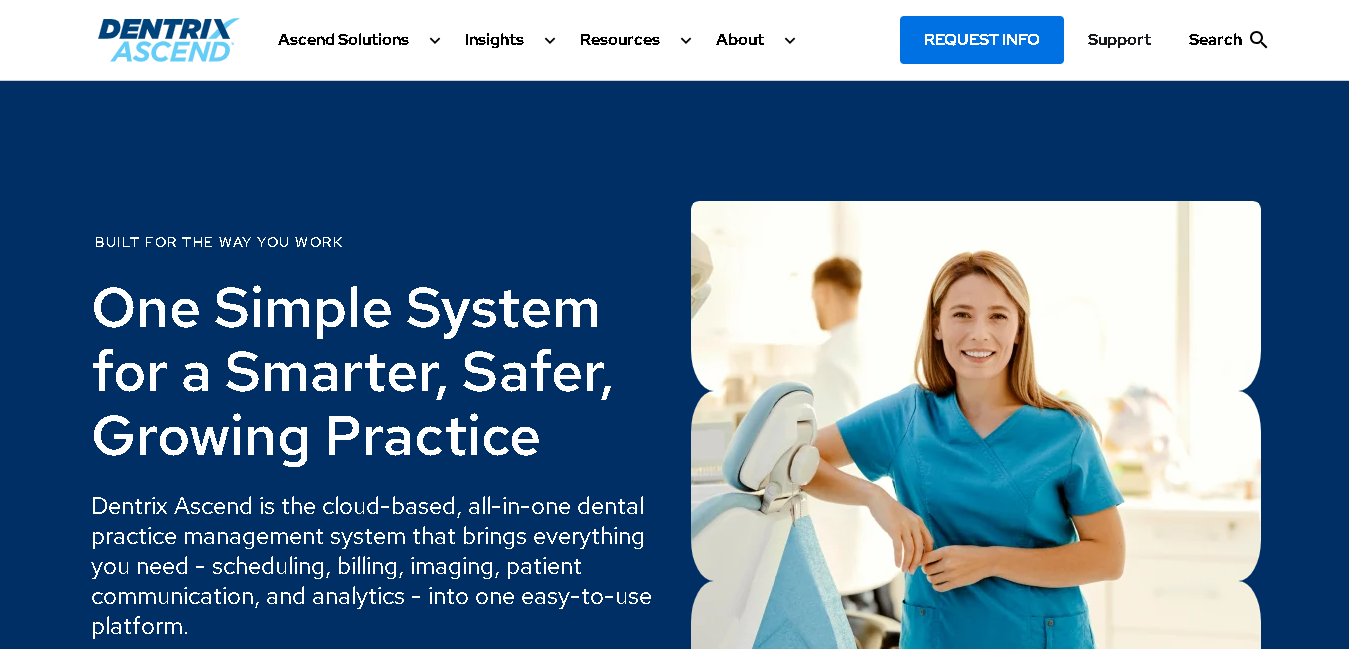
Dentrix Ascend is the cloud-based version of Dentrix, built by Henry Schein One. It’s one of the most recognized names in dental software. If you’ve worked in dentistry for any length of time, you’ve probably used it or trained on it.
Ascend takes the Dentrix feature set and moves it to the cloud so you can access it from any device.
Why It Made the List
Dentrix Ascend fits directly into your setup. You don’t have to deal with disconnected tools or multiple vendors.
Since it’s fully cloud-based, you and your team can access schedules, patient records, and reports from any device. On the clinical side, you get tools for charting, treatment planning, and patient alerts. Features like Quick Exam, voice notes, and image verification help you document faster and reduce errors during diagnosis.
Billing is built into the system. So you can check insurance, submit claims, and track payments from one place. Plus, its very easy to use.
Key Features of Dentrix Ascend
- Access your system from any device without installing software or managing servers
- Manage tooth charting, perio charting, treatment plans, and patient alerts
- Manage eligibility checks, insurance claims, ERA posting, and payment tracking
- Send reminders, confirmations, surveys, and two-way patient messages
- Get role-based access, encrypted backups, and a HIPAA-compliant system
- Track production, collections, and provider performance with built-in analytics
- Create faster records using AI-assisted documentation, voice notes, and image verification
- Handle appointment booking, automated reminders, and continuing care tracking easily
Pros
- Works seamlessly if you’re already using Henry Schein tools and services
- With cloud access you can manage your setup from anywhere
- Has strong billing and insurance workflows
Cons
- Pricing is not transparent
- Customer support experience can vary based on user feedback
Detailed Pricing
Dentrix Ascend does not publish pricing publicly. You need to contact Henry Schein One for a quote.

Dentee
Best for: Indian dental clinics that want patient discovery and practice management together
- Free trial: Free demo available
- Starting price: Custom pricing (contact for quote)
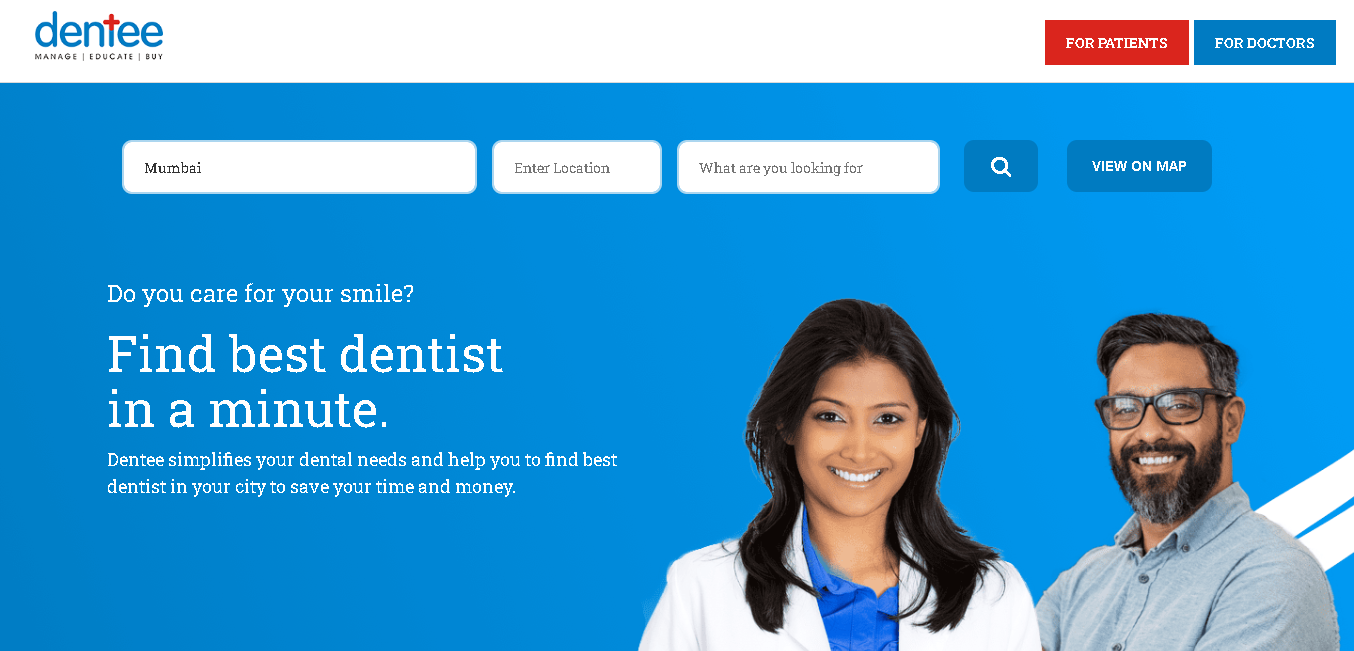
Dentee is an India-built dental clinic management platform. It helps you do two things at once: manage your clinic and get discovered by new patients.
It combines a practice management system with a patient-facing directory. So you’re not just handling operations, you’re also getting visibility online. It’s designed specifically for Indian clinics, so it fits the way you already work.
Why It Made the List
Dentee’s patient discovery side is something to go for. Your clinic gets listed on the Dentee platform, where patients in your city can find you, check reviews, and book appointments directly. If you’re not investing heavily in marketing, this alone can help you bring in new patients.
Plus, you can manage your appointments, patient records, billing, and inventory here.
It’s especially useful if you’re moving away from manual processes but don’t want something overly complex or difficult to learn.
Key Features of Dentee
- Your clinic can appear on Dentee’s directory, helping local patients find you and book appointments
- Patients can schedule appointments online
- Store patient visit history, treatment notes, and medical records digitally
- Generate invoices, track payments, and manage pending balances easily
- Track materials, manage lab work, and monitor inventory levels
- Assign tasks and manage communication across your team
Pros
- Built for Indian clinics especially
- Helps you get new patients through its built-in directory
- Works for both small clinics and growing setups
Cons
- Pricing is not publicly available
- Limited third-party integrations compared to global tools
- Fewer user reviews available, so it’s harder to compare at scale
Detailed Pricing
Dentee does not publish fixed pricing publicly. Contact the Dentee team directly for a quote based on your clinic size and location count.
Open Dental
Best for: Budget-conscious practices that want flexibility and full ownership of their data
- Free trial: Free trial available
- Starting price: From $179/month
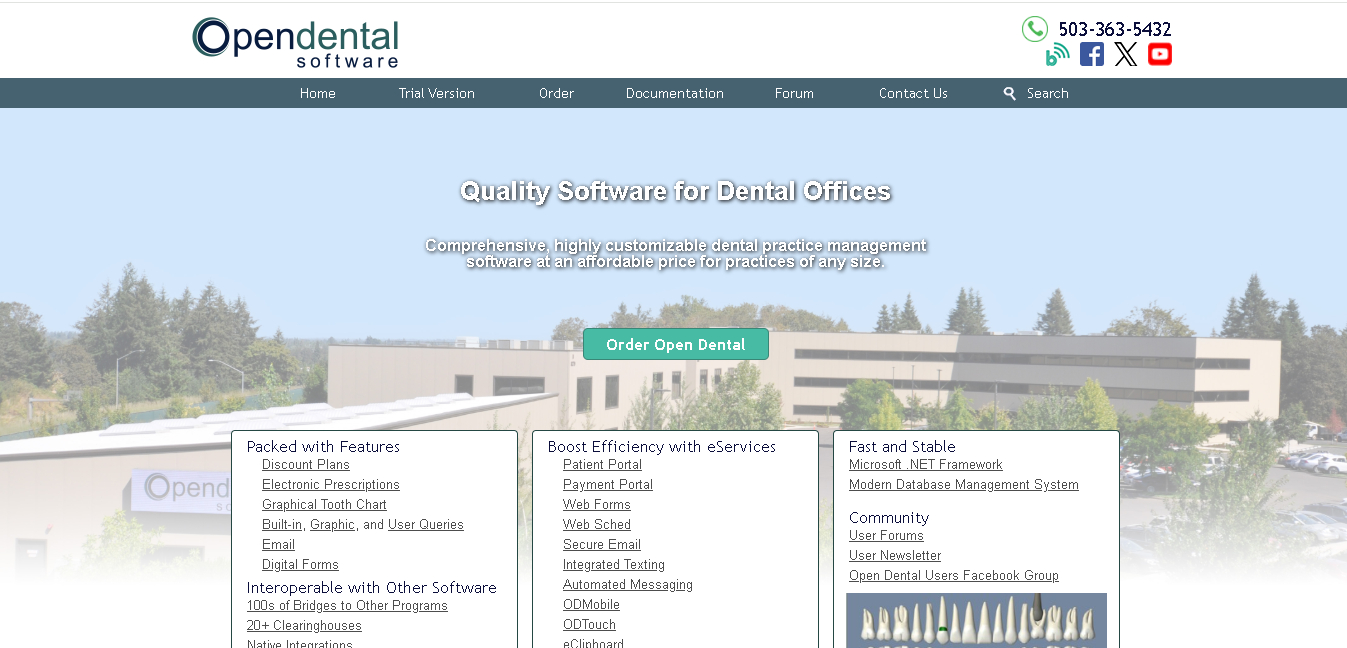
Open Dental is an open-source dental practice management system. It runs on-premise on Windows, Linux, or macOS. You host your own data. You choose your own server. And you can customize the software in ways that proprietary cloud systems simply won’t let you do.
If you’re a practice owner who wants control without a high monthly bill, Open Dental is one of the few serious options.
Why It Made the List
Open Dental stands out because it gives you strong value for the price. For around $179/month, you get appointment scheduling, treatment planning, charting, imaging integration, billing, and a patient portal. All this without paying enterprise-level pricing.
Since it follows an open-source model, you also get more control over your system and data. If you ever want to migrate, customize features, or work with a developer for custom modules, you have that flexibility.
The only thing to keep in mind is that you’ll need your own server setup and someone who can handle updates and backups. So if your practice has little to no IT support, maintenance can take extra effort.
But if you run a solo clinic or small practice with a stable setup, it gives you a reliable and cost-effective system without high recurring costs.
Key Features of Open Dental:
- Manage appointments with a multi-provider calendar, color-coded schedules, recall management, and automated reminders
- Handle tooth charting, perio charting, treatment planning, and connect with most digital X-ray systems
- Manage insurance claims, payment tracking, ERA posting, and patient balances
- Patients can view records, make payments, and complete forms online through the patient portal
- Customize reports, queries, and integrations based on your practice needs
- Get built-in employee time tracking (no need for separate HR tool)
Pros
- Most affordable full-featured dental systems available
- It’s an open-source platform
- Supports Windows, Linux, and macOS
Cons
- Only access the system from office computers unless you set up remote access separately
- You’re responsible for backups, server maintenance, and software updates
- Interface is outdated compared to modern cloud-based tools
Detailed Pricing
- Open Dental charges a monthly support fee ($179/month). The software itself is free to download, but the fee gives you access to support, updates, and the full feature set.
- $179/month fee is a 12-month contract.
- After twelve months, the monthly fee reduces to $129/month.
DentiMax
Best for: Practices that need practice management and digital X-ray imaging in one system
- Free trial: Free trial available
- Starting price: From $169/month
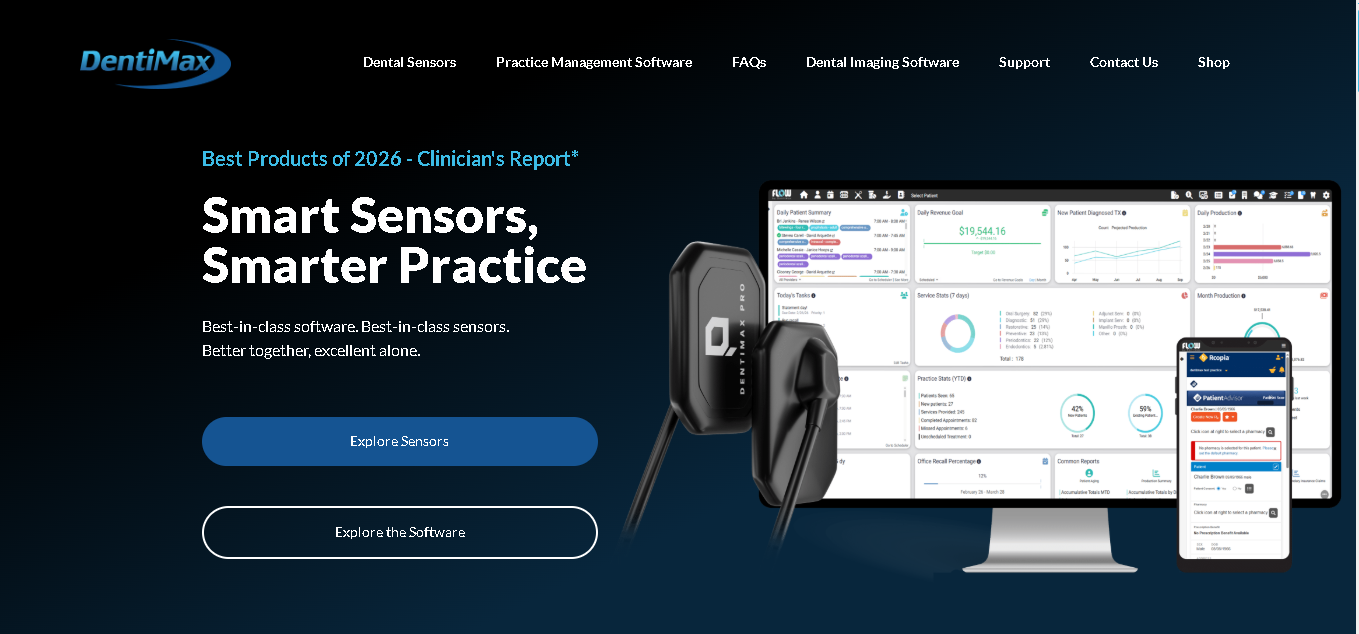
DentiMax is a dental practice management and digital imaging software that works in the cloud or on your own server. It’s one of the few tools that combines a full practice management system with a robust dental X-ray and imaging suite in a single package.
You also have flexibility in how you use it. You can run it on the cloud, on your own server, or go with their newer cloud platform, DentiMax Flow.
Why It Made the List
With DentiMax you get built-in imaging support, along with compatibility for multiple third-party sensors. This means you don’t have to replace your existing X-ray hardware when you switch.
It offers its own sensors that work seamlessly with the software. You can use both together without worrying about integration issues.
You also can handle appointments, billing, insurance, e-prescriptions, and patient communication. And plus its easy to use, so your team can get comfortable quickly without long training time.
Key Features of DentiMax
- Capture and manage X-rays and intraoral images directly inside the system
- Get DentiMax sensors that works well with the software
- Choose between cloud, on-premise, or hybrid deployment based on your practice needs
- Manage appointments with a multi-provider calendar and automated text or email reminders
- Handle insurance eligibility checks, claims, and payment tracking
- Send patient reminders, messages, and notifications easily
- Send prescriptions digitally without manual paperwork
- Track your staff’s time and daily activity within the system
Pros
- You don’t pay extra for a separate imaging module here
- Supports over 25 sensor brands
- Most accessible full-featured options on the list
Cons
- Slower customer support
- Not polished interface design
- Advanced reporting and analytics are more limited
Detailed Pricing:
- Practice Management: $169/month
iDentalSoft
Best for: Practices ready to go fully paperless without a complicated setup
- Free trial: Free demo available
- Starting price: From $295/month
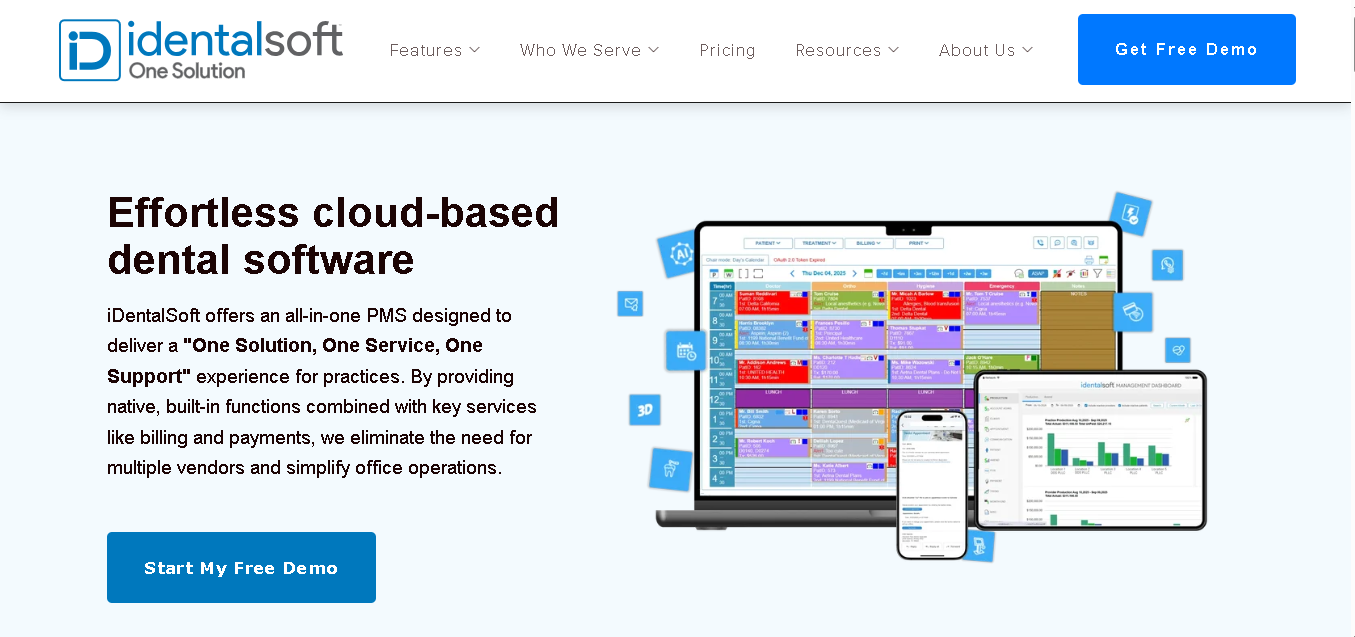
iDentalSoft is a cloud-based dental practice management system that helps you run your clinic without paper. You can manage scheduling, billing, charting, imaging, and patient communication from one platform.
Everything runs in the browser, so you don’t need servers or extra tools. Today, more than 2,300+ dentists use iDentalSoft to manage their daily operations. It’s built to give you a single system where your entire practice operates smoothly.
Why It Made the List
iDentalSoft makes you go paperless. You can collect patient intake, consent forms, and health history digitally. Your patients fill everything on their phone or a tablet, and the data goes straight into your records.
Since it’s cloud-based, you and your team always see the same information in real time. When a chart is updated or a payment is posted, everyone sees it instantly. This reduces miscommunication and saves time during busy hours.
You also get built-in tools for patient engagement like online forms, reminders, messaging, and even WhatsApp communication. On the clinical side, you get features like charting, treatment planning, imaging, and even AI-assisted diagnosis tools.
Key Features of iDentalSoft
- Collect patient intake forms, consent forms, and medical history digitally from any device
- Get real-time updates across scheduling, billing, and clinical records
- Access your system from anywhere without managing servers or IT setup
- Send automated reminders, messages, WhatsApp updates, and patient outreach campaigns
- Manage charting, treatment planning, perio charting, imaging, and e-prescriptions
- Improve clinical workflows with AI-assisted support tools
- Handle billing, claims processing, payment tracking, and practice performance
- Manage multiple clinic locations with centralized data access
- Patients can use self check-in, teledentistry, and online payment options
Pros
- Built-in digital workflows
- Get real-time updates
- Strong patient communication feature
Cons
- Starting price is higher compared to more basic tools
- Imaging and some advanced features may require setup depending on your needs
- Support experience can vary based on your plan
Detailed Pricing
- Starter Plan: $295/month
- Also offers personalized pricing.

MocDoc
Best for: Multi-specialty Indian clinics and hospitals that need a full-featured dental EMR
- Free trial: Free demo available
- Starting price: From ₹15,000 (contact for current subscription pricing)
MocDoc is a cloud-based clinic management system built for the Indian healthcare market. It supports over 15 medical specialties, including dental. You can manage your dental workflows along with other specialties from one platform.
If your clinic handles more than just dental or operates in a multi-specialty setup, this gives you a system that fits your day-to-day operations without needing separate tools.
Why It Made the List
MocDoc gives you a deeper clinical setup than most India-focused tools. The interactive tooth chart lets you handle both intra-oral and extra-oral exams, track conditions like malocclusion, and build detailed treatment plans.
It also connects with tools you already use. You can send updates through WhatsApp, sync appointments with Google Calendar, and manage finances alongside your existing systems.
Another important advantage is data hosting. Your patient data is stored on Indian servers. This helps you stay aligned with local data handling requirements.
Key Features of MocDoc
- Manage detailed exams, treatment plans, and clinical notes
- Online booking, automated reminders, and follow-up scheduling
- Generate estimates, track payments, and manage outstanding balances
- Manage dental along with other specialties from the same system
- Send updates via WhatsApp and sync schedules with Google Calendar
- Store patient data locally with secure encryption
Pros
- Built for Indian clinics
- Strong clinical depth compared to most India-focused tools
- Integrates with tools like WhatsApp and Google Calendar that you already use
Cons
- Pricing is not clearly listed
- Interface may take time to get used to
- Limited integrations with global third-party tools
Detailed Pricing
MocDoc pricing is available through direct contact and third-party platforms.
Denticon
Best for: DSOs and dental groups managing five or more locations
- Free trial: No free trial
- Starting price: From $750/month
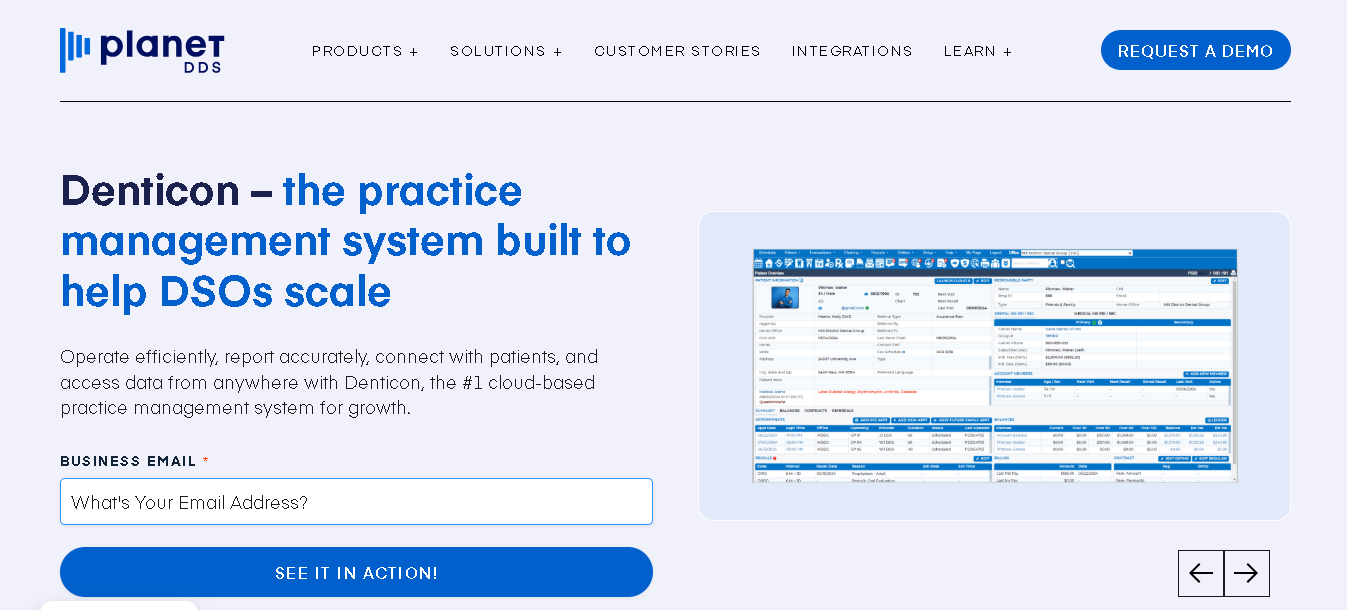
Denticon is a cloud-based dental practice management platform built by Planet DDS for dental groups and DSOs.
It’s not built for a solo dentist. It’s built for organizations managing multiple locations that need standardized workflows and centralized reporting. Over 45,000 users across the US and Canada use it. It’s been in the market since 2003.
Why It Made the List
Denticon gives you centralized reporting across all your locations. You can track performance by clinic, provider, or timeframe without pulling data from different systems.
You can also standardize how your clinics run. Once you set workflows, permissions, and billing rules, they apply across every location. This helps you maintain consistency as your team grows.
Since it’s fully cloud-based, your team can access patient records and update treatment notes from anywhere. This is especially useful if you have mobile dentists or providers working across multiple locations.
Key Features
- Control workflows, billing rules, and access across all your clinics from one system
- Track performance across locations, providers, and treatments with real-time dashboards
- Handle claims, payments, and denial tracking across all locations
- Access your system from anywhere with secure, role-based permissions
- Add new locations and providers without disrupting your existing workflow
- Automated reminders, appointment requests, and patient portal access
Pros
- Built specifically for multi-location practices and DSOs
- Centralized data across all clinics
- Get cloud access to manage operations from anywhere
Cons
- Not the right tool for solo practices or small clinics
- Interface may feel outdated compared to newer tools
Detailed Pricing
- Paid Version: $750/month
Learn More About Denticon
How to Choose the Right Dental Practice Management Software
Picking the wrong software costs you more than the monthly fee. It costs you migration time, retraining time, and the gap period where your team is slower than before.
Here’s how to approach the decision.
Start with your practice size and structure.
Choose software based on your practice size. Small clinics may prefer Open Dental or DentiMax. While multi-location practices may need CareStack or Dentrix Ascend.
Know what’s actually broken in your current setup.
Focus on the problem you want to solve, whether it’s billing, paperwork, scheduling, imaging, or patient communication.
Check the true cost, not just the headline price
A tool that starts at $179/month may charge extra for text reminders, online booking, imaging bridges, and advanced reporting. Before you commit, check what’s included in the base plan and calculate the total cost for your first year.
Think about your team’s technical comfort
Consider your team’s technical comfort level. Cloud-based systems are usually easier to manage than on-premise software.
Check if your imaging software is compatible.
Make sure your current X-ray sensors and dental imaging software are compatible with the software.
Ask about migration and onboarding.
Finally, ask detailed questions about onboarding and migration. Moving patient records is often the most difficult part of switching systems. Make sure you understand how long the migration takes, what support is included, and how the vendor handles errors or missing data during the transfer process
Conclusion
The software you pick should simplify your daily workflow, not complicate it further. Focus on what actually slows you down today and choose a solution that solves that cleanly. When the system fits, everything else starts running smoother.