

Why This List Exists
Here’s what happens on most teams. Someone downloads a file. They edit it, rename it, and upload it again. Three weeks later, your shared drive has five copies of the same thing.
This wastes storage and creates confusion. And if you’re paying for cloud space, it costs real money.
A good duplicate file finder helps you manage duplicates. But most tools are made for personal use, not for teams working with shared drives, cloud storage, and multiple systems.
In this guide, we’ve picked tools that actually work for you and your team. Whether your files are on servers, shared folders, or cloud platforms, these tools can help you stay organized.
Featured Tools
Quick Comparison Table: Best Duplicate File Finder Softwares
How We Picked These Duplicate File Finder Softwares
Not every duplicate file finder is built for teams or business use. While creating this list, you need to look beyond basic file-scanning features. Here is what we looked at::
1. Shared Drive & Cloud Compatibility
Can the tool scan mapped network drives, NAS systems, and cloud platforms like Google Drive, Dropbox, or Microsoft SharePoint?
Here we have prioritized softwares that supports direct cloud scanning via APIs, not just local sync. This way you can avoid sync conflicts and speed up processing.
2. Scanning Accuracy (Content-Based Detection)
We have only considered tools that go beyond filename or size matching. The duplicate detection software uses checksums (MD5, SHA-1, SHA-256) to compare what’s inside each file. This gives you much more accurate duplicate detection and reduces the chances of removing important files by mistake.
3. Smart Rules and Automation
Manual cleanup gets difficult when your team has to manage thousands of files. So we prioritized tools that let you automate decisions with features like:
- Auto-selection rules (for example, keeping the newest file)
- Folder priority settings (such as always keeping files from your Finance folder)
- Exclusion rules (so archive folders stay untouched)
This makes it easier for you to keep the correct master copy without having to sort everything manually.
4. Enterprise licensing
If you’re using the software across a team, buying separate licenses for every machine can become expensive and hard to manage.
That’s why we added software on this list that offers enterprise or site-wide licensing so you can deploy them more easily across your organization.
5. Safe deletion controls
Bulk deleting files on a shared drive is risky. We only included tools that show you a full preview before anything gets removed. Recycle bin routing and undo options were non-negotiable.
6. Reporting and scheduling
You need a record of what happened and why, when there are multiple people working on shared files in a team.
We have focused on tools that generate CSV reports and let you schedule scans ahead of time. So that you can easily review duplicate files, track changes over time, and accordingly make cleanup choices.
7. Honest pricing
We checked whether the team-relevant features are actually in the free tier or locked behind a paid plan.
The 7 Best Duplicate File Finder Tools: Full Review
Filerev
Best For: IT admins and teams running Google Workspace with Shared Drives
- Free Trial: Free Plan
- Starting Price: Free plan available
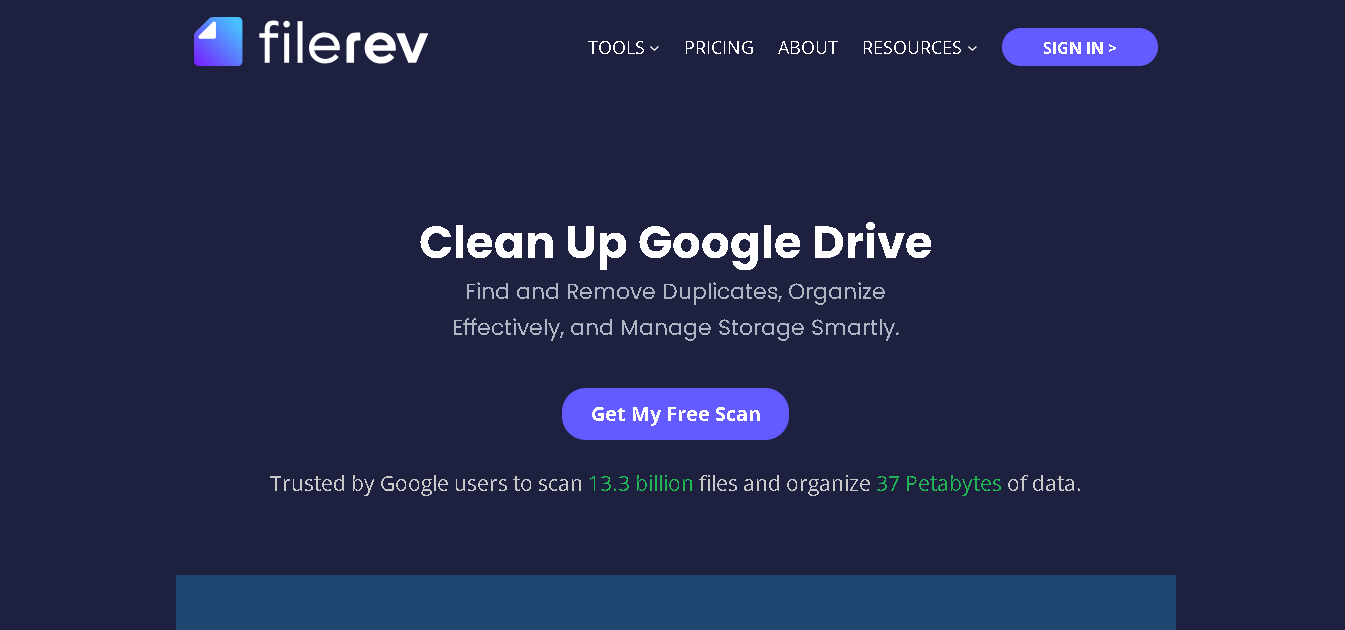
Filerev is a web-based best duplicate finder software and it is built specifically for Google Workspace. The software connects directly to your Google Drive and analyzes files across your entire account. This includes shared drives, files shared with you, and hidden data.
It does not download your files. It reads metadata only, which makes it one of the safer options for corporate environments. The tool has been independently audited against OWASP and Google’s CASA security standards.
Why It Made the List
Most duplicate finders work on local hard drives. Filerev works where your team actually stores files (Google Drive).
It doesn’t just find duplicate files. It also shows you a clear picture of how your storage is being used across Google Drive, Gmail, and Google Photos. This helps you understand what’s taking up space and where you can save storage costs.
Key Features of Filerev
- Finds duplicate files based on actual file content, not just matching file names.
- Scan your entire Google Drive account, including Shared Drives on paid plans.
- Get a clear storage breakdown by folder and file type.
- Bulk delete duplicates, large files, empty folders, and old unused files.
- Filter files by folder, owner, file type, date, or size
- Export reports as CSV files for audits or internal tracking
- Access the tool on both Android and iOS devices
Pros
- Built to handle very large data
- Built entirely for Google Drive
- Easy to filter and clean a lot of files at once
- Security-audited and transparent about data handling
- You can scan full Drive or just specific folders
Cons
- Only works with Google Drive (not OneDrive or Dropbox)
- Shared Drive scanning is on paid plan
- Free version limits you to one scan per month.
- Can’t scan files saved on your local computer
Pricing:
- Basic Plan: $4/month (billed annually)
- Standard Plan: $8/month (billed annually)
- Premium Plan: $12/month (billed annually)
Duplicate File Detective
Best For: IT admins managing Windows workstations and Windows Server environments
- Free Trial: 15-day free trial available
- Starting Price: $39.95 (Professional, single user); Enterprise licensing available
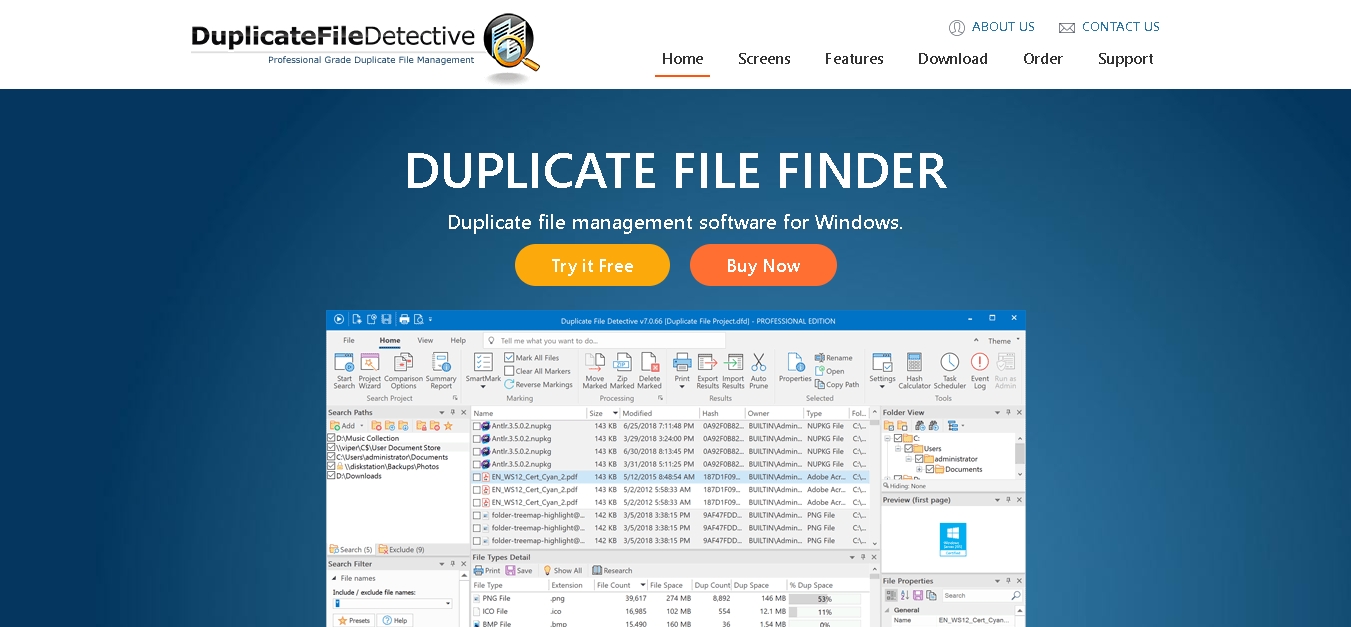
Duplicate File Detective is the most enterprise-ready tool on this list for Windows. It runs on every modern version of Windows and every recent Windows Server release. It can scan multiple local drives, removable storage, and network paths all in a single scan pass.
Its version 7 introduced multi-threaded scanning. With this, you can scan files much more quickly, even on network systems that used to be very slow. Unlike basic tools, it uses content-based detection with checksums like MD5 and SHA to find true duplicate files .
Why It Made the List
One of the biggest reasons it stands out is its enterprise licensing model.
You get advanced features like scheduled scans, automated reporting, and advanced duplicate management tools that make ongoing maintenance much easier.
Key Features of Duplicate File Detective
- Scan local drives, USBs, NAS systems, and network paths together.
- Get content-based duplicate detection using file hashes.
- Schedule scans and receive reports by email.
- Export reports in CSV, PDF, Excel, and HTML formats.
- Easily preview media files before deletion.
- Move, zip, delete, or replace duplicates with links
- Automate tasks through command-line support.
- Scan inside ZIP files.
Pros
- Strong fit for Windows server
- Very detailed reporting for audits and analysis
- Scales well for large file systems
Cons
- No Mac or Linux support
- No cloud storage integration (like Google Drive or Dropbox)
- Interface feels slightly outdated.
- Can feel complex for non-technical users
- Pricing
- Single-User Pro License: $60 per user/device
- 5-User Pro Pack: $210 total
- 10-User Pro Pack: $360 total
- Site-Wide License: $700
- Country-Wide License: $2,200
- Enterprise License: Custom pricing (quote-based)
Duplicate Cleaner Pro
Best For: Windows teams that need granular control over what gets scanned and removed
- Free Trial: Free version available
- Starting Price: premium version: $37.52
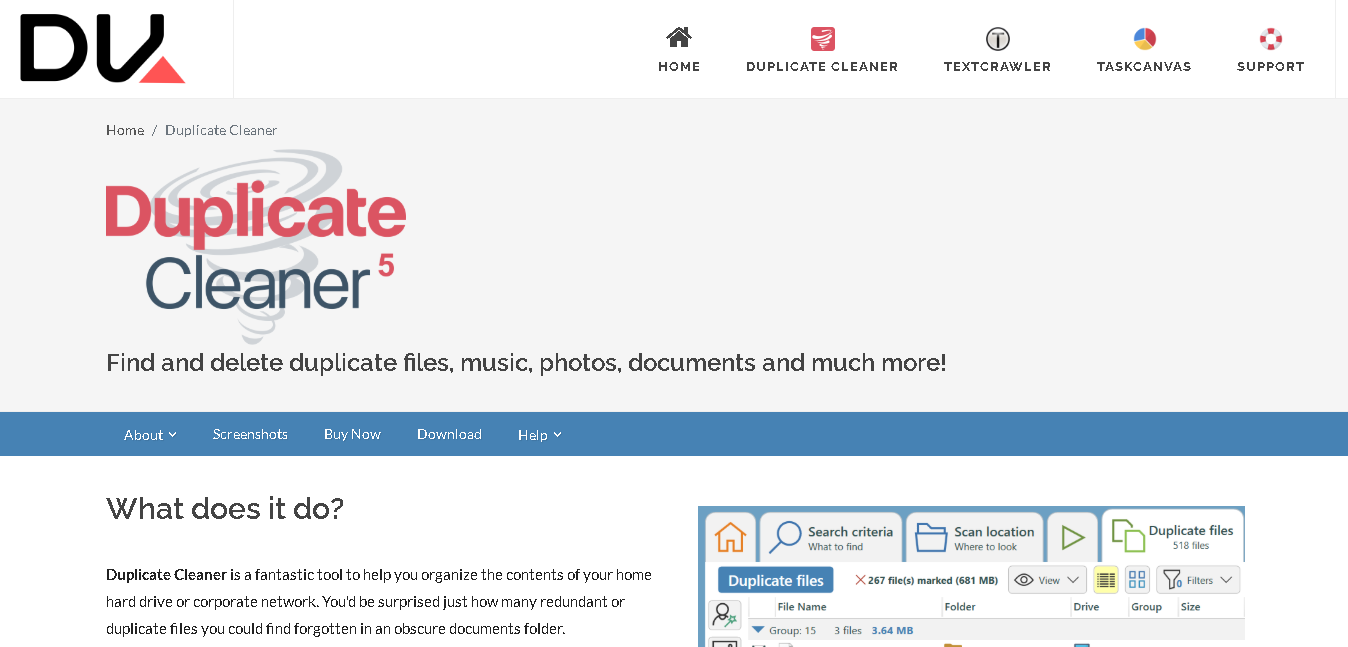
Duplicate Cleaner Pro is made by DigitalVolcano, a UK-based software company. It is a Windows-only tool.
You can scan various file types here: documents, images, music, videos, even files inside zip folders. And instead of relying on basic matching, you can define your own rules: file content, name, size, date, tags, or combinations of these.
It also works well if you’re dealing with network drives. You can point it to shared folders or external devices and run scans without needing to move files around.
Why It Made the List
Duplicate Cleaner Pro lets you control everything. That makes it safer, especially when you’re working with important team files where deleting the wrong thing can cause problems.
Also, the guides and tutorials from the company (DigitalVolcano) are actually easy to follow, which helps if you’re training someone new on your team.
Key Features of Duplicate Cleaner Pro
- Match files by content, name, file size, date, or custom combinations
- Scan your photos, music, videos, documents, and more.
- Easily find similar images (edited, resized, rotated)
- Detect duplicate music using audio + tags
- Identify similar videos using frames or metadata.
- Scan network drives, USBs, and external devices
- Search inside zip files.
- Compare specific folders or drives.
- Preview files before deleting
- Intelligent Selection Assistant to help you choose what to remove
- Move, delete, or convert duplicates (shortcuts/hard links)
- Save and reuse scan results.
Pros
- Get full control over your scans
- Best for large file collections and shared folders
- Handles more file types than most tools in the list
- Get helpful tutorials and guides
Cons
- Only works on Windows
- Doesn’t scan cloud storage (like Drive or Dropbox)
- No automatic scheduling or email reports
Pricing
- Single User License: $60–$61 USD
- Site License: $400–$405 USD
Systweak Duplicate Files Fixer
Best For: Small teams using a mix of Windows, Mac, Android, and iOS devices with cloud storage
- Free Trial: Free plan exists
- Starting Price: paid plan from $37.52/year
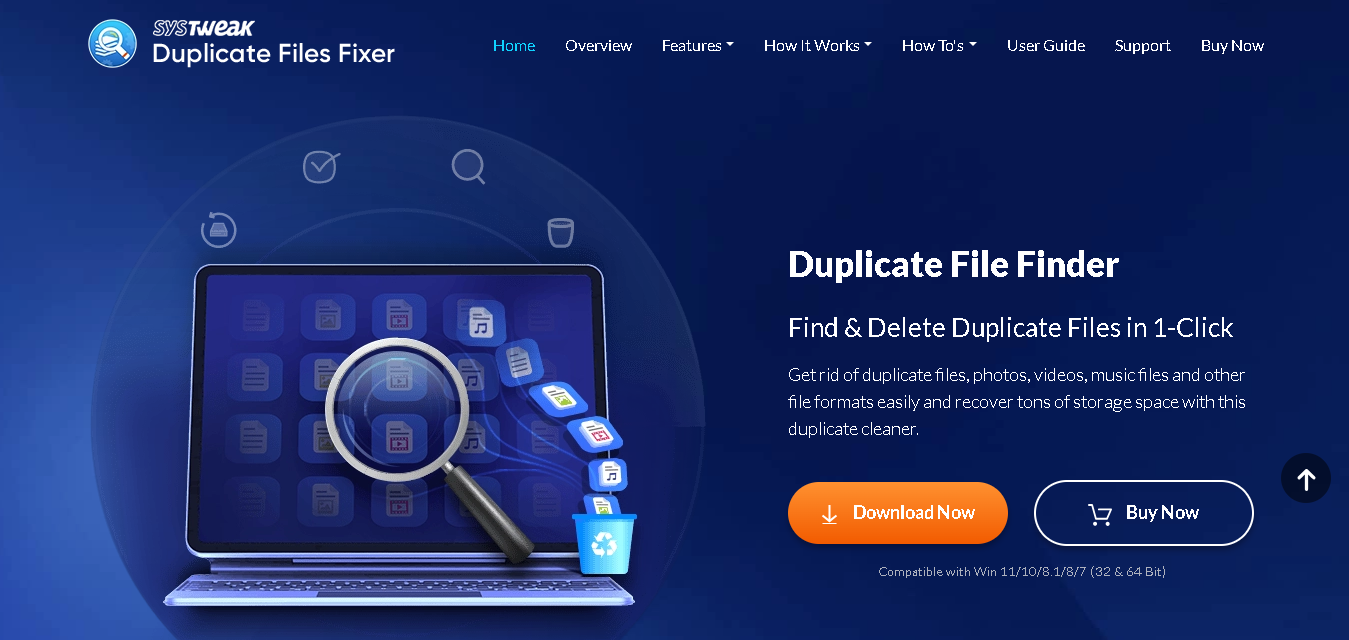
Systweak Duplicate Files Fixer works across Windows, Mac, Android, and iOS. This makes it the most practical option for teams where people use different devices.
It also connects with cloud storage like Google Drive and Dropbox. So whether files are coming from laptops or phones, you can find and clean duplicates easily.
Add folders (or just drag and drop), run a scan, review grouped results, and delete duplicates in a click. It even auto-marks duplicate files for you, so you don’t have to go through everything one by one.
Why It Made the List
Systweak Duplicate file fixer can clean duplicates from external storage and cloud accounts as well. So if your team shares and syncs files from different places, it helps keep everything clean in one go.
Also, the interface is simple. Even if someone isn’t very technical, they can use it without much training.
Key Features Of Duplicate File Fixer
- Works on Windows, Mac, Android, and iOS in one subscription
- Scan internal, external, and cloud storage (Google Drive, Dropbox)
- Detect duplicate files across photos, videos, music, and documents
- Multiple comparison modes: exact content match, name match, size match
- Auto-mark duplicates for quick cleanup
- 1-click duplicate cleaning
- Grouped results for easier review
- Drag-and-drop file scanning
- Preview files before deleting
- Scan hidden files and folders
- Supports a wide range of file formats
- EML file duplicate scanning
Pros
- Clean duplicates across devices and cloud storage
- Very easy to use, even if you’re not technical
- Fast setup and quick scans
Cons
- Not suitable for large enterprise teams
- Limited advanced control
- Pricing structure can vary depending on offers
Detailed Pricing
- Free version available
- Premium Version: $37.52 (one-time)
Easy Duplicate Finder
Best For: Teams working across Google Drive, OneDrive, and Dropbox
- Free Trial: Yes available
- Starting Price: Free version available; paid from $39.95/year
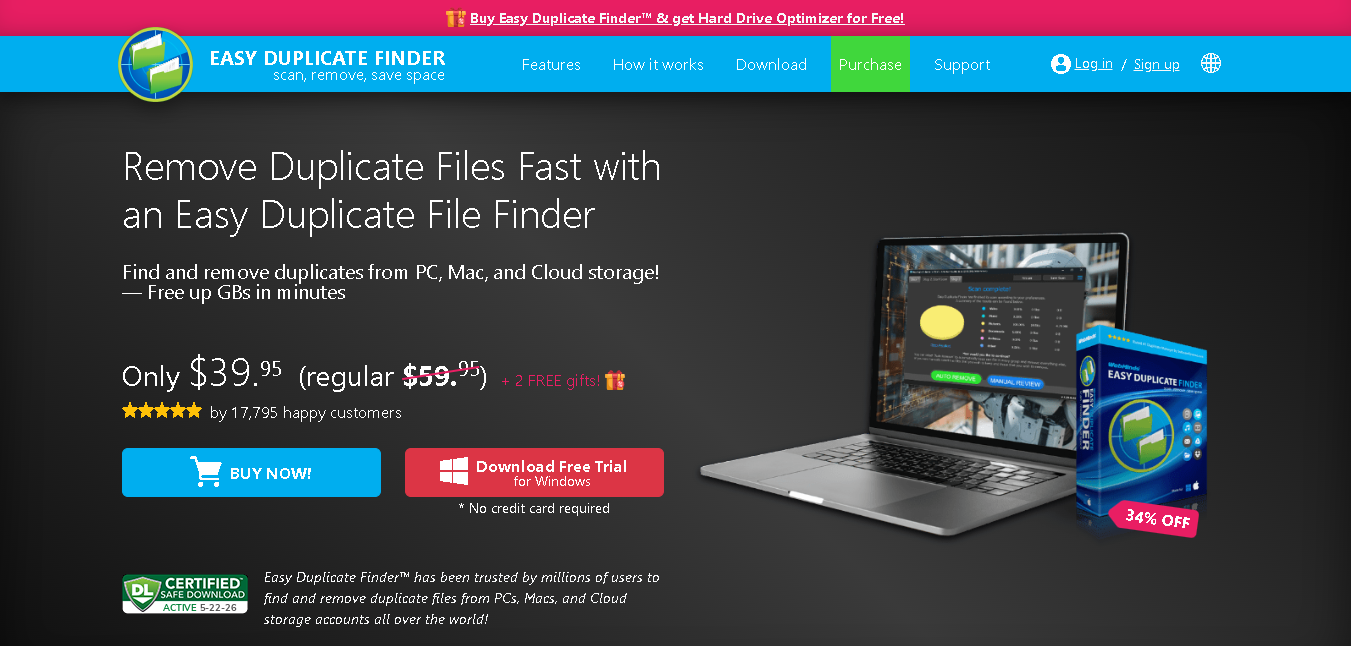
Easy Duplicate Finder is one of the easiest tools to set up and run. It connects to Google Drive, OneDrive, Dropbox, and also scans local drives, external drives, and network paths.
You can set it up quickly, connect your storage, and start scanning without much effort. It has a clean interface. Just drag and drop your folders, preview files side by side, and clean things up easily. Even if you’re not very technical, you won’t feel lost using it.
Why It Made the List
If your files are spread across different platforms, Easy Duplicate Finder saves you a lot of back-and-forth. You don’t need separate tools for each cloud service; you just connect everything and scan in one go.
It’s also built to guide you. With wizard-based steps and simple prompts, you’re not left figuring things out on your own. You just follow along and get the job done.
Key Features of Easy Duplicate Finder
- Scan cloud storage (Google Drive, OneDrive, Dropbox)
- Works with local, external, and network drives
- Guided cleanup with a step-by-step wizard
- 10+ scan modes for different file types
- Content-based duplicate detection for better accuracy
- Side-by-side preview before deleting files
- Auto-select options to speed up cleanup
- Drag-and-drop setup
- Has a undo option to recover deleted files if needed.
- Detects duplicates before they build up.
Pros
- Supports multiple cloud platforms in one tool
- Very easy to use (great for non-technical teams)
- Works across both Windows and Mac environments
- Free version available for basic use
Cons
- Subscription-based pricing (no lifetime plan)
- Full cloud features are limited to paid plans
- No Linux support
- No mobile app support
Pricing
- Annual Plan starting from $39.95/year
Fast Duplicate File Finder
Best For: IT teams managing big file servers
- Free Trial: Free version
- Starting Price: Free; Professional version at $39.95/year
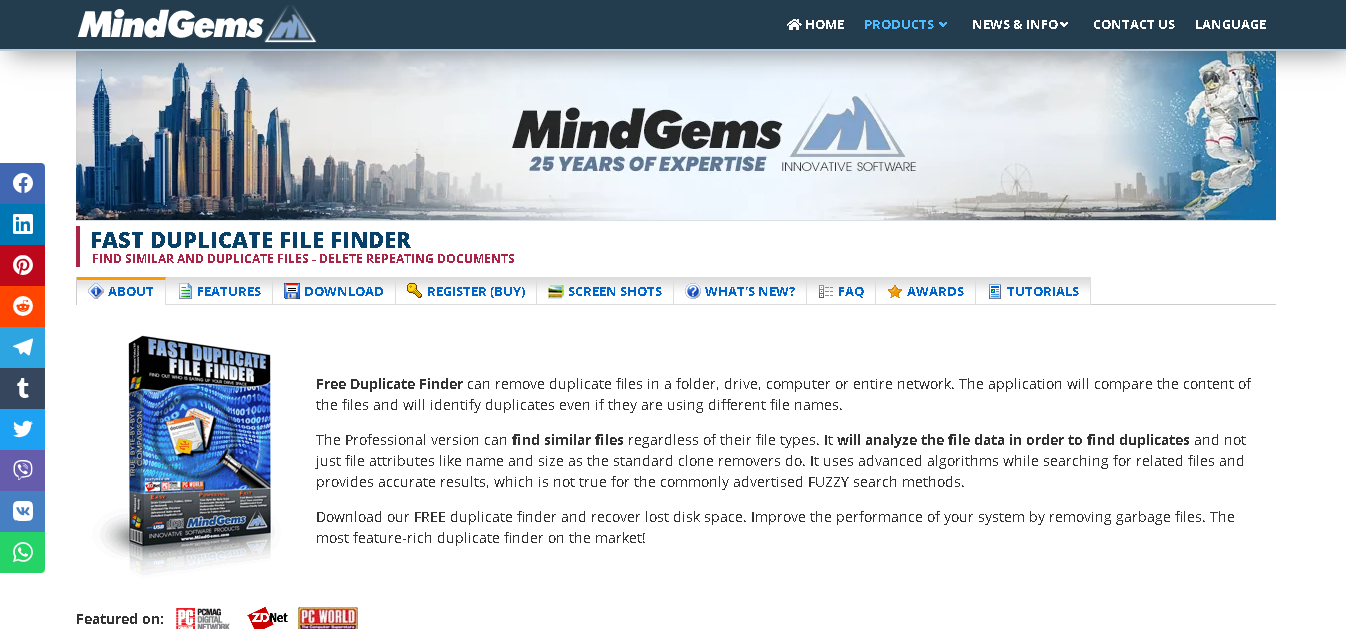
Fast Duplicate File Finder (FDFF) is made by MindGems and the tool is built for dealing with large shared servers.
It’s free version is fully functional for most use cases. There are no nag screens and no time-limited trial. The professional version adds advanced filtering options and priority support, but the free version handles the core task well.
Why It Made the List
Most free tools don’t work well on large servers. They either crash or miss files. This one can handle big data, network drives, and deep folders without breaking. If you want to clean up a server once before investing in a paid tool, this is a great starting point.
Key Features of Fast Duplicate File Finder
- Scan local drives, network drives, NAS devices, and external storage
- Finds duplicate files by checking the actual file content
- Preview your files before deleting
- Works with all file types (docs, photos, videos, etc.)
- You can control scan speed
- Filter by file type, size, or date
- Export results/reports in CSV
Pros
- Free version is fully usable and not limted
- Very fast, even for large file servers
- Supports network drives and NAS
- Regular updates and support available
Cons
- Only works on Windows.
- Doesn’t scan cloud storage (like Drive or Dropbox)
- No automatic scheduling or email reports
- Advanced filters need the paid version
Pricing
- Free Plan available
- Professional Plan: $39.95

dupeGuru
Best For: Teams using Linux or anyone who wants a free tool
- Free Trial: Has a free plan
- Starting Price: Free (open-source)
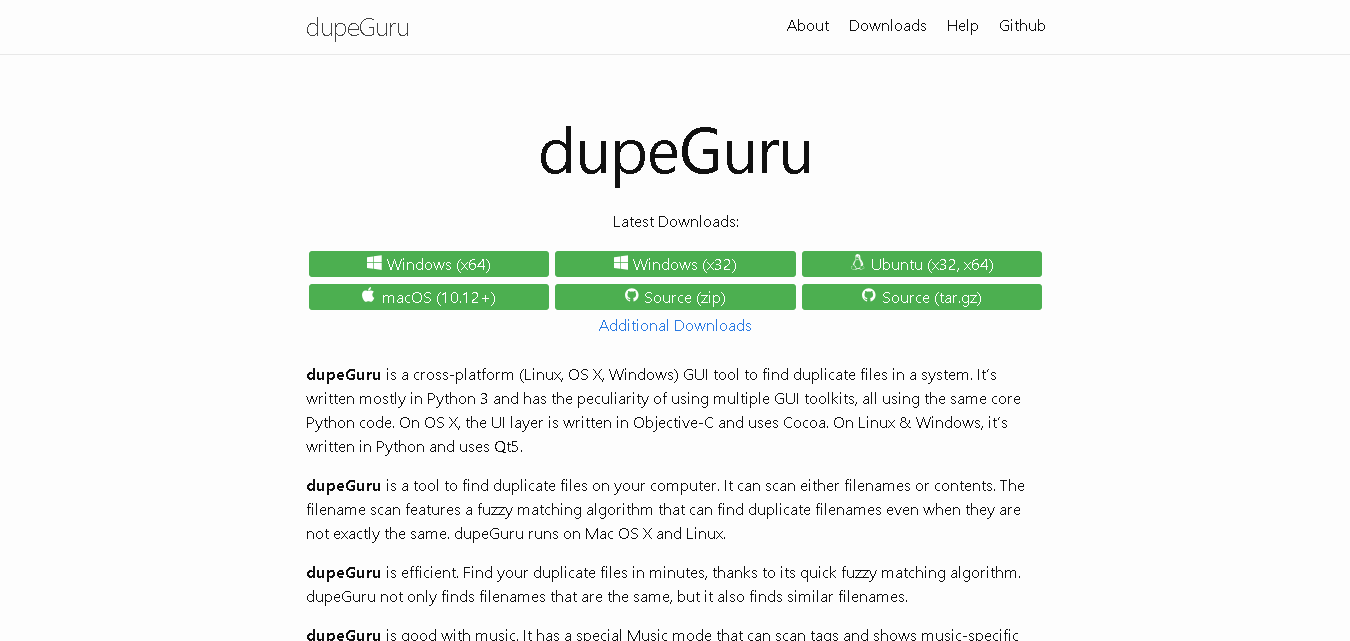
dupeGuru is open-source and completely free duplicate file finder. It runs on Windows, Mac, and Linux. The only tool on this list with genuine Linux support. That makes it the default choice for teams running Linux servers or mixed Linux/Windows environments.
Though the tool does not have enterprise licensing or scheduling features. But for a team that needs a reliable, cost-free way to scan a local file system for duplicates, it gets the job done accurately.
Why It Made the List
Firstly, because it supports Linux. Secondly, it’s open-source so anyone can check the code, which is a big plus if your team cares about security and transparency.
Key Features of dupeGuru
- Run it on Windows, Mac, and Linux.
- Has two scan options: exact matches or similar (fuzzy) files
- There’s a dedicated mode if you want to clean up duplicate music tracks.
- Has a picture mode to find similar-looking images
- Filter results by file type, size, or extension
- Automatically mark duplicate files for you.
Pros
- Its completely free
- Open-source (more transparency and control)
- Finds similar files, not just exact copies
- Safer deletion (files go to Trash first)
Cons
- Doesn’t scan network drives or servers
- No cloud storage support
- No scheduling or reports
- Basic interface, not very beginner-friendly
Pricing
- Free plan available
How to Pick the Right Duplicate File Finder Tool for Your Team?
| Situation | Tool To Choose | Quick Reason |
| Google Workspace with Shared Drives | Filerev | Built for Shared Drives, works directly in that setup |
| Windows workstations & servers | Duplicate File Detective / Duplicate Cleaner Pro | Detective = better licensing & reports; Cleaner Pro = more control |
| Mix of Google Drive, OneDrive, Dropbox | Easy Duplicate Finder | Scans all cloud platforms in one place |
| Small team on mixed devices | Systweak Duplicate Files Fixer | Works across Windows, Mac, and mobile |
| Clean large server (free first) | Fast Duplicate File Finder | Free version handles large scans well |
| Linux or open-source needed | dupeGuru | Solid open-source option with Linux support |
Final Verdict
The right tool depends on how your team stores and manages files. For shared drives and servers, control and reporting matter more. For mixed setups, flexibility becomes more important.
Choose a tool that fits your workflow. Not just one that finds duplicates. Because for your team, this is about saving time, storage, and unnecessary cost.
Read More:
8 Best Barcode Inventory ManagementTools
9 Best IP Management Software Tools In 2026
10 Best Audio Recording Softwares In 2026
9 Best Dental Practice Management Software
