


Handling multiple properties gets complicated fast. Rent, leases, maintenance, and tenant details are always piling up.
That’s why approx 80% of property managers are now shifting to softwares to automate their daily work. Saving hours every week and even reducing late payments by around 20%.
Tools like Buildium, AppFolio, and TenantCloud provides all this. You can collect rent, screen tenants, and manage documents without the back and forth. And plus they work both for a few units or a large portfolio.
We’ve listed the 10 top property management software options below. You can compare them and choose what fits your workflow best.
What to Look for Before You Pick
Before you choose a tool, take a step back and look at your own setup:
- How many units are you managing?
Some property management tools charge per unit, while others have limits. - Are you managing multiple owners or just yourself?
If you’re managing multiple owners, reporting becomes important. - What’s your biggest problem right now?
Is it rent collection, maintenance, accounting, or tenant communication? - What’s your budget?
You’ll find free and paid options, but the right choice depends on your needs, not the price.
Quick Comparison: Which Property Management Tool Is Right for You?
How We Evaluated These Tools
To help you find the right fit, we looked at what actually matters in day-to-day property management:
- Main operations like tenant management, rent collection, and maintenance
- Financial tracking, reporting, and overall visibility
- Ease of use: how simple the software is to learn and use daily
- Automation features that reduce manual work
- Scalability regarding different portfolio sizes
- Tenant and owner communication tools
- Mobile access and overall flexibility
With that in mind, here are the top 10 property management systems.
Best Property Management Software Reviews
Here’s our in-depth review and analysis of each tool, covering features, pros and cons, and what makes it stand out. This way you can find the right fit for your portfolio.

Buildium
Independent landlords and property management companies with 5–500 units
- Free trial available
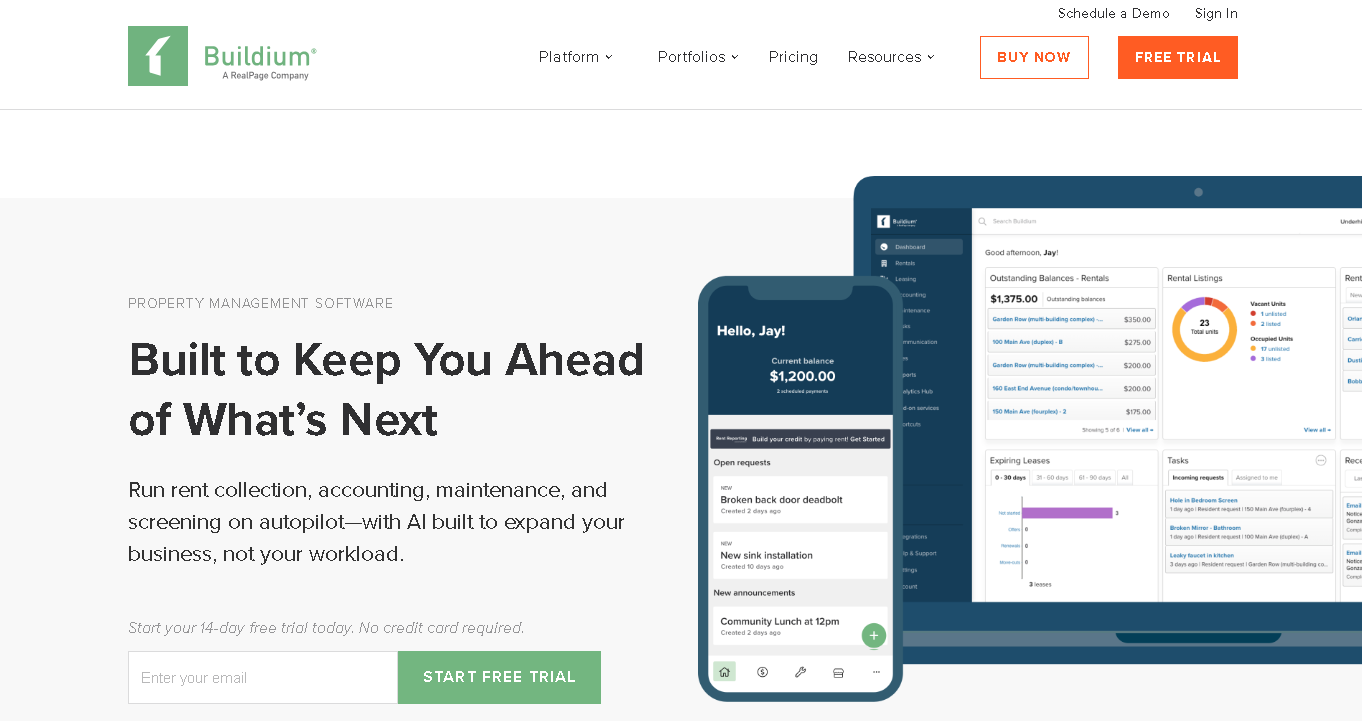
Buildium is an all-in-one, cloud-based property management platform built specifically for real estate professionals. Here, you can list your property, collect rent, handle maintenance requests and so much more.
It also works well for mixed portfolios, like single-family homes, multifamily units, commercial spaces, and student housing. The interface is simple and easy to use, so you don’t waste time figuring things out. And, with AI features (in higher plans), you can automate daily tasks and get useful insights.
Why We Picked Buildium
Buildium covers every core function a property manager needs: rent collection, screening, maintenance, accounting and leasing. All this without requiring you to be a tech expert or an accountant. Plus the tool has 50+ integrations with proptech tools like Obligo, Property Meld, and LeadSimple.
Key Features
- Collect rent online and set late fees to apply automatically.
- Give tenants and owners their own portals to check updates and make payments.
- Screen tenants before renting out your property.
- Track maintenance requests and stay on top of them.
- Manage your accounting with automatic bank reconciliation.
- Create leases using templates and get them signed digitally.
- List your properties on platforms like Zillow and Apartments.com.
- Automate repetitive tasks with built-in AI workflows.
- Handle 1099 e-filing and view detailed financial reports.
Pros
- Clean and easy-to-use interface
- No minimum unit count to get started
- Works well for mixed portfolios
- Strong accounting features even for non-accountants
Cons
- Customer support is ticket-based, not ideal when something’s urgent
- AI features only in premium plans.
- Can feel heavy for landlords with fewer than 5 units
Detailed Pricing
- Essential plan at $62/month (up to 150 units)
- Growth plan at $192/month as you scale
- Premium plan at $400/month for advanced needs.
Learn More About Buildium
Read Our In-depth Review of Buildium

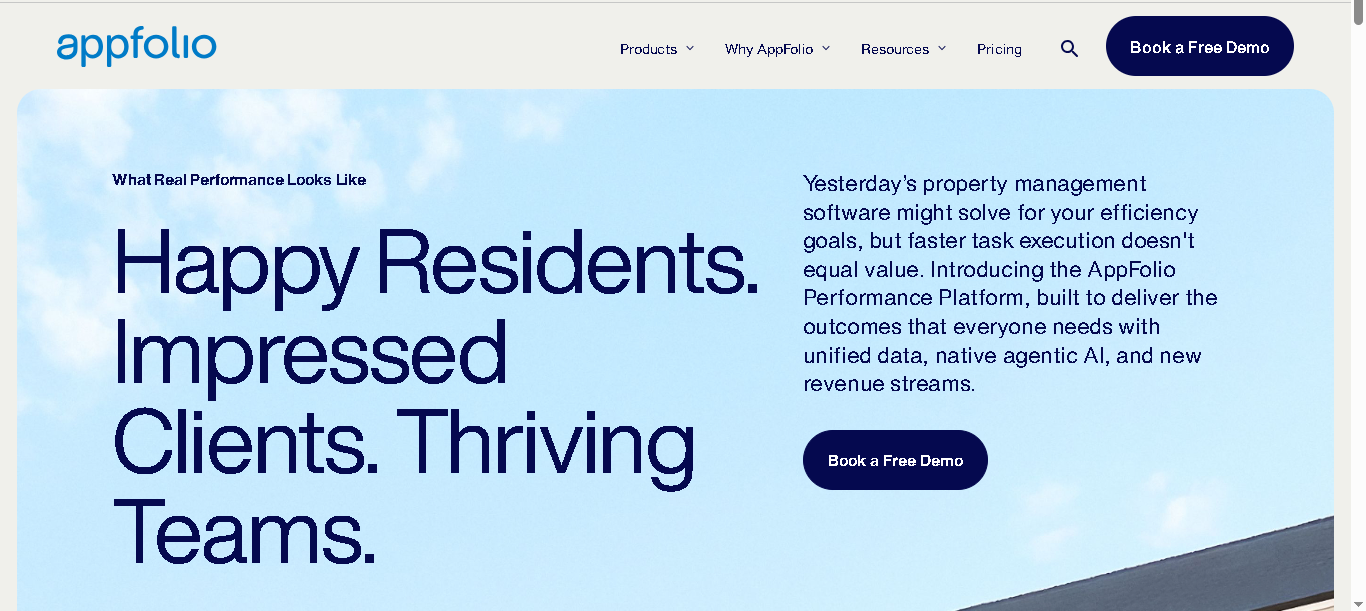
AppFolio is a modern, cloud-based property management platform. It helps you handle everything from leasing and rent collection to accounting and maintenance.
You also get built-in accounting with easy-to-read dashboards, smart leasing tools to help you screen tenants, and an owner portal where you can check financial reports anytime.
Why We Picked AppFolio
AppFolio offers the best AI and automation in this category. This means a lot of your day-to-day tasks (such as responding to leads or routing maintenance) can run on autopilot. And you can manage up to 10,000+ units here.
Key Features
- Capture leads and schedule property tours automatically
- Send maintenance requests to the right vendor
- Create leases using ready templates and get them signed online
- Collect rent online with secure and fast payments
- Screen tenants with background and credit checks
- Give owners a portal to check reports and finances anytime
- Handle affordable housing compliance if you’re on higher plans
- Track your performance with simple dashboards
- Manage all maintenance requests in one place
- Stay connected with tenants and owners through built-in portals
Pros
- Best-in-class AI and automation features
- Scales well from 50 to 10,000+ units
- Strong mobile app for managers and tenants
- Works well for mixed portfolios (residential, commercial, HOA, student housing)
Cons
- Not suitable if you manage fewer than 50 units
- You’ll pay more compared to many other tools
- You’ll need some time to learn and set it up properly
Detailed Pricing:
Custom pricing for all plans.

TenantCloud
New landlords managing fewer than 30 units on a tight budget
- Free plan available (up to 75 units). Also offer 14-day free trial for paid plans.
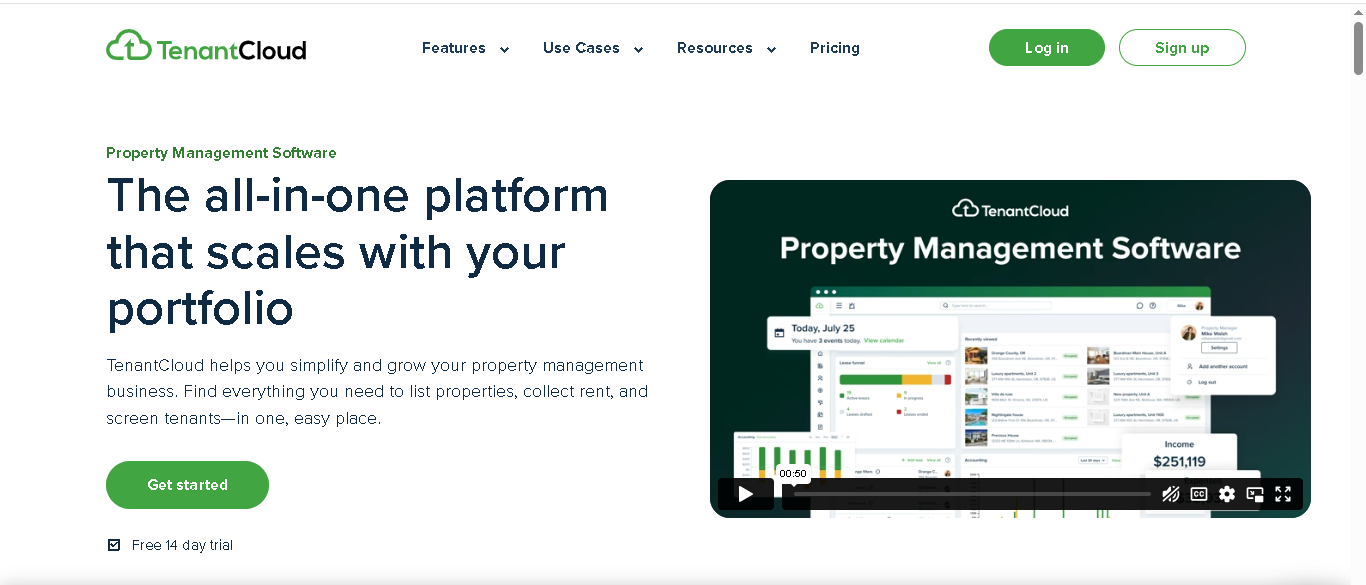
TenantCloud is a simple end-to-end property management system for Landlords, Property Managers, Tenants and Service professionals. You can list your properties, collect rent, screen tenants, and manage basic operations here. And the best part is you can do all this for free, on the base plan.
Why We Picked TenantCloud
TenantCloud is the best entry point for landlords who are just starting out. You can begin with the free plan and still cover most of your basic needs. Pricing stays predictable as you grow, and the best part is that you don’t need any technical skills for the setup. When you need more features, you can move to a paid plan.
Key Features
- Collect rent online using cards, bank transfers, cash, or checks
- Set up auto-pay so you don’t have to deal with late payments often
- List your properties and share them on platforms like Apartments.com and Realtor.com
- Screen tenants with background and credit checks
- Let tenants raise maintenance requests and track them easily
- Manage basic accounting like expenses and reports
- You can stay connected with tenants and owners through built-in portals
- You can manage your team with roles and permissions.
- 10+ Integrations with tools like Google Calendar, Stripe, RentRage and more
Pros
- Free plan up to 75 units
- Flat-rate paid plans (not per unit)
- Flexible payment options for tenants
- Mobile apps for both landlords and tenants
- Easy to set up and no steep learning curve
Cons
- Lacks advanced features as your portfolio grows
- Reporting and analytics are basic compared to competitors
- Some features are more focused on tenant convenience than landlord control
- Key features like tenant screening are paid add-ons, not included in the free plan
Detailed Pricing
- Starter Plan: $18/month
- Growth Plan: $35/month
- Pro Plan: $60/month

DoorLoop
Growing landlords moving from 5 to 100 units who want a modern, easy tool
- Free demo available.
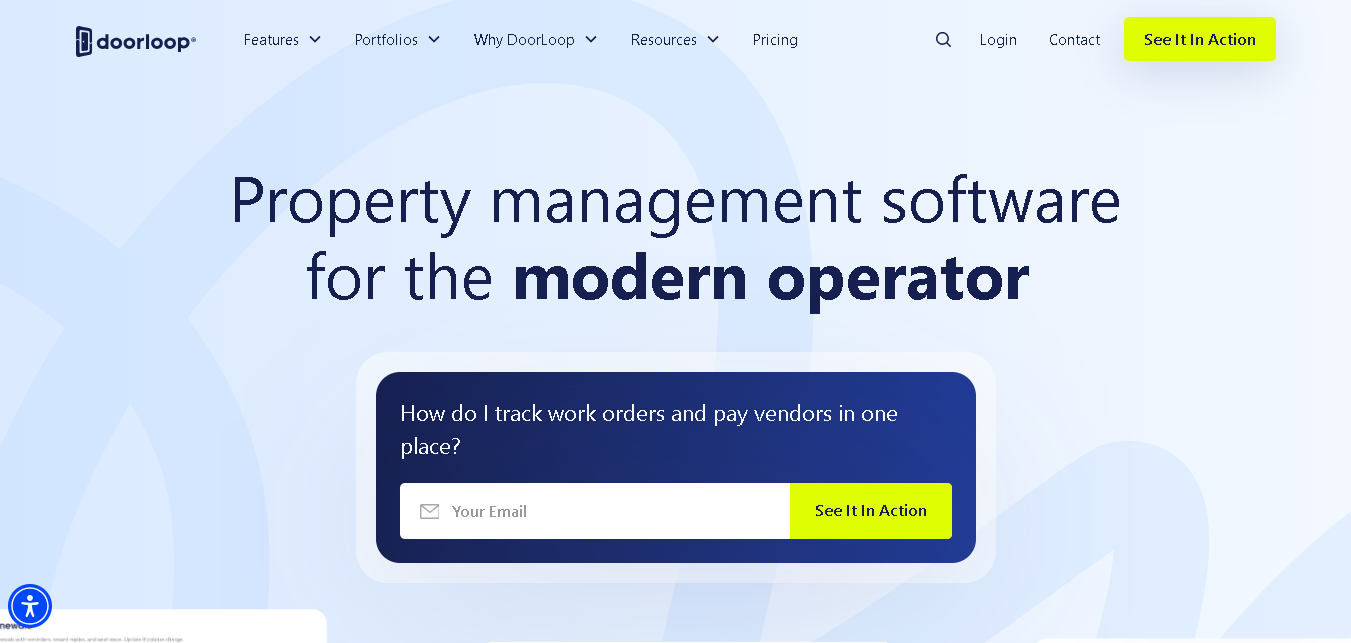
DoorLoop is one of the highest-rated rental property management platforms, with 1,000+ five-star reviews. It handles rent collection, tenant screening, accounting, and maintenance in one place, while automating many repetitive tasks in the background.
The interface is clean and modern, and the mobile app works smoothly so you can manage properties on the go.
Why We Picked DoorLoop
DoorLoop has the most polished day-to-day experience of any tool on this list. The interface is genuinely easy to use, the mobile app is responsive, and automation features like invoice reminders and late fee enforcement work quietly in the background.
Key Features
- Collect rent online through cards, bank transfers, cash, or checks.
- Send invoices, reminders, and late fees automatically without manual follow-ups
- Screen tenants with credit, background, and eviction checks
- Create and manage leases, and get them signed online
- Handle maintenance and track work orders in one place
- Manage your accounting and check real-time financial reports.
- Connect it with QuickBooks for easier bookkeeping
- List your properties across platforms like Zillow, Trulia, and Hotpads
- Use an AI assistant to speed up daily tasks and get quick insights
- You and your tenants can manage everything easily through mobile apps
Pros
- Very clean and modern interface (easy for you to use daily)
- Strong automation features that save time
- Great mobile experience (manage things on the go)
- Reasonable pricing for the features offered
Cons
- Accounting features can’t deal with complex financials
- Shorter track record than other property management systems
- Costs can add up for smaller portfolios on higher tiers
Detailed Pricing
- Starter Plan: $69/month (billed annually, up to 10 Units)
- Pro Plan: $149/month (billed annually)
- Premium Plan: $209 (billed annually)

Entrata
Multifamily operators and student housing portfolios of 100+ units
- Demo required
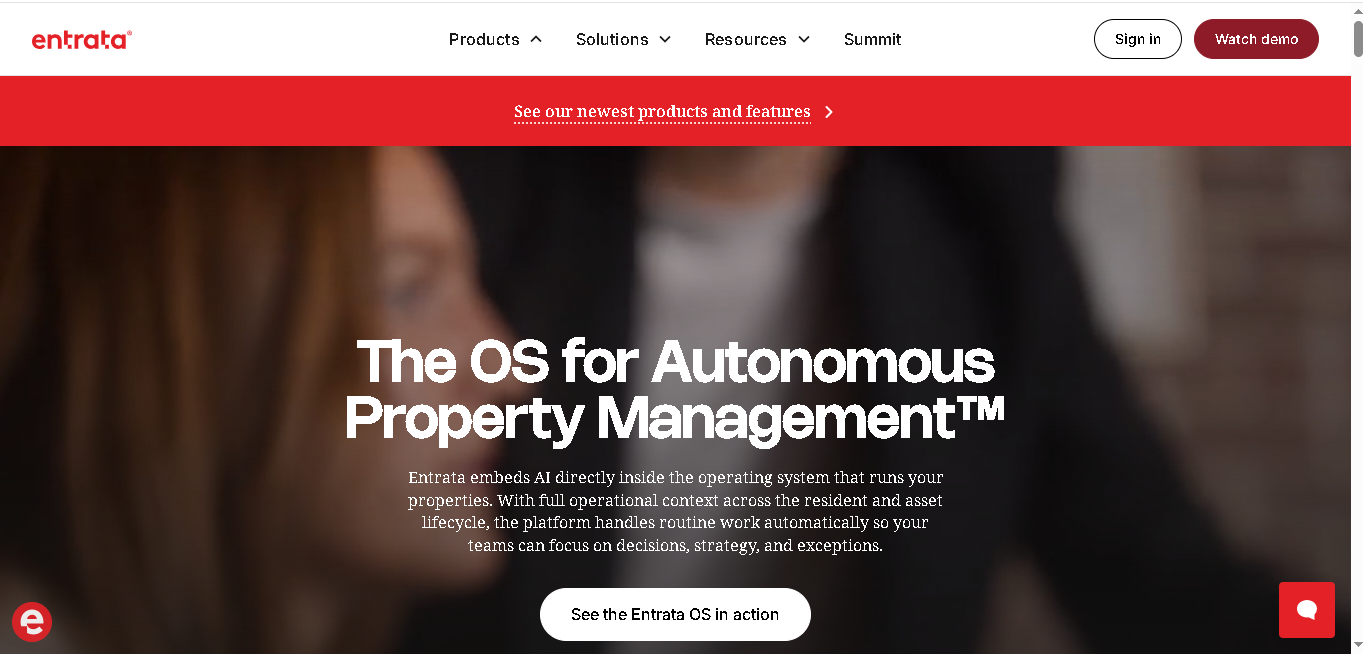
Entrata is basically a one-stop solution for property management. It puts everything like rent collection, tenant details, lease signing, accounting, websites, and even mobile apps into one single platform. This way you don’t have to switch between different tools or logins.
It’s used by over 20,000 apartment communities, so it works well at scale. You can also connect other software with it, which gives you more flexibility.
Why We Picked Entrata
No other tool on this list matches Entrata’s depth for multifamily and student housing. The roommate matching, per-bed leasing, and AI-powered resident communication features are purpose-built for this segment.
Key Features
- Track and manage all your leads in one place
- Match roommates and handle per-bed leasing easily.
- Automate routine tasks and save time on daily work
- Manage your marketing and property listings from the same system.
- Collect payments and get leases signed online.
- Manage your accounts and check owner reports anytime.
- Connect it with other tools you already use
Pros
- Purpose-built for multifamily and student housing
- AI handles routine resident questions 24/7
Cons
- Not ideal for single-family or mixed portfolios
- Complex onboarding process
- Pricing is not transparent
Pricing
Custom quote only. Contact Entrata directly for enterprise pricing.

Yardi Breeze
Landlords managing mixed portfolios (residential + commercial) who want a modern cloud-based solution
- Demo required
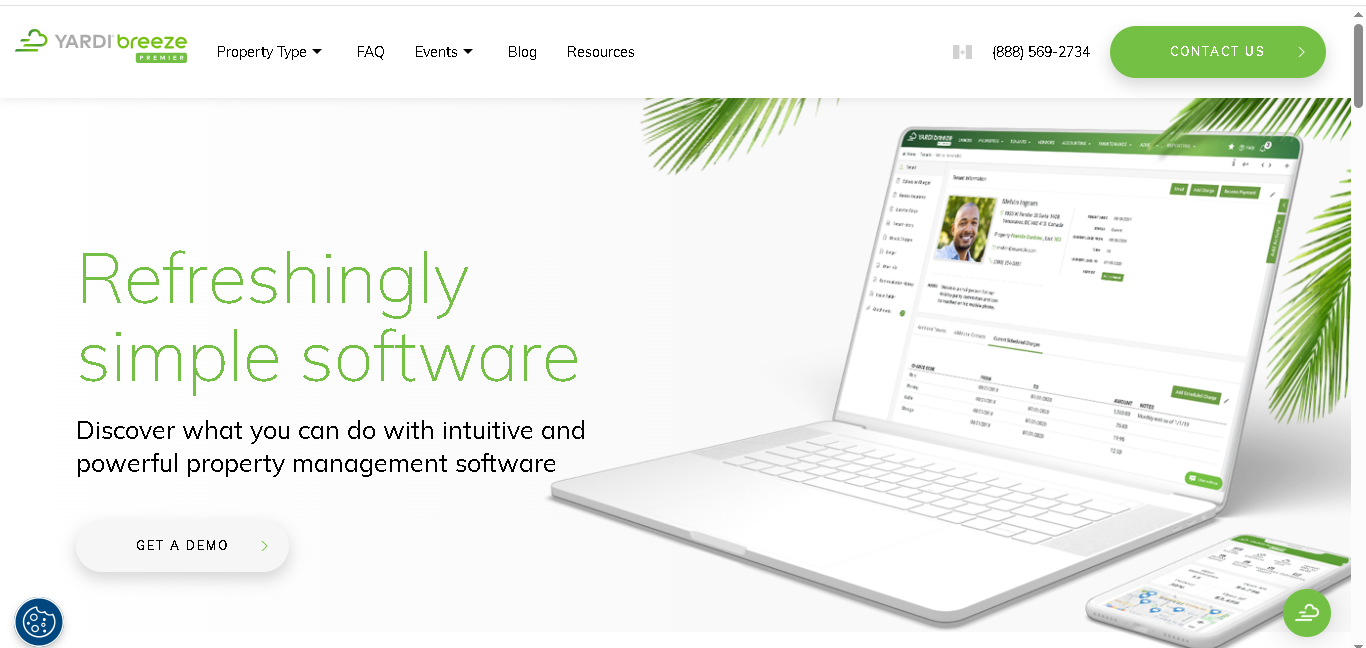
Yardi has been in property management software since the 1980s. Breeze is their modern, cloud-first product, lighter than Yardi Voyager. but built on the same deep industry expertise.
You can manage residential, commercial, HOA, and even self-storage properties in one place. It’s designed to keep things easy for you, especially if you want something simple but still reliable for accounting and reporting.
Why We Picked Yardi Breeze
Very few tools handle residential, commercial, HOA, and self-storage all under one roof with consistent depth in each category. And Yardi Breeze does that. You can handle everything in a single system, making your day-to-day work easier. You also get the benefit of Yardi’s long experience, so you can trust your financial reports to be accurate and consistent.
Key Features
- Track both residential and commercial leases in one place
- Manage CAM charges for commercial properties without extra tools
- Collect payments online and give tenants their own portal
- Check financial reports with reliable data
- Access extra features like AI chatbots and property websites in higher plans
- Manage different property types without switching systems.
Pros
- A trusted name with years of experience
- Solid financial reporting for better visibility
Cons
- Interface is not as modern as some newer tools
- You won’t see pricing upfront, need to request a demo
- Get phone support on higher plans
Detailed Pricing
Custom quote. Typically comparable to AppFolio Core for similar unit counts. Contact Yardi for details.
Yardi Voyager
Enterprise property management firms managing 1,000+ units with complex ownership structures
- Demo and implementation consultation required
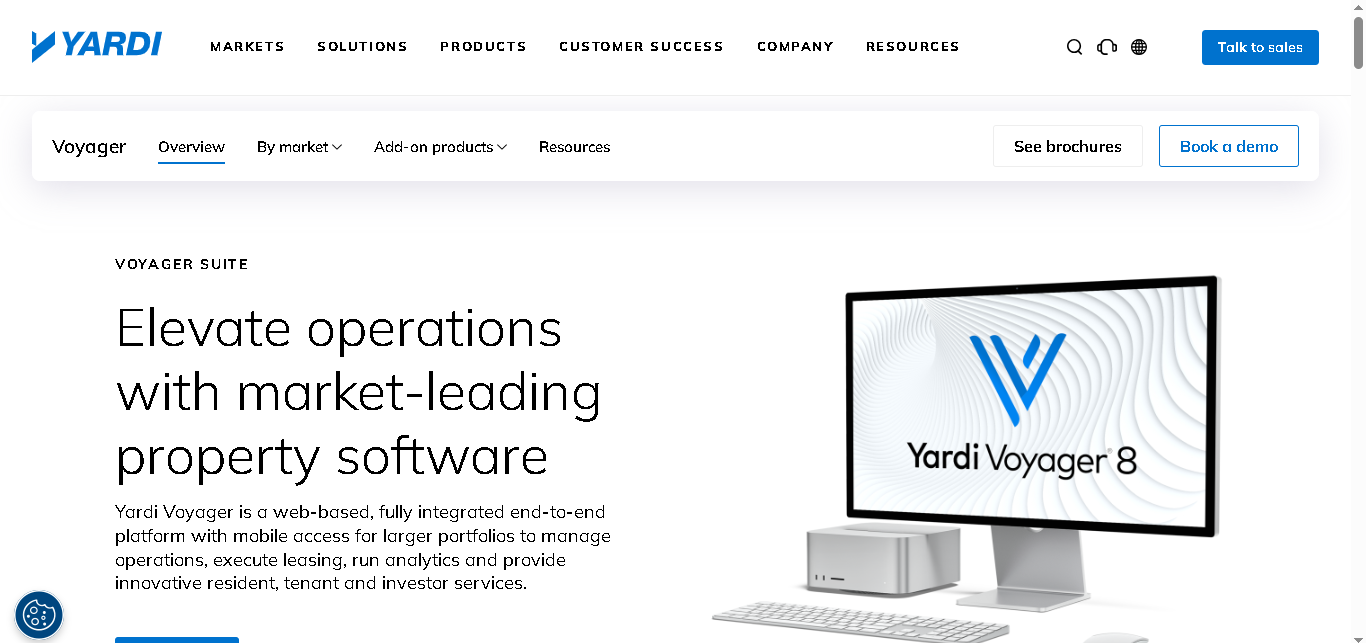
Voyager is Yardi’s enterprise flagship. It’s not for small landlords. It’s for large firms managing thousands of units across multiple markets REITs, institutional owners, commercial portfolios. You can customise it based on how you work, and it’s designed to handle detailed financial operations without breaking down.
Why We Picked Yardi Voyager
With Yardi Voyager you get everything in one place: strong accounting, asset and investment tracking, and even REIT reporting. It also handles large volumes of data smoothly, which saves you a lot of manual effort. Yes, it can be expensive and takes time to set up, but if you’re operating at that level, it’s worth it because very few tools can match what it offers.
Key Features
- Get a complete general ledger with advanced accounting
- Track your assets and investments in one place
- Access to built-in REIT reporting tools
- Process large volumes of transactions in batches
- Easily connect your existing tools with strong third-party integrations.
- Control who sees what with role-based access and detailed permissions.
Pros
- Handles any scale and any property type
- Extremely customizable
- Strong compliance and audit trail features
Cons
- Need time and a high budget to get it set up
- Would require training to get comfortable with it
- You may not find it practical if you’re running a small or mid-sized setup
Detailed Pricing
You’ll need to request a custom quote
Pricing usually starts in the thousands per month for enterprise setups

Propertyware
Property managers specializing in single-family rentals with multiple owner clients
- Per-unit pricing (custom quotes, reportedly comparable to Buildium Essential)
- Demo available
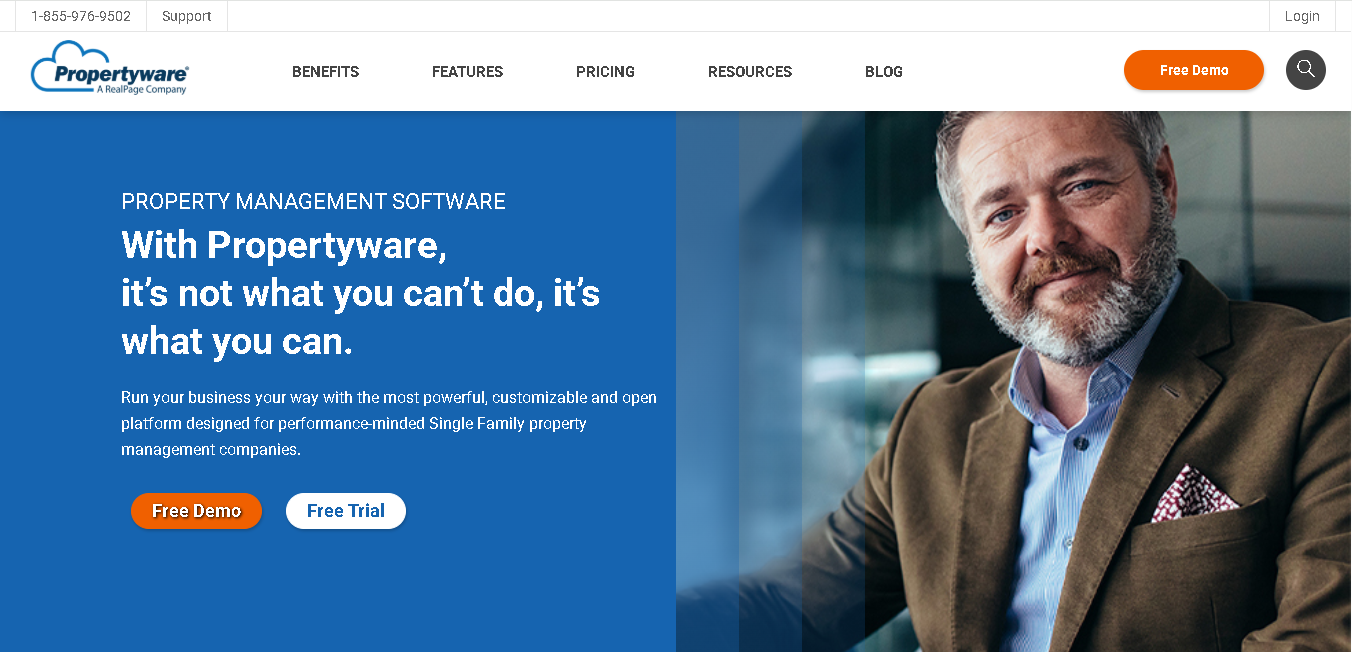
Propertyware is purpose-built for single-family property management. If you’re managing multiple scattered properties throughout different locations on behalf of different owners, then this is for you.
That’s why owner communication and reporting are a big focus here. It’s also highly customizable, so you can set it up the way your business works, not the other way around. Overall, it’s a strong choice if you want a system that’s made for single-family and low-density rental management.
Why We Picked Propertyware
Propertyware is built specifically for scattered homes and individual owners, so you’re not trying to adjust a system made for something else. You can easily manage owners, coordinate with vendors, and customize workflows in a way that actually fits how you work. Everything feels purpose-built, not like an add-on.
Key Features
- Manage single-family properties with workflows
- Give owners a portal where they see detailed financial reports anytime
- Handle maintenance and coordinate with vendors
- Screen tenants directly from the platform.
- Connect with listing sites and background check providers
- Track HOA details and utilities in one place
Pros
- You can keep owners updated with strong communication and reporting tools
- Solid accounting features for your day-to-day needs
Cons
- The interface looks a bit outdated
- You might find it limiting if you manage different types of properties
Pricing
- Pay per unit, based on your setup
- Need to request a custom quote for exact pricing.
Innago
Independent landlords managing 1–20 properties who want a free, no-nonsense tool
- Free for landlords. Tenants pay $2/ACH or 2.99% for card transactions
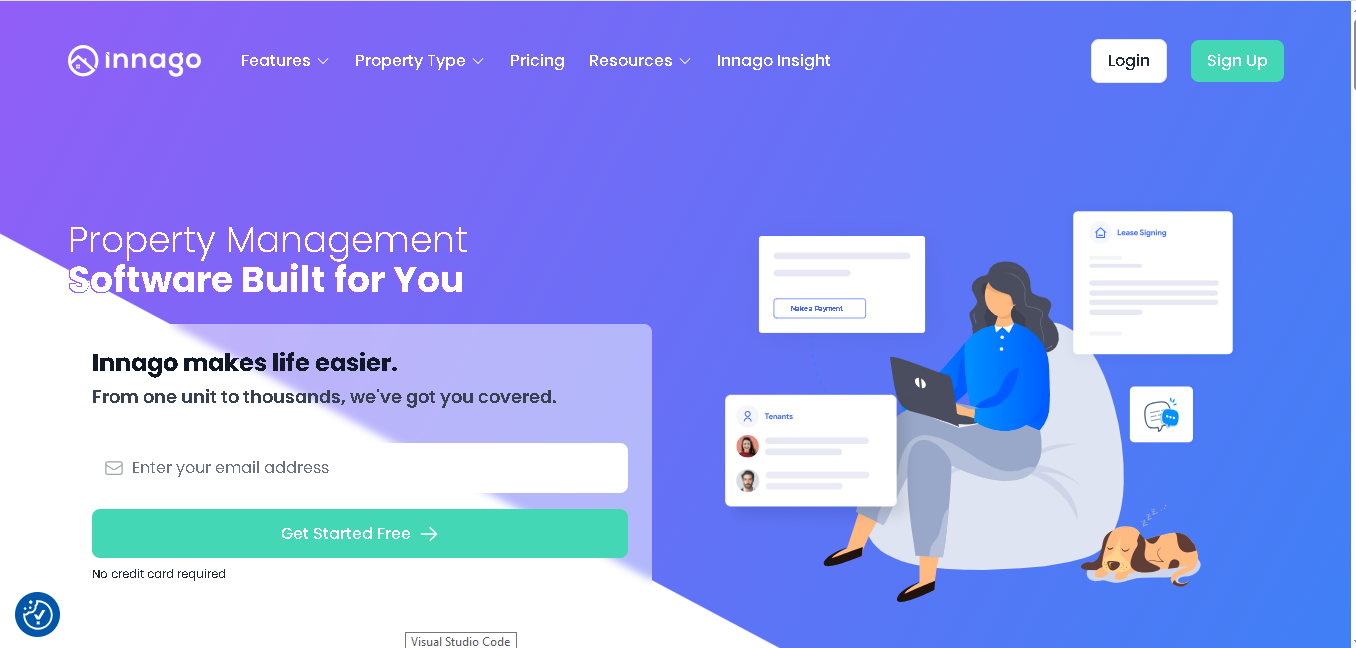
Innago is a free and simple property management tool made for landlords. You don’t have to pay any monthly fee, and there’s no limit on how many properties you can manage.
Instead, it earns money through small transaction fees paid by tenants like $2 for bank payments or 2.99% for card payments. It covers the basic needs like rent collection and tenant management, so if you’re a small landlord and just want things to work easily without extra cost, it’s a very practical option.
Why We Picked Innago
Innago has no monthly fee, no unit minimums, and no contracts. You can just start using it and get your basics sorted. If you’re managing a small portfolio on your own and want to move away from spreadsheets and emails, Innago is an easy upgrade without adding cost.
Key Features
- Collect rent online, with tenants paying the transaction fee
- Manage unlimited properties and units
- Create and manage leases in one place
- Screen tenants through TransUnion
- Track maintenance requests easily
- Manage basic accounting and view simple reports
- Store and access your documents anytime
Pros
- No need to pay anything to use the platform
- Start even if you have just one unit
- You get all the basic features you need for a small setup
Cons
- Limited advanced features
- Interface is a bit basic compared to paid tools
Detailed Pricing
- Free for landlords
- Tenants pay $2/ACH or 2.99% for card transactions
MRI Software
Large commercial and residential operators needing enterprise-grade flexibility
- Custom quote only (enterprise pricing). Demo and sales consultation required
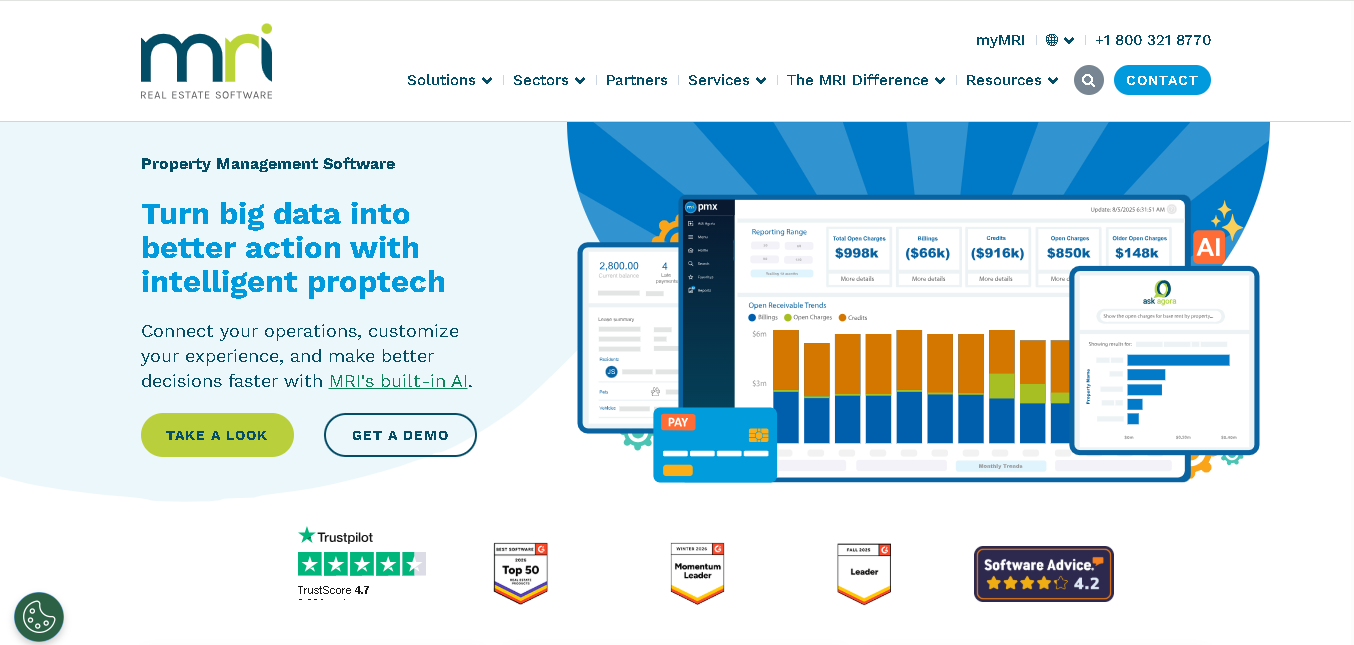
MRI Software is a high-level property management tool, similar to Yardi Voyager, and is mainly used by large companies.
It works really well for commercial properties, helping you manage leases, shared expenses, and investor reports. It can also handle large residential portfolios. The system is flexible, so you can set it up based on your needs, and it connects easily with other software you may already use.
Why We Picked MRI Software
If you’re handling a large portfolio with complex needs, this tool gives you the flexibility to set things up your way. You don’t have to change how you work just to fit the software, it adjusts to you. With its open API and modular setup, you can customise features based on your workflows. This is especially helpful if you’re managing commercial properties with detailed investor and compliance requirements.
Key Features
- Manage both commercial and residential leases
- Get clear financial reports and budgeting tools to track your numbers
- Give investors and owners their own login to check updates anytime
- Connect it with other tools using its open API
- Built-in support for compliance and audits
- Handle maintenance and facility tasks
Pros
- Excellent for commercial-heavy or mixed enterprise portfolios
- Highly flexible adapts to complex ownership structures
- Strong integration ecosystem
Cons
- Not built for small or mid-sized operations
- Significant implementation time and cost
- Requires technical resources to configure properly
Detailed Pricing
Custom quote only. Enterprise-level pricing, contact MRI Software directly for details.
Final Thoughts
The right property management software depends on how many properties you manage and what’s slowing you down today.
If you’re managing a small portfolio, start simple with tools like TenantCloud or Innago. For growing portfolios, Buildium or DoorLoop give you better control and automation.
And if you’re operating at scale, AppFolio or enterprise tools like Yardi Voyager and MRI Software make more sense.
Don’t overthink it. Pick a tool that solves your biggest problem right now and can still support you as your portfolio grows.
Read More About:
10 Best HOA Accounting Software For Professional Managers
9 Best IP Management Software Tools In 2026
11 Best Case Management Softwares In 2026
7 Best Family law Software Tools
